💡 Lux Calculator
Calculate lux levels, lumens needed, or number of fixtures — all in one smart home lighting tool.
✨ Your Lighting Results
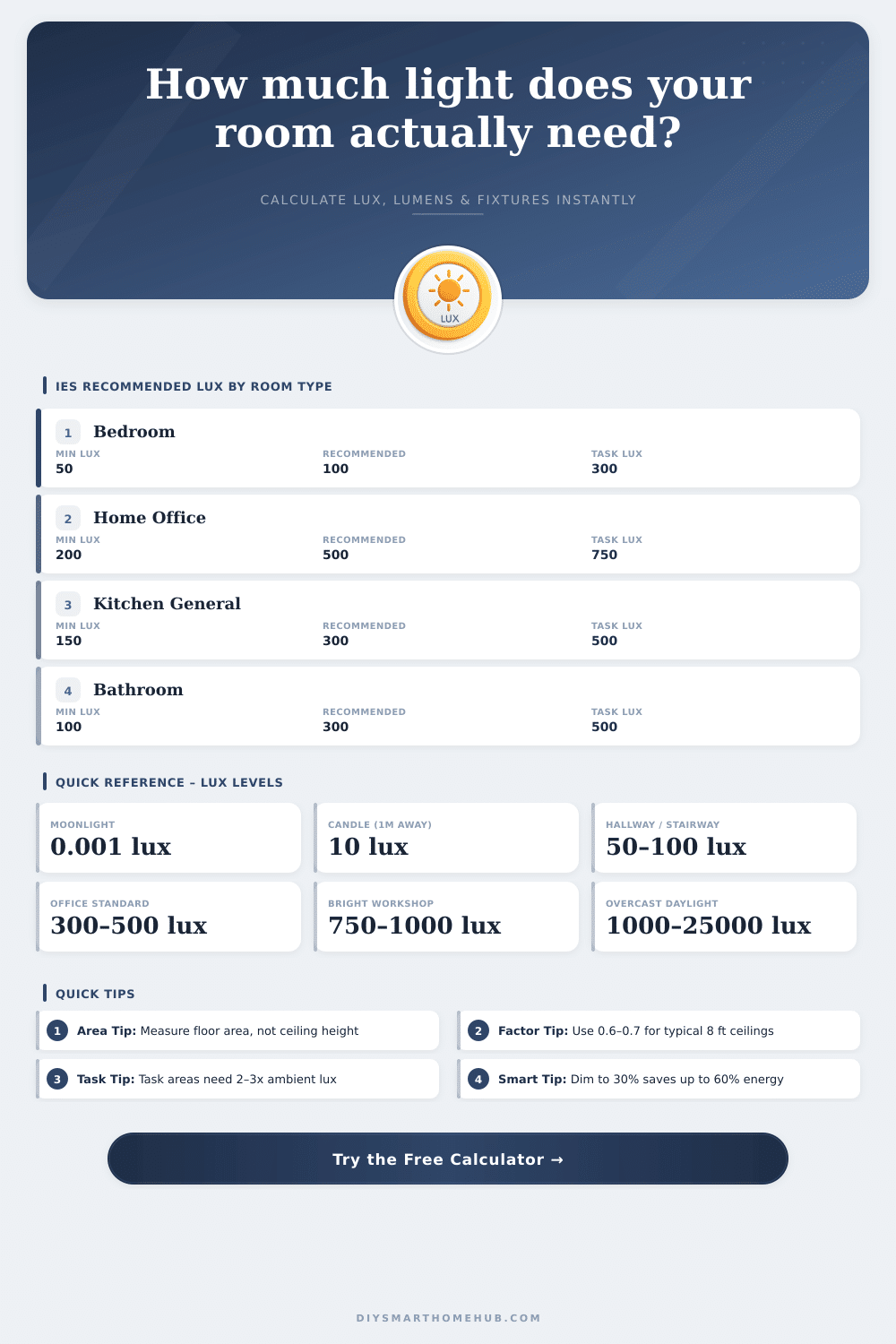
| Room | Min Lux | Recommended Lux | Task Lux | FC Equivalent |
|---|---|---|---|---|
| Bedroom | 50 | 100 | 300 | 5 – 10 fc |
| Home Office | 200 | 500 | 750 | 47 – 70 fc |
| Kitchen (General) | 150 | 300 | 500 | 28 – 47 fc |
| Kitchen (Task) | 300 | 500 | 1000 | 47 – 93 fc |
| Bathroom | 100 | 300 | 500 | 28 – 47 fc |
| Living Room | 100 | 200 | 400 | 10 – 37 fc |
| Hallway | 50 | 100 | 150 | 5 – 14 fc |
| Workshop | 300 | 500 | 1000 | 47 – 93 fc |
| Garage | 100 | 300 | 500 | 28 – 47 fc |
| Outdoor Patio | 30 | 100 | 200 | 3 – 19 fc |
| Room Type | Ceiling Height | Surface Reflectance | CU Factor Range |
|---|---|---|---|
| Open plan / loft | 10–14 ft | Dark / medium | 0.50 – 0.55 |
| Standard room | 9 ft | Medium tones | 0.55 – 0.65 |
| Standard room | 8 ft | Light tones | 0.65 – 0.70 |
| Low ceiling room | 7–8 ft | White / high-ref | 0.70 – 0.80 |
| Kitchen / bathroom | 8 ft | White cabinets / tiles | 0.65 – 0.75 |
| Garage / workshop | 9–12 ft | Grey / concrete | 0.50 – 0.60 |
A lux calculator is helpful for measuring lumens on a surface. It converts luminous flux (measured in lumens) to illuminance, which is measured in lux. Like this you can easily control the light in any room
When you plan lighting, illuminance is very important. It shows how much light reaches a surface from a source, and it measures it in lux. This value depends on the luminous angle and the distance between the source and the object.
How to Use a Lux Calculator
One lux matches one lumen per square meter. The more the light travels, the more it spreads over a bigger area.
Some calculators use lumens, watts and luminous angle to create a table of lux levels based on the power. They also can count the distance and area report based on the angle of the LED light. Because many makers do not say the luminous angle, using a calcuclator is very handy.
You can find the approximate illuminance or light output by the distance between the luminaire and the surface, whether it is a floor, table or wall.
There are calculators that allow you to compare how the power affects the efficiency of a light source. For instance, you can see how many lux you will receive from specific watt products for your space. On the other hand, you can convert lux to watts to know how much power is needed for a well lit area.
That helps to save money by picking the most efficient power for your need.
Some programs count the required lux levels for various rooms. They include offices, stores, kitchens, schools and home spaces. You only choose an option from a list, and the calculator automatically determines the best level in lux or foot-candles.
For workspaces, you commonly hear that the average brightness should be 500 lux, and that even the darkest part be not less than 400 lux (or 80% of the mean).
Also there are tools that estimate how many lights are needed for a specific model. You enter the lux requirement, the area and the lumens of the lamp. Recall that 1 lux matches 1 lumen per square meter, or 0.0929 per square foot.
To count lux at a distance, you use a formula: the intensity at one unit of measure divided by the square of the distance. A calculator helps to quickly see how changes of distance affect the lux value. Software like Dialux also do photometric calculations and are freely availabletodownload.