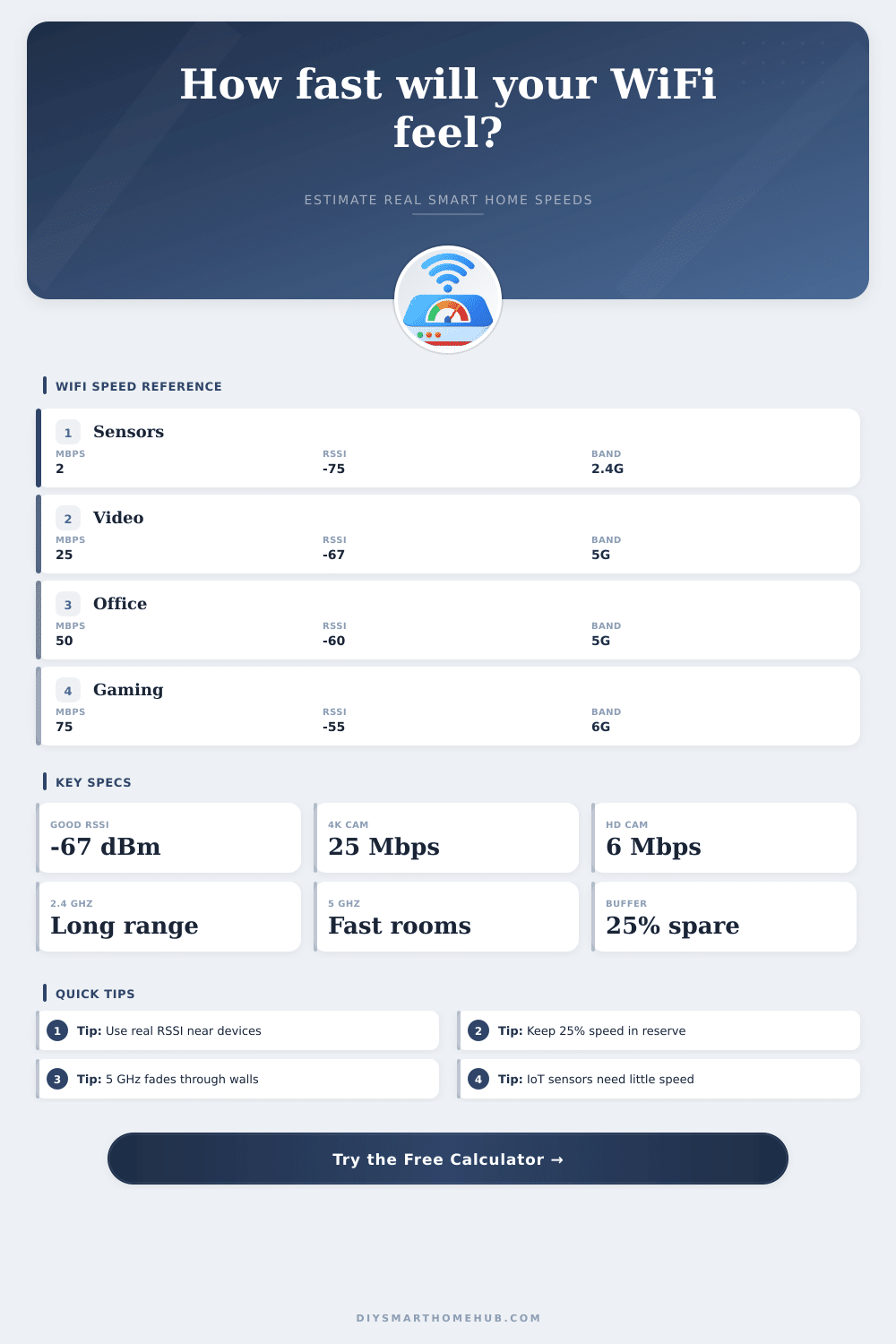
WiFi Speed Calculator
Estimate real-world smart home WiFi speed after router limits, band choice, channel width, signal strength, walls, congestion, and active devices.
🏠Smart Home Presets
📶Network Inputs
Enter the download speed in Mbps from your service plan or speed test near the modem.
Count devices that may talk at the same time, not every stored device.
Enter the served area in square feet for load density and router pressure.
Calculated WiFi Performance
0
Mbps after WiFi losses0
Mbps with reserve applied0
25 Mbps streams at 70% load0
Mbps per 100 sqft / 9.3 m²⚙Selected Network Spec Grid
📊WiFi Generation Reference
| Generation | Common Name | Typical Client PHY | Best Smart Home Use |
|---|---|---|---|
| 802.11n | WiFi 4 | 72 to 300 Mbps | Low-rate IoT, older thermostats, basic sensors |
| 802.11ac | WiFi 5 | 433 to 866 Mbps | 5 GHz cameras, TVs, tablets, general rooms |
| 802.11ax | WiFi 6 | 574 to 1201 Mbps | Dense homes, cameras, phones, smart displays |
| 802.11ax 6 GHz | WiFi 6E | 1201 to 2402 Mbps | Fast same-room clients and clean backhaul checks |
| 802.11be | WiFi 7 | 2402 to 5765 Mbps | Multi-gig LAN, low-latency rooms, heavy media |
Client capability matters: a WiFi 6 router cannot make a WiFi 4 camera negotiate at WiFi 6 rates.
📡Signal Quality Table
| RSSI at Device | Quality | Speed Factor | Typical Result |
|---|---|---|---|
| -45 to -50 dBm | Excellent | 100% | High modulation, best for cameras and work calls |
| -55 to -60 dBm | Strong | 82% to 92% | Fast everyday WiFi with stable smart displays |
| -62 to -67 dBm | Good | 65% to 74% | Reliable automation and video with lower margin |
| -72 dBm | Weak | 42% | Usable for simple IoT, risky for HD video |
| -80 dBm | Edge | 25% | Low-rate sensors only, retries likely |
🎥Smart Device Bandwidth Table
| Device Or Activity | Typical Mbps Each | Recommended RSSI | Planning Note |
|---|---|---|---|
| Door sensor, plug, switch | 0.1 to 1 Mbps | -75 dBm or better | Latency matters more than speed |
| Voice assistant or hub | 1 to 3 Mbps | -70 dBm or better | Keep enough margin for cloud responses |
| 1080p smart camera | 4 to 8 Mbps | -67 dBm or better | Use upload speed for cloud recording checks |
| 4K smart camera | 18 to 25 Mbps | -62 dBm or better | Reserve extra capacity for night motion bursts |
| 4K TV stream | 25 Mbps | -60 dBm or better | Benefits from 5 GHz or 6 GHz close range |
| Work video call | 6 to 12 Mbps | -60 dBm or better | Reserve bandwidth helps avoid call drops |
| Cloud gaming | 35 to 75 Mbps | -55 dBm or better | Latency and packet loss matter heavily |
🗺Common Project Sizes
| Project | Area | Active Devices | Suggested Planning Target |
|---|---|---|---|
| Single smart bedroom | 168 sqft / 15.6 m² | 6 to 10 | 50+ Mbps real device speed |
| Open living plan | 600 sqft / 55.7 m² | 15 to 25 | 150+ Mbps shared WiFi after reserve |
| Security camera group | 1200 sqft / 111.5 m² | 10 to 18 | 6 HD cams or 3 4K cams with margin |
| Apartment network | 800 sqft / 74.3 m² | 18 to 30 | Strong 5 GHz plus careful channel choice |
| Whole house mesh | 2000 sqft / 185.8 m² | 35 to 60 | Use wired or strong wireless backhaul |
💡Calculation Notes
Many individuals notice that the WiFi speeds in there smart homes decreases. However, many individuals dont understand the reason for the decreasing speeds. For example, the doorbell camera may stutter when streaming video, the television may take more longer to download content, and the office computer may drop frames during a video call.
The advertised speeds from an internet provider are often different than the speed that the devices in the smart home recieve. Several factor contribute to this difference in speeds. One of the first variables that impact the speed of the internet connection is the signal strength at the device.
Why WiFi Is Slow in Smart Homes
The router may emit a signal strong enough to travel through an open room in the house. However, when that signal has to travel through a wall or an hallway, the signal strength at the device will be lower. A lower signal strength will force the connection to use slow modulation rates.
These slower modulation rates will impact the speed of the internet connection. The second variable that impacts the speed of the internet connection is the number of device connected to the network. The house may have thirty connected device.
These thirty devices all have to share the bandwidth provided to the home. If one device is consuming data, it take away from the available capacity for the other devices in the home. Using the traffic mix setting in the tool will help to ensure that you understand how many device can share the link.
Another of the variables that impact the speed of the internet connection is the number of obstructions in the home to the signal. For example, cabinets, brick fireplaces, and transitions from one floor to another in the house may all reduce the strength of the WiFi signal. A small loss of signal to these obstructions may not affect a smart phone’s data connection.
However, a loss of signal to these obstructions may affect the smart sensor in the garage connection speed to the network. Another of the variables to consider with the connection speed of the smart home is the bandwidth that should be reserved for the network. Twenty or twenty-five percent of the link should be left unused.
Data that are uploaded to the cloud and devices using the network without warning require this reserve of bandwidth to not impact the available data for other smart device. The coverage area of the home may also impact the speed of the internet connection. A compact apartment may experience higher internet speeds then a large house.
This is due to the number of walls that the WiFi signal has to travel through. Large houses may require additional access points to ensure that the signal does not have to travel through too much distance from the router. The reference tables on the page include the requirement for many of the smart devices.
For example, a 4K doorbell camera requires more data and signal strength than an HD camera. Video conferencing require a certain amount of bandwidth and low latency. Therefore, a smart speaker in the office may need to be closer to the router than a sensor in the garage.
The generation of the smart devices also impact the speed of the network connection. For example, a smart thermostat may only support WiFi 4. If a smart home also has a WiFi 6 router, the router will connect to the thermostat.
However, the connection speed will be limited to the speed of the WiFi 4 device. In the end, the advertised speed of the internet plan will not be provided to the smart home due to walls, distance, and the number of devices using the network. However, by measuring the signal strength of the devices, the number of devices using the network, and reserving some of that bandwidth, the internet connection will support all smart device in the home.