Relative Humidity Calculator
Calculate relative humidity from dry-bulb temperature and dew point, then translate the same air state into saturation vapor pressure, actual vapor pressure, humidity ratio, VPD, and sensor-adjusted alert margins.
🎯Smart Home Humidity Presets
⚙Relative Humidity Inputs
📊Live Moisture Snapshot
📟Sensor/Spec Comparison Grid
📘Relative Humidity Reference Tables
| Air temperature | Saturation vapor pressure | At 50% RH | At 70% RH | Smart home use |
|---|---|---|---|---|
| 32 F / 0 C | 6.11 hPa | 3.05 hPa | 4.28 hPa | Cold window and garage checks |
| 50 F / 10 C | 12.27 hPa | 6.14 hPa | 8.59 hPa | Cellar and slab-adjacent sensors |
| 68 F / 20 C | 23.37 hPa | 11.68 hPa | 16.36 hPa | Normal indoor reference |
| 77 F / 25 C | 31.67 hPa | 15.84 hPa | 22.17 hPa | Bathrooms and warm rooms |
| 86 F / 30 C | 42.43 hPa | 21.21 hPa | 29.70 hPa | Grow tents and attic air |
| 95 F / 35 C | 56.22 hPa | 28.11 hPa | 39.35 hPa | Hot attic or equipment bay air |
| Dew point at 70 F air | Approx. RH | Spread | Moisture reading | Automation cue |
|---|---|---|---|---|
| 35 F / 1.7 C | 28% | 35 F | Dry winter air | Humidifier watch |
| 40 F / 4.4 C | 34% | 30 F | Low comfort band | Normal winter room |
| 45 F / 7.2 C | 41% | 25 F | Comfortable | Good baseline |
| 50 F / 10.0 C | 49% | 20 F | Moderate | Stable living space |
| 55 F / 12.8 C | 57% | 15 F | Upper comfort edge | Start trend watch |
| 60 F / 15.6 C | 68% | 10 F | Humid | Dehumidifier cue |
| 65 F / 18.3 C | 84% | 5 F | Very humid | Condensation watch |
| Indoor profile | Useful RH band | Typical dew point cue | Why it matters | Sensor note |
|---|---|---|---|---|
| Living space | 30% to 60% | About 36 F to 55 F at 70 F | Comfort and material stability | Use open room placement |
| Basement | 45% to 60% | Keep below cold slab surfaces | High RH can persist near floors | Probe low and mid-wall |
| Bathroom spike | Brief high RH | Dew point rises fast after showers | Mirrors, glass, and trim wet first | Fast response helps |
| Server closet | 35% to 55% | Usually well below equipment temp | Too high raises corrosion risk | Avoid hot exhaust plume |
| Crawlspace | Below 60% | Compare with wood and duct temps | Sustained moisture is the concern | Use wider sensor margin |
| Plant or grow room | 50% to 70% | Depends on leaf and duct surfaces | Growth targets can conflict with duct sweat | Log day and night swings |
| Pressure condition | Pressure | RH result | Humidity ratio effect | Best use |
|---|---|---|---|---|
| Sea-level standard | 1013 hPa / 29.92 inHg | Baseline | Baseline g/kg | Normal room calculations |
| Storm low | 980 hPa / 28.94 inHg | Same from temp and dew point | Slightly higher g/kg | Weather-linked logs |
| High pressure | 1035 hPa / 30.56 inHg | Same from temp and dew point | Slightly lower g/kg | Comparing daily trends |
| High elevation home | 850 hPa / 25.10 inHg | Same from temp and dew point | Noticeably higher g/kg | Mountain and desert homes |
| Duct or plenum | 1020 hPa / 30.12 inHg | Nearly unchanged | Small local shift | HVAC probe comparisons |
💡Humidity Calculation Tips
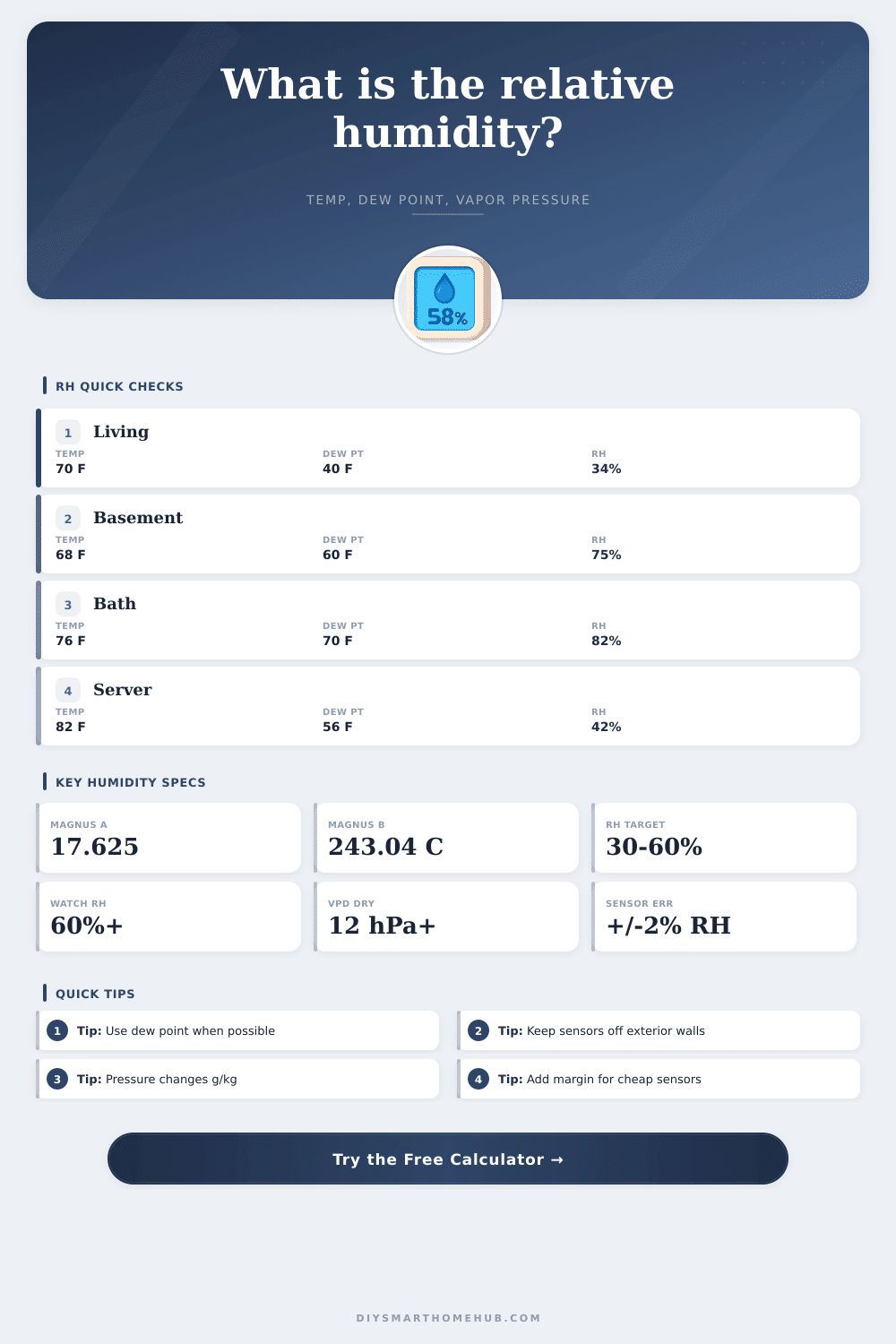
Relative humidity is a measurement of how close the air is to holding all of the moisture that the air can hold at a given temperature. People often consider relative humidity to be a measurement of how much water is in the air. However, it is a ratio of the amount of moisture in the air to the air’s capacity to hold that moisture.
The temperature of the air impacts the capacity of the air to hold moisture. Therefore, relative humidity will change with changes in the temperature of the air even if the amount of water in the air doesnt change. For example, if the temperature of the air in a room drops, but the amount of water in the air doesnt change, the relative humidity will increase.
What Relative Humidity and Dew Point Mean
Therefore, relative humidity is a property of the air at a given temperature rather than a property of the air itself. Dew point is a measurement of the actual moisture content in the air. The dew point is the temperature to which the air would of have to cool to becoming saturated with moisture.
Because this value indicates the actual moisture content in the air, the dew point value is more reliable than the relative humidity. You should use the dew point to measure the amount of water in the air and use the relative humidity to determine how close the air is to becoming saturated with moisture. The dew point is also more stable than relative humidity because it dont change as rapid as relative humidity in response to temperature fluctuations in the air.
Sensors used to measure humidity has different levels of accuracy. For instance, placing a humidity sensor in a corner of a room will produce a different reading different than placing the same sensor in an area of the same space but open air at breathing height. The temperature near a cold surface will likely be lower than the temperature in the middle of a room.
Therefore, a humidity sensor placed in the middle of a room will register a lower relative humidity than a sensor placed near a cold surface. As a result, moisture may condense on one or more surfaces in the area (pipes, boxes, etc). Thus, you must account for sensor placement and sensor accuracy. The calculator also provides an adjusted alert line for these factors.
The sensor profile and the room profile will impact the alert line that you should watch for each given space. The raw number for the relative humidity will be the same regardless of the sensor or the room. However, the alert line will adjust to account for the uncertainty of the sensor and sensor placement.
Relative humidity is also impacted by pressure. While relative humidity does not change with changes in pressure, the humidity ratio (the measurement of the mass of water vapor in the air) does change with changes in pressure. At higher elevations, where the pressure is lower than at sea level, the same dew point will contain a different amount of moisture by mass than exists at sea level.
Thus, the calculator allows for differences in barometric pressure to account for the differences in humidity between locations. Finally, different types of rooms will have different target levels for the relative humidity within those locations. For instance, the target relative humidity for a living area of a home may be different than the relative humidity that is targeted within a server closet that contains sensitive electronic equipment.
While the relative humidity within a server room may be low, if the dew point is high enough, moisture can condense on those electronic devices and create corrosion of those devices. Thus, a target relative humidity may be set for each of these locations to account for the type of environment within the room. Lastly, both the dew point and the relative humidity within a room should be watched.
The dew point will indicate whether moisture is entering or leaving the room. Additionally, the relative humidity will indicate whether the surfaces within the room may be at risk of condensation. If both of these measurements change in the same direction, then you can understand the cause of that change.
If the two measurements change in different directions, it is likely that the temperature in the area is changing or that the sensor reading isnt accurate. Thus, understanding these two measurements will allow individuals to make better decisions regarding the ventilation of rooms or the need to dehumidify those spaces.