Refresh Rate Calculator
Estimate frame time, active pixel throughput, display bandwidth, DSC compression need, and whether a selected HDMI, DisplayPort, or USB-C video link has enough payload capacity.
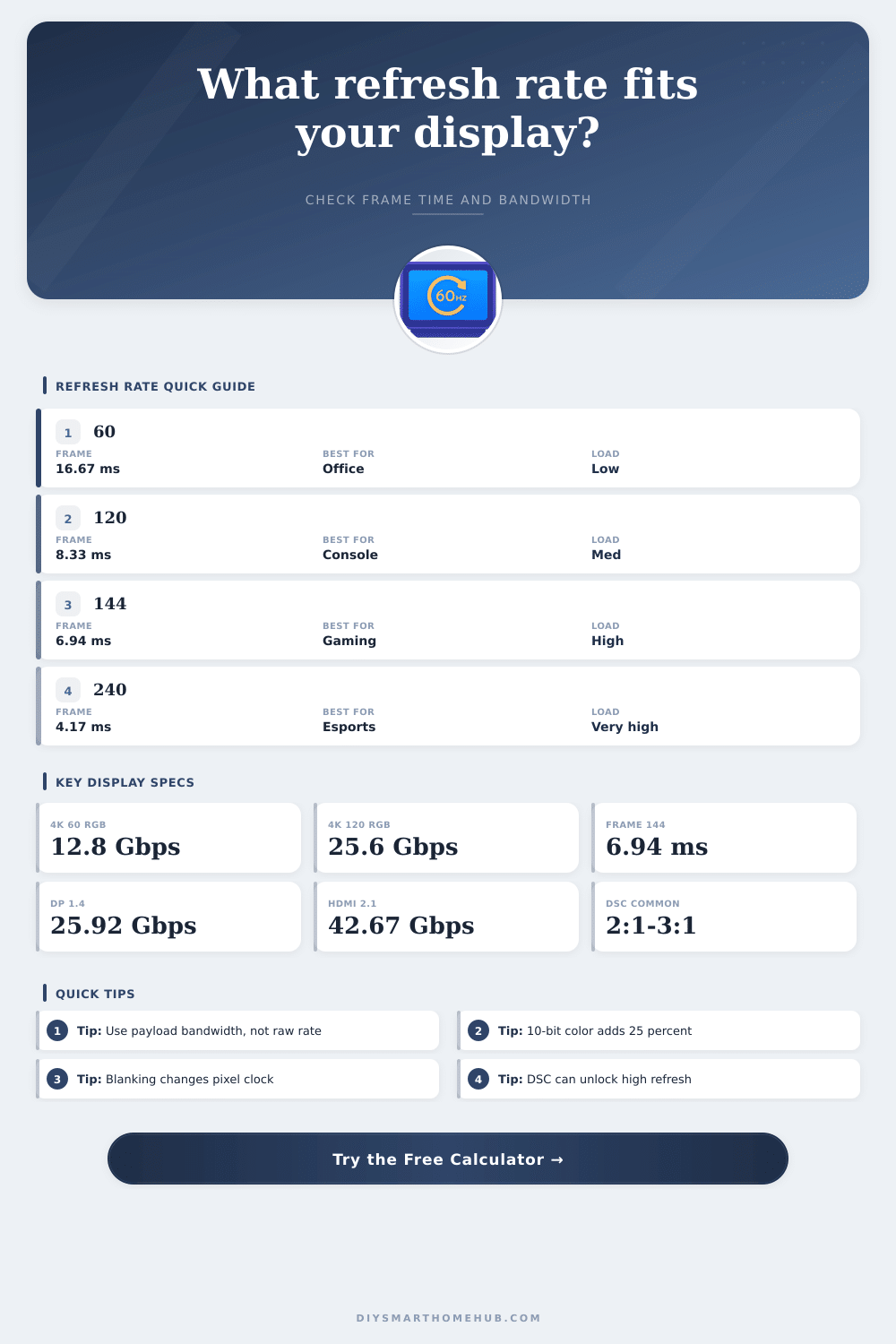
| Refresh rate | Frame time | Frames vs 60 Hz | Typical use |
|---|---|---|---|
| 60 Hz | 16.67 ms | 1.00x | Office, streaming, basic TV |
| 75 Hz | 13.33 ms | 1.25x | Smoother desktop and light gaming |
| 120 Hz | 8.33 ms | 2.00x | Console gaming and OLED TVs |
| 144 Hz | 6.94 ms | 2.40x | Common PC gaming monitor target |
| 165 Hz | 6.06 ms | 2.75x | Fast QHD gaming displays |
| 240 Hz | 4.17 ms | 4.00x | Competitive esports displays |
| 360 Hz | 2.78 ms | 6.00x | High-end esports monitors |
| 500 Hz | 2.00 ms | 8.33x | Specialized low-latency panels |
| Mode | 8-bit RGB | 10-bit RGB | Notes |
|---|---|---|---|
| 1920 x 1080 at 60 Hz | 3.07 Gbps | 3.84 Gbps | Reduced blanking, 3 percent |
| 2560 x 1440 at 144 Hz | 13.12 Gbps | 16.40 Gbps | Common QHD gaming target |
| 3440 x 1440 at 175 Hz | 21.47 Gbps | 26.83 Gbps | Often needs DP 1.4 or DSC |
| 3840 x 2160 at 60 Hz | 12.82 Gbps | 16.03 Gbps | HDMI 2.0 may need chroma changes for HDR |
| 3840 x 2160 at 120 Hz | 25.64 Gbps | 32.06 Gbps | HDMI 2.1 or DP with DSC territory |
| 3840 x 2160 at 240 Hz | 51.28 Gbps | 64.10 Gbps | Usually requires DSC or DP 2.1 |
| Interface | Raw lane rate | Approx payload | Practical display target |
|---|---|---|---|
| HDMI 1.4 | 10.2 Gbps TMDS | 8.16 Gbps | 1080p high refresh or 4K 30 |
| HDMI 2.0 | 18.0 Gbps TMDS | 14.40 Gbps | 4K 60 8-bit RGB |
| HDMI 2.1 FRL 48G | 48.0 Gbps FRL | 42.67 Gbps | 4K 120 HDR, 8K with DSC |
| DisplayPort 1.2 HBR2 | 21.6 Gbps | 17.28 Gbps | 1440p 144 or 4K 60 |
| DisplayPort 1.4 HBR3 | 32.4 Gbps | 25.92 Gbps | 4K 120 8-bit or DSC modes |
| DisplayPort 2.1 UHBR10 | 40.0 Gbps | 38.79 Gbps | High refresh 4K without heavy DSC |
| DisplayPort 2.1 UHBR13.5 | 54.0 Gbps | 52.22 Gbps | 4K 240 8-bit range |
| DisplayPort 2.1 UHBR20 | 80.0 Gbps | 77.37 Gbps | 8K and extreme 4K modes |
| Signal format | Bits per pixel | Bandwidth vs 8-bit RGB | Best fit |
|---|---|---|---|
| RGB / YCbCr 4:4:4 8-bit | 24 bpp | 1.00x | Desktop text, SDR gaming |
| RGB / YCbCr 4:4:4 10-bit | 30 bpp | 1.25x | HDR monitors and TVs |
| RGB / YCbCr 4:4:4 12-bit | 36 bpp | 1.50x | Specialized video workflows |
| YCbCr 4:2:2 10-bit | 20 bpp | 0.83x | HDR TV signal compromise |
| YCbCr 4:2:2 12-bit | 24 bpp | 1.00x | Video devices with chroma subsampling |
| YCbCr 4:2:0 10-bit | 15 bpp | 0.63x | 8K TV modes and video playback |
Refresh rate refer to the number of times the screen can refresh the image every second. For example, a 144 Hz monitor will update the image 144 times every second. The actual refresh rate of a monitor may be affected by different factor, such as the type of cable used for connection to the monitor, color depth, and blanking interval.
For example, the manufacturer may advertise a refresh rate of 144 Hz for the monitor, but if the bandwidth of the connection cable is insufficient for transmitting that many refresh rate of data per second, then the refresh rate will not be able to reach that advertised number. Therefore, every component in the chain of connection between the device and the monitor must be considered in order to determine whether the refresh rate will function proper. When viewing image that contain movement, the refresh rate will have a noticeable visual impact on the smoothness of those movements on the screen.
How refresh rate, resolution and cables affect the screen
At refresh rates of 60 Hz, each individual image will be displayed on the screen for approximately seventeen millisecond. For refresh rates of 120 Hz, that time is halved to approximately eight millisecond per image. At refresh rates of 240 Hz, each image is displayed for approximately four millisecond.
As the refresh rate increase, the amount of time for each image to remain on the screen is reduced. Because reduced time for each image to remain on the screen will reduce the chance of images appearing blurry on fast-moving objects, many competitive player prefer monitors with higher refresh rates. However, higher refresh rates require more data to be transmit from the device to the monitor.
Thus, there may be connection issue caused by the increased amount of data. To calculate the data bandwidth requirement for a monitor, the resolution and refresh rate of the monitor are considered. Additionally, the color format and timing overhead of the signal will factor into the calculation of the required data bandwidth.
For instance, 8-bit RGB data at 1440p and 144 Hz refresh rates utilizes a significant amount of data bandwidth. Furthermore, if that signal is transmitted via older version of DisplayPort, it may reach the limit of the bandwidth that that version of DisplayPort can carry. Should HDR signals be used, which require 10-bit colors, the bandwidth requirement will increase 25%.
A bandwidth calculator allows for the data resolution, refresh rate, color depth, and connection type to be entered to calculate the data payload that is required to deliver the signal to the monitor. The calculator then compares that calculated payload to the payload limits of HDMI and DisplayPort to indicate whether the connection will be able to carry the signal. Blanking is used during each frame to allow for the monitor to prepare for the next line of pixels that will be transmitted.
Each standard for displaying video signals use different amounts of blanking intervals within each frame. Different amounts of blanking can impact the amount of total data bandwidth that is used to display video signals. For example, models that utilize less blanking will use less bandwidth than models that include blanking intervals that are characteristic of televisions.
The percentage of blanking for video signals can be adjusted in the tool to view how the percentage of blanking can impact the total amount of data bandwidth. Another factor that can impact the amount of bandwidth used by video signals is the color format that is used in displaying video. Formats like 4:4:4 include full chroma data for each pixel, which is helpful for text and other sharp images, but 4:4:4 use a lot of bandwidth.
Using subsampled formats like 4:2:2 or 4:2:0 can reduce the amount of bandwidth needed to transmit video signals. Therefore, using a subsampled color format can allow for video signals to work through a connection that does not have the bandwidth to carry the full signal. However, using a subsampled format may result in a reduction of the quality of the video signal.
Display Stream Compression (DSC) is a method of reducing the amount of data in a signal that is transmitted between a device and a monitor. The process is visually lossless at most compression ratio. However, the device and the monitor must support DSC to actualy compress the signal.
If the signal is too large for the available bandwidth, DSC can be enabled to reduce the data size of the signal. The bandwidth calculator allows for the compression ratio to be entered into the tool. After that compression ratio is entered, the calculator will provide a new calculation of the payload of the signal, showing whether enabling DSC will allow the signal to match the available bandwidth.
Many monitors are connected to computers through additional devices, such as video docks, KVM switches, capture cards, and through cables of various lengths. Each of these device has limits to the amount of data bandwidth that they can carry. Any link in the chain of the connection between the device and the monitor will limit the performance of the signal between those two device.
For example, using a video dock will limit the performance of the signal to the monitor to the capabilities of the dock. Therefore, the data payload of each component in the connection between the device and the monitor should be evaluated prior to purchase of those device. Frame time and bandwidth are related to each other, yet not the same concept.
Refresh rate and frame time are directly related to each other. For instance, the higher the refresh rate of the display monitor, the less time that each screen image will remain on the screen. However, the bandwidth used for those refresh rates is related to both the resolution and the color depth of the monitor.
For example, a 1080p monitor at 360 Hz may use data that falls within the limits of an older HDMI version. However, a 4K monitor at 360 Hz refresh rates will likely exceed the limits of available HDMI interface. These relationships between bandwidth, refresh rate, resolution, and color depth can be displayed in the bandwidth calculator.
Another important concept in understanding the relationship between refresh rate, resolution, bandwidth, and other factor is to leave some head room in your bandwidth calculations. For example, a connection that calculates to 98% of its available bandwidth may work for the video signal, but should the data signal increase in complexity, or if additional data is sent through that connection, it may drop frame from the video. Therefore, it is recommended to use a bandwidth calculator to add ten or fifteen percent to the total amount of calculated bandwidth requirements of a signal to allow for error, heat build-up, and to ensure that the refresh rate and resolution will remain stable during extended period of viewing.
The reference tables show the uncompressed data bandwidth for the monitors and the available payloads for HDMI and DisplayPort modes. These table also display the frame time that relates to each refresh rate, which can help to display how refresh rate can impact movement on the screen within games and other video. By understanding each of these factor, it is possible to match the desired refresh rate, resolution, color depth, and other setting of the monitor to the available connection between the device and the monitor.