Plug Load Calculator
Estimate connected watts, circuit amps, monthly energy, and standby load for smart plugs, hubs, cameras, lighting zones, and monitored appliances.
Plug Load Results
Full Calculation Breakdown
| Smart home load | Typical running watts | Typical standby watts | Useful calculator note |
|---|---|---|---|
| WiFi router or mesh node | 8 to 20 W | 0 W if always on | Use 24 active hours because network gear rarely sleeps. |
| Smart speaker or display | 3 to 10 W | 1 to 4 W | Separate listening hours from voice-assistant idle hours. |
| PoE or USB security camera | 4 to 12 W | 0 W if continuous | Night vision and pan-tilt motors can raise running watts. |
| Smart LED strip zone | 12 to 60 W | 0.3 to 1 W | Running watts depends on length, brightness, and color mix. |
| TV console or media cabinet | 60 to 250 W | 2 to 15 W | Use measured active hours for realistic standby share. |
| Laptop dock or home office outlet | 45 to 180 W | 0.5 to 3 W | Peak watts may occur while charging a depleted battery. |
| Circuit and voltage | Breaker watts | 80% continuous watts | Best comparison use |
|---|---|---|---|
| 120 V, 15 A | 1800 W | 1440 W | Common small appliance or room circuit in North America. |
| 120 V, 20 A | 2400 W | 1920 W | Common kitchen, garage, or dedicated outlet circuit. |
| 230 V, 13 A | 2990 W | 2392 W | Useful for fused plug comparisons in many regions. |
| 240 V, 16 A | 3840 W | 3072 W | Useful for larger monitored loads and charger circuits. |
| 240 V, 30 A | 7200 W | 5760 W | Compare larger equipment with a dedicated circuit rating. |
| Load class | Good input source | Formula emphasis | Watch result |
|---|---|---|---|
| Always-on electronics | Smart plug average watts | kWh = W x 24 h x 30.44 / 1000 | Monthly energy and circuit utilization. |
| Intermittent appliances | Measured active hours | Active Wh plus standby Wh | Peak current after load buffer. |
| Lighting scenes | Driver watt rating | Count x watts x scene hours | Daily energy and standby share. |
| Charging banks | Adapter nameplate watts | Buffered peak watts / volts | Circuit headroom when several chargers run together. |
| Common project size | Example load set | Approx monthly energy | Approx peak current |
|---|---|---|---|
| Single room automation | 2 speakers, 3 lamps, 1 hub | 9 to 18 kWh | 0.4 to 1.2 A at 120 V |
| Apartment core network | Router, 2 nodes, 4 sensors | 18 to 32 kWh | 0.3 to 0.8 A at 120 V |
| Camera perimeter | 6 to 8 low-voltage cameras | 30 to 70 kWh | 0.4 to 1.0 A at 120 V |
| Media and office zone | TV, console, dock, chargers | 35 to 95 kWh | 1.5 to 4.5 A at 120 V |
Nameplate watts are often maximums. A smart plug, energy monitor, or UPS display usually gives a better running-watt input for routers, displays, speakers, chargers, and entertainment gear.
For devices that sleep, the calculator treats standby as the remaining hours in the day. This keeps media consoles, speakers, and chargers from looking like they run at peak draw all day.
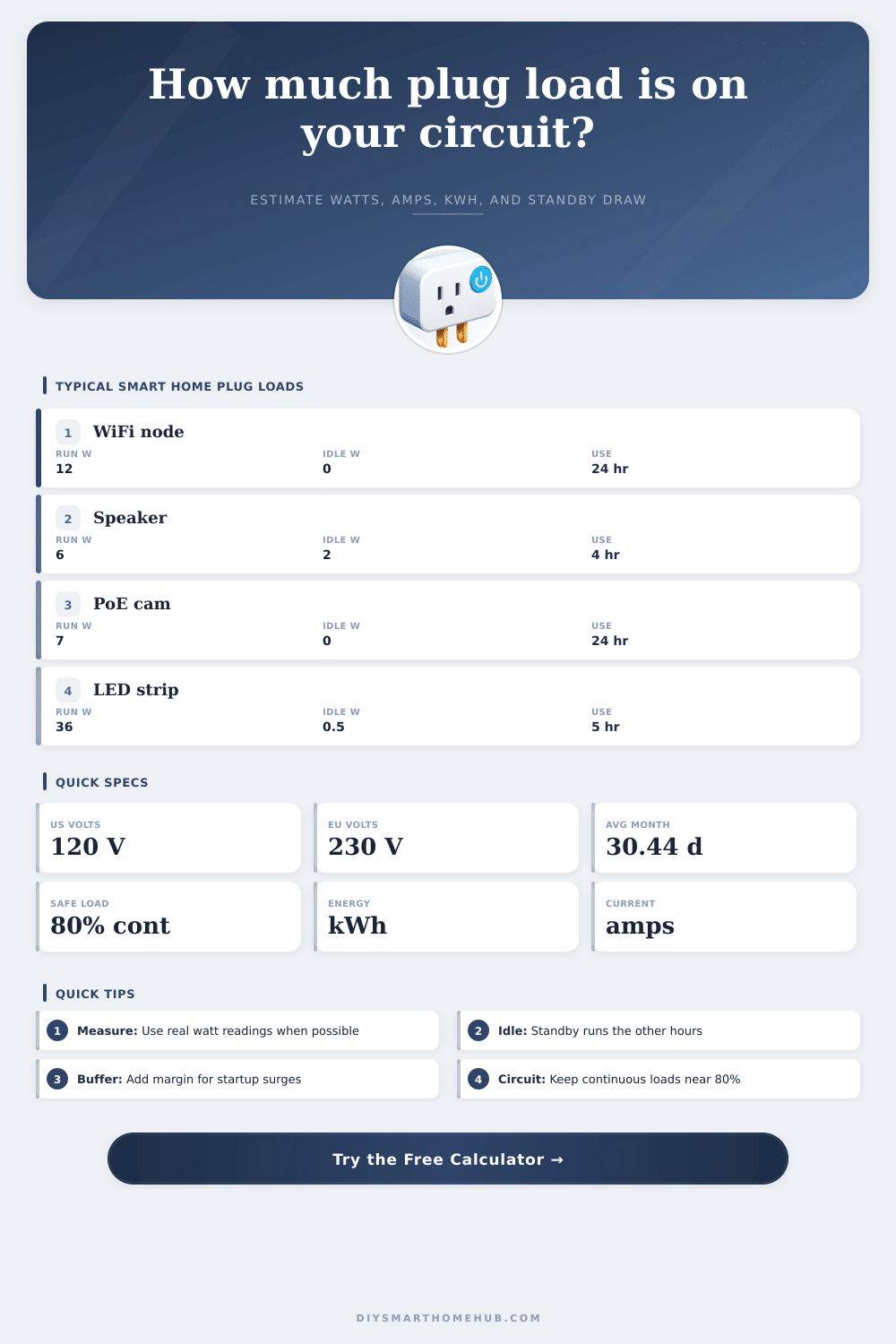
As with any other device, smart devices also consumes electricity even when a person isnt using the smart device. Devices like WiFi nodes, speakers, LED strips, and security cameras will draw electricity from an electrical outlet continuous. In determining if the electrical outlets in a given room can handle the number of smart device, it is necessary to calculate the total amount of electricity that the smart devices will use.
To calculate the total amount of electricity that smart devices will use, it is first necessary to separate the devices into those that draw electricity while actively perform some function of the device (running watts) and those that draw electricity while in standby mode or while turned off but connected to power (standby watts). Many smart speakers, for instance, use a transformer that draw standby watts for long periods of each day. Counting the number of hours that devices draw running watts versus standby watts allows for calculation of the total amount of electricity that the smart devices will draw.
How to Calculate Electricity Use of Smart Devices
In addition to calculating the amount of electricity that the smart devices will draw, it is also necessary to ensure that the total amount does not exceed the electrical circuit capacity. The power of a circuit can be determined from the voltage and the amperage of the circuit. For example, a common circuit contains a 15-amp breaker that is set at 120 volts, which provides a total capacity of 1800 watts.
However, the total load should not be set at 1800 watts, but should be set to a value that is no more than 80% of the total capacity of the circuit. Such a rule exists to provide for other electrical devices that may be installed in the circuit, to allow for headroom in the amount of power that is allowed to be drawn, and to prevent the electrical breakers from degrading due to the high load on the circuit. An electrical buffer is provide in the calculator to account for these factors.
The voltage that is chosen for the calculation will impact the amount of current that flows through the wire. Higher voltages allow for lower current in the wire for the same wattage of electricity; lower currents place less stress on the electrical circuit. For instance, a 240-volt electrical charger will allow for more power to travel through the wire than a 120-volt electrical charger of the same size.
Using the voltage setting on the calculator will allow for the calculation to reflect the actual voltage of the electrical outlet in the room. Standby watts can contribute to the electricity bill for a residence. By converting the standby watts to monthly kilowatts, it is possible to determine that many network devices that is always on may contribute to the total cost of the electricity bill.
The percentage of the total energy that represents standby energy will allow a household to determine whether the standby energy is a significant cost or a small cost to the total energy cost. If the percentage is high, then the household may opt to utilize a switched outlet or a schedule to turn the devices off so that the standby energy is reduced. As with any device, the actual amount of power that is drawn from a smart device may differ from the nameplate wattage of the device.
The nameplate wattage indicates the maximum amount of power that the device is capable of drawing, but the actual wattage that is drawn is based off the settings of the device. For instance, security cameras may draw more power when they are utilizing night vision than when they are not. To determine the actual wattage that a smart device draws, an energy monitor can be used.
The accuracy of the calculations in the calculator will be limited to the accuracy of the information that is provided to the calculator regarding the device’s wattage. In addition to the wattage of the smart devices, it is also necessary to determine how many similar smart devices are running in the same electrical circuit. For instance, if one security camera draws 7 watts, then six security cameras will draw 42 watts.
In order to avoid exceeding the capacity of the electrical circuit, it is necessary to add the wattages of all similar devices to the calculation. The utilization result on the calculator will indicate how close the total wattage of the devices is to the limit of the electrical breaker. The electrical installation in a residence can also impact the amount of power that a circuit can handle.
For instance, a home that is constructed with aluminum wiring may reach higher temperature than a similar home with the same amount of electrical devices but with copper wiring. While the circuit load calculator can determine the load on the electrical circuit in the room, it is unable to provide any information regarding the physical quality of the wiring in the residence. The number of hours that smart devices are actively on will change over time.
Therefore, the active hours of smart devices can be adjusted in the calculator to provide more accurate estimation of the total amount of electricity that the smart devices will draw. Multiplying the kilowatts of power by the cost of electricity in the area will provide the total cost of electricity that will be spent on the smart devices each day. This total cost will allow a household to determine if the devices should be replaced with a new device that draws less power.
Considering the electrical load of smart devices allows a household to better plan the outlets for the devices and the circuits that will power those outlets. In this way, the circuit load calculator helps to make planning for electrical devices in a residence more faster and more precise.