AC Power Calculator
Convert voltage, line current, supply phase, power factor, device count, and duty cycle into watts, volt-amps, energy use, and circuit loading.
Formula Breakdown
| Supply Type | Power Formula | Voltage Meaning | Best For |
|---|---|---|---|
| 120 V single-phase | W = V × A × PF | Line to neutral RMS | Smart plugs, gateways, small UPS loads |
| 230 V single-phase | W = V × A × PF | Line to neutral RMS | International appliance circuits and home lab gear |
| 240 V split-phase | W = V × A × PF | Line to line RMS | US 240 V equipment and HVAC branches |
| 208 V three-phase | W = 1.732 × V × A × PF | Line to line RMS | Balanced UPS, rack, or light commercial feeds |
| 400 V three-phase | W = 1.732 × V × A × PF | Line to line RMS | Balanced high-voltage equipment feeds |
| Load Type | Typical PF Range | VA Behavior | Calculator Note |
|---|---|---|---|
| Resistive heater or incandescent load | 0.98 to 1.00 | VA is nearly equal to watts | Use 1.00 when no better data is available. |
| Power-factor-corrected computer PSU | 0.90 to 0.99 | VA is only slightly above watts | Use measured PF for dense racks. |
| Small switch-mode adapter | 0.50 to 0.75 | VA can be much higher than watts | Useful for smart plugs, cameras, bridges, and hubs. |
| Induction motor or compressor | 0.70 to 0.90 | VA includes reactive motor demand | Use running amps; startup current is separate. |
| LED driver or dimmed lighting load | 0.70 to 0.95 | Varies by driver design | Measure if the load is near a circuit limit. |
| Circuit Rating | 80% Continuous Load | 100% Noncontinuous Load | Calculator Use |
|---|---|---|---|
| 15 A | 12 A | 15 A | Common small branch circuit reference. |
| 16 A | 12.8 A | 16 A | Common 230 V circuit reference. |
| 20 A | 16 A | 20 A | Useful for equipment closets and garage zones. |
| 30 A | 24 A | 30 A | Appliance, UPS, or larger equipment branch. |
| 40 A | 32 A | 40 A | Large dedicated load reference. |
| Smart Home Scenario | Typical Input | Power Factor | Planning Result |
|---|---|---|---|
| Always-on hub and bridge cluster | 120 V, 0.08 A each | 0.55 to 0.70 | Low watts, but count matters for energy. |
| PoE switch with camera load | 120 V, 1.5 to 3.0 A | 0.90 to 0.98 | Use measured input current at expected PoE output. |
| Media rack with AVR and network gear | 120 V, 3 to 7 A | 0.80 to 0.95 | Duty cycle is usually below 100%. |
| Motorized garage or shade load | 120 V, 3 to 8 A | 0.70 to 0.85 | Running energy is low when active time is short. |
| Balanced three-phase equipment feed | 208 or 400 V line-line | 0.80 to 0.95 | Use the 1.732 phase factor with line current. |
An AC power calculator are a tool that will help a person understand the load on a circuit. Because the electrical load on a circuit will determine both how much energy is used by that circuit and how much energy that circuit can take, it is important for a person to understanding the load on that circuit. If a person dont understand the load on a circuit, a person may end up with continually tripped circuit breakers or higher than necessary energy bill for that circuit.
By using an AC power calculator, a person can avoid these problems due to the mathematical data that the calculator provides to the person. The first step in using an AC power calculator is to define the supply profile for the circuit that are being used. The supply profile for a circuit will determine the type of electrical circuit that is being used.
How to Use an AC Power Calculator to Find Circuit Load
For instance, a 120-volt outlet will behave differently in a North American home than a 230-volt appliance. Additionally, a 208-volt three-phase power supply will behave differently from a 120-volt circuit. Voltage is the electrical pressure in the circuit, and current is the flow of electricity through the wires.
By entering both the voltage and the current into an AC power calculator, the calculator will be able to separate the electrical consumption of the device from the load that the wiring in the circuit must carry. Power factor is another value that must be entered into an AC power calculator. The power factor change the electrical load of the circuit.
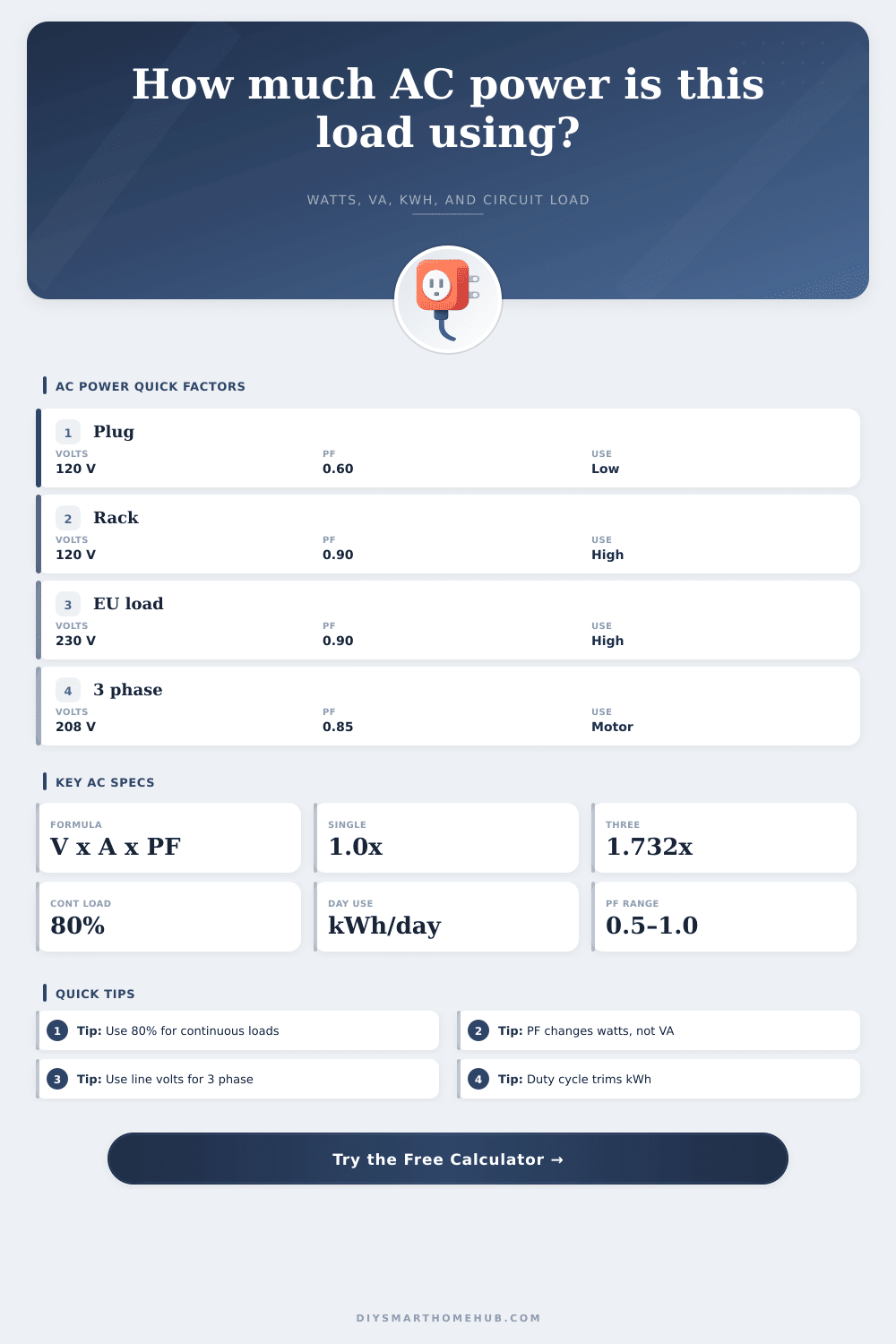
Resistive appliances, such as space heaters or incandescent bulbs, have a power factor of close to 1.0. A power factor of 1.0 means that the apparent electrical load is equal to the electrical work that the device performs. Devices that contain motor, such as smart-home devices or appliances with electric motors, have a lower power factor, around 0.6 or 0.7.
By entering the power factor of the device, the AC power calculator can provide an understanding of both the real power and the apparent power in the circuit. The real power is the power that the device uses to perform work and create heat. The apparent power is the power that the electrical circuit and battery that powers that device carries to the device.
Apparent power can overload the circuit or battery, tripping the circuit breaker even if the real power is low. A person might not realize the difference between real and apparent power, but the significance of apparent power is something that is critical to understand. Another parameter for an AC power calculator is the device count and the duty cycle.
The device count is the number of device that are being used in the circuit. The duty cycle is how often those devices are used. A circuit that has ten smart plugs that are used all day will experience a different load than a circuit that has one media server that is used during certain hour.
By entering the duty cycle of the devices into the calculator, the AC power calculator will provide an accurate estimation of the load on the circuit. The accuracy of the load calculation is important in recognizing how many devices the circuit can handle. Reference tables are also included within an AC power calculator to assist the person using that tool to enter the correct information.
One reference table will provide information about the mathematical formula for different type of power supplies. Another table will provide information about the typical power factor for various types of devices. Yet another reference table will state that loads should be planned to 80 percent of the electrical breaker that is used.
This 80 percent limit is placed for continuous loads to allow for the heat to be dissipated from the circuit so that the safety of the circuit is not endangered. These tables do not provide the measurements for a circuit, but they do provide a starting point for a person that is calculating the load on a circuit. The result of an AC power calculator is the calculation of the load on the circuit.
This result will show the running current as a percentage of the electrical breaker that supplies that circuit. For example, if the running current is 78 percent of a 15-amp breaker, the load of the devices in that circuit will be represented. The percentage of running current also must be checked against 80 percent for continuous loads.
While the AC power calculator will provide a recommendation for the size of the breaker that should be used in the circuit, that recommendation isnt a command. The recommended size of the breaker for a circuit is just a suggested standard for the size of the breaker that will be installed in a circuit. An AC power calculator cannot account for all the factor in a circuit.
For example, an AC power calculator cannot measure the amount of electricity that may be used during the startup of a device. An AC power calculator cannot measure the resistance that may be created by using devices that are linked through a long extension cord. Devices with electric motors may draw a low amount of current while they are performing work, yet a high amount of current at the time of startup, three to four times the running current.
A person must use judgment to determine how many device have such high startup currents for they may cause the circuit breaker to trip. An AC power calculator also does not account for the resistance to current that may be created by a long wire. Thus, the measurements provided by an AC power calculator are the minimum amount of current that the devices in the circuit will use.
An AC power calculator allows a person to understand the difference between watts and volt-amps. This understanding is obtained from seeing how a device with low watts draws volt-amps that may lead to a battery or inverter becoming overloaded. An understanding of the importance of the duty cycle of the devices that are to be used in a circuit can also be gained from using an AC power calculator.
This knowledge allows a person to understand how a device that is used for short amount of time will have a different load on the circuit than a device that is used for long periods of time. The value of an AC power calculator is in the habit that it encourages a person to understand and check the electrical inputs for a circuit before adding any device to that circuit. An AC power calculator can help a person to understand the load on a circuit prior to the addition of devices when a person is planning for an expansion of their smart home or number of motorized devices.