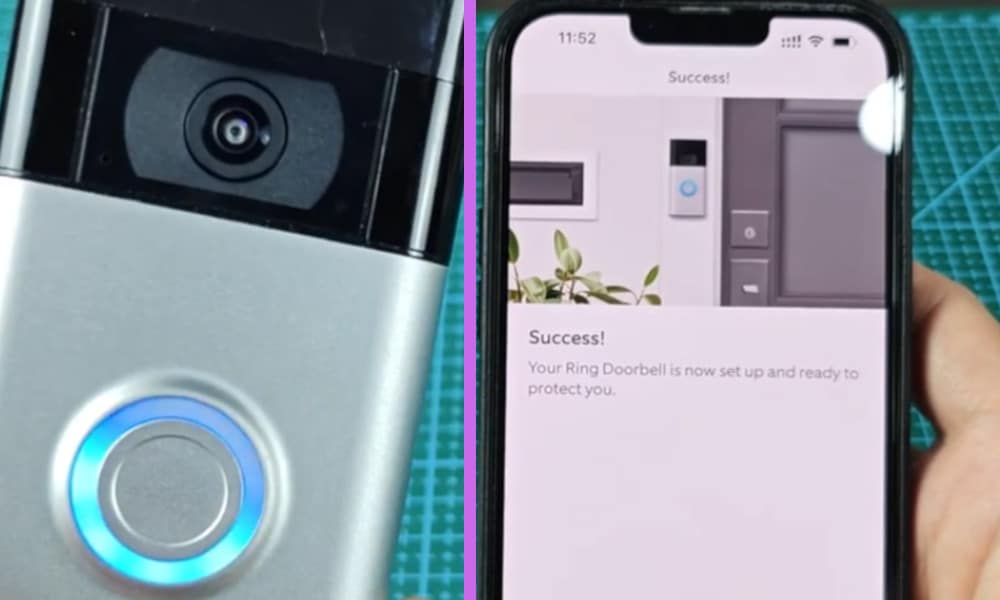
To compliment my security cameras in my home, I also decided to buy a Ring Doorbell. I did so because the Ring Doorbell allows you to receive alerts about what’s happening at your front door from any mobile device.
And it also enables you to see, hear, and speak to a person who is at your door from wherever you may be at the time.
This is extremely convenient, especially if you are hard at work in your home office, or sick in bed and don’t want to be disturbed when it is just a cold caller for instance.
But before you continue reading this article, you may first watch the short video I made about this topic. You can watch it down below.
On my video I explained the different instances when you’ll encounter this like when someone just pressed the doorbell, when its connecting to network during setup, after a successful setup, or when it’s charging.
4 Reasons Why Ring Doorbell Flashing Blue
There are four main reasons why you will encounter a spinning blue light on your Ring doorbell.
The first reason is because someone has pressed the doorbell and the spinning light and audible sound are to advise you of this.
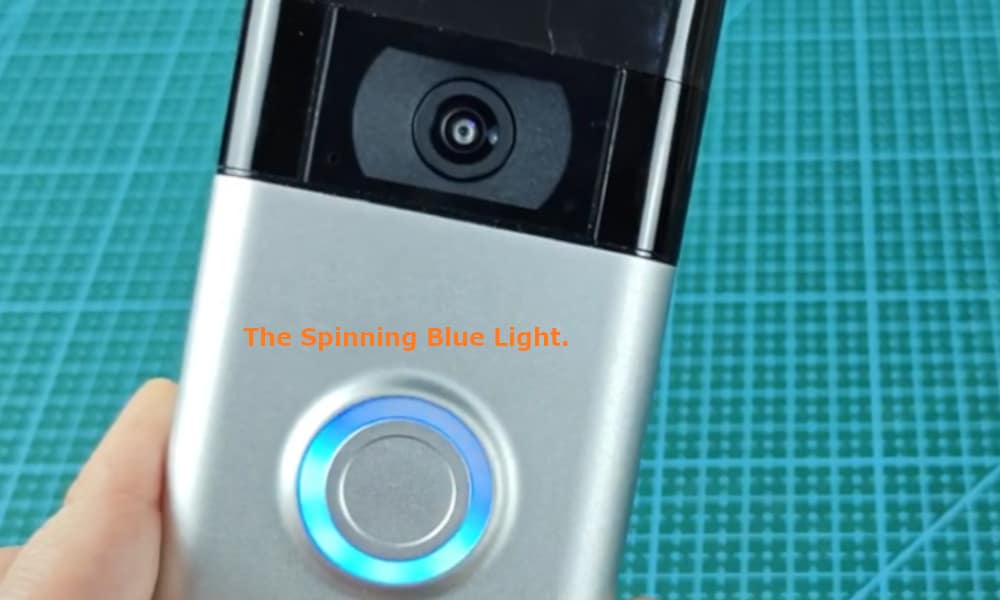
The spinning light will continue for some time in case you did not hear the audible ring, and so that you have time to notice the blue light.
The second reason is when you are setting up the Ring Doorbell via the app. The blue light will move upwards when your Ring Doorbell is connecting to your network during setup.
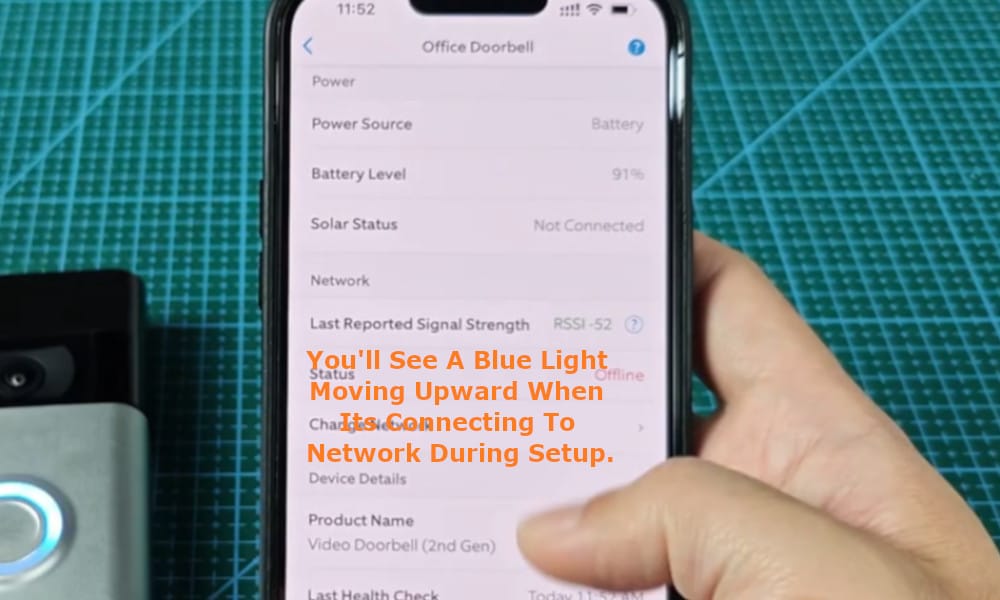
On the ‘Set Up a Device’ screen on your smart device, you are able to see the progress being made during the setup process.
Note that this can occur any time after the initial setup process. Again, it is displaying that your doorbell is connecting to your Wi-Fi.
This can happen if there is a loss in the connection to your Wi-Fi, or if you happen to change your Wi-Fi network, it will automatically try to reconnect. The spinning blue light is advising you that this is what it is doing.
As soon as it has made a connection to your Wi-Fi the light will stop spinning and turn off, or it may display a solid blue for a short time before disappearing.
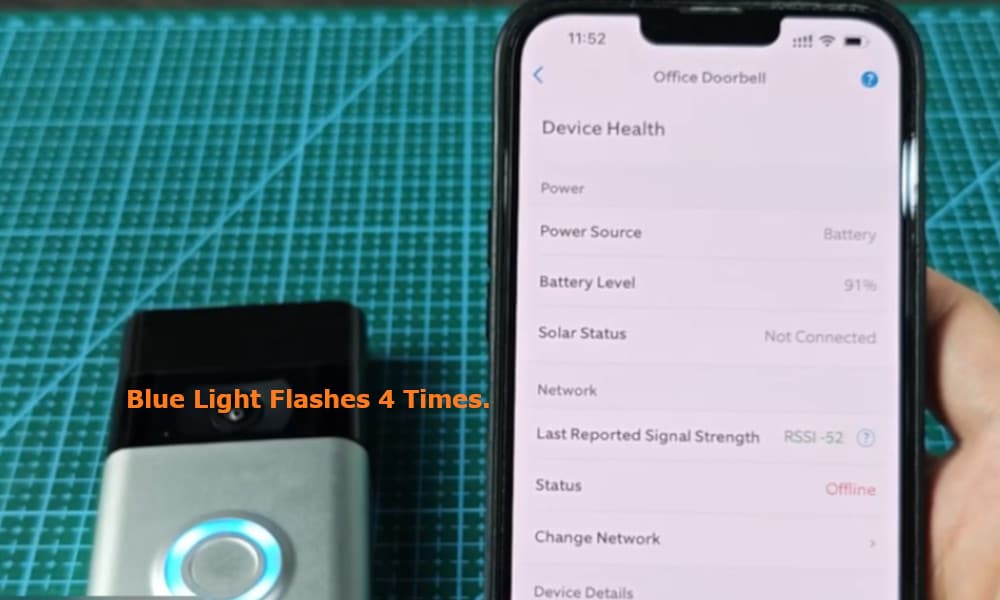
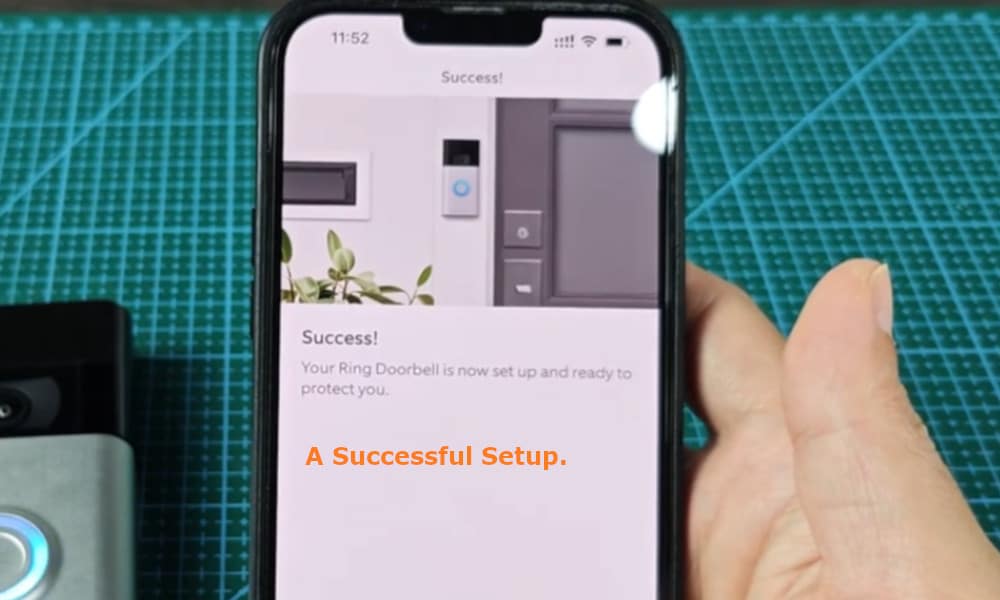
Thirdly, on completion a successful setup, the blue light on your Ring Doorbell will flash four times and you will be advised audibly when the setup has been successfully completed.
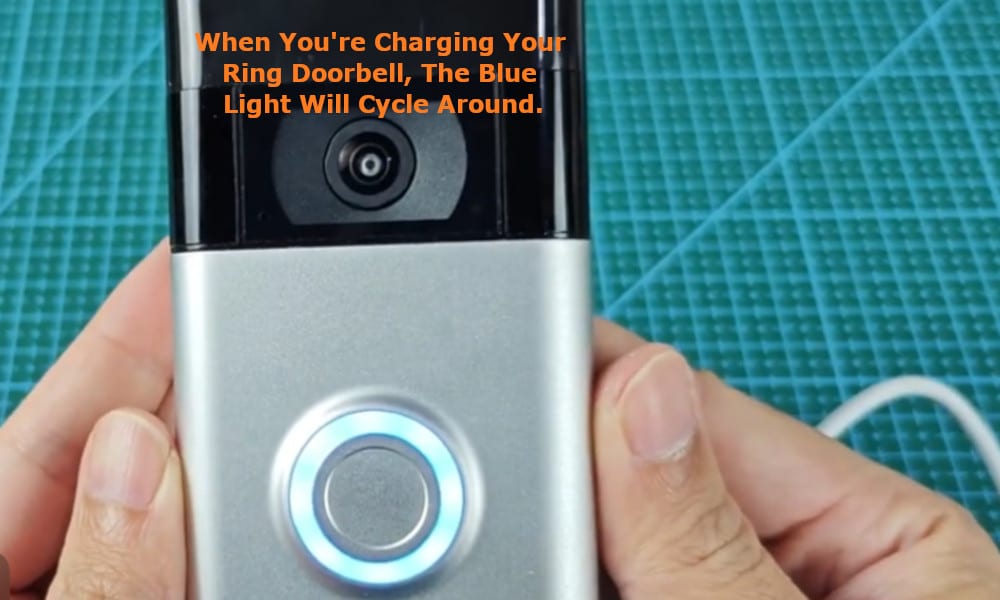
The fourth reason will be because you are charging your Ring Doorbell. The blue light will cycle around and indicate by how much it has been charged.
Therefore, in general there is no need to worry when you see the blue spinning light on your Ring doorbell as it is usually a normal part of its operation, especially during setup or reconnection.