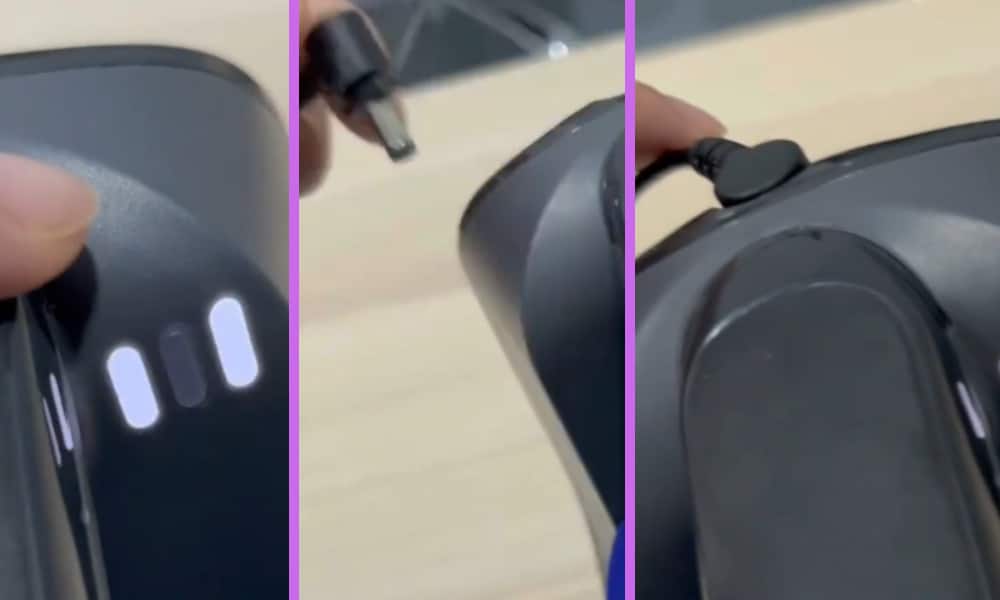
Do you have a Shark Vacuum and have experienced the problem where the two lights on it are flashing? It has happened to me and indicates that the battery is not charging.
The following could be the reasons for this occurring and are the things that I would recommend that you take a look for to find what might be the cause of this issue.
By the way, I also made a short video about this topic and you can watch it first before you continue reading this article. You can watch the video down below.
On the video, I showed how I solved this problem by simply removing it from the charger and letting it cool down.
Possible Reasons Why Your Shark Vacuum Two Lights Flashing
If you have been using your vacuum for an extended period of time, the battery can get hot and over heat. This tends to happen more often if you are using the vacuum on ‘MAX’ mode.
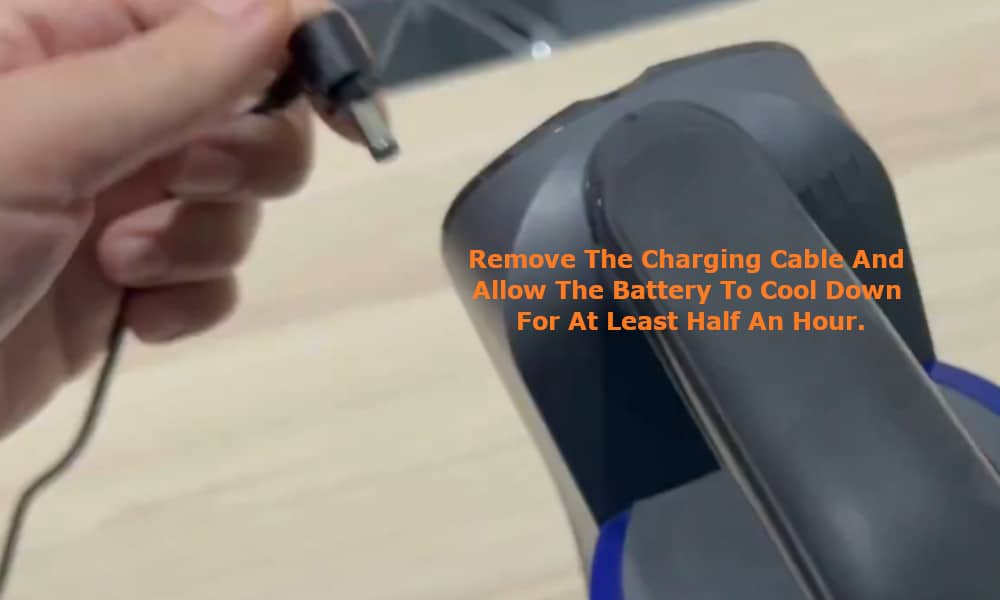
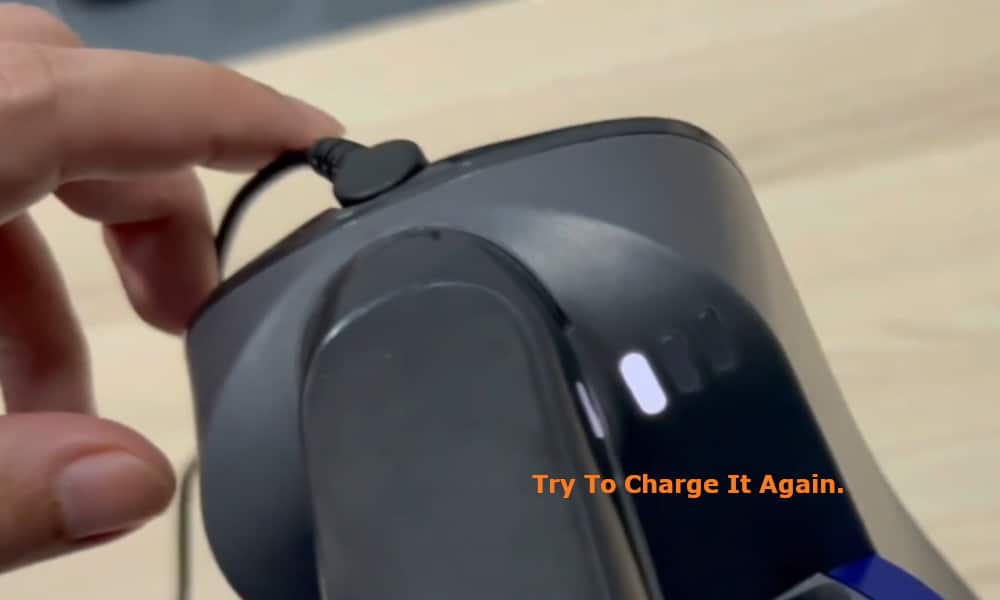
To solve the problem, you should remove the charging cable and allow the battery to cool down for at least half an hour. Once the battery has had the necessary time to cool down, try to charge it again.
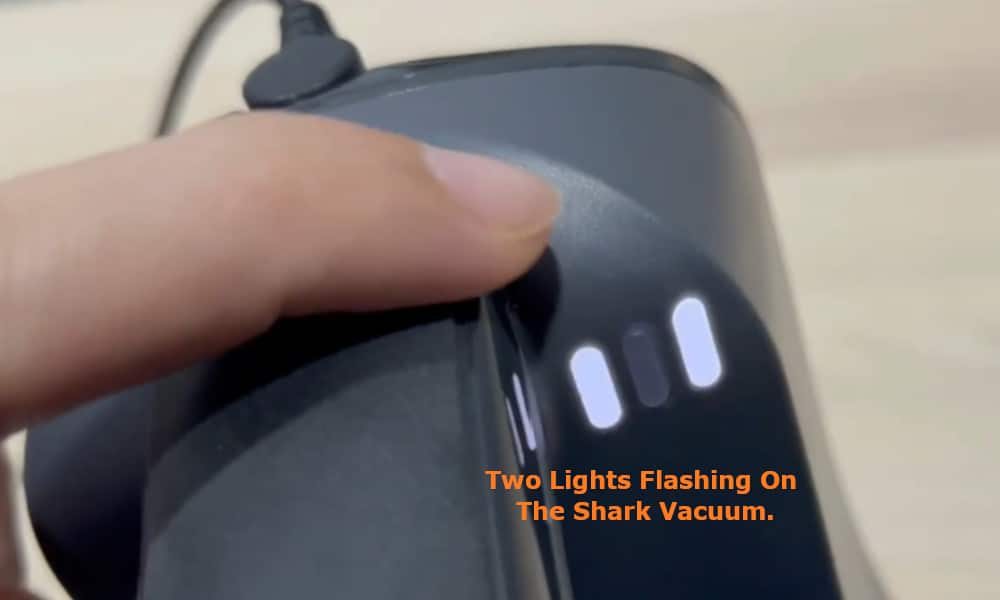
Allowing it enough time to cool down should rectify the problem and your vacuum should charge without any further problems.
Whilst this is the most common issue which causes the two lights to start flashing, if after the battery has had more than enough time to cool down they still flash when you try and charge the battery again, then these are other areas that could be causing the problem.
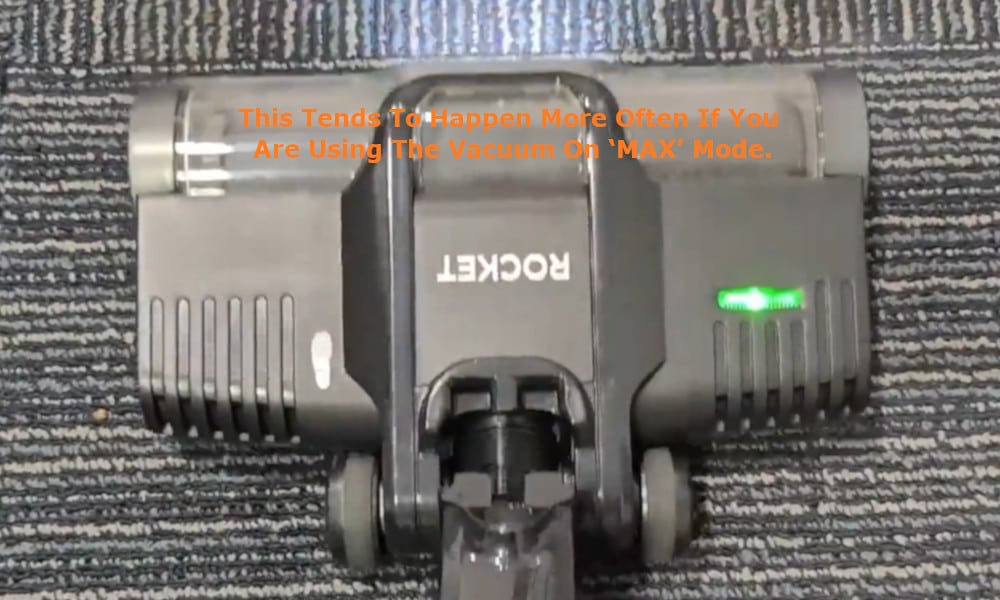
If the roller brush is blocked, this may also cause the two lights to flash, and the same will happen if the hose or filters are dirty and full of debris. In these cases, you simply need to find out where the blockage is and remove it.
If it is the filters that are dirty, then all you need to do is give them a good brush to remove the dust and debris, or alternatively you can wash them under cold water.
But do remember to allow them to dry before fitting them back into your Shark Vacuum. Also, do not to forget to empty the dustbin as a full dustbin can also cause the two lights to flash.
Such clogs and blockages can cause the motor itself to overheat, and the majority of Shark Vacuums do come with a thermal protection system to prevent the motor from being damaged.
If the protection system is activated due to the motor overheating, this too can cause the lights to flash.
Lastly, if the model of your Shark Vacuum is cordless and the lights are flashing, this could be because the battery pack is either low through not getting charged properly, or the battery pack itself may be faulty. For example, one of the cells may need replacing.