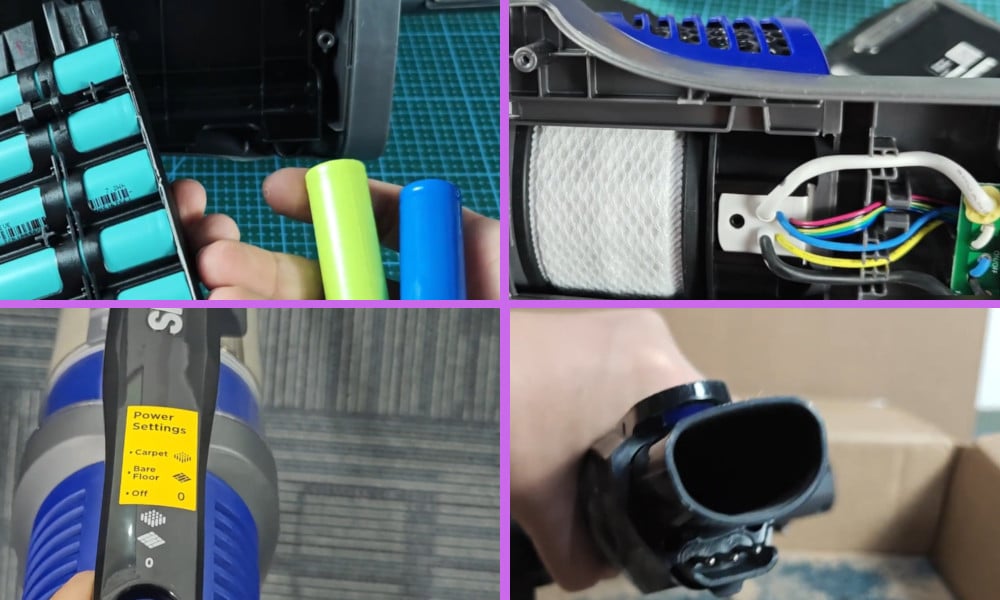
I purchased my Shark Cordless Vacuum for several reasons. It is cordless, powerful, light weight, and you don’t have to battle with a cord getting tangled up or trapped when using it. Plus, it has very good reviews.
All of these things were important to me when I was looking to buy a new vacuum cleaner.
However, as with many appliances on the market theses days, they do need to be looked after, and cleaned and maintained or they will sometimes fail to work.
One problem that I have encountered with my Shark Cordless Vacuum is that occasionally it does not turn on and work, so there would be a power issue somewhere in the appliance.
By the way, I also made a short video about this topic and you can first watch it before you continue reading this article. You can watch it down below.
On my video, I briefly discussed the possible reasons and solutions to this problem like power issues, wire connection and motor problem, faulty on/off button, and total blockage and dirty filters.
4 Possible Reasons Why Shark Cordless Vacuum Not Turning on Not Working
What I have found is that this problem can be for several reasons, the first being that the battery is weak or faulty.
To check that the battery is working as it should, remove the cover plate to the battery and take out the battery. The model of the battery pack should be the XFBT620 with an output of 21.6 volts.
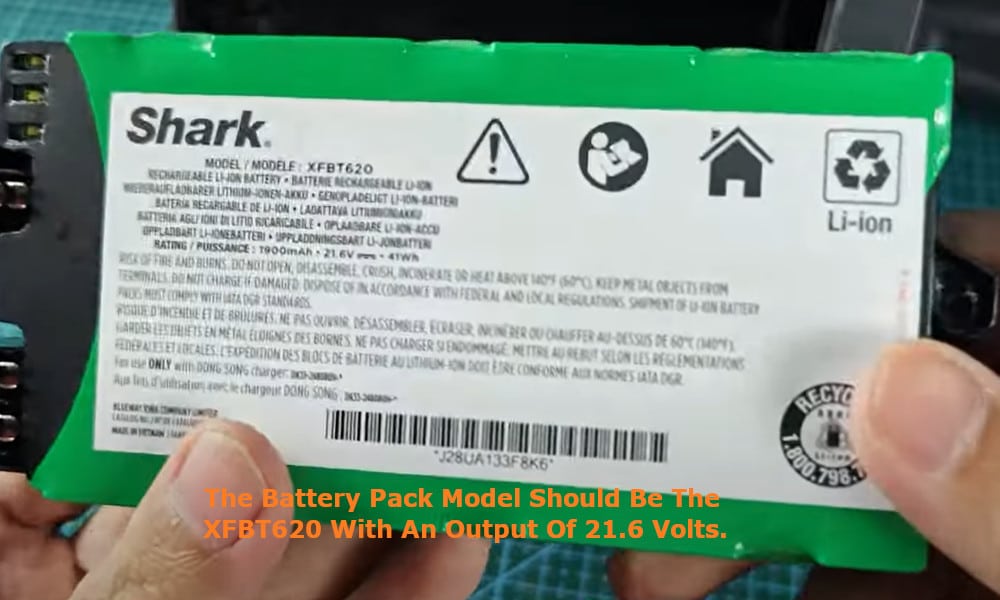
To check the battery, use a volt meter and check that the battery is still good. It should output approximately 21.6 volts. If the reading on your volt meter is far below this voltage output, then it means that your battery is no longer any good.
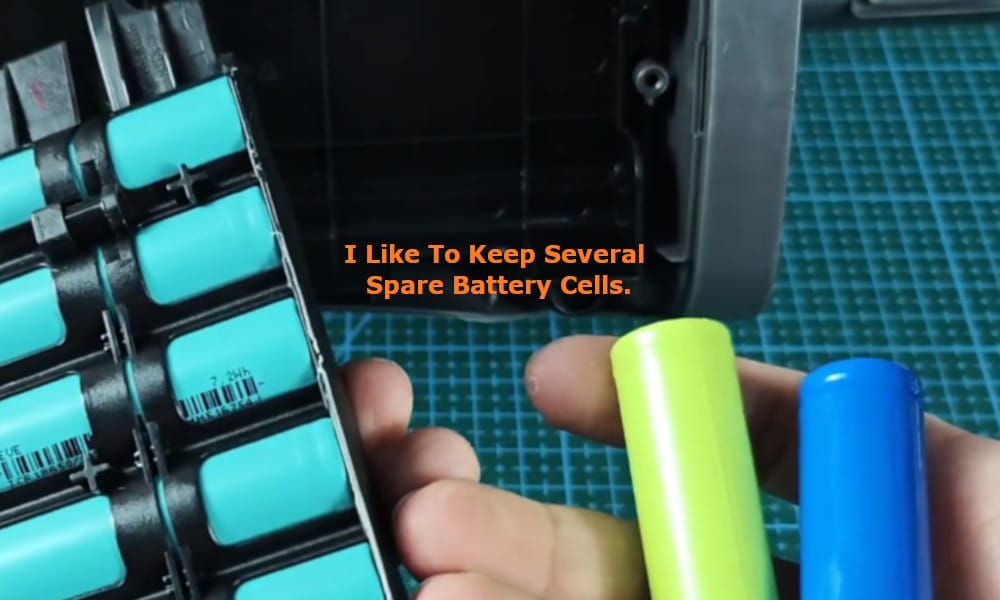
You can either simply replace the complete battery pack with a new one, or you may choose to replace an individual bad battery cell or cells if that is the problem.
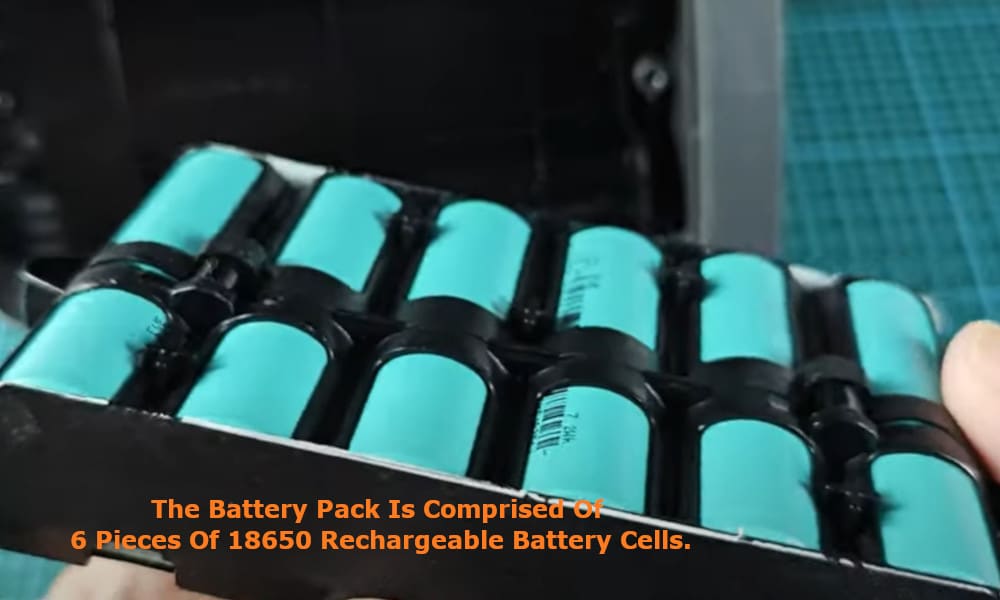
If your battery pack is good, when you plug it in to the power source a flashing green light will be displayed.
The battery pack is made up of 6 pieces of 18650 battery cells, each outputting 3.7V. You are able to replace each of the18650 battery cells individually.
I like to keep several spare battery cells just in case one of them does need to be replaced.
Whilst you have the battery pack removed, the next thing to check for is that there isn’t a rusty component at the charging point. If all looks fine, reinsert the battery pack into its slot and switch on the vacuum to see if it is now working.
Related: How I Troubleshooted My Shark Cordless Vacuum Not Charging
Another reason why your vacuum may not switch on can be that there is a wire connection and motor problem. Check to ensure that the wire connection to the motor is secure.
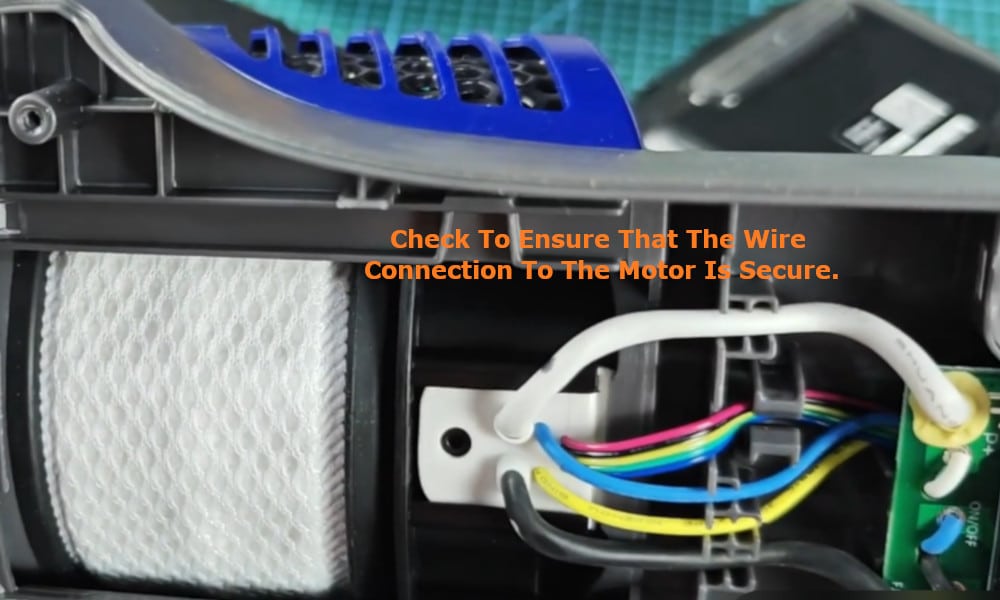
If the motor is not turning on and appears to be faulty, you will need to consider replacing it.
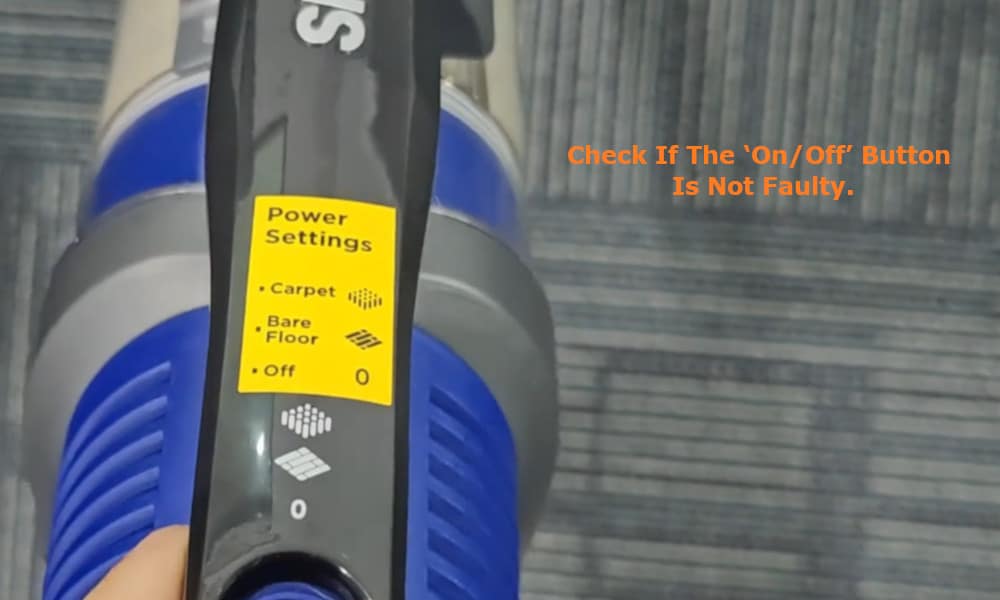
The third thing you need to check is that the ‘On/Off’ button is not faulty. You should check the wire connection and replace the button if it is faulty.
The last thing that may be causing your Shark Cordless Vacuum not to switch on is that your vacuum has a blockage or that the filters are overly dirty. If this is the case, simply clear the blockage and clean the dirty filters.
This is easy to do. You can remove the wand and check that it is not blocked. Also check that there is not a blockage in brush roller head.
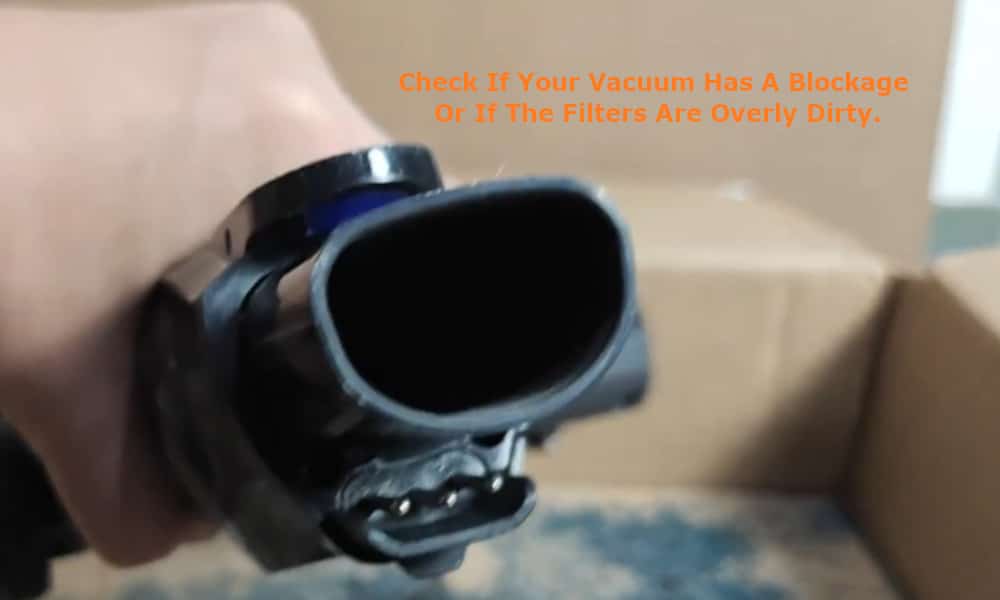
You can use a brush to clean out any dirt that may have accumulated in the brush roller head, and remove any hair and thread that may have got caught up in the brushes of the roller head.
Related: My 6 Tips for Fixing a Shark Cordless Vacuum Not Sucking Not Picking Up
For the filters, again you can brush them clean, or you can also run them under water to clean them and get rid of all the accumulated dust and debris that may have built up over time.