When I needed to purchase a new vacuum cleaner and my friends recommended the Shark Cordless Vacuum, I have to say that I was impressed by my new vacuum and especially by its power.
However, like many appliances, they do occasionally go wrong and do not function as they should. The Shark Cordless Vacuum is no exception, and this is often due to the lack of maintenance and cleaning of the appliance by the owner.
Although a rarity, on the odd occasion the suction on my vacuum fails and therefore it does not pick up the dirt and debris as it should. This can be for a variety of reasons.
I also made a short video about this topic which I’m sure can help you even more. You can watch it below.
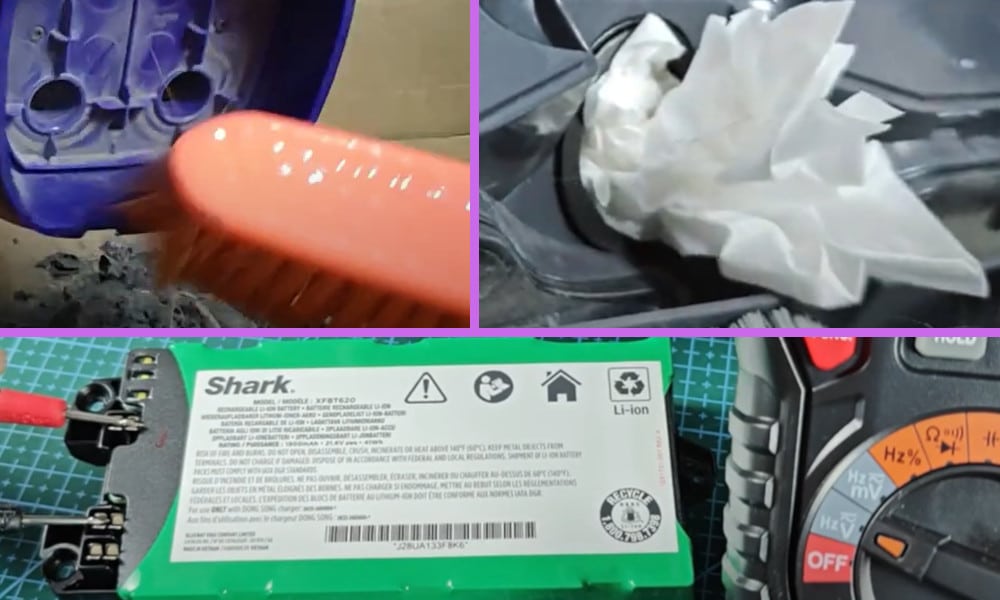
On the video, I checked if the brush roller is too dirty, if the dustbin is too full and the main filters are dirty, if I’m using the wrong mode, if there’s any blockage inside the vacuum, if there’s a pressure leakage and weak motor, and lastly if the battery is weak.
Read: How I Troubleshooted My Shark Cordless Vacuum Not Charging
6 Possible Reasons Why Your Shark Cordless Vacuum Not Sucking Not Picking Up
I have found six possible causes which I have encountered which I will share with you here, and how to rectify them.
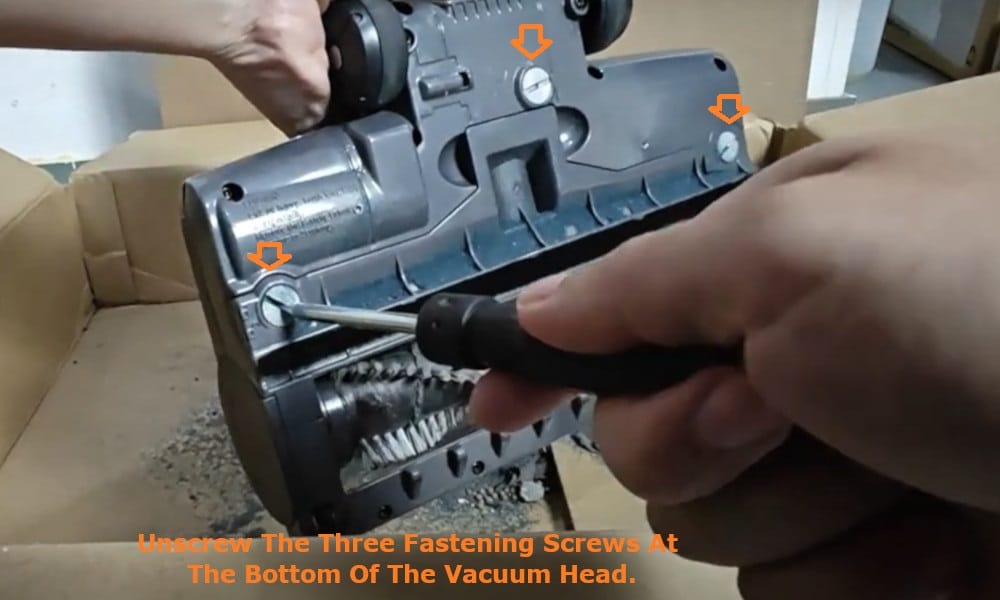
1. The brush roller head has become too dirty. This is a very easy issue to fix. Simply loosen the screws at the bottom of the vacuum head and remove the securing plate.
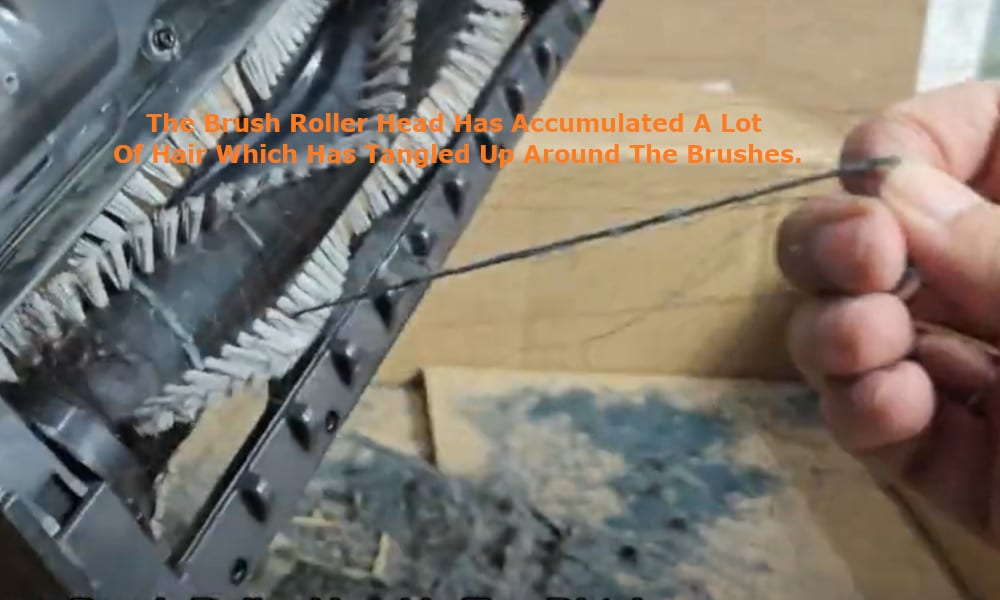
You will often find that threads and hair have entangled themselves around the roller brush which will prevent the roller brush to spin, and therefore will not pick up the debris that you are trying to vacuum up.
Simply remove all the entangled threads and hair from the roller brush and clean out any other debris using a hand brush. Also brush off any dirt and debris from the securing plate.
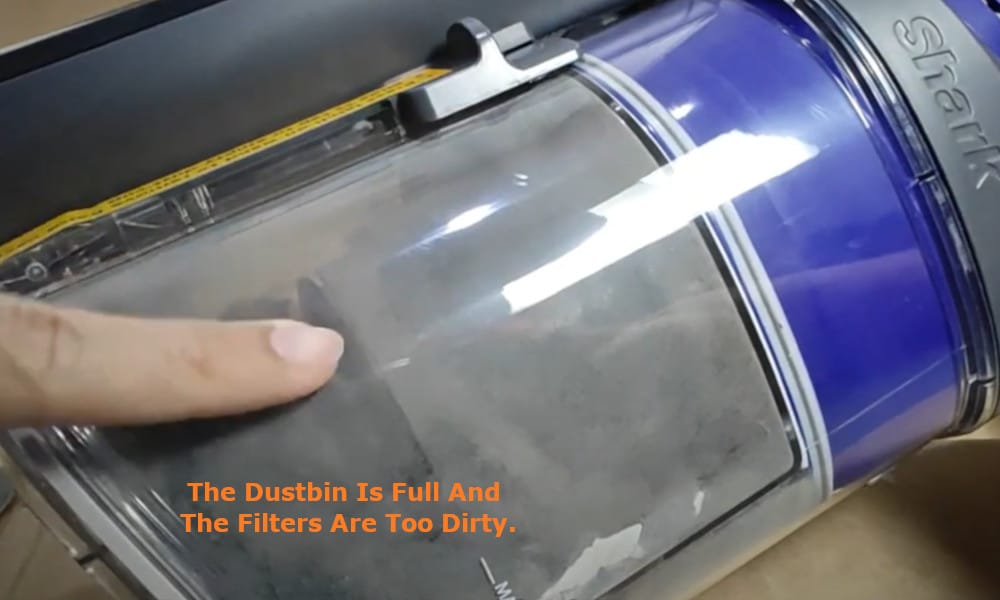
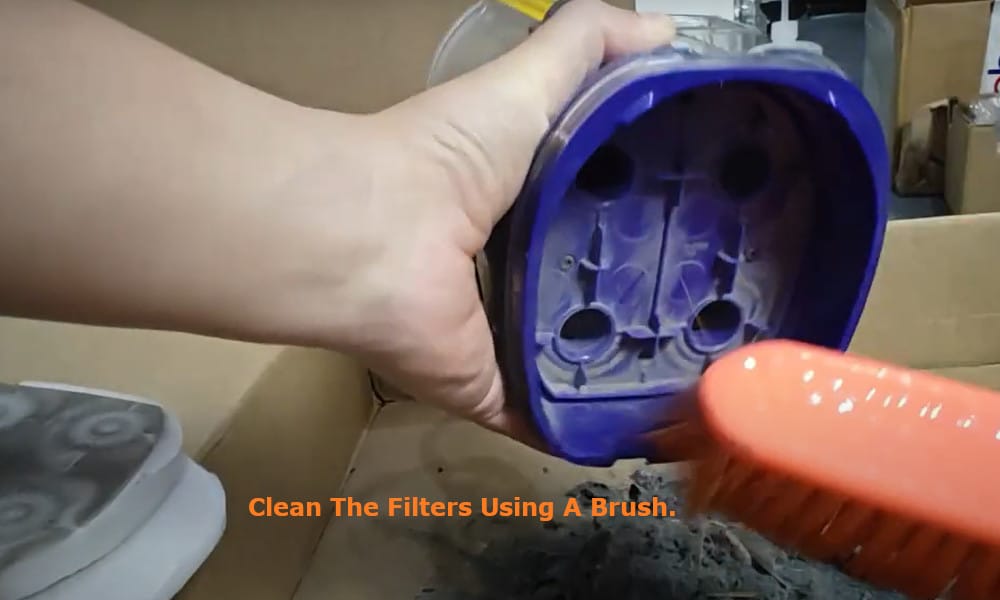
2. The dustbin is full and the filters are too dirty, therefore you need to empty the dustbin and clean the filters. To do this, detach the dustbin and empty it of all the debris that it has collected over time and give it a good clean.
Remove the two filters and also clean the lid of the dustbin, again using a hand brush. Finally brush off all the loose dirt and dust from the two filters, or you can wash them under running water and then allow them to dry.
There is a third filter that you also need to keep clean which is located above the dustbin. To get to this filter you will need to pull out the casing in which it is situated.
Remove the casing, detach the filter and clean it in the same way as you did for the other two filters.
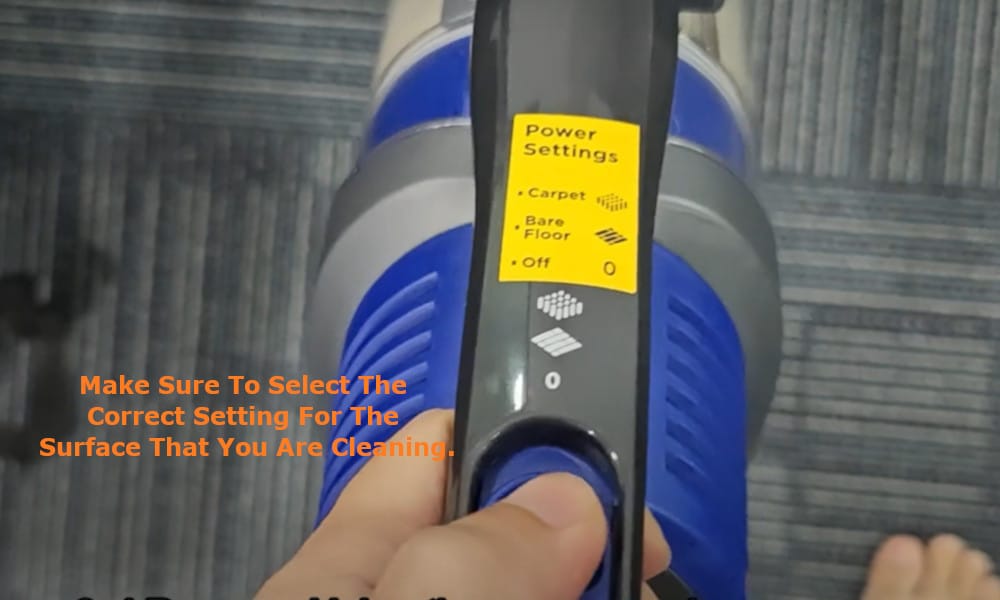
3. Your Shark Cordless Vacuum has two different settings (carpet or bare floor) to select depending on the type of surface you are vacuuming. Make sure to select the correct setting for the surface that you are cleaning.
Additionally, you can also set your vacuum to ‘MAX mode’ which provides three times more suction power if needed.
4. There may be a blockage somewhere in your vacuum. This can either be in the wand or in the pipe taking the debris from the vacuum head.
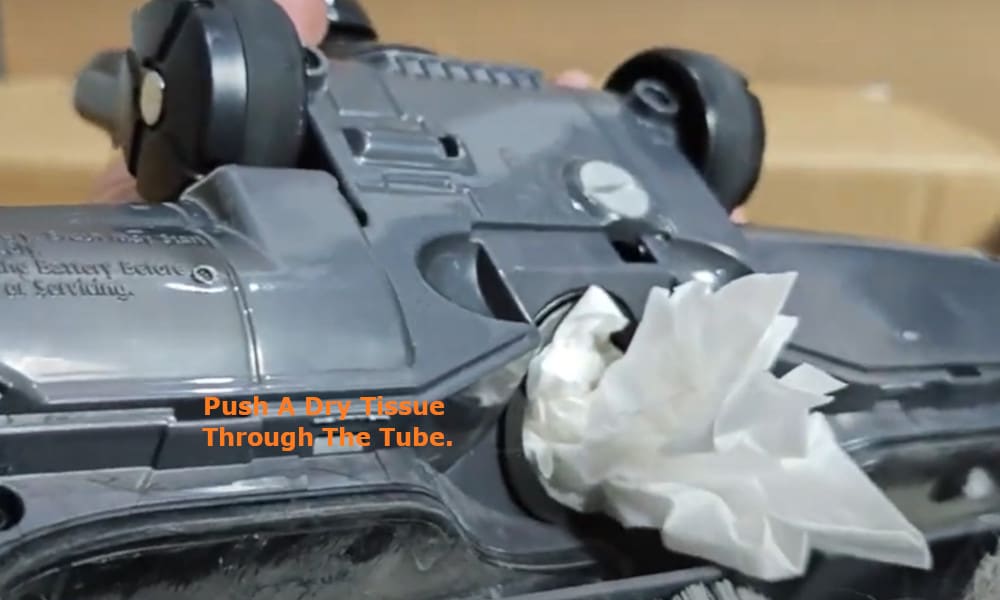
Remove the wand and check for any blockages. For the vacuum head, remove it from the vacuum and this time push a dry tissue through the tube which will push out any blockages.
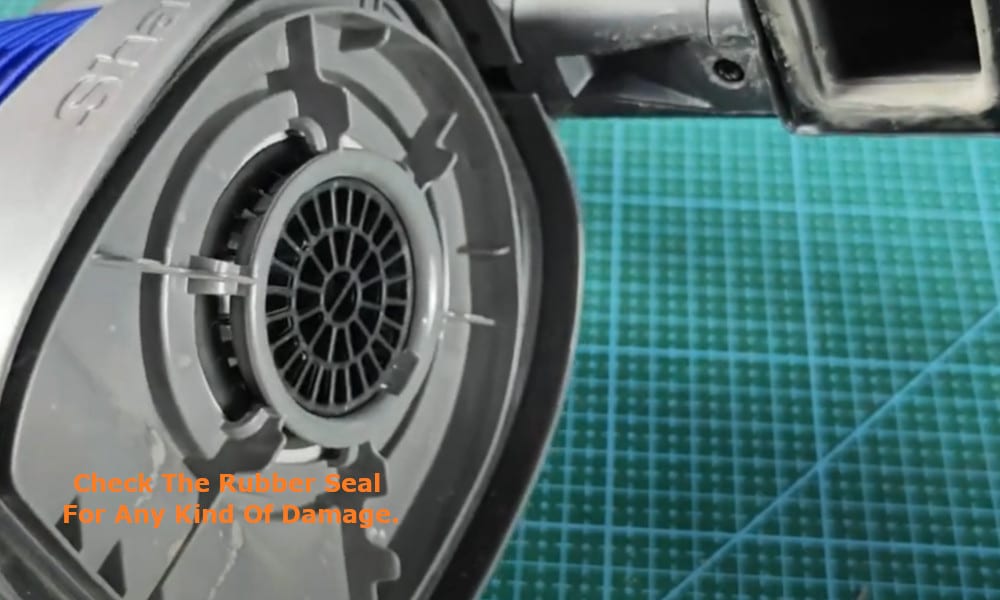
5. There may be a pressure leakage caused by the rubber seal between the motor housing and the dustbin having deteriorated. Check the rubber seal for any kind of damage.
Also check that the motor is working to its full capacity. If the rubber seal is damaged, or the motor is too weak they will need replacing.
Related: How I Solved My Shark Cordless Vacuum Not Turning on Not Working: 4 Tips
6. The sixth and last thing that could be causing the problem is that the battery for your vacuum is weak or faulty. This will mean that your vacuum will not be able to perform at its optimal level, hence the reduced level in suction.
The battery pack model should be the XFBT620 with an output of 21.6 volts. Test the battery pack with a volt meter. If the voltage recorded is well below 21.6 volts it means that your battery is no longer good.
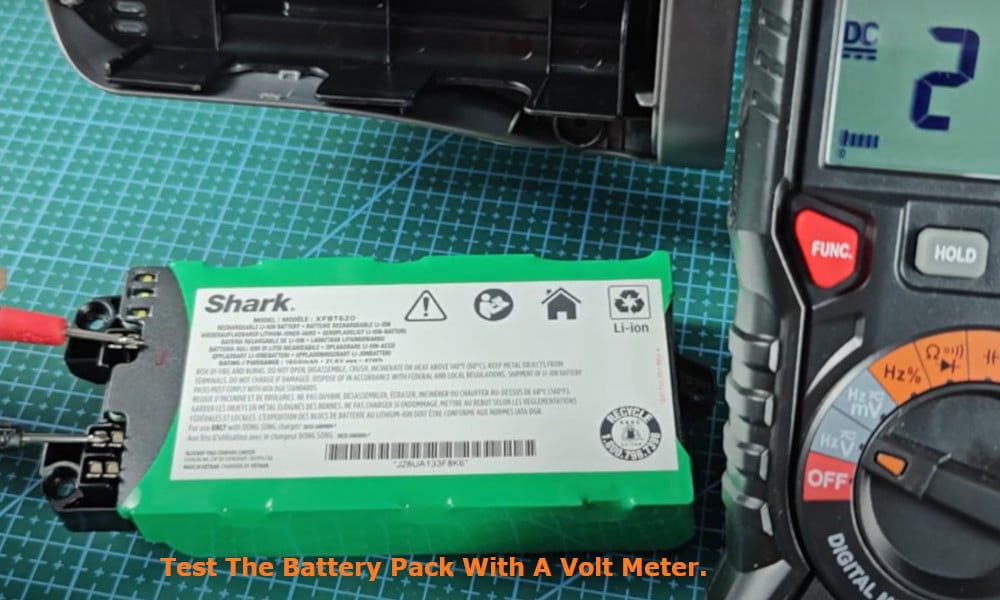
You can either choose to simply buy and replace the battery pack with a new one. Or you could identify and replace the bad individual battery cell. A good battery pack will display a flashing green light when being charged.
The battery pack is made up of six pieces of 18650 rechargeable battery cells, each outputting 3.7 volts. You can replace an individual cell by removing the green plastic cover of the battery pack to access the individual cells.
I always like to keep a small stock of rechargeable battery cells in case one needs to be replaced.