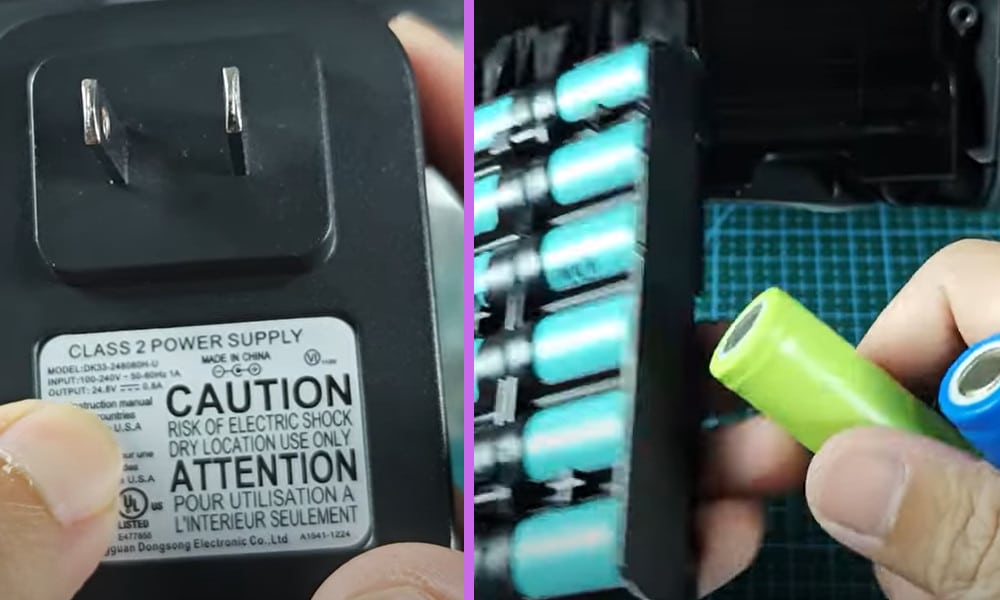
Do you have a Shark Cordless Vacuum and have had a problem with it not charging? I have one and occasionally when I have plugged it in to charge the red light informing me that it is charging does not light up.
Before you continue reading this article, you can first watch the short video I made about this topic. You can watch it below.
There are several ways to solve this problem. First, you can check if the charger is working. Second, if the charger if working fine check the battery. If the battery has a problem, you can just buy a new one. Or lastly, you can fix the battery problem by yourself.
Read: Shark Vacuum Brush Roller Not Spinning: 4 Solutions I Recommend
Shark Cordless Vacuum Not Charging: Things You Can Do to Fix This Issue
The first thing that you should do if this happens is to check that the Shark charger is actually working. The charger is meant to output around 28.4 volts. To check that it is functioning use a volt meter.
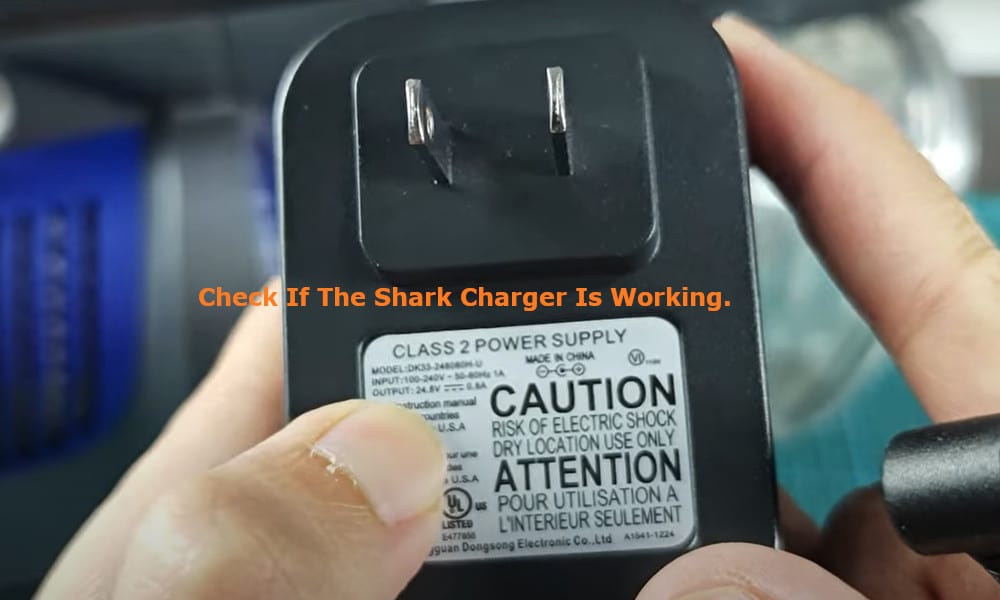
If your volt meter displays that the output is around 25 volts or more, then the problem is not with the Shark charger.
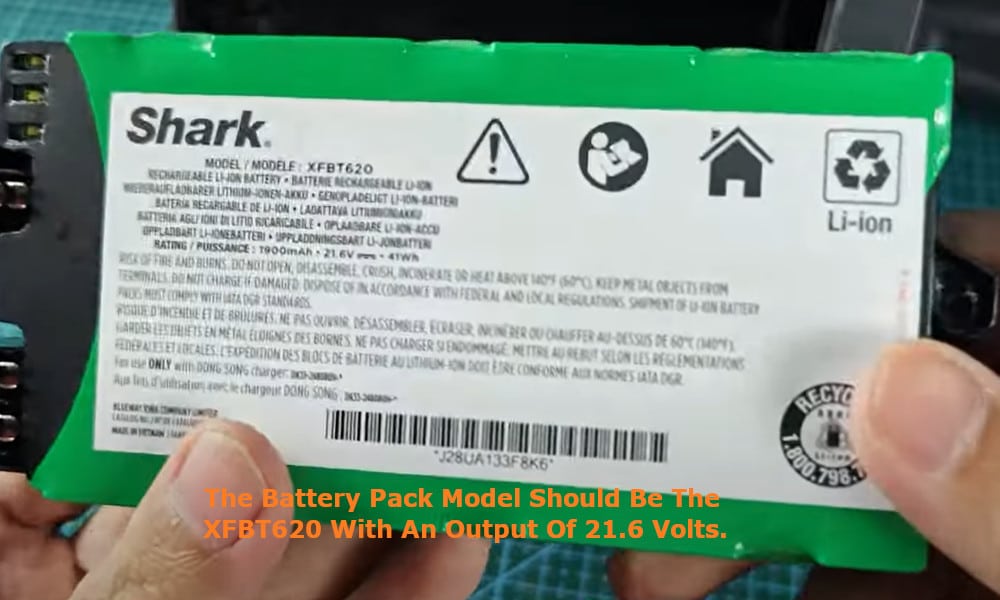
The next thing to check for is that the battery is working. Take off the cover plate to the battery and remove the battery. The battery pack model should be the XFBT620 with an output of 21.6 volts.
Related: My 6 Tips for Fixing a Shark Cordless Vacuum Not Sucking Not Picking Up
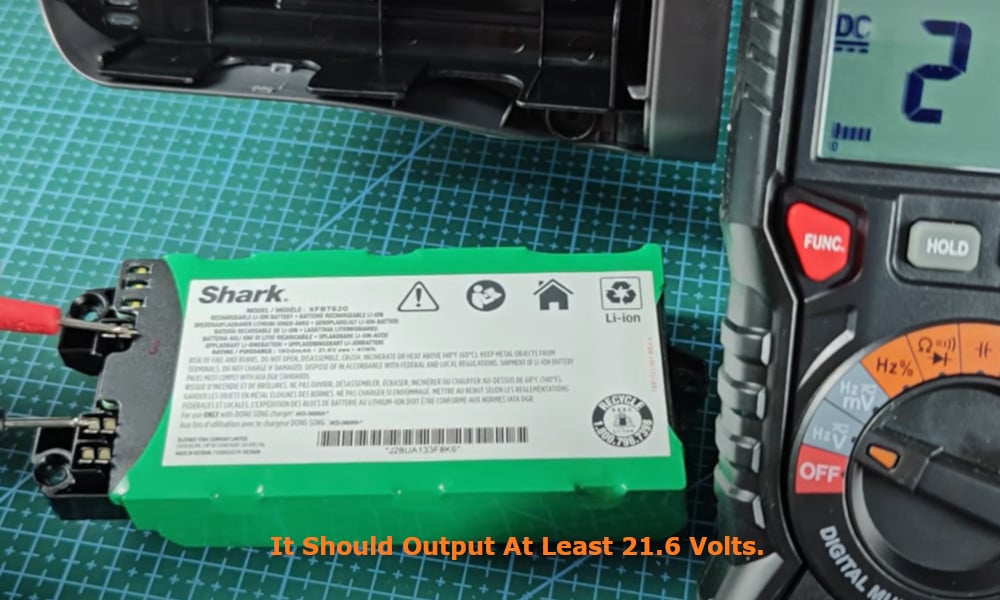
Again, using your volt meter, check to see that the battery is still working. It should output approximately 21.6 volts. If it is well below this voltage output then it means that your battery is no longer good.
You now have two options to resolve the problem with the battery. Either you simply buy and replace it with a new battery pack, or you replace the bad individual battery cell or cells.
Related: How I Troubleshooted My Shark Vacuum Two Lights Flashing
If your battery pack was good, when plugging it in to the power source a flashing green light should be displayed.
By removing the plastic cover around your battery pack, you will be able to see that the battery pack itself is comprised of six pieces of 18650 rechargeable battery cells, each of which should output 3.7 volts.
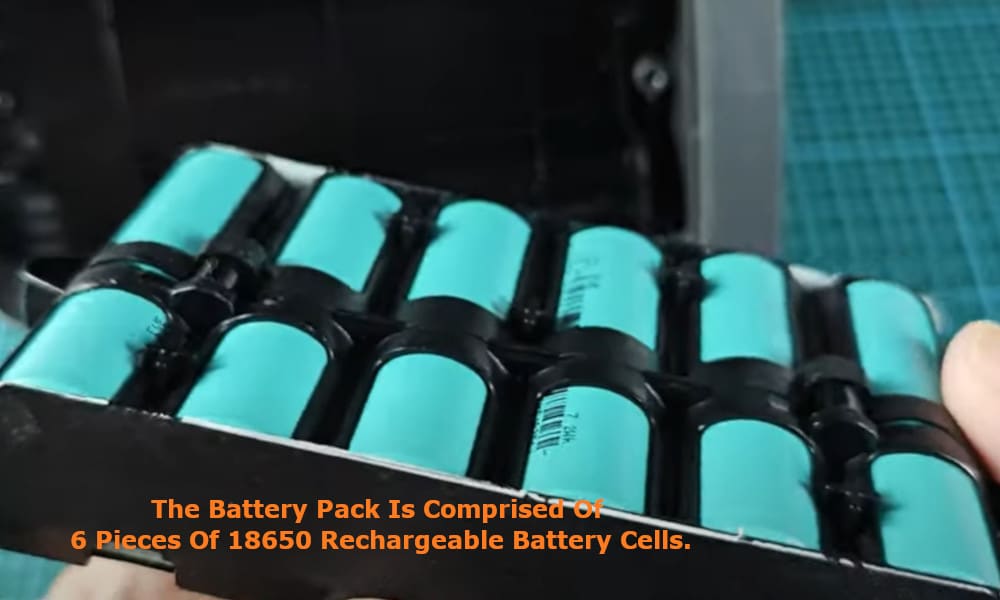
If you find one or more of the battery cells to be faulty, you are able to replace the 18650 rechargeable battery cells. I myself like to keep a small stock of these rechargeable battery cells in case such a problem should arise.
To replace a rechargeable battery cell, just simply unclip the battery cells from the battery casing. Once the casing is open, take a moment to check that there is no rusty component at the charging contact point.
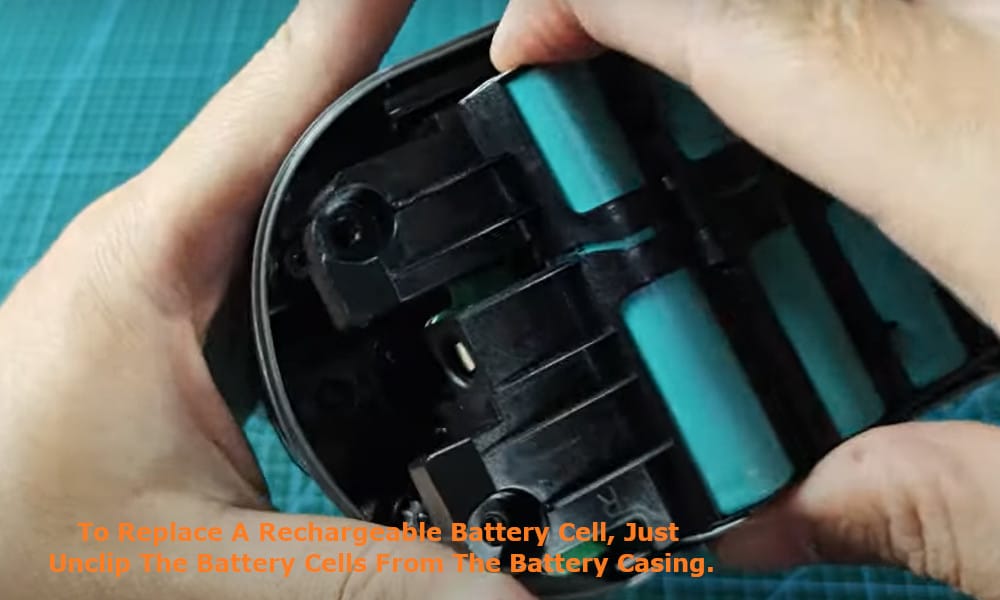
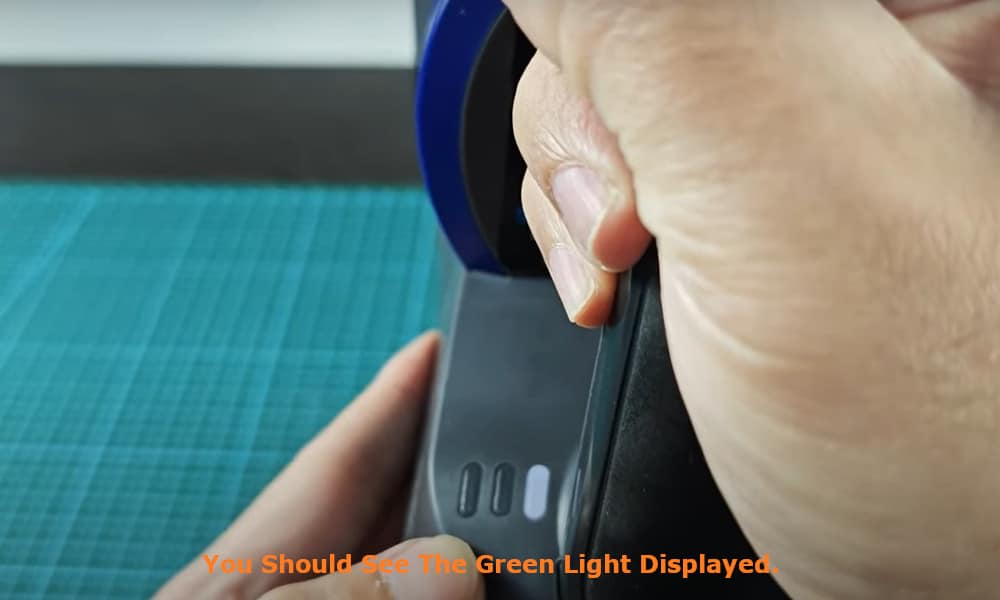
If there is, clean it and return the battery pack into its slot and switch on the vacuum to see if it is now working. If it is now working, when you plug in your battery charger into the vacuum, you should see the green light displayed.
This tells you that the problem has been resolved and that your Shark Cordless Vacuum is now charging as it should do.
By regularly maintaining and looking after your Shark Cordless Vacuum such problems should not often arise. Remember, not to overcharge your battery as this can lessen the life of the battery.
Also keep your vacuum clean. It is itself doing a dirty job, so it too needs to be kept clean, and especially remember to clean the charging contact points.
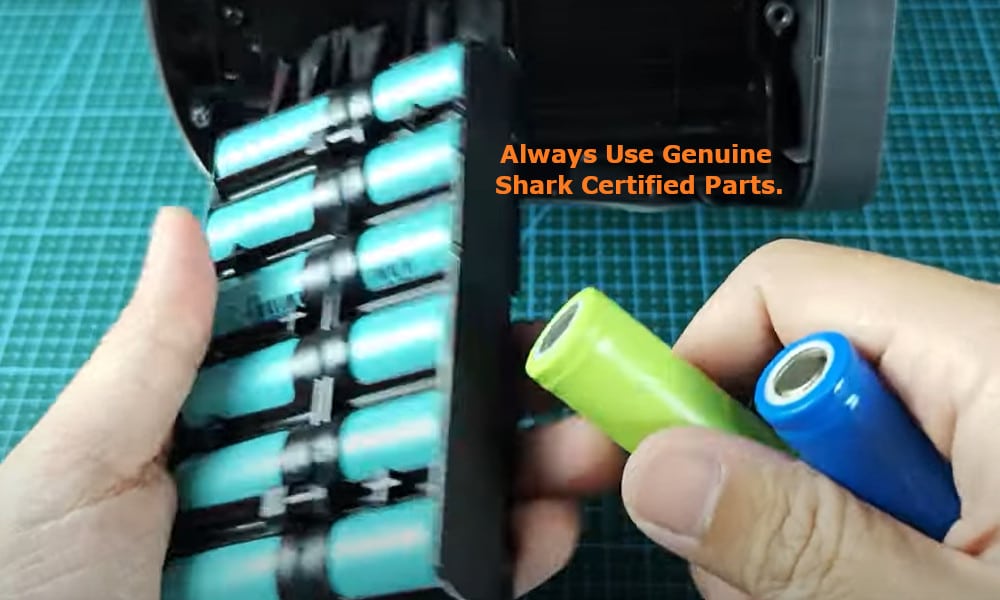
And if you do happen to need to replace the battery or any other of the parts in your Shark Cordless Vacuum, always use genuine Shark certified parts. Using pirate parts can be unsafe and cause even more problems with your vacuum.