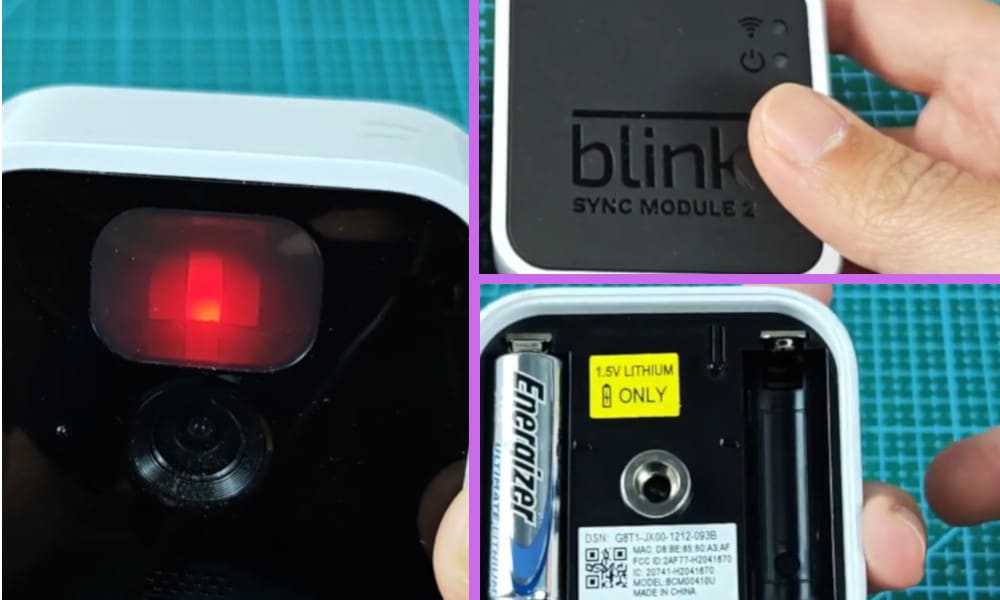
Having Blink cameras around my property has really made me feel so much more at ease especially as one of my neighbors at the bottom of my street was broken into the other day.
Blink cameras have now become very popular for houses in our neighborhood as they are fairly cheap to purchase and quite reliable.
I also made a short video about this topic and you may watch it first before you continue reading this article. You can watch it below.
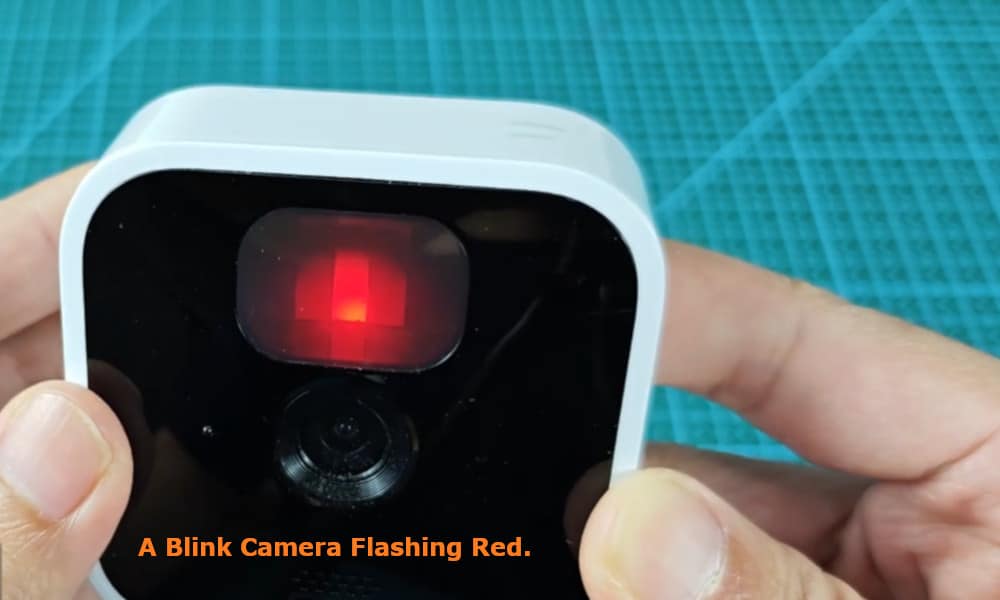
I showed in my video the two reasons why a Blink camera will show a flashing red light. The first reason is when its battery is already low and the second is when it’s having problems connecting to Wi-Fi.
2 Reasons Why Your Blink Camera Flashing Red
However, I did get a bit of a scare the other evening.
My next-door neighbor knocked on my front door to check if I was okay as she had noticed that one of my cameras was flashing red, and she was worried that it was due to my house having been broken into.
Fortunately, that was not the case.
There are two main reasons for your Blink camera to flash red. The most common cause is that the batteries in the camera have run down and need to be replaced.
Related: Blink Camera Blue Light Meaning: 2 Reasons Why You See It

This is an easy problem to fix. All you need to do to determine if this is the cause is to take down your camera and replace the two batteries located at the back of the camera.
If it is the batteries that are the problem, once you have replaced them with new batteries, the red light should stop flashing.
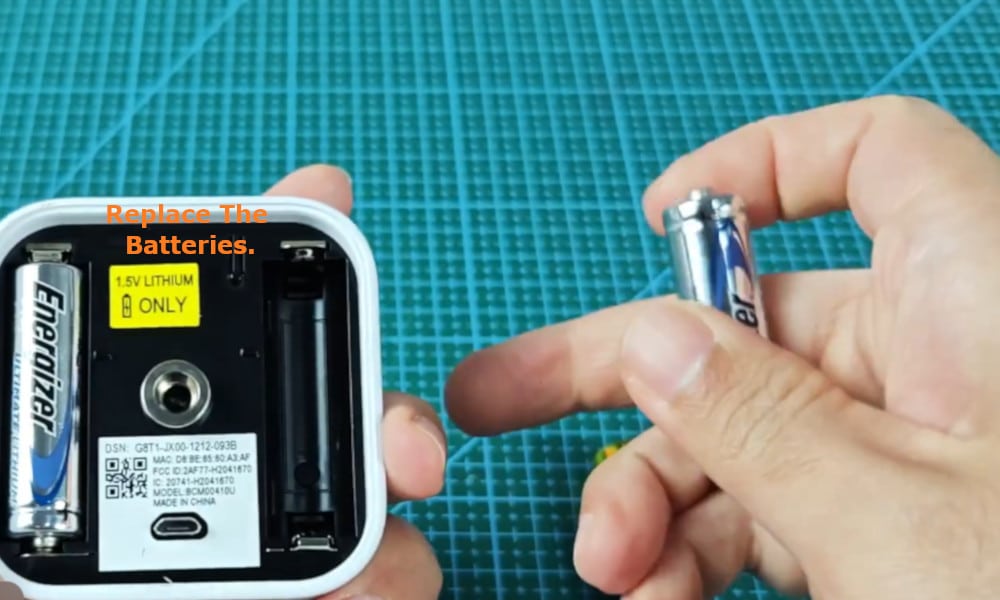
Note that AA lithium batteries are the best batteries to use as alkaline batteries tend not to output the necessary power. Also, high temperatures can quickly drain the power out of batteries.
If after replacing the batteries it doesn’t stop the red light from flashing, then the problem is not the batteries needing to be replaced.
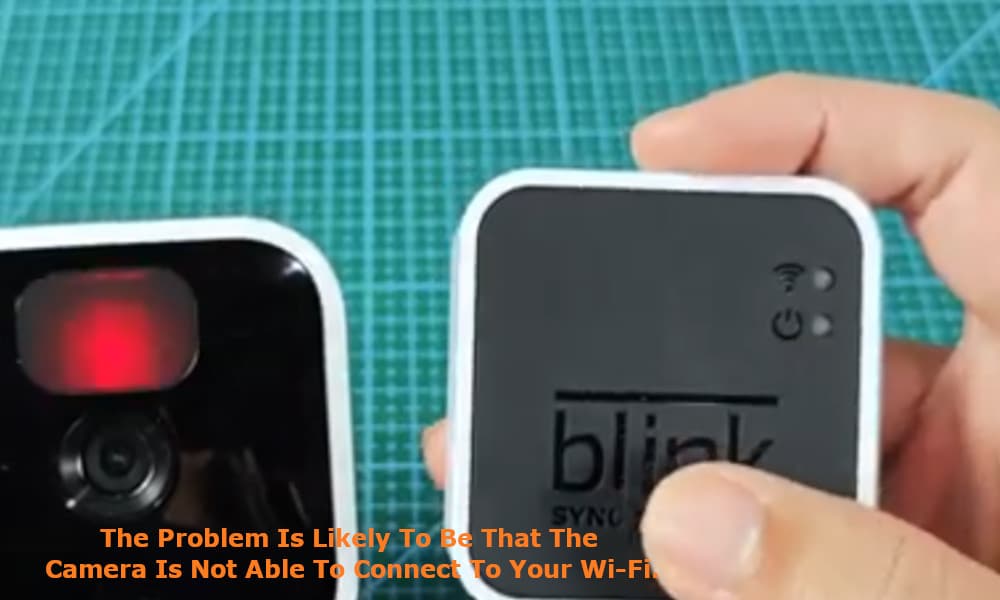
Therefore, the problem is likely to be that the camera is not able to connect to your Wi-Fi. This problem is not quite as simple to resolve as it is to replace the batteries in the camera.
What you should check for first is that your internet is on and is stable and working as it should. You also should check that your Sync module 2 is showing that it is still connected to your Wi-Fi.
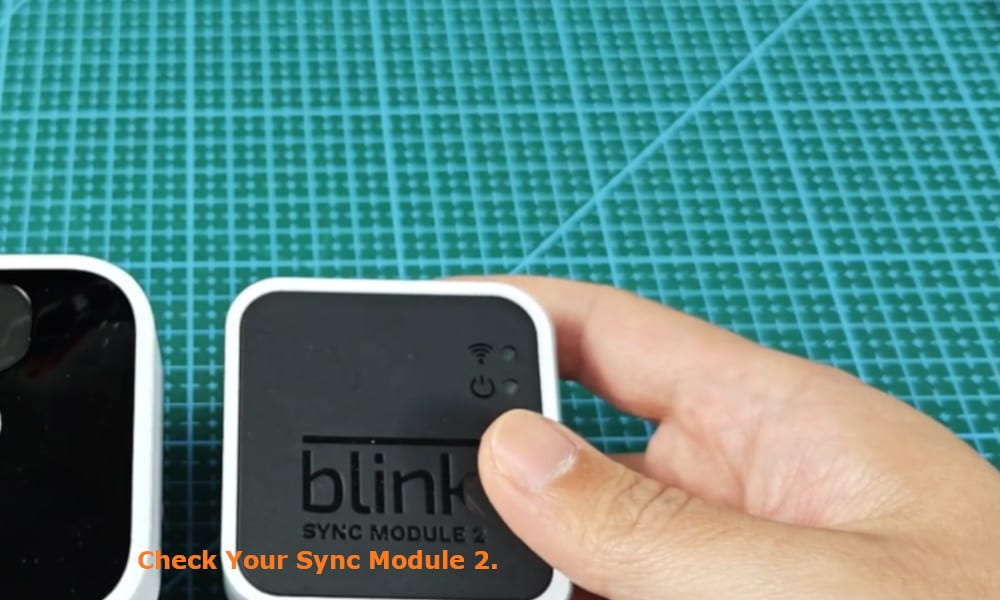
Things to also be aware of is that ‘live view’ will not cause the red flashing light, and nor will motion detect. You can confirm this for yourselves by placing your smart device next to your Sync module.
Go into live view on the app, and also move your hand over the camera. You will observe that neither of these actions will not cause the red light to flash red.