WiFi Power Calculator
Estimate router, mesh node, and PoE access point load, energy use, coverage pressure, and backup runtime from real WiFi equipment profiles.
WiFi Power Results
| Equipment type | Typical draw | Planning draw | Best calculator use |
|---|---|---|---|
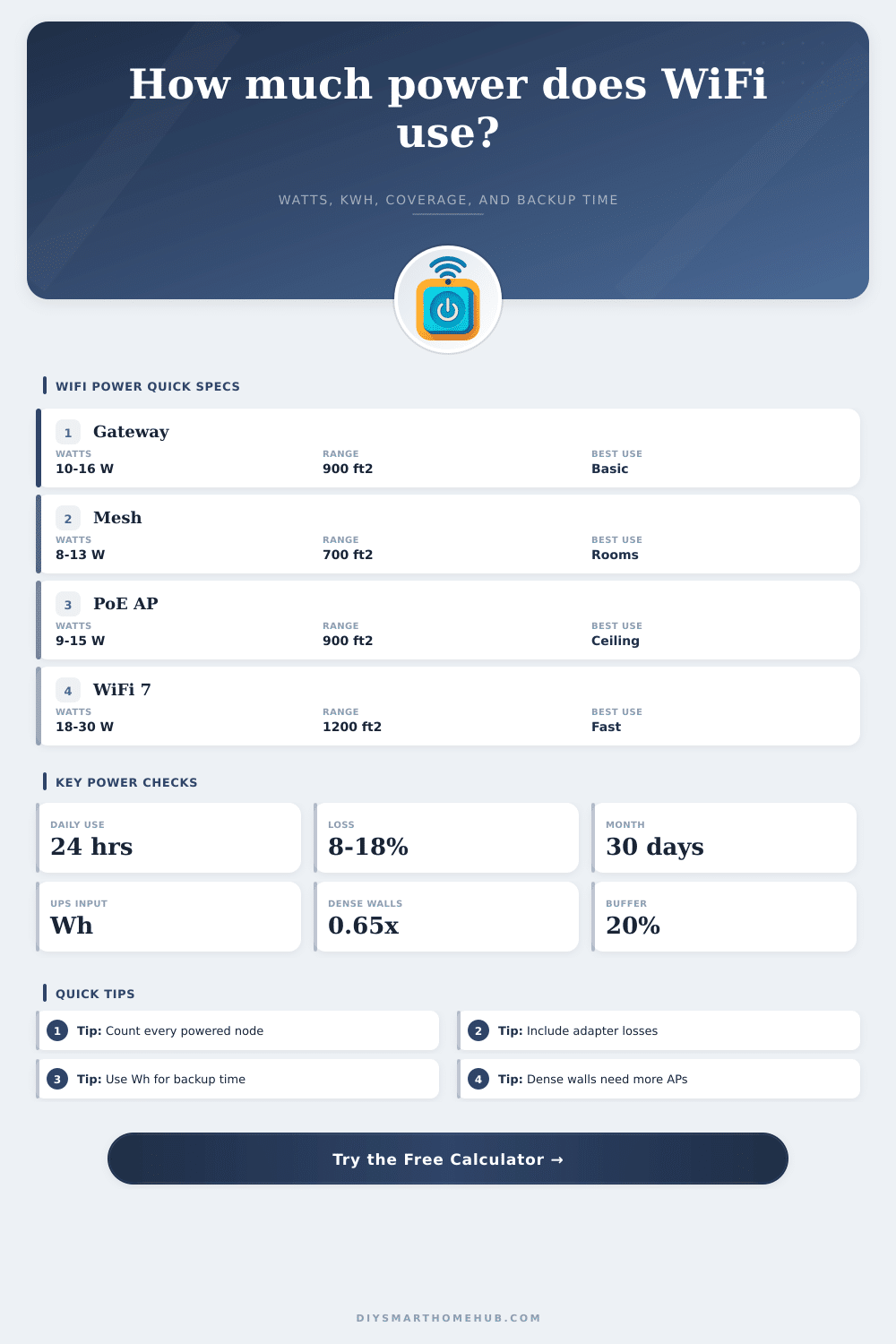
| ISP gateway or combo router | 10-16 W | 13 W | Main internet gateway, small homes, apartments |
| Standalone WiFi 6 router | 9-18 W | 14 W | Single-router homes and home offices |
| WiFi 6 mesh node | 8-13 W | 11 W | Whole-home mesh satellites and room nodes |
| Tri-band WiFi 6E mesh node | 12-18 W | 15 W | High-throughput mesh with 6 GHz backhaul |
| High-power WiFi 7 router or node | 18-30 W | 24 W | Fast multi-gig networks and dense device loads |
| Indoor PoE ceiling access point | 9-15 W | 12 W | Ceiling AP layouts and controller-based WiFi |
| Outdoor PoE access point | 11-18 W | 15 W | Garage, patio, yard, or detached building coverage |
| Coverage condition | Planning area per node | Metric equivalent | Power implication |
|---|---|---|---|
| Open plan or light partitions | 900-1200 ft² | 84-111 m² | Fewer nodes can cover the same area |
| Average drywall home | 650-850 ft² | 60-79 m² | Use normal mesh or AP count estimates |
| Brick, plaster, or dense layout | 450-650 ft² | 42-60 m² | More nodes raise total continuous watts |
| Multi-floor with dense zones | 350-550 ft² | 33-51 m² | Plan by floor and count each powered AP |
| Common project | Area | Typical WiFi gear | Planning draw |
|---|---|---|---|
| Single room or studio | 168-500 ft² | 1 compact router or gateway | 6-13 W |
| Apartment network | 700-900 ft² | 1 gateway plus 1 mesh node | 22-27 W |
| Open plan living area | 600 ft² | 1 WiFi 6 router | 14-18 W |
| Whole house mesh | 1800-2400 ft² | 1 router plus 3 nodes | 45-55 W |
| Large dense home | 3000-3600 ft² | 1 router plus 5 nodes | 75-95 W |
| Usable battery | 25 W network | 50 W network | 75 W network |
|---|---|---|---|
| 150 Wh | 6.0 hr | 3.0 hr | 2.0 hr |
| 300 Wh | 12.0 hr | 6.0 hr | 4.0 hr |
| 500 Wh | 20.0 hr | 10.0 hr | 6.7 hr |
| 1000 Wh | 40.0 hr | 20.0 hr | 13.3 hr |
WiFi networks uses electricity continuously because the WiFi networks remain on even when there is no one using the WiFi networks connected to them. This continuous use of electricity incurs cost for the electric bill. Additionally, because batteries backup the WiFi networks, the continuous use of electricity also reduces the length of time that the battery can provide power to the WiFi networks in the case of a power outage.
Several factors that reduce the signal strength between each node and the WiFi stations affect the amount of electricity that reaches the WiFi radio station from each WiFi node. These factors that reduce the signal include the number of nodes, WiFi adapter, and the number of walls that separate the WiFi nodes from the WiFi stations. Many people feels that using a single router will provide sufficient WiFi coverage for the average home.
WiFi Power Use and Battery Life
However, if the house contains interior wall or multiple stories, then the signal from the router will weaken, and you will require additional WiFi nodes to provide coverage to the areas where the signal has weakened. Every additional WiFi node will require electricity to power on and provide the WiFi signal for those area of the home. Therefore, the total amount of electricity that is required will be the amount used by the main gateway router and the amount used by all additional WiFi nodes in the network.
When planning a WiFi network, it is important to consider how many square feet the WiFi node will cover and what type of obstacles may interfere with the signal. For example, a WiFi node that is rated to provide signal to an area of eight hundred square feet may only be able to cover four hundred square feet if the signal must pass through brick or plaster walls to reach some of the device in that area. In this situation, you will have to purchase and add an additional WiFi node to the network to provide coverage to the area covered by the weakened signal from the original node.
In this case, the additional WiFi node will increase the total watts that are being draw from the power supply of the homes electrical panel. The additional watts will both increase the cost of the electric bill for the month and decrease the length of time that a battery backup can power the WiFi networks. Another aspect of planning a WiFi network is calculating the efficiency of the WiFi devices and ensuring that the amount of electricity that reaches the WiFi radio station is accounted for.
For instance, the power supply for the WiFi device may only convert twelve watts at the radio station, but the power supply may draw fifteen watt from the power supply panel in the home because the power supply and PoE injector use three of those watts instead of reaching the radio station. While these extra watts may seem small, they accumulate over time as the WiFi devices are required to remain on for twenty-four hours a day. These extra watts will both increase the electric bill for the month and reduce the length of time that the battery backup can power the WiFi networks.
Another calculation that should of been performed in the planning of a WiFi network is the sizing of the battery backup for the network. To calculate the length of time that the battery backup will last, the total number of watt-hours that can be drawn from the battery divided by the number of watts that are drawn by the entire WiFi network. In this calculation, it is important to use the total number of watts that are drawn by the entire network of WiFi equipment.
Using just the number of watts drawn by the main router will lead to inaccuracy in the estimation of the length of time that the battery backup will last. Using inaccurate figure in the calculation will lead to the battery running out of power before the power outage clears. WiFi networks can be densely laid out in some homes.
For example, homes that contain multiple stories and thick interior walls will require more WiFi nodes to provide sufficient signal to each area of the home. Additionally, each additional WiFi node will increase the amount of heat that is create in the area in which the WiFi equipment is located. The more WiFi nodes that are used to provide coverage in a home, the more electricity is required to power each individual device in the network.
Vacation homes tend to have less electricity used for WiFi networks than homes that are used as full-time homes. This is due to the fact that vacation homes can be powered down to only the single router that is required to provide WiFi signal to those who are visiting the vacation home. However, full-time homes cant often be powered down to reduce the amount of electricity used by the WiFi networks.
To properly plan the WiFi network in the home, you should count every piece of WiFi gear that is owned by the home. Each piece of gear should be noted for the number of hours that it is required to remain on each day. Each of these figures should be adjusted to account for the efficiency of each power supply for the gear.
By knowing these figures, it is possible to use simple arithmetic to calculate the amount of electricity that will be used by the WiFi networks each day and how long the battery backup will last. The more WiFi coverage that is required for the home indicates that more watts will be used. However, if the adapters that are used in the WiFi network are energy efficient, both the electric bill and battery backup requirements can be reduced.
If the WiFi network is sized according to the walls in the home, it will be easier to provide an accurate estimate of the length of time that the battery backup will last.