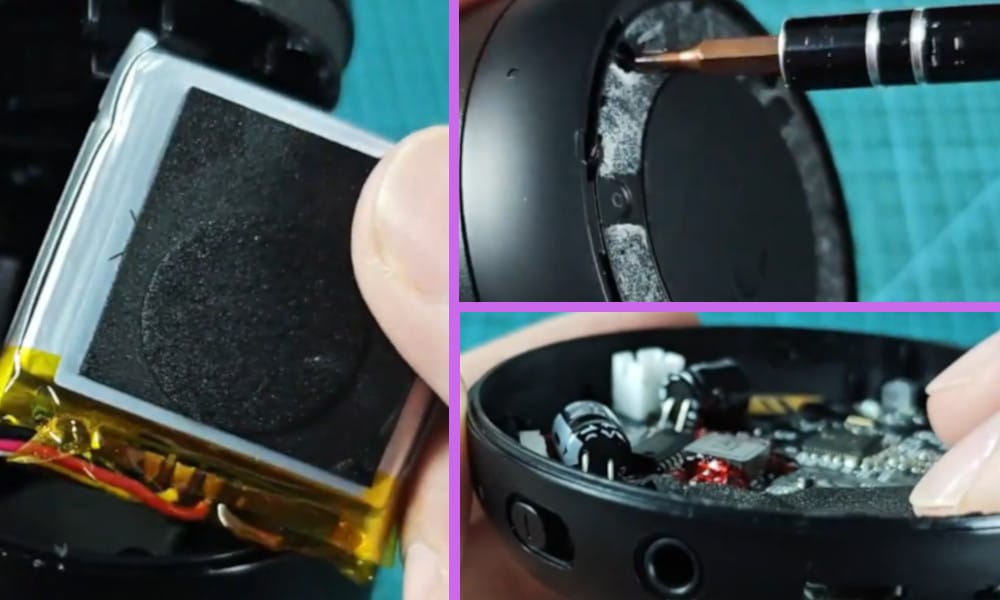
If like me you have an Anker Soundcore Mini Speaker you may occasionally find that it is not charging itself, which can be very frustrating.
I decided to buy my Mini Speaker because it better than most Bluetooth speakers currently on the market, and because it is light and portable and has a long battery life.
But, as I have found, if the battery does fail to charge, it is a relatively easy problem to be able to resolve yourself.
By the way, I also made a short YouTube video about this topic and you can watch it down below before you continue reading this article.
On the video, I showed how to fix this issue by identifying if its battery is still good or not. I also suggest you should inspect and clean its charging ports.
How to Fix Anker Soundcore Mini Speaker Not Charging
To do this, at the base of the Mini Speaker, you will need to remove the seal first. This will enable you to gain access to unscrew the screws which will release the base from the Mini Speaker.
Next you should detach the two electrical connectors connecting the base to the main section of the Mini Speaker.
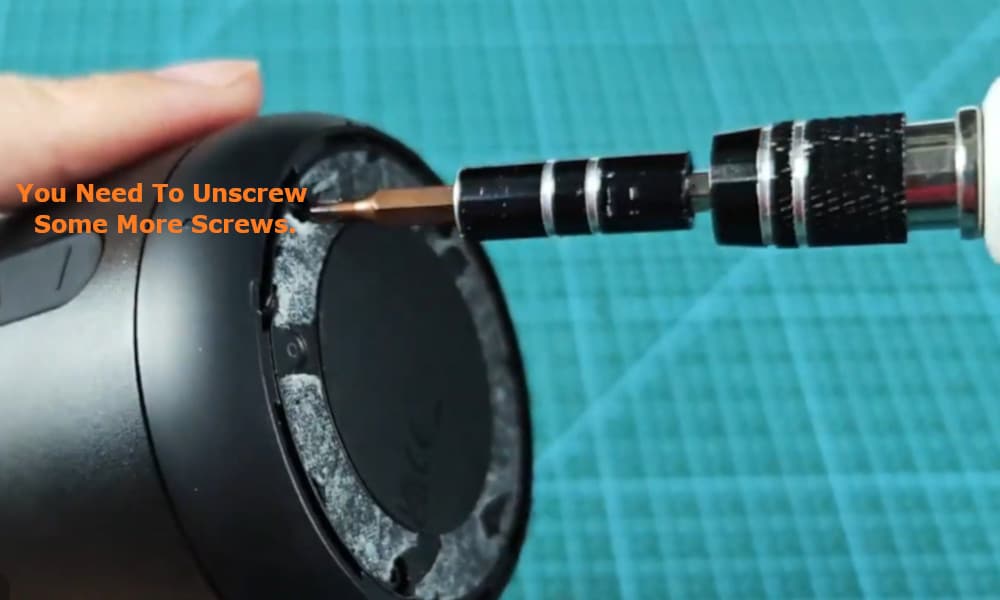
Now you need to unscrew some more screws to enable you to get to the battery pack which is located inside the main part of your speaker.
Note that you may need to prise off this cover with a screw driver or knife, ensuring not to damage the speaker itself.
Once you have gained access to the battery, the model of the battery that you should find inside should be a 103450 rechargeable battery which outputs 3.7 volts.
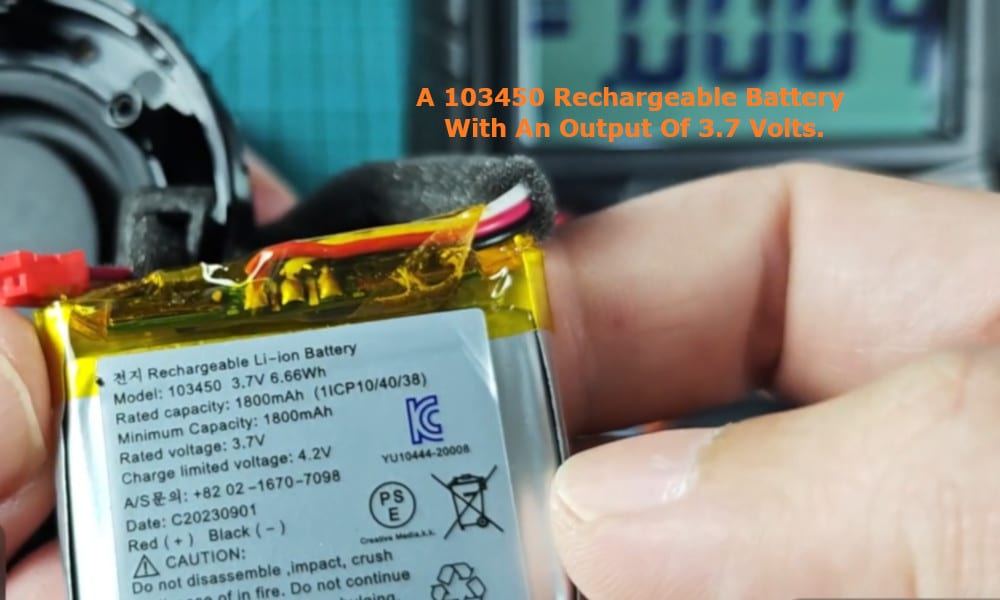
To determine if the battery is still good or not, you will need to test it using a volt meter. When tested, the battery should register around 3.7 volts on your volt meter if it is still in good working condition.
If you find that the voltage registered is far below this level, then the battery may be bad and will need to be replaced.
Related: Anker Soundcore Mini Speaker Not Turning on Not Working Troubleshoot: Solutions I Recommend
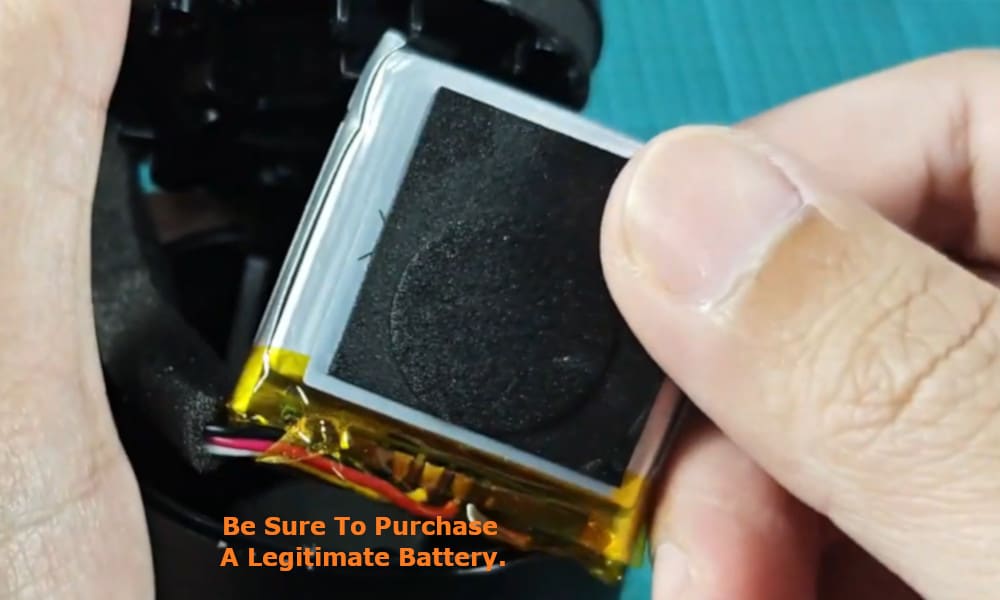
In the event that the battery does need replacing, be sure to purchase a legitimate battery from the maker or distributors of the Anker Soundcore Mini Speaker.
Pirate parts can often cause more problems which usually end up costing you more money than you would have spent had you bought an original battery specifically manufactured for your Mini Speaker.
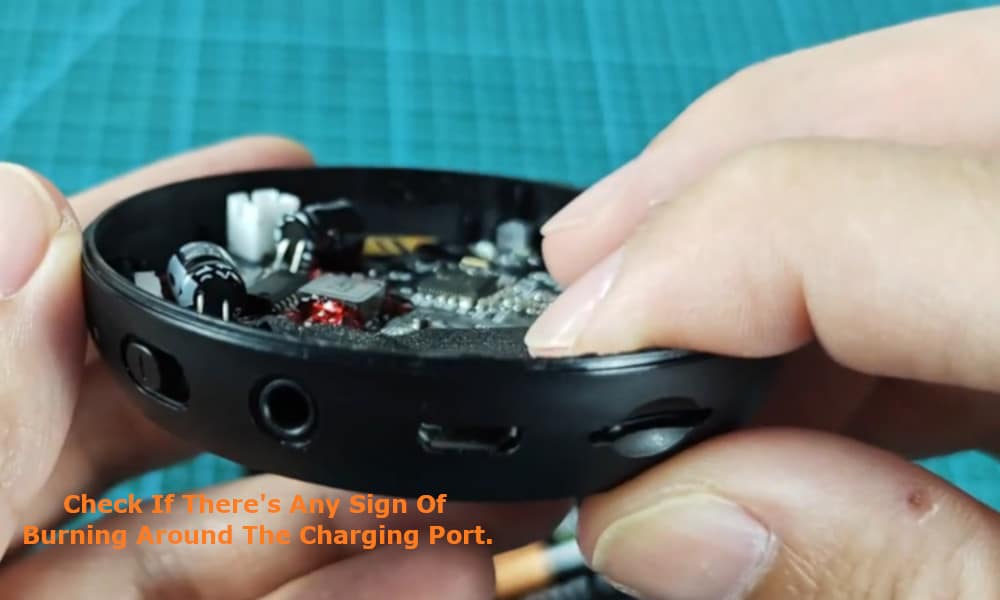
Another thing that you should check for is that there are no signs of burning around the charging port of your Anker Soundcore Mini Speaker.
Additionally, the charging port may simply have become dirty and just need to be cleaned.
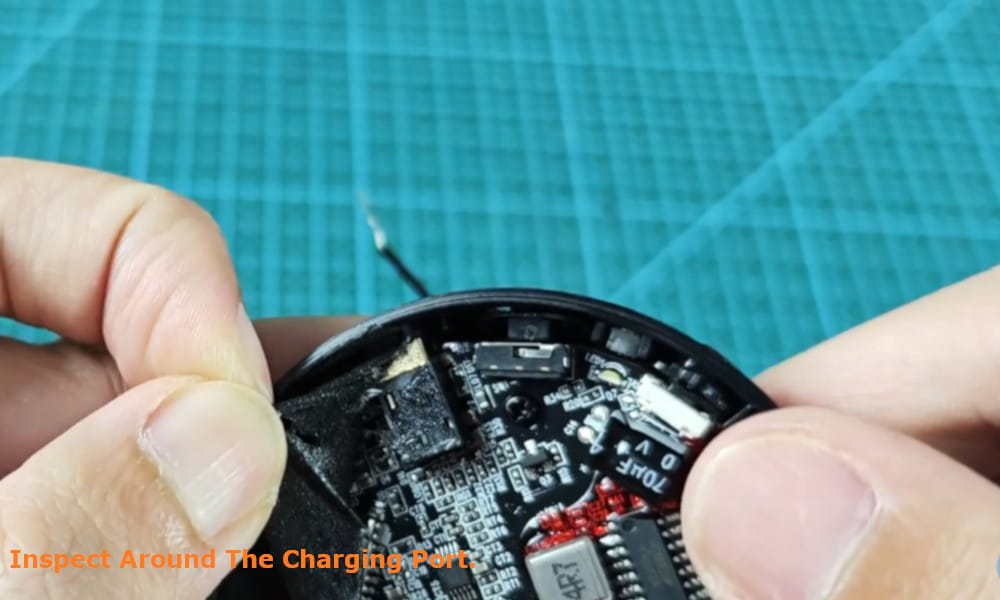
You can clean the charging port by either using a can of compressed air to blow out any dust or debris, or you can even clean the charging port with a toothpick.
However, please make sure to be gentle when removing any debris from the charging port as the internal electrodes and pins are very delicate and you do not want to damage them.