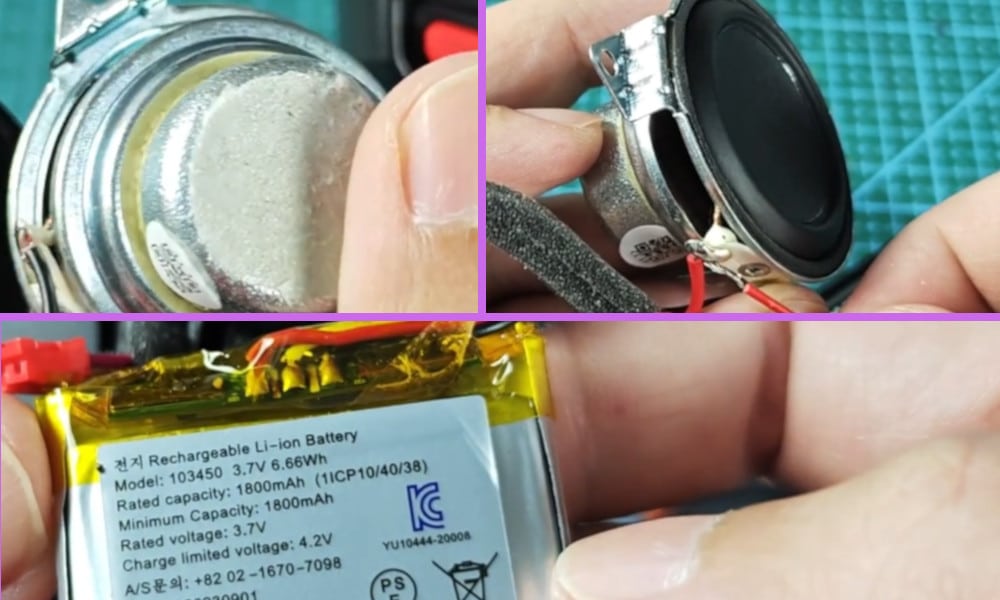
If you own an Anker Soundcore Mini Speaker as I do, and have done so for some time now, you too may have encountered the problem where it occasionally fails to turn on and therefore does not work.
To try to determine the fault and be able to fix it yourself rather than having to pay for someone else to fix the problem, under the bottom of the Mini Speaker you will find that it is sealed.
I also made a short YouTube video about this topic and you can watch it below before you continue reading this article.
On the video, I showed the different things you should do in order to fix this issue like using a multimeter to check its battery and speaker, and the condition of its power button.
How to Troubleshoot Anker Soundcore Mini Speaker Not Turning on Not Working
You will first need to remove this seal which will then give you access to unscrew the screws which will release the base from the Mini Speaker.
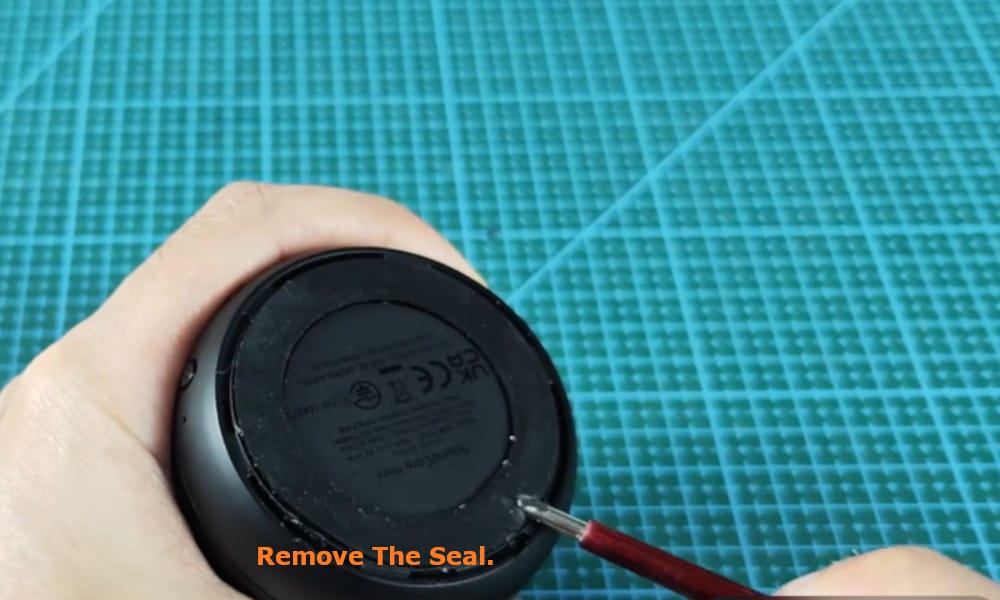
Note that you may need to prise off this cover with a blunt screw driver or knife. Make sure that you do not damage the speaker when doing this.
Disconnect the two electrical connectors connecting the base to the main section of the Mini Speaker. One will be red and the other one is white.
Once you have gained access you should be able to see the battery which can often be the number one cause of your Mini Speaker failing to switch on and to work.
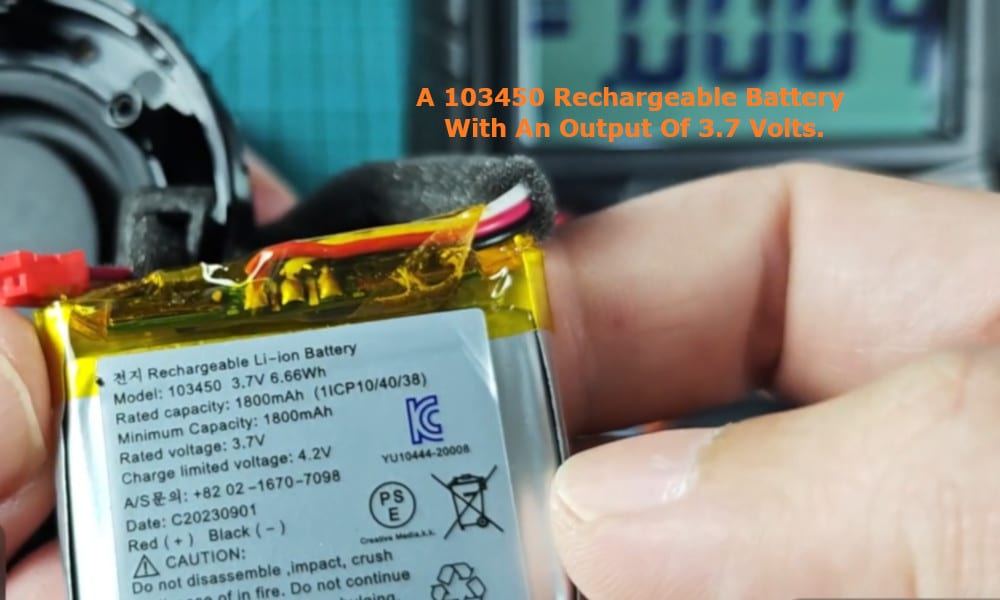
If your speaker is not switching on, it is often due to the battery being drained or no longer being any good. Your speaker uses a 103450 rechargeable battery with an output of 3.7 volts.
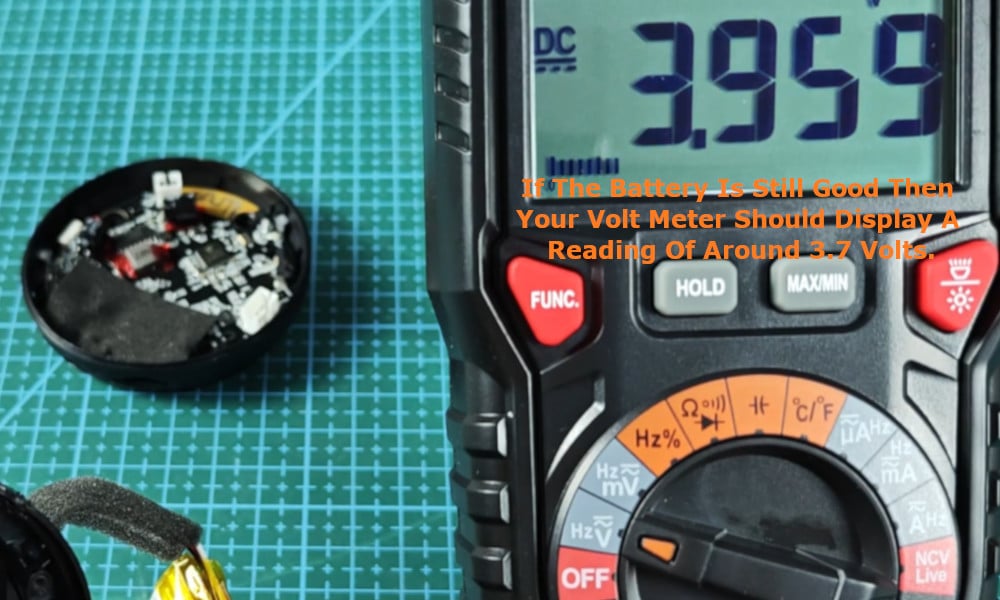
You can use a volt meter to ascertain whether the battery is still good or needs to be replaced. If the battery is still good then your volt meter should display a reading of around 3.7 volts.
If the voltage displayed on your volt meter is far below 3.7 volts then the battery could have degraded over time and have reached the end of its lifespan. If this is the case then it will probably need to be replaced.
If you find that the battery is not the problem, but when you press the ‘Play’ button the speaker still does not work, the problem could be that the battery connectors have come loose.
Make sure that these battery connectors are securely attached to the battery.
The next issue that you may consider looking into is that the speaker itself is not functioning due to not being in a good condition. To test the speaker, again use your volt meter to measure its resistance.
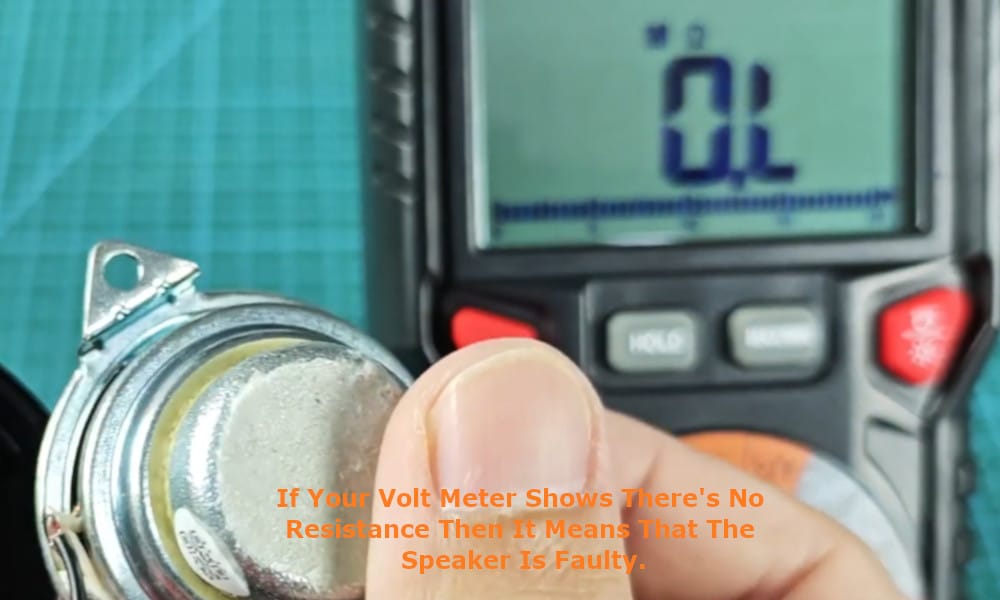
If your volt meter shows that there is no resistance then it means that the speaker is faulty and causing the problem. A good speaker will measure some resistance on your volt meter.
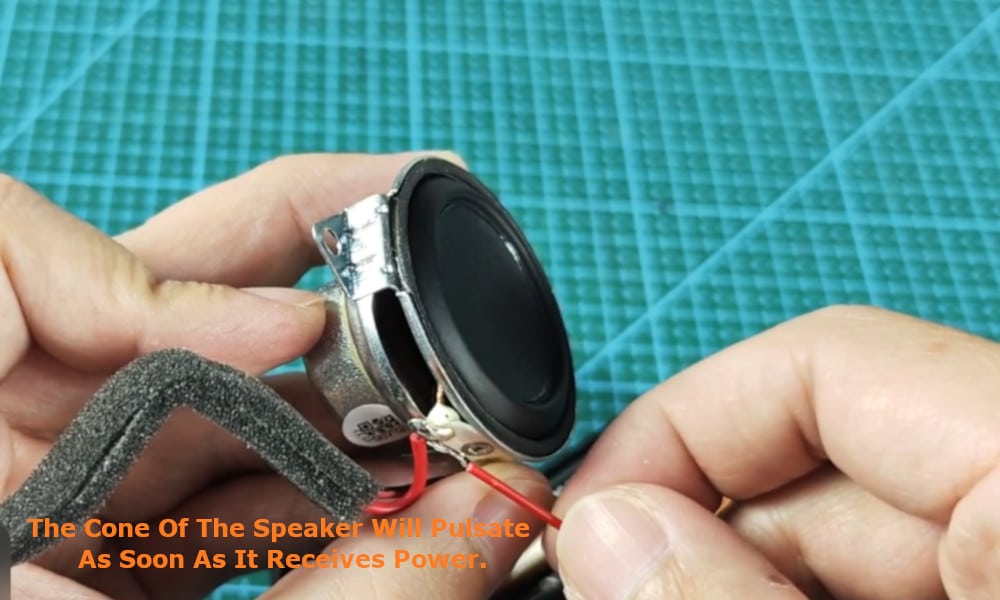
To further test the Mini Speaker, you can connect 3.7 volts directly to the speaker itself. If the speaker is in good condition, then this test will cause the cone of the speaker to pulsate as soon as it receives power.
Related: How I Troubleshooted My Anker Soundcore Mini Speaker Not Charging
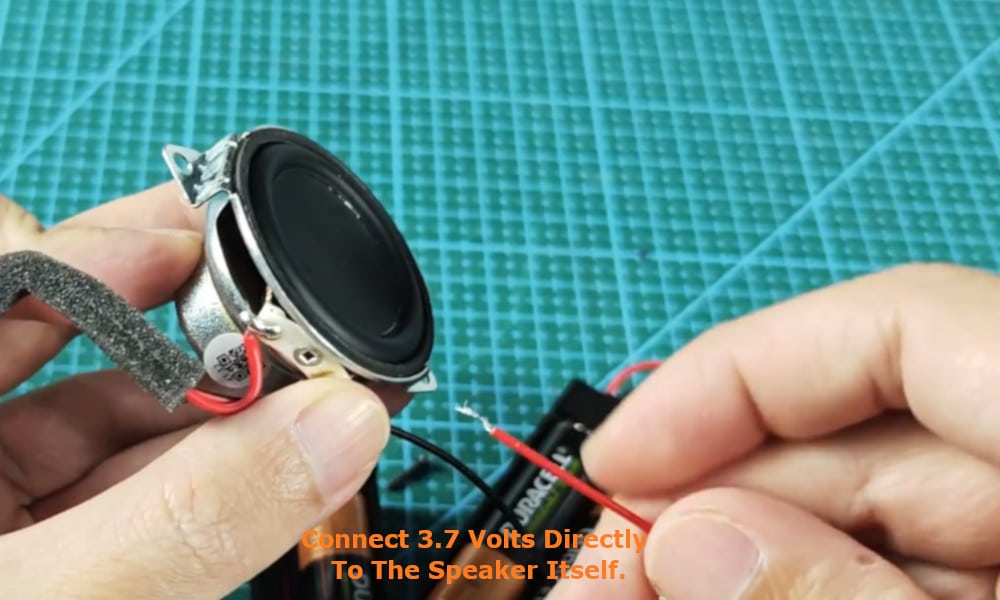
If the cone does not pulsate when receiving power, then it is the speaker that is faulty.
Other things that could possibly be causing the problem is that the firmware for the speaker is out of date or has been corrupted in some way.
Alternatively, the power button may have become stuck due to a build-up of dirt, or has been damaged in some way. Remember that most electrical appliances need regular cleaning and maintenance to keep them working properly.
However, if none of the above suggestions have enabled you to determine and fix the problem with your Anker Soundcore Mini Speaker, then you will need to either contact the Anker customer service department, or take your Mini Speaker in to an authorised/certified technician for Anker products to get it fixed.