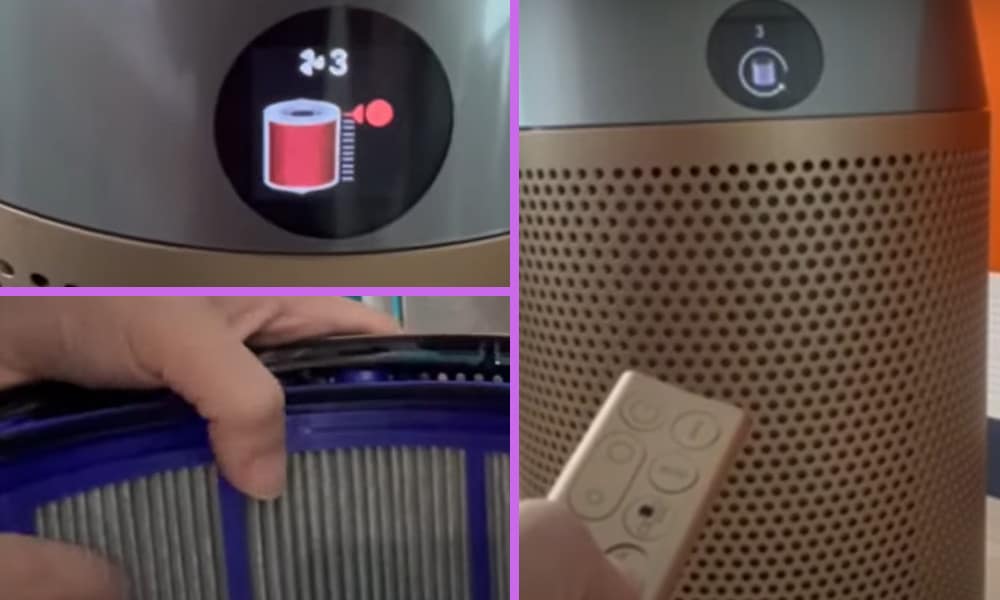
I love my Dyson Air Purifier. In fact, due to the air quality, dust and pollen where I currently live, I am not sure I could possibly do without it!
But like many technically smart gadgets and appliances that are being produced these days, and especially those that perform a cleaning function, they do need to be maintained and some parts either cleaned or replaced.
If the red light on your Dyson Air Purifier flashes, this will be because it will typically flash when the filters in the purifier are dirty and need to be replaced. That is what it has been programmed to do.
The filters in your Purifier are not designed and made to last forever, and you should not try and clean them yourself, although you can brush off excess dust build ups if required.
I also made a short video about this topic and you can watch it below. On my video, I showed how you can fix this issue by simply replacing the old filter with a new one.
Read: What I Did When My Dyson Air Purifier Not Connecting to Wi-Fi: 2 Solutions
What You Can Do to Fix Dyson Air Purifier Flashing Red Filter
Replacing the filters is a quick and easy job, but before doing so, please make sure that you have switched off and unplugged your Purifier. Once done, you can then remove the filter covers on the machine behind which you will find the air filters.
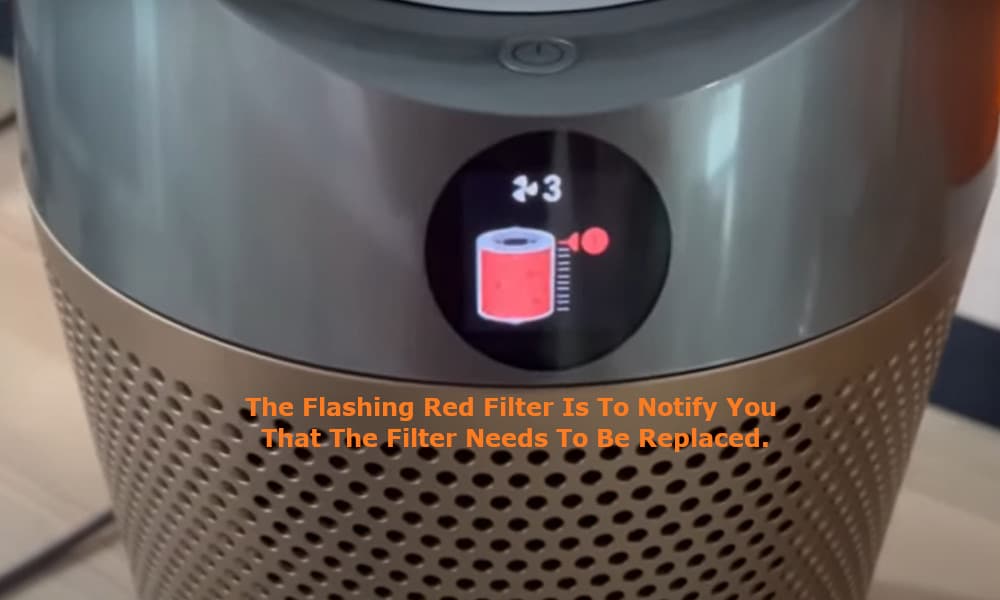
Check that there are no obvious problems with the filters such as a heavy build-up of dust, or even a tear in one of the filters.
On the top of the filter covers, in the middle, you will see a button which clips the filters into place. Press the button on each of the covers to release and remove the dirty or damaged filters.
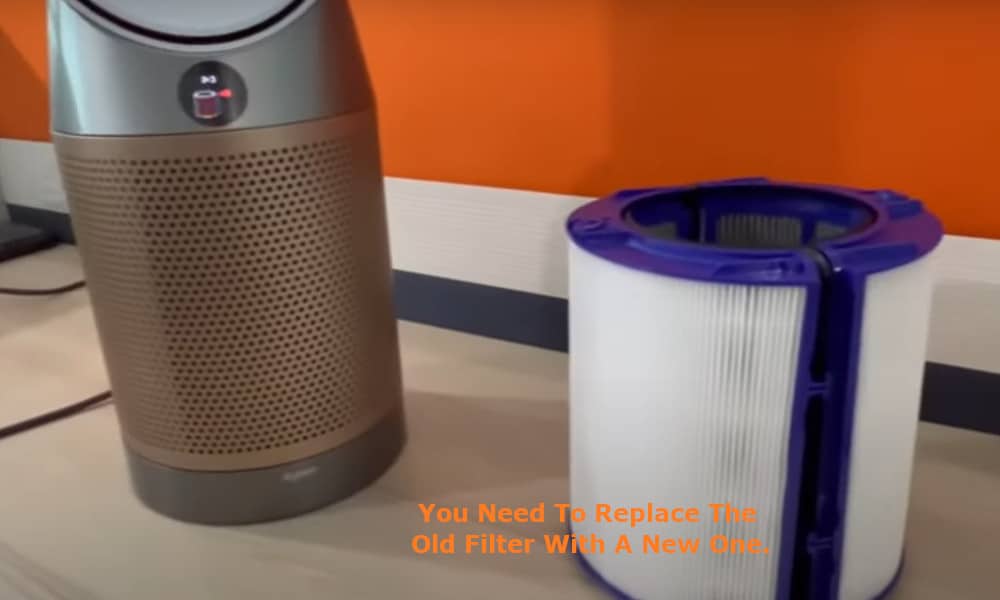
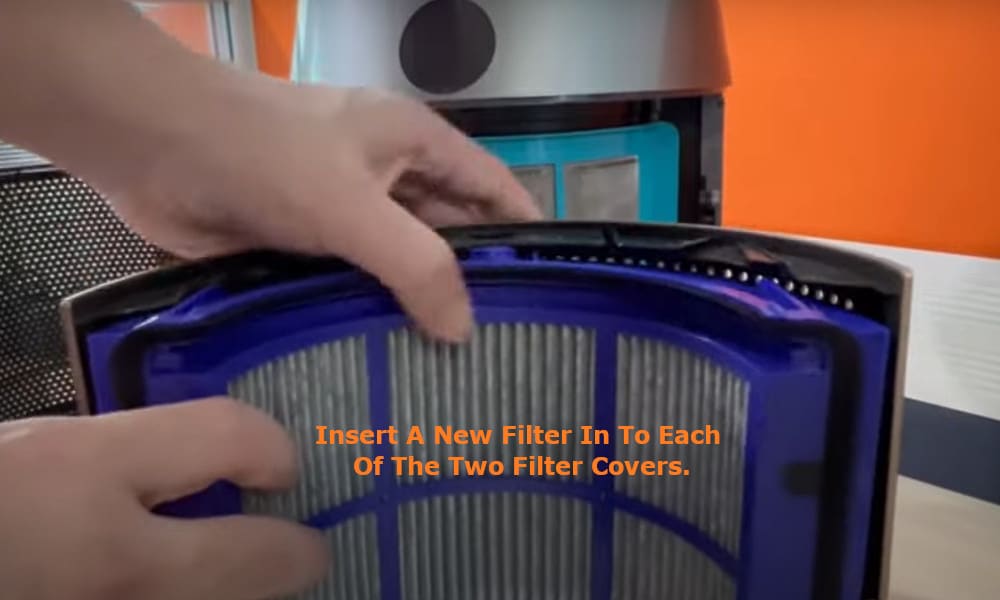
Insert a new filter in to each of the two filter covers ensuring that they are clipped into place securely. Reattach the filter covers to your Air Purifier whilst also making sure that they are also properly secured in place.
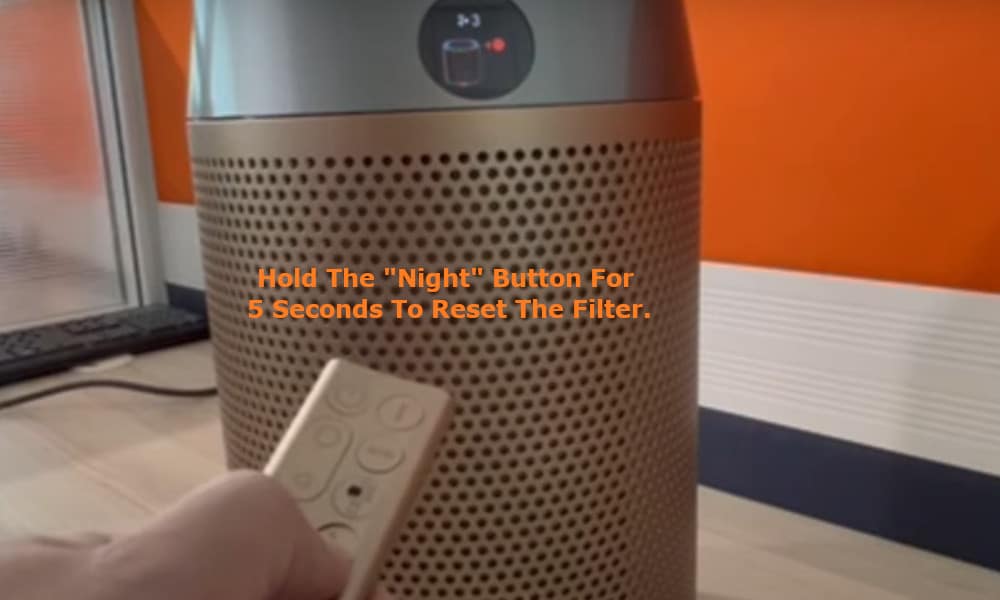
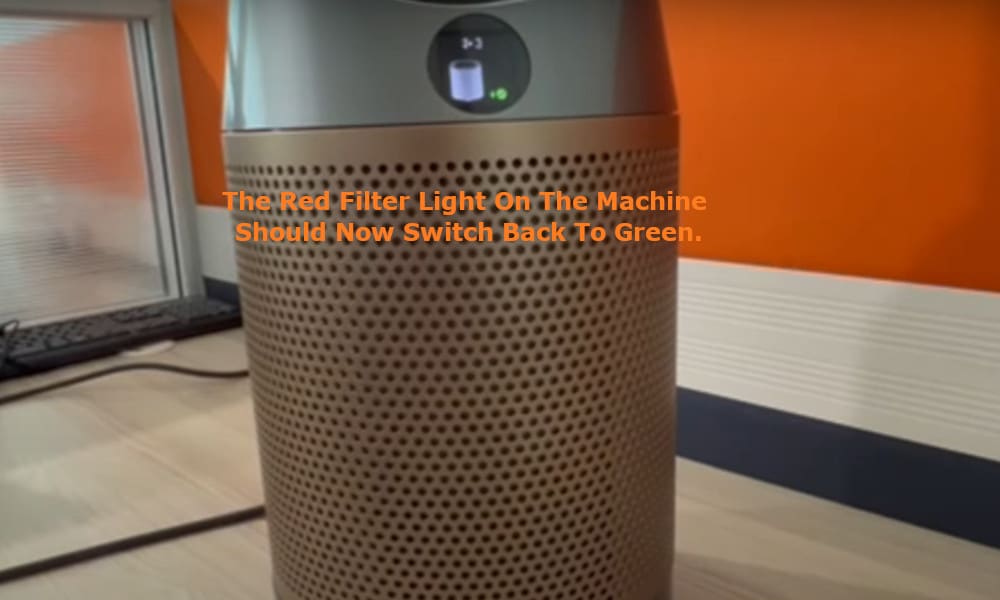
On the remote control for your Dyson Air Purifier hold down the “Night” button for five seconds to reset the Air Purifier. The red filter light on your machine should then switch back to green and you can continue to use your Purifier as normal.
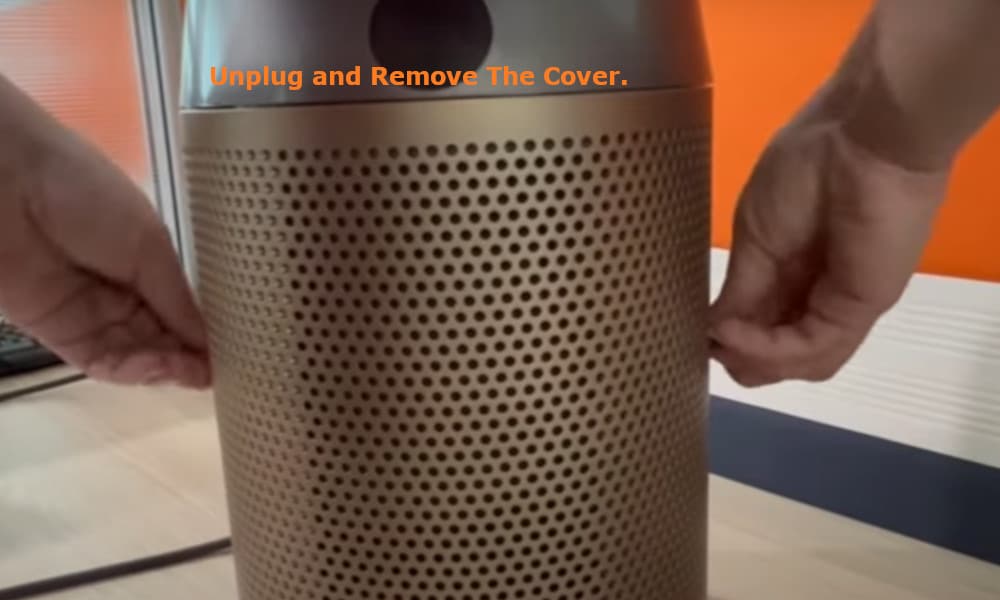
Should the red filter light still be displayed it could be that you have not properly secured either the filters or the filter covers. If this is the case, again, remembering to unplug your Purifier, check that both of the filters and filter covers are properly secured.
If they are all properly secured, then the problem could be that the red light is still being displayed due to a problem with the device’s sensor.
Again, remembering to unplug your machine, inspect the Purifier’s sensor system to ensure that there are no obstructions or a build up of dirt or dust, and clean as necessary whilst also remembering that this is a delicate area so be gentle.
Plug in your Dyson Air Purifier again and hold down the “Night” button for a minimum of five seconds to reset the filter. The red filter light on the machine should now switch back to green.
If this does not happen, then there is likely to be a more serious problem with your Dyson Air Purifier and you should contact Dyson’s customer service department.
To try and avoid problems such as the above, remember to regularly inspect and clean your Air Purifier.
Not only will it cut down on such problems with your device, it will also help to keep your Purifier working at top capacity, meaning that you will have the benefit of the best possible air quality that it can provide you with.