Fiber Optic Count Calculator
Estimate fiber strands, standard cable size, connector terminations, splice workload, route length, and optical loss for smart home backbone, outbuilding, camera, WiFi, and media network runs.
Calculation Breakdown
| Endpoint or Link Type | Typical Active Strands | Count Method | Recommended Reserve |
|---|---|---|---|
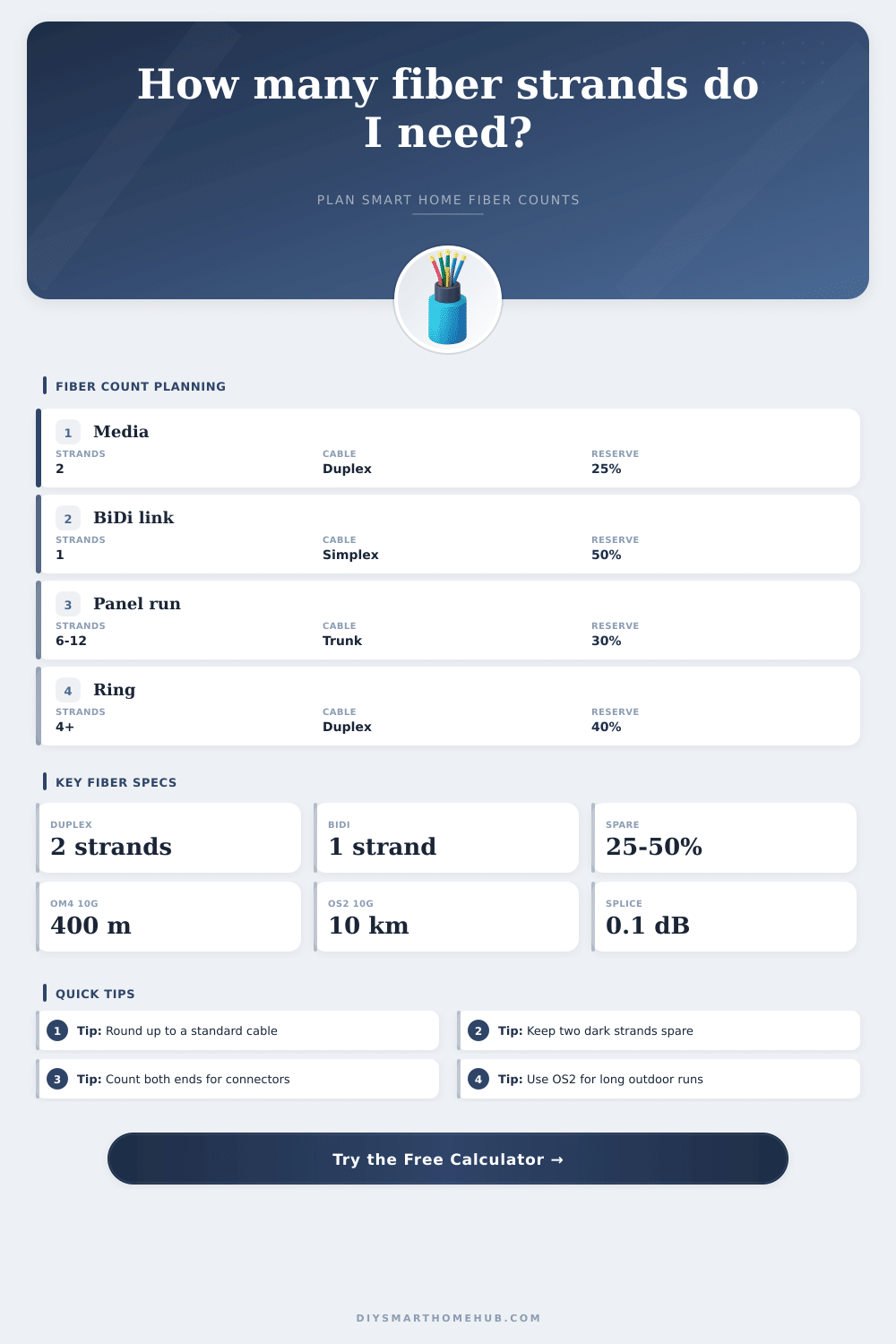
| Standard duplex Ethernet fiber link | 2 strands | One transmit and one receive strand | Add one spare pair where practical |
| BiDi single-fiber transceiver pair | 1 strand | Two wavelengths share one strand | Keep at least one dark strand nearby |
| AV, NAS, or lab link with upgrade path | 4 strands | Two duplex pairs for upgrade or failover | 30% or higher for rack areas |
| Panel-to-panel distribution trunk | 6 to 24 strands | Round to a standard trunk cable | 30% to 50% dark fiber is common |
| Redundant A/B route | Double active strand count | Separate path or ring return allocation | Reserve each path independently |
| Standard Cable | Good Fit | Typical Smart Home Use | Planning Note |
|---|---|---|---|
| 2F duplex | 1 active duplex link | Single media room or point-to-point run | Minimal spare capacity |
| 4F mini trunk | 1 link plus spare pair | Detached office, AP node, or small camera switch | Good small-run baseline |
| 6F / 8F backbone | 2 to 3 duplex links | Garage, workshop, or compact distribution panel | Allows future transceiver changes |
| 12F trunk | Up to 6 duplex pairs | Whole-home rack to secondary panel | Common cassette and patch panel count |
| 24F trunk | 12 duplex pairs | Home lab, rack cluster, or multi-building hub | Strong expansion headroom |
| 48F and larger | Large distributed systems | Estate, studio, security, and lab networks | Plan trays and labeling carefully |
| Fiber or Optic Choice | Connector Pattern | Common Link Budget | Best Planning Use |
|---|---|---|---|
| OM3 with 10GBASE-SR | LC duplex | About 2.6 dB at 300 m | Short indoor rack and room runs |
| OM4 with 10GBASE-SR | LC duplex | About 2.9 dB at 400 m | Higher-margin whole-home multimode |
| OS2 with 10GBASE-LR | LC duplex | Commonly 6.2 dB or more | Long outdoor or building-to-building runs |
| BiDi SFP pair | LC simplex | Optic-specific, often 6 dB plus | Saving strand count where spares are limited |
| MPO cassette trunk | MPO to LC cassette | Add cassette insertion loss | Neat 12F or 24F panel backbones |
| Project Scenario | Active Links | Suggested Cable | Secondary Count to Check |
|---|---|---|---|
| Single media room to rack | 1 to 2 duplex links | 4F or 6F | 8 to 12 terminations |
| Garage or workshop backbone | 2 to 3 duplex links | 6F to 12F | 1 patch-through point |
| Detached office plus AP | 2 duplex links | 8F or 12F | Outdoor-rated route length |
| Whole-home rack to floor panels | 6 to 10 duplex links | 12F to 24F | Label spare pairs by panel |
| Home lab and storage cluster | 10+ duplex links | 24F or 48F | Patch panel port density |
Many homeowners treat fiber optic cable like it’s magic wire that carries infinite bandwidth without consequence. Pull one duplex pair out of main rack to your media room and just assume it’ll last another decade. It normally does, but maybe you’ve added a dedicated 4K camera feed? Or upgraded your NAS? Maybe you’d like to have the garage Wi-Fi on its own backhaul? Now you discover running conduit through finished walls is both painful and expensive.
This fiber optic count calculator help you avoid that “oh man” moment of regret by getting your first run sized right the first time. It’s really more about managing strands, not just straight-through speeds. While fiber is forgiving in terms of distance, it’s unforgiving when it comes to physical access. A single cable that go across the roof or gets buried in a wall doesn’t come out again.
Why You Need Extra Fiber Strands
So the calculator takes into account how many device you’ll have with an active link (e.g., a switch, a camera) and how much buffer you want to set aside for expanding later. Then it adds those together, includes a reserve percentage, and rounds the total up to next standard cable size, such as 12-strand or 24-strand trunk. Because fiber cables comes in set configurations, we round up. For example, you can’t buy a custom 13-strand cable. And since it looks like you need 14 strands, it’s usually better to just purchase a 24-strand trunk instead of trying to jam two smaller runs into one place. This saves time when making patches and provides lots of dark fiber for whatever you might want to use it for down the road.
That’s why the tool takes care of that rounding logic for you… No need to remember what industry standard is. Plus, it calculates optical loss based off the number of splice points and the length of your longest link. As long as you use OS2 single-mode fiber, it will ensure you have enough signal strength even for a longer outdoor run.
Budget, distance and whether you use multimode (OM4) or single mode (OS2) fiber matter most when choosing which cable to buy. If you’re going short distances indoors from rack to room (< 400m), you can get away with less expensive multimode that's easy to terminate with common LC connectors. Single-mode will go just about anywhere and demands a bit more care during termination or splicing should you be doing it yourself. By selecting your choice, the calculator set its loss assumptions accordingly so you have a good idea of how much signal drops off at various distances. Remember, the goal isn’t just stuffing the cable into the tray. We want the light to make it to the other side and still has enough oomph to register as a link.
Terminations are one thing a lot of do-it-yourselfers overlook: You’ve got 24 fiber ends on a 12-strand trunk. That’s 24 splices or connectors, each with a little bit of signal loss, plus lots of label-only tags so you know which is which. If you skip labeling those spare strands, they becomes useless liabilities the moment you add a new device next year. Label ’em and keep ’em straight.
The tool also includes handy reference tables to help put things in perspective. How many strands should a single point-to-point run have versus how many does a redundant ring topology require? Double your active strands for redundancy but preserve your network if a backhoe slices through a line. However, perhaps the most critical input is the reserve percentage. If you want spares, adding 30% (or 50%) spare capacity will cost you next-to-nothing in added cable price. This gives you flexibility. You can replace a duplex link with a high-density MPO trunk at any time without pulling new conduit. Dark fiber is an insurance policy with no expiration date.
Plug the numbers into the calculator above, and it’ll do the math for you. It will turn your device counts into total fiber strands and cable lengths. Eliminate guesswork. Create a procurement list. And at the end of the day, it’s not so much about tech as it is logistics. How many strands of fiber do you want to plan for today that will cover whatever home of tomorrow looks like, but without ripping out your drywall in a few years? Begin by calculating how many active devices you’re certain of today; then add a reasonable amount of reserve for those you can’t yet see; then let the tool round up to something you can comfortabley run a trunk line to.
A few unused strands resting peacefully in your patch panel are far preferable to wishing you should of added one more cable five years from now.