Smart Home Upgrade Phasing Budget Calculator
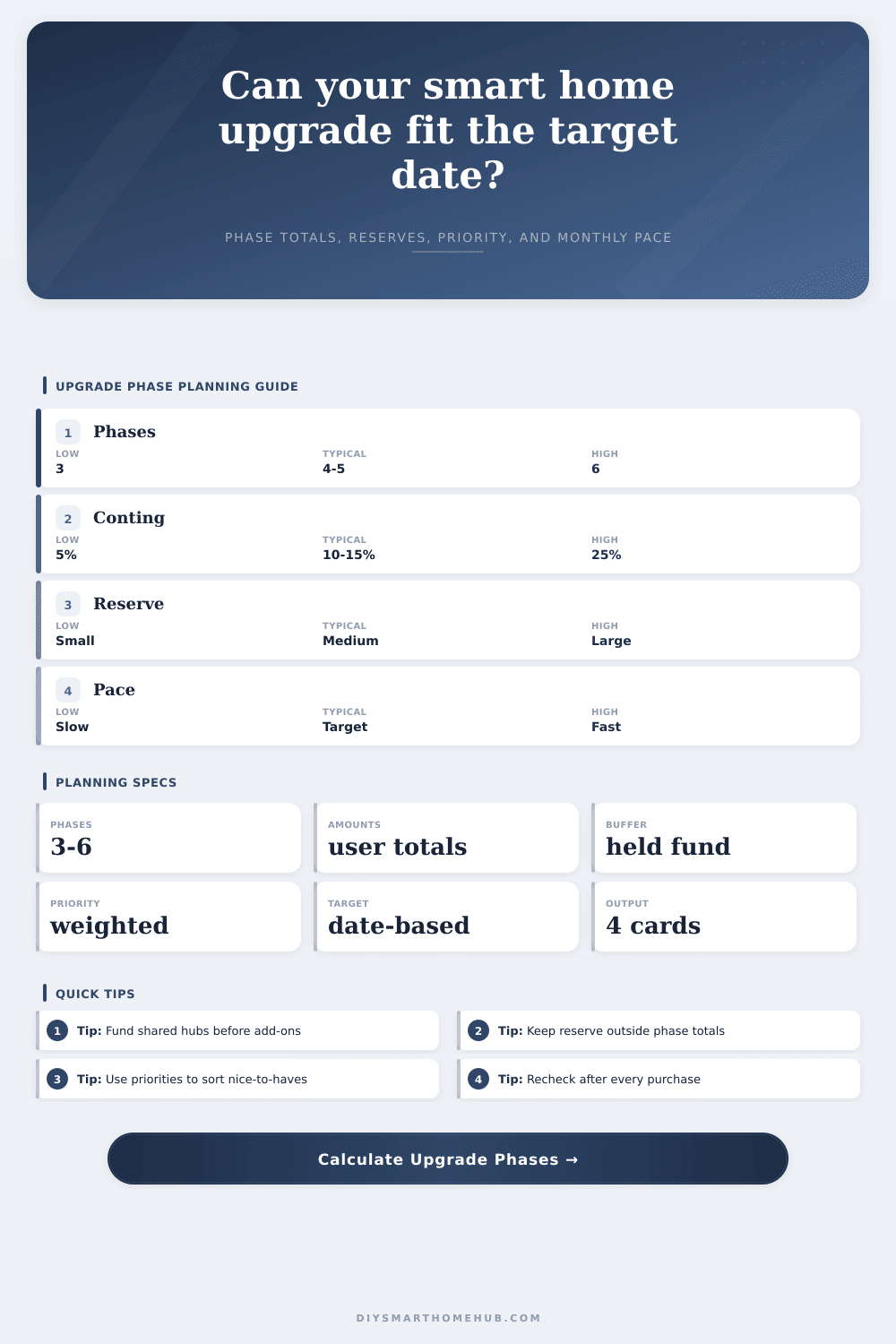
Plan a multi-phase smart home upgrade using your own phase amounts, priority profile, dependency order, monthly allocation, contingency, reserve buffer, and target completion date.
| Order | Focus | Phase total | Ready month |
|---|---|---|---|
| 1 | Infrastructure | $0 | Month 0 |
| Pace | Monthly | Months | Target result |
|---|---|---|---|
| Current | $0 | 0 | Check date |
| Mode | Best use | Start rule | Risk |
|---|---|---|---|
| Strict phase order | One installer window | Finish prior phase | Slow but clear |
| Infrastructure first | Hub or network refresh | Shared base first | Delays visible devices |
| Priority jump ahead | Urgent safety goals | Highest score first | Needs discipline |
| Parallel waves | Room-by-room work | Partial overlap | More tracking |
| Project | Phases | Priority | Reserve idea |
|---|---|---|---|
| Apartment starter | 3 | Balanced | Small buffer |
| Whole house | 6 | Infrastructure | Larger holdback |
| Security refresh | 4 | Security | Spare sensors |
| Energy control | 5 | Energy | Meter checks |
The first, and perhaps most important, rule of all smart home planning is to start with hub. People frequently break this rule; they’ll purchase some motion sensors, a video doorbell and maybe even a smart lock, then realize these devices don’t speak the same language and won’t talk to one another. It’s frustrating! But solution is structural.
You have to treat your house as a construction site, rather than a garage sale. This requires a phase plan. You should group device based off their function, consider shared infrastructure, and save up for stuff you inevitable forgot about.
How to Plan Your Smart Home Step by Step
For example, the calculator will do the math for you, but I think it’s important to understand why it work that way. Home automation require a change in thinking. People think devices. Smart bulbs? Check. You might also consider smart plugs. Sure. That’s the issue with doing this piecemeal, you pay twice for integration and devices is expensive.
You are realy buying a phased approach. It groups your purchases into waves: wave one lays down foundation; wave two layers on the security aspect; wave three introduce the comfort piece. The calculator will help you assign dollars to each wave instead of to individual pieces, which forces you to think of system as a whole.
Now think about the contingency percentage. When building something, you reserve 10 to 15 percent for contingencies; things that surprise you. This is necessary with smart home upgrades, too. A particular camera mount may require a custom part that wasn’t include in initial estimate. Your router can only handle so much additional traffic from all those new sensor, and now you’re screwed.
That’s what the contingency input is for: the little frictions that cause your first phase to overrun budget, throwing off whole timeline. Better to plan for the unforeseen neutral wire than to stumble on a desperate search for twenty bucks.
The other lever is dependency order. Does each phase has to complete before next starts (a strict order), or does the house have an infrastructure-first approach? In this latter option, you buy a router or some sort of central hub first, followed by your lights. Infrastructure-first has an advantage: it will be cheaper and easier for each additional device because of initial investment, even if it feels like you’re wasting money upfront since you don’t immediately reap the rewards.
The calculator takes this into account, setting the monthly allocation needs according to your selected priority profile. But cash flow isn’t everything; time is also critical. The tool will show you how far from (or ahead of) your deadline you are. Maybe your goal was completing it by a holiday season, or prior to a birthday party. Will you meet it at the rate you’re going? Or do you need to pick up pace?
That’s what the reserve buffer is for. Put it aside. Don’t touch it. It is not for planned expenses. It is for unanticipated ones. It is the part that dies within six months. The bridge that never got along with the sensor. The re-do because you decide you hate that light switch mounted there.
With a strong reserve, an emergency become just another maintenance item. That’s all laid out neatly on page in a table that references how each preset, energy control, security first and so forth (alters the focus). The point is, it forces you to practice.
The phasing avoids the “buy it now” impulse to do everything at once. Instead of having a single nasty bill from a credit card, the expenses are spread out for several month. And the learning process is also spread out. Phase one: You learn how to use your hub. Phase two: You get good with troubleshooting those pesky security alerts. By the time you hit last phases of scenes and aesthetic lighting, you’re an old pro.
However, don’t rush the infrastructure. A house filled with broken toys isn’t realy smart, it’s just smart. Go slow, phase things in, test as you go, and follow the budget. By the time you’re done, you won’t have a bunch of gadgets. You’ll have a system that works, one you didn’t break the bank doing, and one that didn’t send you into a state of panic because you made some luxurius purchase all at once. That’s the real upgrade.