Network Switch Port Count Calculator
Size a smart home switch from wired endpoints, access points, cameras, PoE classes, uplinks, spare capacity, switch port tiers, and uplink oversubscription.
🖧Switch sizing presetsPick a network shape, then tune the counts.
⚙Calculator inputsTotal ports = wired endpoints + APs + cameras + uplinks + spare.
📊Calculated spec snapshotQuick technical checks from the same inputs.
Switch sizing results
🧮Switch class comparison gridCommon port and PoE design targets.
Compact 8-port
Good for a media cabinet, small apartment, or room-level switch. Limited spare room once APs and uplinks are counted.
16-port PoE
Fits many apartments and small homes with one to three APs, a few cameras, and moderate wired drops.
24-port PoE
Strong default for smart homes because it leaves room for cameras, access points, controllers, and uplink growth.
48-port or stack
Best for structured wiring panels, large camera layouts, homelabs, and separate access plus aggregation layers.
📋Network switch reference tablesPort, PoE, uplink, and project sizing references.
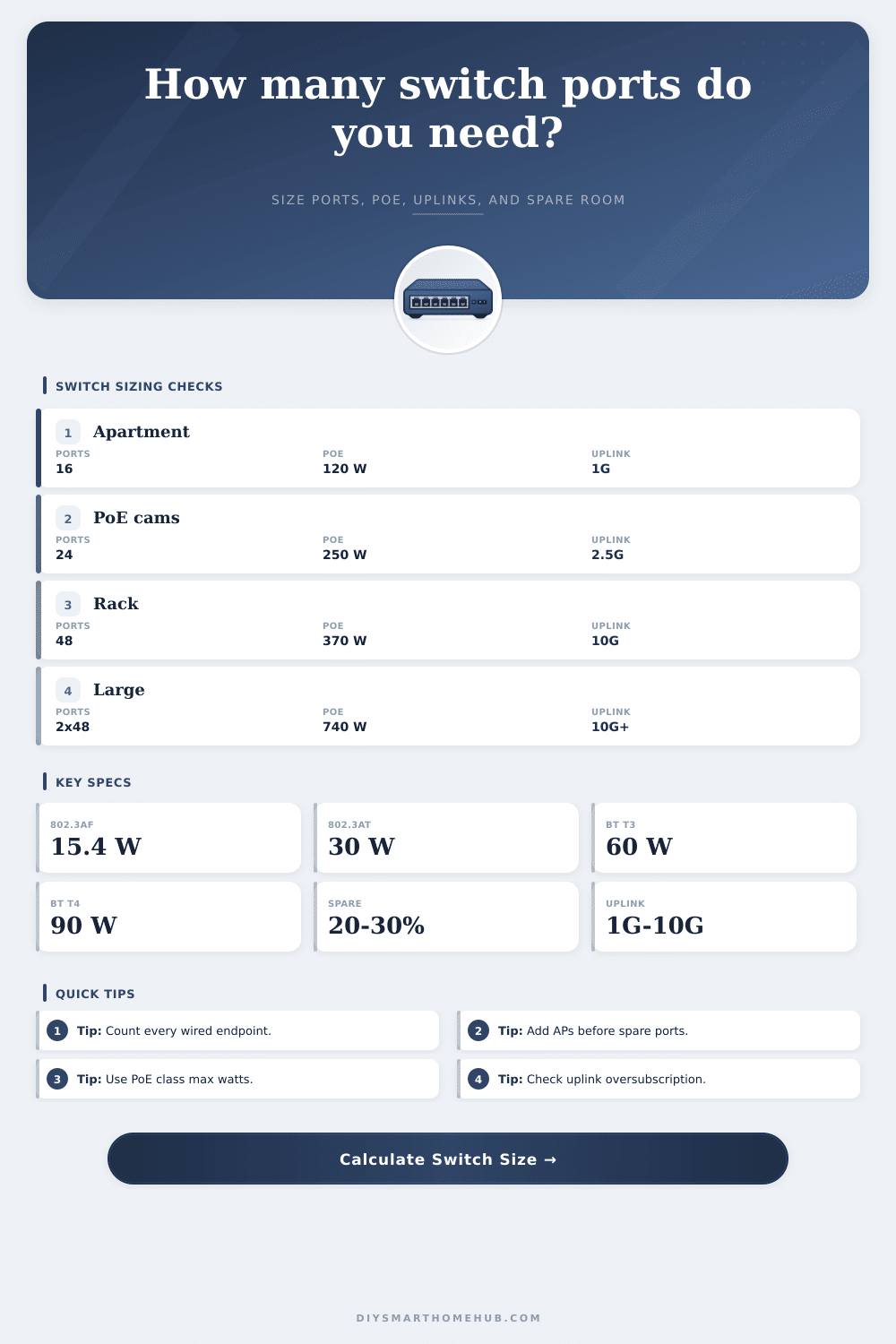
| Port item | Counts as | Typical PoE | Planning note |
|---|---|---|---|
| Wired endpoint | 1 port each | None | Wall jack, TV, PC, NAS, hub, or controller |
| Access point | 1 port each | 802.3at | WiFi 6E and WiFi 7 APs may need at or bt |
| PoE camera | 1 port each | 802.3af | PTZ, heaters, or multi-sensor cameras may need at |
| Other PoE | 1 port each | 802.3af | Phone, panel, intercom, bridge, or sensor |
| Uplink or trunk | 1 port each | None | Router, firewall, core switch, NAS trunk, or downstream switch |
| PoE standard | PSE class budget | Common device | Calculator use |
|---|---|---|---|
| 802.3af | 15.4 W | Camera, phone, small bridge | Default camera and small PoE device class |
| 802.3at | 30 W | Access point, PTZ camera | Default AP class for modern smart homes |
| 802.3bt Type 3 | 60 W | High-power AP, display | Use when AP or device label requires bt |
| 802.3bt Type 4 | 90 W | Display, thin client, high draw load | Use only for known high-power PoE devices |
| Oversub ratio | Meaning | Home network fit | Action |
|---|---|---|---|
| 1:1 to 3:1 | Low contention | Heavy NAS, lab, or multi-gig AP traffic | Good target for core links |
| 3:1 to 8:1 | Moderate contention | Typical smart home and media traffic | Usually acceptable |
| 8:1 to 15:1 | High contention | Fine for bursty light clients, weak for backups | Consider faster or more uplinks |
| 15:1+ | Very high contention | Likely bottleneck under simultaneous traffic | Plan 10G or aggregation |
| Project size | Base ports | Switch target | PoE target |
|---|---|---|---|
| Apartment panel | 8-12 | 16 ports | 60-150 W |
| Small house | 14-22 | 24 ports | 150-250 W |
| Camera-heavy home | 24-36 | 48 ports | 250-500 W |
| Large rack | 40-70 | 48-96 ports | 500-900 W |
| Homelab core | 16-32 | 24-48 ports | 120-370 W |
⚖Formula referenceHow the calculator verifies each result.
| Result | Formula | Why it matters | Rounding rule |
|---|---|---|---|
| Base ports | Wired + APs + cameras + other PoE + uplinks | Captures every active physical connection | Whole ports only |
| Spare ports | Ceiling(base ports x spare %) | Prevents a full switch on day one | Round up |
| Total required ports | Base ports + spare ports | Main sizing target | Next common switch size |
| PoE budget | AP watts + camera watts + other PoE watts | Checks 802.3af, at, and bt load | Round up to watts |
| Oversubscription | Peak access demand / uplink capacity | Finds likely uplink bottlenecks | Show as x:1 |
💡Switch sizing tips
This calculator is for network planning. Confirm final switch port count, PoE budget, thermal limits, uplink modules, and cabling standards against the equipment specifications you intend to use.
Start planning out three access points and six cameras, right? Then throw in a smart thermostat and a wireless bridge to your office or garage. Add an ethernet-connected 4K TV and a backup NAS drive. Now you’re overflowing an eighteen-port switch and the one uplink port you saved for expansion is occupied by the router.
The point: Sizing isn’t just about plug-counting, it’s about understanding flow. Most people overlook that an uplink functions as a sort of toll booth that all of your devices has to pass through to get to local storage or internet. Twenty-four device attempting to back up photos and stream video simultaneous will soon discover that even a gigabit connection is a bottleneck. Once you input numbers for endpoints on the page, its calculator does this math for you. This forces you to think beyond just ticking checkboxes about whether your uplink can handle what you’re actualy doing.
How to Choose the Right Switch for Your Home
A switch may have enough physical ports, but it might not has enough electrical capacity to power everything. Many new Wi-Fi 6E and Wi-Fi 7 access points is hungry for power and often require higher power PoE standards. Assume each one only consumes 15 watts, but if everything peaks, your cameras will turn off because they goes over the wattage on the switch. Remember that high-end PTZ cameras (with heater?) can easily double/triple what you expect. Verify the power class of each device. Small oversight; huge headache later.
Spare capacity is not a luxury; it is insurance against your own future ideas. You’ll always want that one more desktop, that extra AP or sensor. Having a few ports over means you don’t go out and purchase a new switch half-a-year down the line. The table on the page connects various switches with typical forms of homes. A 16 port may be enough for a flat/apartment but has no margin for expansion in a larger property with separate wings etc.
When we talk about oversubscription, it sounds like jargon, but is actualy basic common sense: it means there’s more potential traffic then your uplinks can accommodate. For example, maybe three to one isn’t so bad. If you’re just browsing email. But if you start watching 4K content while someone else want to do a big file transfer? That’ll choke.
That ratio gives you an idea of whether you should of upgraded from a standard uplink to a beefy ten-gigabit version… or maybe get another standard link altogether. That makes all the difference between a snappy network and a stallout when everybody comes home at the same time.
Don’t overbuy a massive switch. Buy the right one. That’s what matters. You need enough bandwidth to support your real-life behavior and enough ports so that you don’t have to run daisy-chained cheap hubs all around house. It needs enough power so that if it snows outside, everyone stays online.
So count out the number of endpoints on your wired network truthfully (add up the uplinks too), account for some growth buffer, and look at the wattage. Now do this before you buy anything so when you’re standing in the closet with a pile of unused cables trying to get something to work, you don’t blame yourself and curse how dumb you were.
Plan ahead. Patching always loses.