DIYSmartHomeHub Storage Planner
Music Library Size Calculator
Estimate compressed or lossless music storage from track count, average minutes, bitrate, album count, backup copies, annual growth, and offline sync cache.
▶Library Presets
♫Library Inputs
💽Codec Storage Grid
📊Codec And Storage References
Compressed Codec Table
| Codec | Bitrate | MB/min | 4-min track |
|---|---|---|---|
| Opus portable | 160 kbps | 1.20 MB | 4.8 MB |
| AAC balanced | 192 kbps | 1.44 MB | 5.8 MB |
| AAC high | 256 kbps | 1.92 MB | 7.7 MB |
| MP3 archive | 320 kbps | 2.40 MB | 9.6 MB |
Lossless Planning Table
| Profile | MB/min | 4-min track | 10k tracks |
|---|---|---|---|
| Efficient FLAC | 25 MB | 100 MB | 0.93 TB |
| Typical FLAC | 35 MB | 140 MB | 1.30 TB |
| ALAC library | 32 MB | 128 MB | 1.19 TB |
| Hi-res masters | 70 MB | 280 MB | 2.61 TB |
Library Size Examples
| Library | Tracks | MP3 320 | FLAC 35 |
|---|---|---|---|
| Small phone set | 1,000 | 9.4 GB | 137 GB |
| Family collection | 5,000 | 46.9 GB | 684 GB |
| Collector shelf | 15,000 | 141 GB | 2.05 TB |
| Archive NAS | 50,000 | 469 GB | 6.84 TB |
Backup Copy Multipliers
| Copies | Meaning | Library x | Use case |
|---|---|---|---|
| 1 | Primary only | 1x | Working cache |
| 2 | Primary + copy | 2x | Basic backup |
| 3 | Primary + 2 | 3x | 3-2-1 plan |
| 4 | Primary + 3 | 4x | Local + offsite |
ℹPlanning Notes
Storage units here use decimal gigabytes and terabytes for drive planning. File systems, artwork, databases, and application metadata can change the final number slightly.
When you’re thinking about a storage device, you probably imagine the amount of storage, how much room there is for stuff to go into… Rather than whatever might be stuffed in there already.
You know you’ve got a two-terabyte drive; you don’t really know what that’s going to translate to, though, in terms of songs, at least until you stop making guesses and start doing some math. A grand sounds like a lot of tracks until you realize each one is an uncompressed FLAC file being backed up across three separate drives. That’s when the math starts getting heavy quickly.
How to Calculate Your Music Storage Needs
This calculator do all those complicated conversions for you, translating the unclear number of tracks into solid gigabytes of space so you won’t end up buying to little or to much and running out of space.
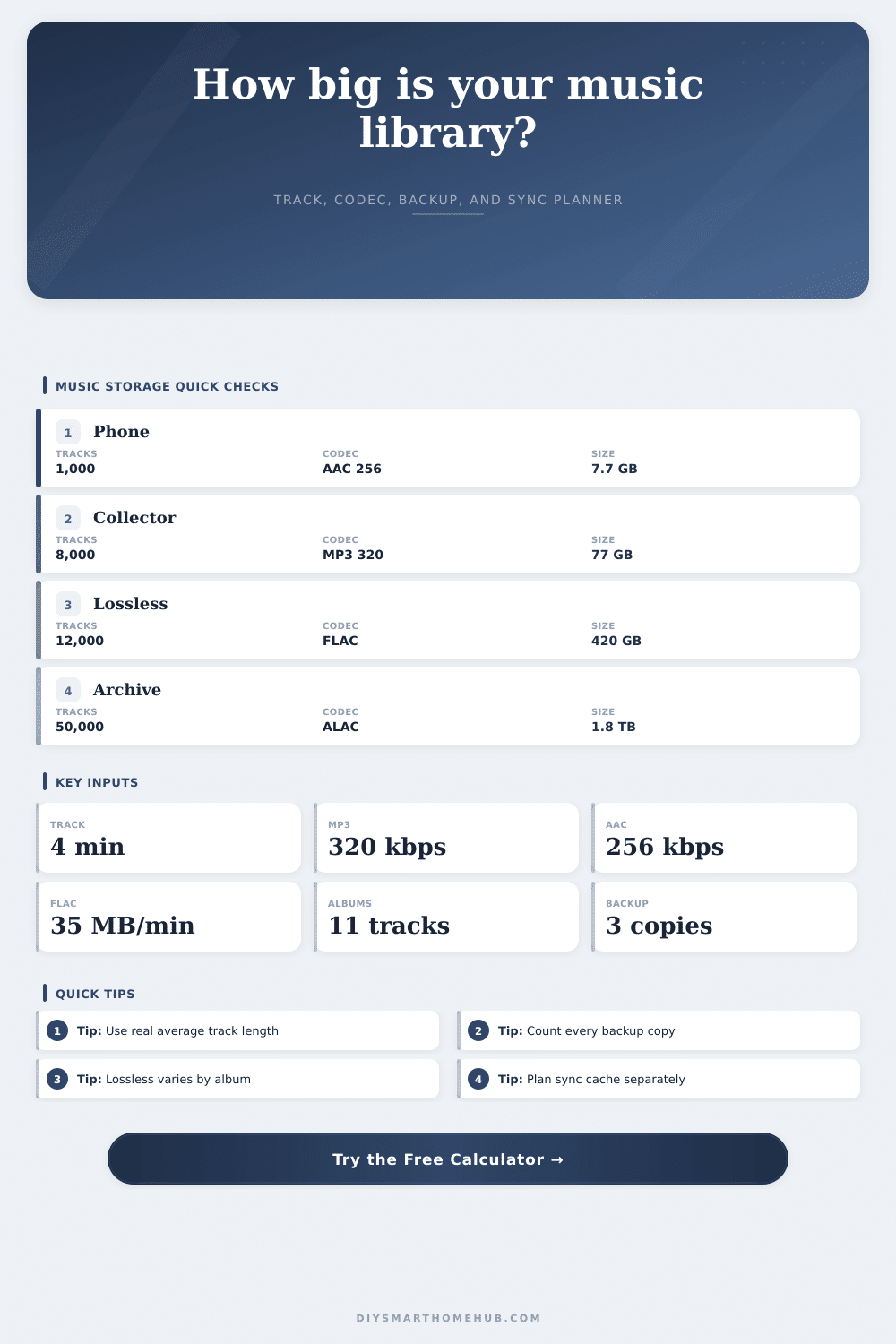
How many songs is stored isn’t the major variable here; it’s the codec. If you’re using an efficient codec such as AAC or MP3, then you’re trading off audio fidelity for smaller files. At three hundred twenty kilobits per second, a typical four minute-long song will be around nine and a half megabytes. This means you can cram ten thousand songs into a small external drive with room to spare.
Change that to lossless FLAC, however, and that same song becomes one hundred forty megabytes. Now your ten-thousand track collection require more than a terabyte, just to store one copy! That’s a huge difference in terms of hardware required. The page has a handy reference table which clearly illustrates how fast storage space balloons if you value quality over efficiency.
You should also consider backups. The majority of people who digitally hoard their music only store one copy of it. That is not smart. What if that drive crashes? Bye-bye library.
A reasonable backup plan would require you to have at least three copies of any given file: one stored on your computer, one saved onto another physical drive somewhere else, and one stored either offsite or up in the cloud. Suddenly, instead of needing two-hundred gigabytes of free space, you need six-hundred. It is boring and true, but it’s necessary when it comes to preserving data. With security, you get capacity.
And then there’s the sync cache. This includes all those songs you’ve downloaded to listen to offline on your phone and in your car. Those files live independently of your primary archive. You’ve got high-res masters living on your home network server and you’re sending the compressed version off to your mobile devices. That means you’re storing the same music twice; the calculator takes that into account too so you don’t accidentally undercount the space your music habits require. The calculator takes that into account too so you don’t accidentally undercount the space your music habits require.
No one wants the shock of a full storage warning flashing across their phone screen at the wrong moment.
Growth is the other silent killer of storage space. Assuming that your library will remain static is something most people do. That’s almost never the case. You’ll add podcasts, rip old CDs, and download high-quality versions of old favorites, even if you’re not buying any new albums. A hundred tracks a month doesn’t sound like much, but that’s over a thousand songs per year. Five years later, it’s half your library all over again.
Don’t have to buy new drives every other year because you planned for growth ahead of time. Migrating data is more expensive later than buying a bigger drive today.
And that’s really the trick: knowing what you’re measuring. Drives report capacity different than operating systems do. Because there’s an overhead involved with both formatting and converting to binary, your two-terabyte drive will have less than two terabytes of usable space. Fifteen percent extra headroom for database files, album artwork, and other metadata accounts for that difference. You’ll have some breathing room; you won’t be living in the red zone.
In the end, storage is about redundancy, quantity and quality. Because there’s only so much room in your library, you’ll have to make some compromises, so what’s more important: huge capacity or pristine audio? Figure it out. And then crunch the numbers.
It would of been better to know you have enough space now than to be running around for an external drive because a warning light came on last week.