Leak Detection Flow Threshold Calculator
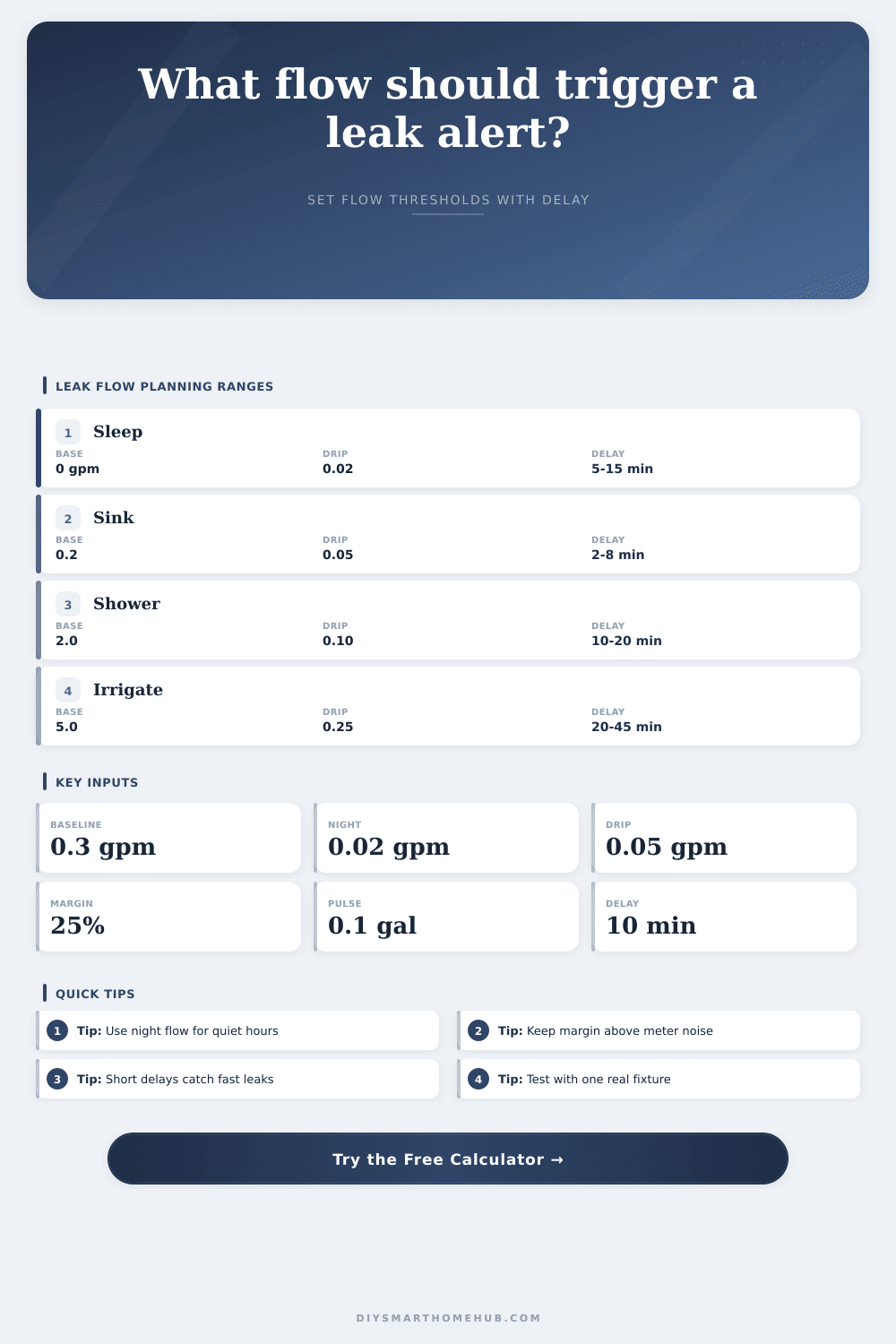
Estimate a leak alert threshold from normal flow, quiet-hour minimums, fixture drip flow, meter pulse resolution, sensitivity margin, and continuous duration.
Leak Alert Threshold
Thresholds are planning values for automation tuning and should be validated against real meter logs.
| Zone | Normal Baseline | Night Minimum | Good Margin |
|---|---|---|---|
| Whole house, occupied | 0.25-0.75 gpm | 0.00-0.05 gpm | 20-40% |
| Apartment or condo | 0.10-0.35 gpm | 0.00-0.03 gpm | 15-35% |
| Bathroom group | 0.10-0.50 gpm | 0.00-0.03 gpm | 20-45% |
| Laundry branch | 0.40-1.20 gpm | 0.00-0.04 gpm | 25-60% |
| Irrigation branch | 3.00-8.00 gpm | 0.00-0.10 gpm | 10-25% |
| Condition | Approx Flow | Approx Daily Loss | Threshold Use |
|---|---|---|---|
| Slow faucet drip | 0.01-0.03 gpm | 14-43 gal/day | Fine pulse meters |
| Visible fixture drip | 0.04-0.08 gpm | 58-115 gal/day | Most homes |
| Toilet flapper leak | 0.05-0.20 gpm | 72-288 gal/day | Night alerts |
| Open faucet trickle | 0.25-0.75 gpm | 360-1080 gal/day | Fast alerts |
| Pipe or hose break | 2.00+ gpm | 2880+ gal/day | Immediate mode |
| Pulse Size | 5 Min Floor | 10 Min Floor | 30 Min Floor |
|---|---|---|---|
| 0.01 gal/pulse | 0.12 gpm | 0.06 gpm | 0.02 gpm |
| 0.05 gal/pulse | 0.60 gpm | 0.30 gpm | 0.10 gpm |
| 0.10 gal/pulse | 1.20 gpm | 0.60 gpm | 0.20 gpm |
| 0.25 gal/pulse | 3.00 gpm | 1.50 gpm | 0.50 gpm |
| 1.00 gal/pulse | 12.00 gpm | 6.00 gpm | 2.00 gpm |
| Preset | Baseline | Drip Target | Duration |
|---|---|---|---|
| Quiet Night House | 0.02 gpm | 0.03 gpm | 12 min |
| Apartment Meter | 0.18 gpm | 0.04 gpm | 8 min |
| Sink Drip Watch | 0.12 gpm | 0.05 gpm | 6 min |
| Toilet Flapper Leak | 0.05 gpm | 0.08 gpm | 10 min |
| Irrigation Branch | 5.00 gpm | 0.30 gpm | 30 min |
There is a drip. It was a slow one. For most that image is more like a gusher, the water bill isn’t from drama but from lack of care.
Here’s how you can be aware and do some basic math to handle it: The key here is that you need a baseline. What’s normal? How do you know when something is off? Your house might be different if there’s one person living in it versus three. Water usage are different. To help you out, the calculator perform this calculation for you. It provides a margin from your expected flow which triggers alert.
How to Save Water with Smart Alerts
Why does this matter? Meters aren’t perfect. They have limited resolution and can also has noise as they are a mechanical device. Set the alert to near the baseline and you’ll get false alarms.
Next check the resolution of your meter. This is often the most overlooked variable in smart home automation. If it measure pulses (one per gallon) and doesn’t detect slow drips, then it will miss a slow leak. What if there’s a small amount of flow? It might not register on your meter. Perhaps you’re leaking twenty gallons a day and your meter won’t catch it.
Time matter here too. You can specify how long water needs to flow at the high rate. Maybe it has to do so for more than ten minutes in a row. That’ll filter out brief spikes in use but catch sustained leaks.
It is best to tune at night. When house is asleep, no flow through is good. Anything over zero are suspect. The threshold is lower in the quiet hours reference table. During the day you need to have more variation due to washing clothes & taking showers.
This isn’t about leaking itself, it’s about changes from your normal that you measure. But irrigation zones are different. Sprinklers on for an hour? That’s not a leak. Their baseline is high. You have to widen their margin so it doesn’t get fired off by mistake. But when it run 20 minutes past its schedule, that’s the alert going off. It tells the difference between expected and unexpected flow.
Think about money lost in water. Over time, that little drip becomes significant. How much do you lose per day if it triggers your alert? See for yourself financialy. If you’re losing lots, make the settings more strict. If not, loosen things up to reduce noisy alerts. It’s a balance between clear and sensitive.
The devices rely on your information. What you put in is what you get out. Look at how you use it first. Use a familiar leak as a test (like a little running faucet). Calibrate it to the correct flow time, and adjust it until it behaves propery. If it’s right, it will be silent most of the time.
When something isn’t working right, you’ll see it. That’s control of your water usage.