Cron Interval Calculator
Estimate how often a cron-style smart home task will execute, how active-hour limits change the count, how jitter spreads start times, and how much catch-up load appears after missed runs.
Useful for near-real-time checks. Watch catch-up bursts because a short outage can create many missed runs.
Common for energy logs, presence updates, and hub status tasks that can tolerate a modest delay.
Good for summaries, housekeeping, and cloud reconciliation where steady low-volume load matters most.
Fits backups, reports, and slow maintenance. Jitter helps avoid every device starting at the same minute.
| Metric | Formula | Current result | Meaning |
|---|---|---|---|
| Interval hours | Interval minutes / 60 | 0.25 hr | Time between starts |
Monthly estimates use the average Gregorian month length of 30.4375 days, scaled by the active weekdays per week.
| Item | Formula | Current result | Readout |
|---|---|---|---|
| Jitter range | Start +/- jitter | -3 to +3 min | Spread around each run |
| Field | Allowed values | Example | What it controls |
|---|---|---|---|
| Minute | 0-59, *, */n | */15 | Runs every 15 minutes within matching hours. |
| Hour | 0-23, *, a-b | 7-19 | Limits the schedule to selected hours. |
| Day of month | 1-31, * | * | Usually wildcarded for repeated smart home jobs. |
| Month | 1-12, * | * | Can limit seasonal tasks or monthly windows. |
| Day of week | 0-7, names | 1-5 | Controls which weekdays are active; 0 and 7 usually mean Sunday. |
| Cron pattern | Interval | Runs per full day | Common smart home use |
|---|---|---|---|
| */1 * * * * | 1 minute | 1440 | Very short health check or queue drain. |
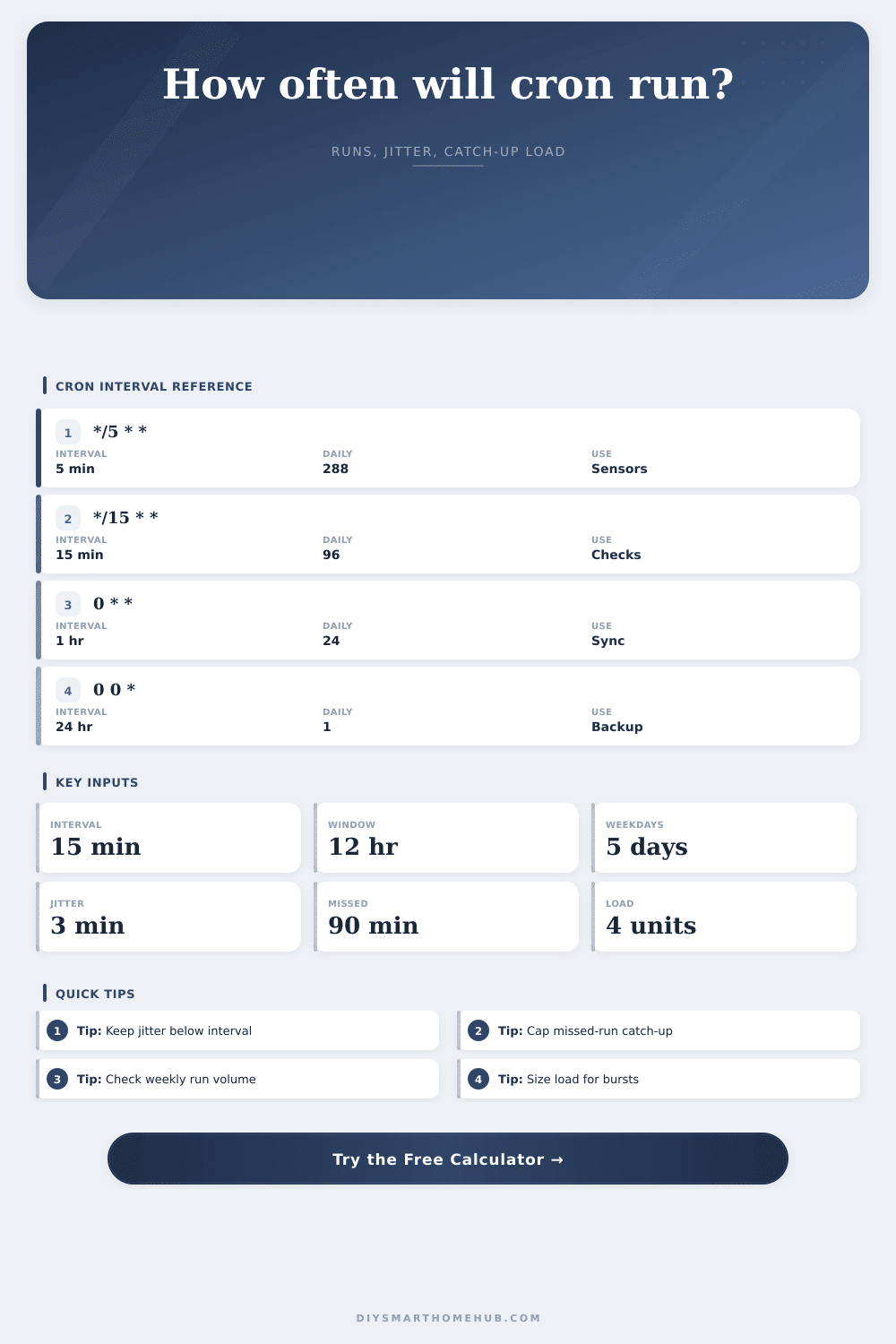
| */5 * * * * | 5 minutes | 288 | Sensor status, local bridge heartbeat, fast data polling. |
| */10 * * * * | 10 minutes | 144 | Presence refresh, thermostat state check, notification sweep. |
| */15 * * * * | 15 minutes | 96 | Energy logging, room condition snapshot, routine audit. |
| */30 * * * * | 30 minutes | 48 | Cleanup task, cache refresh, camera clip review. |
| 0 * * * * | 1 hour | 24 | Cloud sync, battery summary, hourly device report. |
| 0 */6 * * * | 6 hours | 4 | Batch summary, occupancy model rebuild, retention check. |
| 0 0 * * * | 24 hours | 1 | Daily backup, report export, long maintenance job. |
| Task type | Typical interval | Active window | Jitter | Load shape |
|---|---|---|---|---|
| Sensor heartbeat | 5 to 15 min | 24 hr | 1 to 3 min | Light per run, high daily count. |
| Energy data log | 10 to 30 min | 24 hr or daytime | 2 to 5 min | Steady database or API writes. |
| Camera cleanup | 30 to 120 min | Waking hours | 5 to 10 min | Moderate scan with occasional heavy run. |
| Hub backup | 24 hr | Quiet hour | 10 to 30 min | High load, low frequency. |
| Webhook retry sweep | 1 to 10 min | As needed | 0.5 to 2 min | Can burst when many events recover. |
When it fails, it’s 3 AM and you know it. Your smart home hub struggle. Lights blink on and off. Thermostat stutters. Phone buzzes with a failed backup alert. Nothing physical broke, you just tried to schedule too many things for execution at exactly the same moment. It is a pile up in digital world where good intentions crash into limited processing power.
Automation hinges on Cron jobs. These are instructions that tells your system: “Check this sensor every 15 minutes,” or “Archive this camera’s footage at midnight every night,” or “Sync this data to the cloud once per day.” It’s a calendar written in code-lock syntax, but it’s still a calendar.
How to Plan Your Smart Home Schedule
People treat it like a timer. Set it for 15-minute intervals, run away. That’s where folks go wrong. There are two parts to equation. Half is the interval itself. And half is life getting in the way.
After plugging in your active hours and frequency, the calculator do the math for you. You no longer have to guess how a small network outage impact your system’s load. Defining an active window means that you’re telling the scheduler where it’s OK for this task to run. Perhaps you’d like energy logging confined to waking hours? Or maybe you’d prefer for backups to occur just Monday through Friday. Such limits greatly reduce the number of times per day a task may run, while at the same time squeezing the schedule.
Without changing the interval, shrinking the window risk running the task too close together. Each start time has a tiny amount of randomness (jitter) applied to it. Why? This is done to avoid having every device try and write to the database at precisely the same second. Fifty machine trying to do that, at the top of the hour, will choke the server. Adding a little bit of variance to when each one tries (a couple minutes’ worth of spread) smoothes the load curve. It is a little thing, but it is very important for keeping a stable system. And remember: the jitter should be less than the interval. Otherwise you’re defeating the point of wanting predictability.
The true stress test is how missed runs behave. What’s the behavior when the hub goes offline for an hour? When does it catch up by trying to run all the skipped tasks the moment it comes back online? Catching up in one burst will freeze the system. Most schedulers allow limiting the number of catch-up runs allowed. For example, if you have a five minute interval and you miss an hour, then you’ve accumulated twelve missed runs. And if you set a limit of four, then the system drop the rest. The question becomes what’s it worth to catch up on, and what is it safe to discard?
This is laid out in the reference table, which shows how each interval translates into number of daily runs. Left unchecked, a five-minute check run 288 times a day. A twenty-four-hour backup? Once. But it’s not just that those high-frequency tasks run more often; they’re actualy lightweight and can’t afford heavy processing. Each run eats up network bandwidth, memory, and CPU cycles. By their very nature, high-frequency tasks must be lightweight. They don’t have the luxurios of heavy processing. Because low-frequency tasks never overlap much, they can carry heavier weight.
There’s a balance between performance and precision when choosing the correct schedule. Use a short interval with low load per run for real-time monitoring. Use a long interval with high load for daily backup. No one setting will be the absolute best. Choose only what your hardware can support without stuttering.
Consider the automated schedule as a budget. Your daily quota of compute power is limited. Each minute adds to that limit. Each catch-up run represents a surprise bill. You can’t spend what you don’t have. The model lets you expect the load before you face it in the dark. Better to learn the squeeze first, rather than when lights go out.
The more I thought about it, the more I realized: A smoothly running house doesn’t mean a house with the most things scheduled; it means a house where everything’s spaced out enough not to step on anyone else’s toes. The jitter is the cushion. The active windows are the boundaries. The catch-up limits are the safety net.
Get those three right, and you’ll have fewer 3 AM glitches. You’ll be able to sleep soundly at night knowing your hub knows exactly when to work and, more importantly, when to rest.