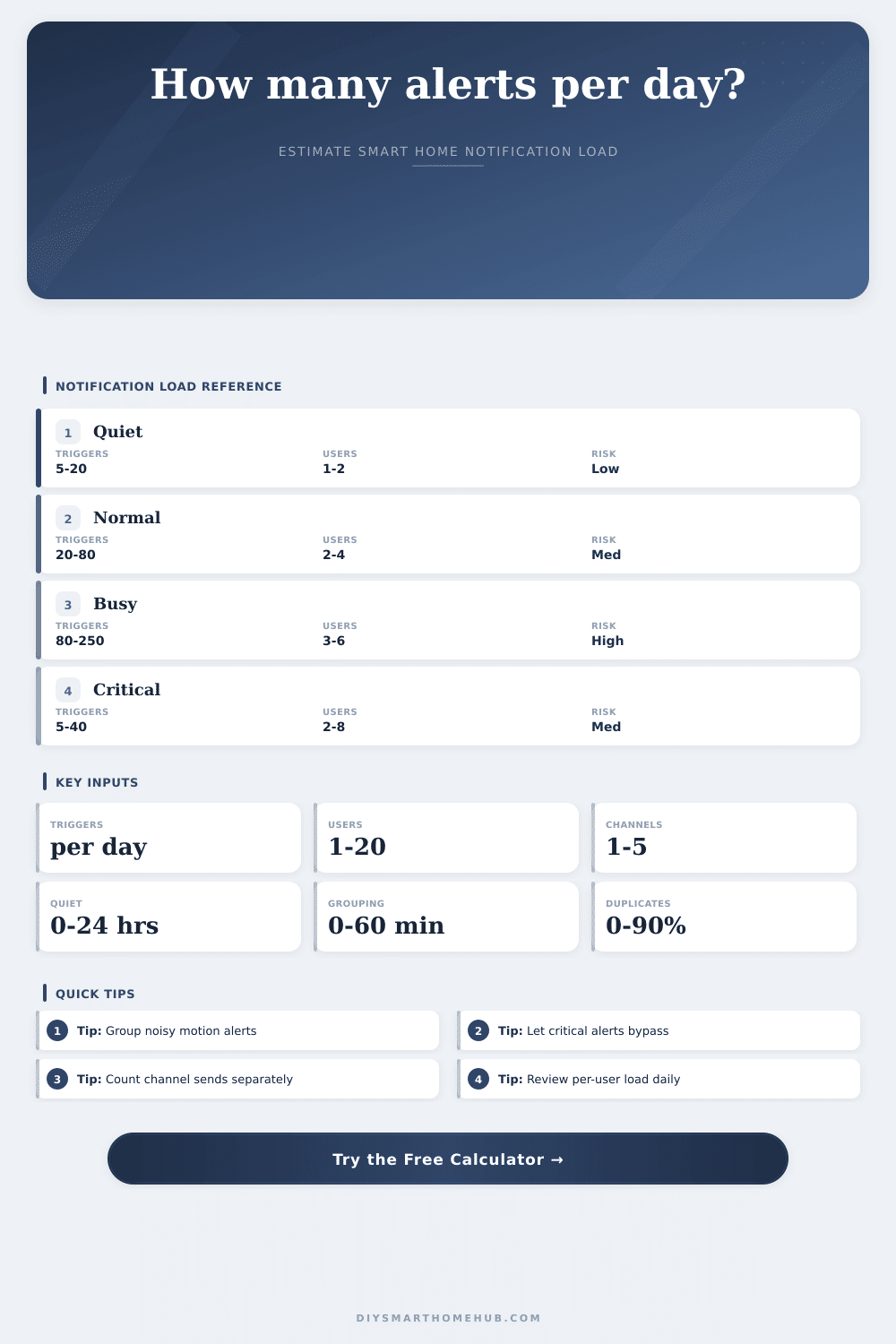
Notification Volume Per Day Calculator
Estimate how many smart home notifications reach people each day after quiet hours, grouping windows, duplicate filtering, channel fan-out, and critical alert bypasses.
Daily notification load
| Source | Daily triggers | Duplicate rate | Critical share |
|---|---|---|---|
| Door contact | 10-60 | 3-12% | 1-8% |
| Indoor motion | 30-180 | 10-30% | 0-5% |
| Outdoor camera | 80-500 | 20-55% | 1-10% |
| Safety sensor | 1-20 | 0-8% | 30-100% |
| Energy threshold | 20-240 | 15-45% | 0-5% |
| Step | Formula | Output | Purpose |
|---|---|---|---|
| Critical split | triggers x critical % | bypass events | Preserve urgency |
| Quiet hours | noncritical x quiet share | suppressed | Sleep filter |
| Grouping | eligible x group rate | merged | Digest bursts |
| Duplicates | remaining x dup % | removed | Cut repeats |
| Fan-out | kept x users x channels | sends/day | Final load |
| Per user/day | Band | Common feel | Action |
|---|---|---|---|
| 0-10 | Light | Background | Track only |
| 11-30 | Normal | Noticeable | Keep grouped |
| 31-75 | Busy | Interruptive | Filter repeats |
| 76-150 | Heavy | Fatiguing | Reduce fan-out |
| 150+ | Extreme | Overload | Rework rules |
| Scenario | Inputs pattern | Main driver | Best filter |
|---|---|---|---|
| Apartment | 1-2 users | Door alerts | Quiet hours |
| Family home | 3-5 users | User fan-out | Recipient rules |
| Exterior cams | High triggers | Motion bursts | Grouping |
| Safety setup | High critical | Bypass sends | Channel split |
| Energy monitor | Thresholds | Duplicates | Hysteresis |
You likely began by adding a smart thermostat and maybe one door sensor. That’s manageable. You see an alert. You respond to it. Life continues. Then you buy a camera. And then a motion detector for the hallway. Maybe there is a leak sensor under the sink. Now your phone vibrate every four minutes. And now, you aren’t realy living with smart technology anymore. You’re living with a digital leash.
One metric often determines whether you live in a noisy or a useful home: How many notifications actualy make their way onto your screen after all the filtering is done. Everyone guesses their alert volumes based on the number of sensors they possess. They’re wrong. A single outdoor camera might trigger three hundred times per day due to shadows, cars and wind. Multiply that by the number of users and enabled channel in your house. It gets pretty scary, right?
How to Stop Too Many Smart Home Alerts
In truth, if you’ve built any defenses, they are normaly lighter then that. The calculator above does the math when you plug in numbers for how many sensors you have, saving you the guessing game of how duplication and grouping do indeed combine to cut down on load. Abstract settings becomes a concrete daily total.
So let’s start with quiet hours. Quiet hours sound obvious. But they do more than help you sleep. By setting quiet hours for eight hours, you’re silencing about one-third of your non-critical event. During quiet hours, sensors can trigger at night, which is when a lot of false positives happen. Doors settles in the wind; motion sensors pick up on shifting shadows. Silencing these events eliminates false positive. It also ensures that the system doesn’t learn that your house are occupied when it shouldn’t be.
The next step is grouping. Sensors don’t typically trigger once. They tend to go off in bursts. By grouping a bunch of event inside a 10-minute window, you collapse that burst into a digest. You turn a screaming alarm into a polite summary.
This invisible workhorse is called duplicate filtering. Smart home states are sticky. Your door can say “open” and it can say “closed” and then say “open” back again when there’s signal noise. And if you count each state-change as a unique alert, you’ll drown in redundant alerts. Busy homes can see 20+ percent duplicates. Filter them out and don’t lose the signal. That’s why the calculator lets you tune the repeat rate to account for your own hardware reliability.
But then there’s the issue of fan-out. Annoying! Yes. A single alert isn’t so bad. Nine different interruptions if three people is getting it on their phone, via email, and with a text message? Decide what gets alerted how, and to whom. Everyone should know about security breaches ASAP. Only the dashboard around the house may need to be notified when washing machine is done. Multiply out your channels times users. That’s the visual the tool provides, which lets you see at what price you’re paying for convenience. You pay for convenience with your attention if you want everyone to recieve all alerts.
You can bypass critical alerts. Think of this like your safety net. Grouping, quiet hours and other factors shouldn’t apply to your leak sensor, smoke detector or security panel. Those need to punch through. Flagging a small number (perhaps five to ten percent) of all your triggers as “critical” helps ensure that those very few event that demand immediate attention aren’t lost amid the noise of the ordinary. The page lays it out in reference tables so you can see how increasing critical bypass by a little can spike your total load but also protect your safety.
But there’s no need to go to zero. That’s the wrong target. The target is signal-to-noise ratio. You want to be notified when something goes wrong. But you don’t want to be notified every time the sun casts a shadow on a camera lens. Use the presets to find your baseline, then tweak the inputs to match your actual tolerance. Is your per-user load greater than 30 alerts per day? You’re pushing into the fatigue zone. You’ll stop paying attention. Tighten up the grouping window and reduce the number of channels that generate low-priority events. Reduce the count. It’s a balancing act, but it’s manageable.
So begin where the sound is coming from: What’s the loudest? Most often it’s your motion sensors indoors and outdoor camera. Tame those first. Next, decide who receives what. Eliminate all the unneeded copies. Finally, make sure the really important stuff actualy is important. Adjust it and then let the noise go away. Your home will talk only when there is something worth hearing. After all, isn’t that why we made our home smart in the first place?