Webhook Rate Limit Calculator
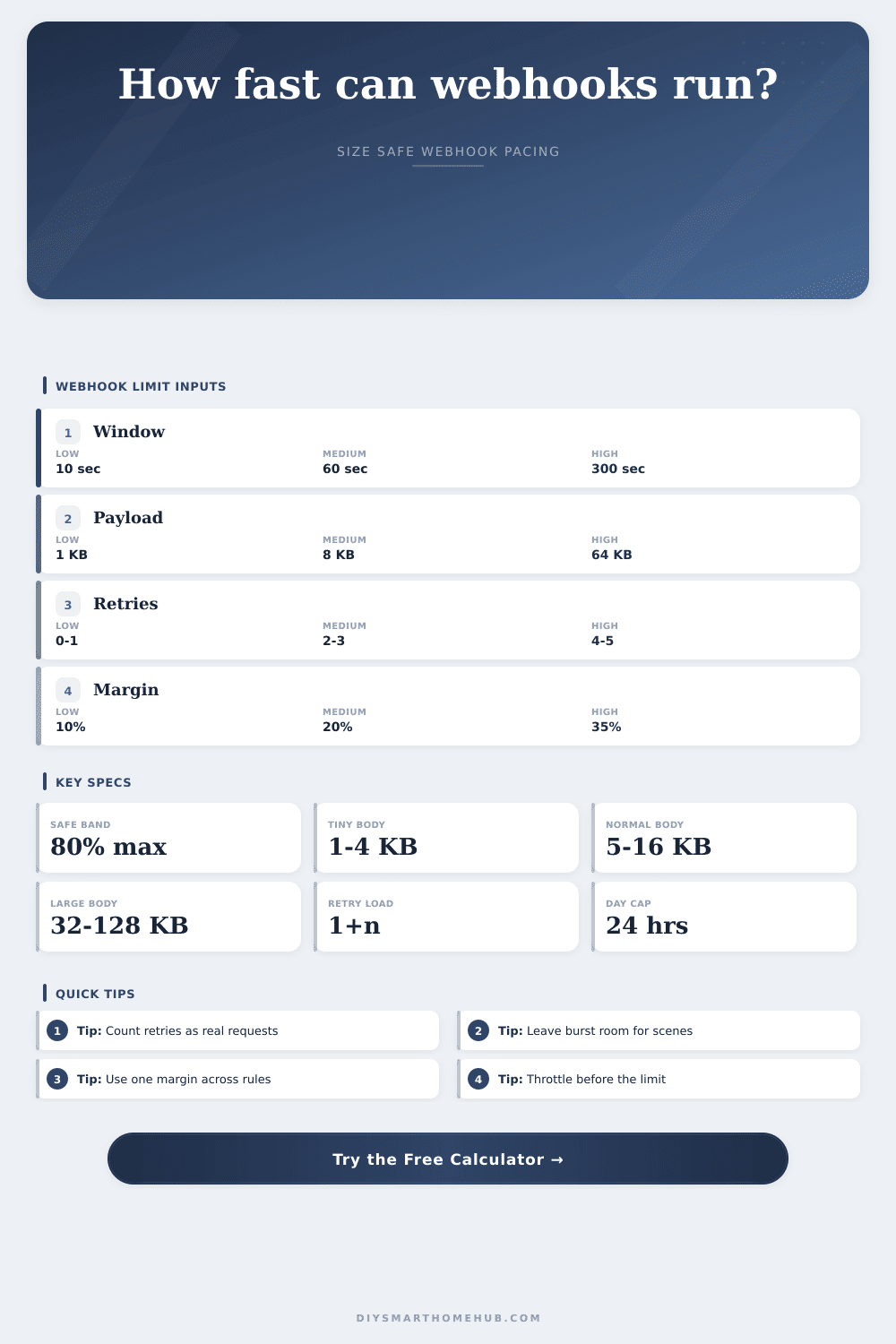
Estimate safe webhook pacing for smart home automations by combining request windows, bursts, retries, concurrency, payload size, daily caps, and safety margin.
Webhook Capacity Results
No retries
Uses one request per event. Best for non-critical telemetry where missed updates can wait for the next sample.
Few retries
Allows one or two follow-up attempts. Useful when alerts matter but steady event volume is moderate.
High concurrency
Parallel workers clear queues faster, but each worker must share the same total safe request pool.
Large payloads
Payload size does not change request count, but it changes daily transfer volume and queue pressure.
| Provider Window | Raw Limit | Raw Requests/Min | With 20% Margin |
|---|---|---|---|
| 10 seconds | 20 requests | 120 requests/min | 96 requests/min |
| 30 seconds | 90 requests | 180 requests/min | 144 requests/min |
| 60 seconds | 120 requests | 120 requests/min | 96 requests/min |
| 300 seconds | 900 requests | 180 requests/min | 144 requests/min |
| Retry Count | Attempts/Event | Safe Events From 120/min | Typical Use |
|---|---|---|---|
| 0 retries | 1 attempt | 96 events/min | Routine telemetry |
| 1 retry | 2 attempts | 48 events/min | Status updates |
| 2 retries | 3 attempts | 32 events/min | Useful alerts |
| 4 retries | 5 attempts | 19 events/min | Critical alerts |
| Payload Size | 10,000 Events | 50,000 Events | 100,000 Events |
|---|---|---|---|
| 1 KB | 9.8 MB | 48.8 MB | 97.7 MB |
| 8 KB | 78.1 MB | 390.6 MB | 781.3 MB |
| 32 KB | 312.5 MB | 1.5 GB | 3.1 GB |
| 128 KB | 1.2 GB | 6.1 GB | 12.2 GB |
| Profile | Event Pattern | Payload Range | Planning Focus |
|---|---|---|---|
| Sensor hub | Small steady flow | 1 to 4 KB | Daily event budget |
| Camera alerts | Uneven spikes | 8 to 64 KB | Burst drain time |
| Lighting scenes | Grouped fanout | 1 to 8 KB | Concurrency sharing |
| Dashboard feed | Frequent updates | 4 to 32 KB | Throttle delay |
Dim the lights, brew some coffee and get into your morning routine. The garage door clicks shut, and then it buzzes: silence. Something happened. The motion sensor triggered twice. The hub attempted to reach your dashboard. But requests was denied. You’ve exceeded your rate limit. It’s a silent failure. This failure topples the entire system.
When most folks think about webhooks they imagine them as free pipes that simply, well…just work? And when they don’t, they break. No. They’re not free. They’re rentable lanes on a crowded highway. If you don’t pace your traffic flow, you’ll get caught in the loop of retries. And those retries eats up your daily quota before breakfast time.
How to Manage Webhook Limits
After you put your provider limits into the calculator (above) it will do all the work. No more guesswork about conversions and coefficients. Where the true engineering begins is knowing what goes into the inputs.
First up is request window. Your provider counts your requests during a certain amount of time. Maybe that’s five minutes or maybe that’s ten seconds. A small window sounds generous until one scene kicks off ten device at once. Then suddenly, you’re fighting for air in a small box.
Enter burst size. Burst size is the unavoidable moment when everything happen all at once. How long does it take to burn through that burst before you trip your limit?
And then there’s the retry trap. That’s the one automation design mistake that happens more than any other. Sure it makes sense to set your system to retry failed requests. But each retry is treated like a separate request. So if you make an event with two retries, then now its three requests. And the calculator will tell you your actualy safe event rate based off your full attempt load. This can be a brutal reality check. Once you account for resiliency, your safe throughput go way down. You’re buying reliability at the cost of volume. Know precisely how many events you’re giving up.
That’s where concurrency makes things even more complicated. Multiple workers in parallel all shares the same pool. So you can’t just multiply your speed by how many worker you have. To avoid one lane exceeding the limit for everyone, you’ll need to split your safe rate across all of them. Just imagine a bridge with lanes. Having more lanes doesn’t make the bridge stronger. The bridge only spreads out traffic over multiple lanes. If the sum of weights is too high, then the bridge breaks down. In your case, provider will block you.
While rate limiting isn’t triggered by payload size, payload size dictates your bandwidth. Telemetry pings are light. Camera snapshots are heavy. Even though the API will be happy, we’ll estimate how much data per day you’re sending, just to give you an idea of when server storage or internet plan will start choking. It is another constraint that’s easy to ignore until the bill comes in.
This shows up in the reference table on the page which plots out the impact of retries on your safe event ceiling. The tradeoff is clear here: More retries = fewer unique events that you’ll be able to handle. This is a finite resource. What’s important enough to burn a retry slot? Probably not your status update. Definitely your security alert.
Home builders are people who like to make stuff happen. What they do less well is plan for when stuff doesn’t work right. Rate limiting isn’t a restriction. It’s rhythm. It compels you to consider the rhythm of your home, not merely the trigger. The moment you realize how heavy a burst feels and how expensive a retry is, you don’t fight the limit anymore; you work with it. You create systems that breathes rather than those which panic. And when your morning routine churns around once more, no requests rejected, you’ll know exactly why it succeeded.