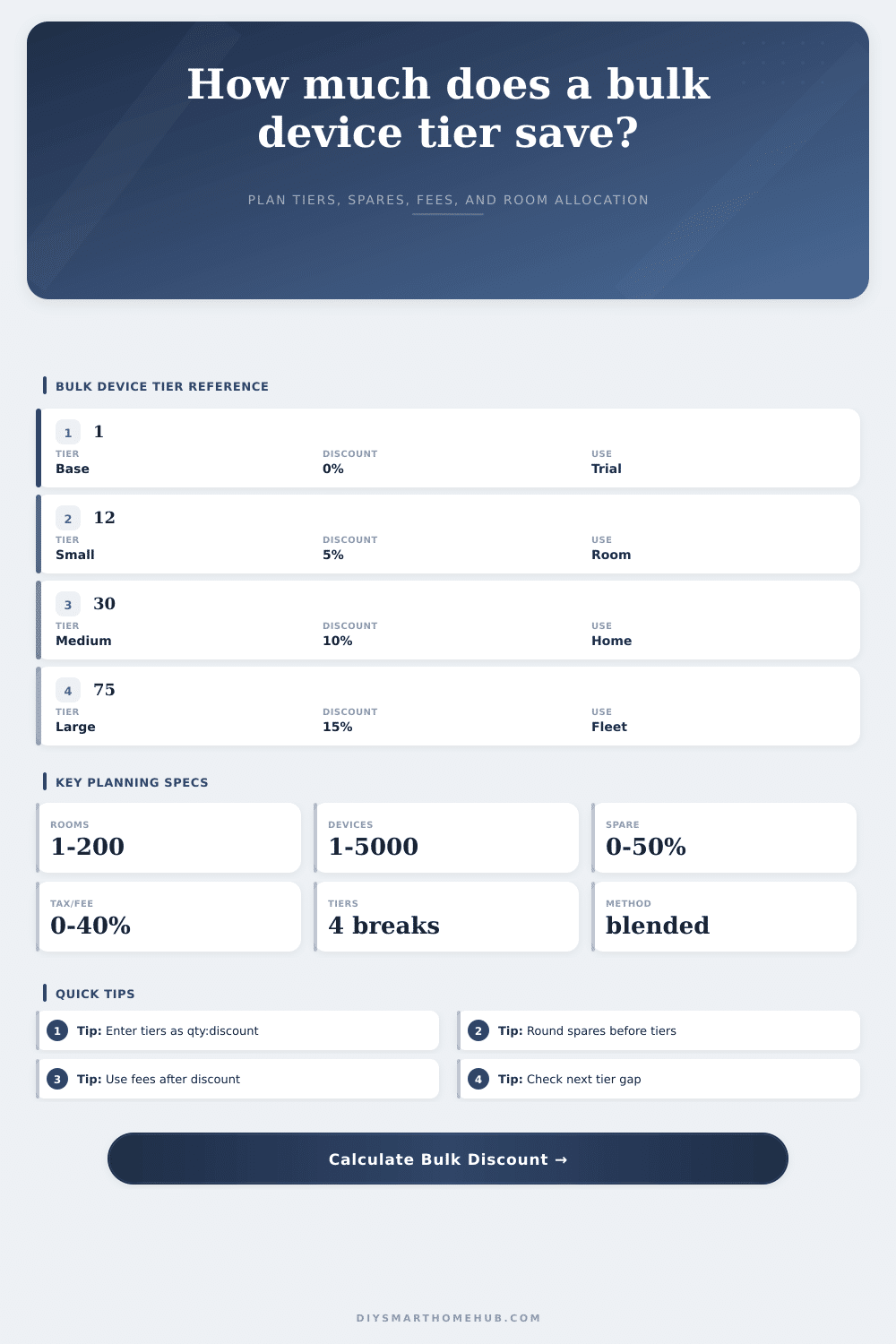
Bulk Device Purchase Discount Calculator
Estimate a smart-home device order from room counts, per-room allocation, spare factor, user-entered unit amount, tiered discounts, blended discount rate, added tax or fees, and the threshold to the next tier.
| Order band | Typical quantity | Planning use | Spare check |
|---|---|---|---|
| Starter | 8 to 20 | Single zone | 1 to 3 units |
| Small home | 21 to 45 | Several rooms | 3 to 6 units |
| Whole home | 46 to 90 | Most rooms | 5 to 12 units |
| Multi-area | 91 to 180 | Large rollout | 10 to 25 units |
| Fleet | 181+ | Many zones | 20+ units |
| Shape | Tier text | Best use | Watch item |
|---|---|---|---|
| Gentle | 1:0, 20:4, 50:8, 100:12 | Small orders | Low gap value |
| Standard | 1:0, 12:5, 30:10, 75:15 | Room plans | Spare rounding |
| Stepped | 1:0, 25:7, 60:13, 120:18 | Rollouts | Tier cliff |
| Fleet | 1:2, 50:10, 150:18, 300:24 | Large pools | Fee effect |
| Spare factor | Added units | Typical reason | Calculation effect |
|---|---|---|---|
| 0% | None | Exact order | No tier boost |
| 5% | Light | Small backup | May reach break |
| 10% | Normal | Room swaps | Common default |
| 15% | High | Mixed rooms | More rounding |
| 25%+ | Very high | Turnover stock | Check excess |
| Room count | Devices/room | Shared units | Base devices |
|---|---|---|---|
| 3 | 2 | 2 | 8 |
| 6 | 3 | 4 | 22 |
| 10 | 4 | 8 | 48 |
| 18 | 5 | 15 | 105 |
| 40 | 4 | 40 | 200 |
When you started, it was just that single smart bulb in your living room, followed by some sensors for the bedroom. Then all of a sudden you wanted stuff around whole house. At this point it’s no longer about convenience, but logistics.
It’s easy enough to buy a device here or there. When you buy them in bulk, prices gets tiered. How do the prices change? At what points does the cost change? And how does it all work together? That’s where the calculator comes in.
How to Use the Smart Home Calculator
But first, you have to know why. Not accounting for spares is a rookie mistake. It’s tempting to be efficient by ordering precisely what you want. In reality, smart homes break easy. Hubs will bug out, sensors will get bashed, and batteries will expire.
When you have a 50-point plan, and order fifty devices, there’s no wiggle room. A ten percent buffer feels wasteful. More often than not, it’ll push your cart to the next higher discount level. Most don’t make that connection. Your spares are insurance, and they’re leverage for cheaper prices.
Instead of flat discounts, vendors offer a deal with bands. For example, there is no discount until you hit 12 units. The next eighteen units gets five percent off. You get ten percent off after that. It’s the blend of those rates that matters most. It is not highest number at the top. If you have some devices that qualify for better rate and others that qualified for a worse rate, you can’t just give them best rate. That’s what the weighted average are about.
The tool figures it out. You know your actualy cost per device. You don’t spend too much because your optimism got ahead of itsself.
The way rooms are allocated is counterintuitive. For example, a closet is not the same as a kitchen when it comes to what gets automated. You might assume every room needs the same number of devices, but a kitchen need different automation then a closet. On average most people plan for three device per room. That’s for a backup, a controller and a basic sensor. Shared areas, like hallways or garages, goes into their own category.
Fixed devices don’t scale based off room size. They do contribute to the total number of devices. Not accounting for these result in a shortage of infrastructure. Overestimating causes needless expense.
Discounts do not apply to taxes and fees. Taxes and fees come after the discounts are applied. That means your big discount isn’t much help if fees is calculated against that large number. Instead, you want the discount to hit base amount first. Then the fees and taxes kick in. Then apply the discount.
What’s the difference between sticker price and average cost per device? Monitor the gap toward the next tier. If you’re five units from a significantly cheaper rate, consider purchasing five more devices, those will be stock for future.
Bulk buying is a psychological trap. You might see a 15 percent discount and imagine buying two hundred devices because the unit price drops. That sounds like a good deal. But do you really need two hundred device? Does it matter if each device is a few dollars less when they take up storage space, require deployment time, and must undergo compatibility checks? A big purchase doesn’t necessarily mean a good deal. It’s simply a bigger commitment.
Use the tool to check the reference table and see which band matches your home.
So how do we strike that balance between restraint and readiness? How much should I buy so I can catch a good deal but have some spares in case I screw things up? How much can I stock without letting my home turn into a warehouse? Well, once you establish the variables, it’s simple math.
The real work happens when you get to the strategy. One bulb is what you begin with. A plan is what you’ll finish with. You should of planned better if things goes wrong.