Cloud Camera Plan Cost Comparison Calculator
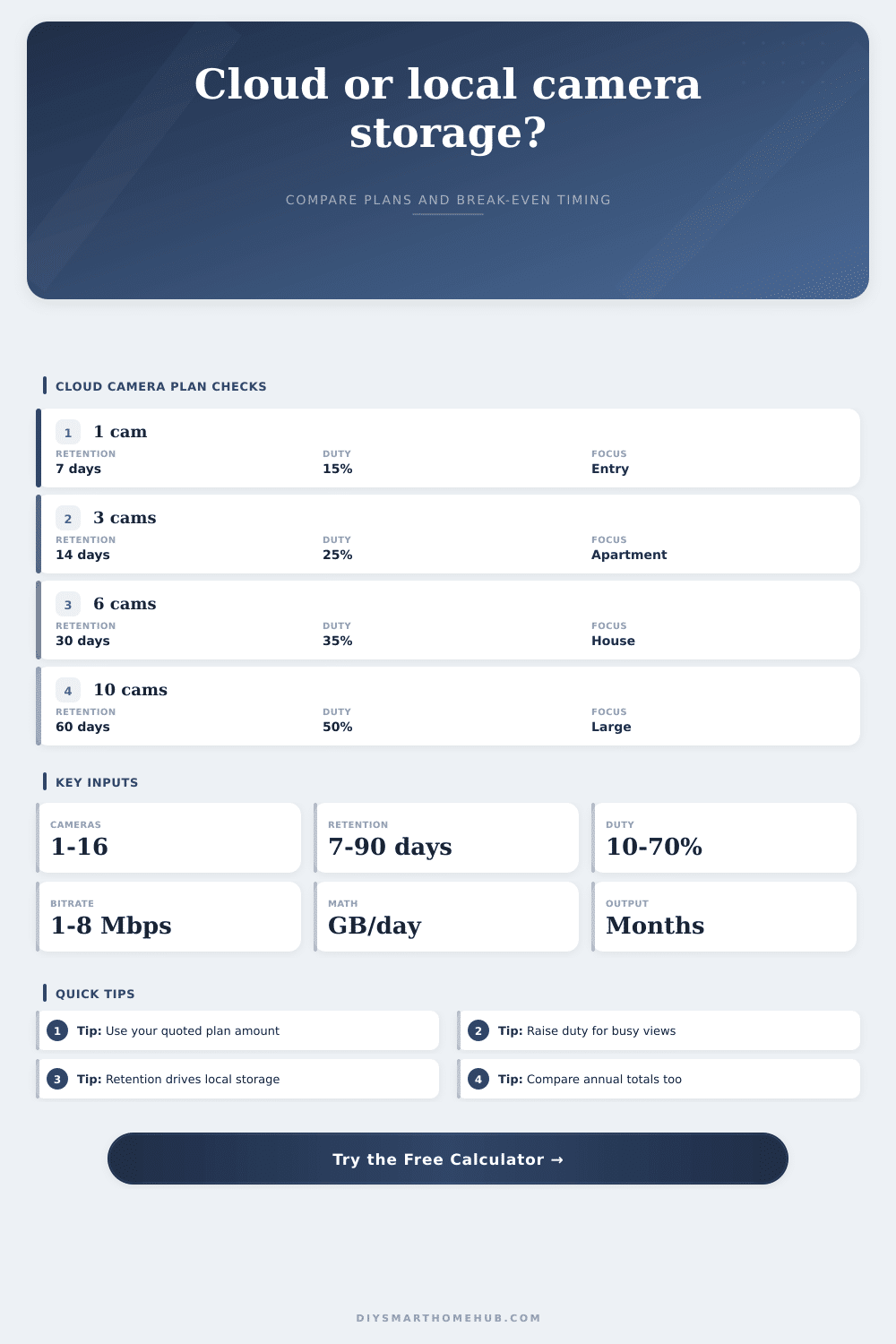
Compare user-entered cloud plan amounts against a local storage setup using camera count, retention days, motion duty cycle, bitrate storage math, annual totals, and break-even months.
Calculation breakdown
| Formula item | Calculator formula | Input used | Why it matters |
|---|---|---|---|
| GB per camera per day | Mbps x 24 x duty x 3600 / 8 / 1024 | Bitrate and duty cycle | Shows how much one camera records in one day |
| Total GB per day | GB per camera x camera count | Camera count | Scales storage from one view to the whole camera group |
| Retention storage | Total GB per day x retention days | Retention days | Estimates local capacity before overwrite or offload |
| Break-even months | Hardware / monthly savings | Cloud and local amounts | Compares one-time local amount against recurring savings |
| Recording pattern | Duty cycle | Storage behavior | Planning note |
|---|---|---|---|
| Quiet entry | 10-15% | Small clip archive | Low traffic doors often need less local capacity |
| Normal home exterior | 20-35% | Moderate clip volume | Wind, lights, cars, and pets can raise actual recording time |
| Busy driveway or street | 40-60% | Large clip volume | Frequent motion can make cloud per-camera charges easier to compare |
| Continuous recording | 100% | Maximum storage | Use this when cameras write video all day rather than only on motion |
| Retention target | Best fit | Local storage pressure | Comparison focus |
|---|---|---|---|
| 3-7 days | Short event review | Low | Monthly plan amount may dominate the decision |
| 14-30 days | Common home review window | Moderate | Balance recurring cloud total against local hardware |
| 45-60 days | Longer absence coverage | High | Check that local capacity assumptions still hold |
| 90+ days | Extended archive | Very high | Break out primary storage from backup storage assumptions |
| Cost comparison result | Signal | What it means | Next check |
|---|---|---|---|
| Break-even under 12 months | Fast payback | Local one-time amount is recovered quickly | Verify storage capacity and backup assumptions |
| Break-even 12-36 months | Moderate payback | Annual totals matter more than first-month savings | Compare expected camera count changes |
| Break-even over 36 months | Slow payback | Recurring cloud total may be acceptable for simplicity | Review whether local monthly amount is realistic |
| No break-even | No savings | Local monthly amount is not lower than cloud monthly amount | Change assumptions or treat local storage as a feature choice |
Cloud recurring
Best represented by the base monthly amount plus the per-camera monthly amount you enter for the selected camera count.
Local recorder
Best represented by one-time hardware plus a monthly operating amount for power, replacement reserve, or optional offsite copies.
Motion clips
Duty cycle lowers local storage demand because the calculator records only the active share of a full day.
Long retention
Retention days do not change the cloud amount entered here, but they directly raise estimated local storage capacity.
Homeowners think about home security as if they were buying into a subscription. Buy some cameras. Pick a plan. Pay each month until your credit card gets declined or the contract expires. It’s easy. And it feels good because it’s easy. But there’s a secret cost to this ease. Most of us don’t count it.
That recurring price you’re paying for cloud storage isn’t just an expense: it’s also a leak in your budget. The leak gets bigger every single month, and you never even notice it.
The Real Cost of Home Security
Video storage is an unusual thing. The math is simple and mostly linear making it easy to model. Yet, it is complex enough that you don’t really “feel” it. How much data are your cameras generating? The answer depends on how many frames per second, what resolutions, and what kind of compression is used. The largest unknown factor is what is happening in the field of view. Cameras pointed at busy streets record all the time; cameras pointed at blank walls don’t record anything. Brand doesn’t matter as much than the duty cycle.
If you’re only using motion detection but assuming continuous recording, you’ll buy to much storage. If you’re dealing with constant traffic but assuming motion detection, you’ll buy not enough. Getting this right is key to comparison.
So next, if you know how much data you generate, consider retention: How long should that data stay? For a package delivery, seven days seems sufficient. For a vacation, 30 days sounds about right. Now we’re into a whole other animal: 90 days? That’s a lot of video.
Cloud providers often charge a flat fee for everything up to a certain point, which is how their cost structure differs from local storage. It doesn’t matter how many months or years you retain video; the price stays constant. Except local storage never works like that. If you want to keep video around longer, you’ll need a larger hard drive. That means a large upfront bill, which makes cloud feel cheap by comparison. However, once you have it, nothing follows because it just sits there, quietly on a shelf.
Those two lines intersect somewhere, a place you can get an idea of using the calculator up top. Input your number of cameras, estimate how active they’ll be (motion), and input what price you’re being quoted. Don’t assume it’s as simple as “local costs less.” You also need to know when you will break even.
Will you use the cameras for years? Usually local wins if the breakeven point is eight months away. Can you live with them only remotely accessible and save some money by having to pay for service for another four years? Then maybe the cloud subscription makes sense. Reference table on the page shows how some inputs will move that date one way or the other.
Local hardware isn’t free either, though most people don’t think about its operating expenses. Network video recorders aren’t set-it-and-forget-it boxes. They die. They get hit by power surges. Running your own server mean taking on that risk. You must manage backups. You also need a backup plan in case something goes wrong with those backups. You’ll need replacement reserves. All that takes time and money. That’s what cloud providers eat.
Sure, you’re paying for gigabytes, but you’re also paying for peace of mind. And that’s worth something, especially for those who prize simplicity more than savings. It’s not free though. There’s a price tag attached to that convenience, one that grows year after year.
You also have control. If you keep the video on your device, it’s yours. If you put it up on the internet, you’re paying someone to give you shelf space. That service may change rules at any time. And as those services gets bigger, so do privacy concerns. You don’t see that listed in a spreadsheet, but knowing what happens with your data, who has access and where it resides, ought to be part of the equation.
Half of this is financial; the other half is the balance between operational convenience and data control. Deciding on smart home stuff is usually done in the heat of the moment. Sale! Okay, we’ll get it. Gear arrives! Let’s sign up for the app! Run the numbers and all that changes. It shifts what was a consumer habit into an infrastructure investment. Suddenly it’s not about the first-month bill but rather the five-year cost. And that change of perspective is better than any potential savings. When you look at the costs.
And you will once you change your perspective, you’ll probably realize that the cheapest option over time isn’t always the cheapest one to start with. Here’s the moral of the story: Think long game. The monthly fee is a distraction. Total cost of ownership is real. You should of looked at this sooner.