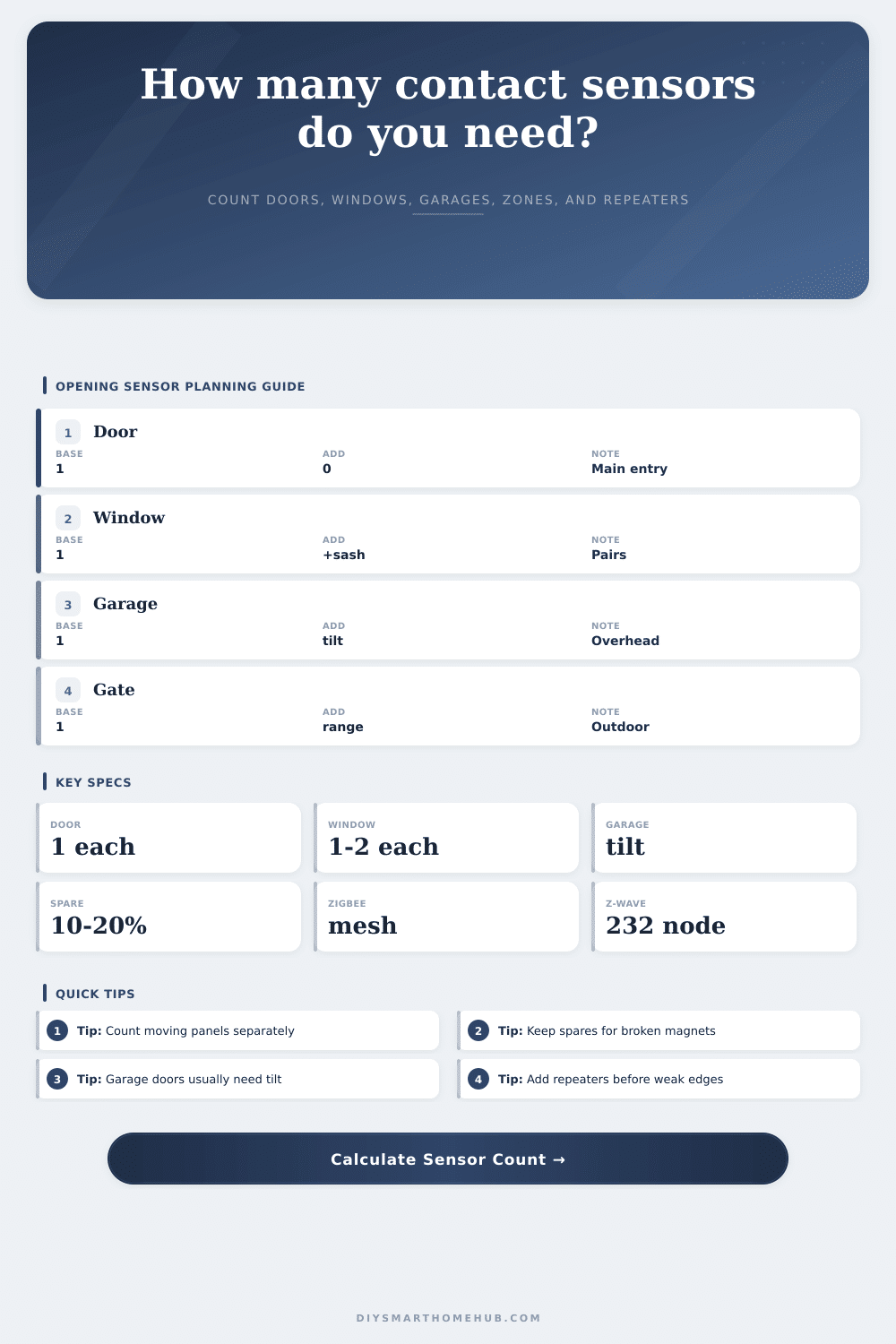
Contact Sensor Quantity by Openings Calculator
Plan door, window, cabinet, gate, and garage contact sensors with spare allowance, zone grouping, protocol capacity, and mesh repeater checks in one calculator.
| Opening type | Base count | Multiplier | Planning note |
|---|---|---|---|
| Exterior hinged door | 1 per door | 1.0x | Use normal reed contact unless the gap is oversized. |
| Sliding patio door | 1 per panel set | 1.0x | Wide-gap contacts may be needed for deep tracks. |
| Single-sash window | 1 per opening | 1.0x | Monitors the normal movable sash. |
| Double-sash window | 1 per opening | 2.0x | Use two sensors when either sash can be opened. |
| Cabinet or drawer | 1 per door | 1.0x | Small contacts work when magnet alignment is stable. |
| Garage overhead door | 1 per door | tilt | Tilt sensors are common because panel gaps move. |
| Protocol | Planning cap | Range style | Contact sensor note |
|---|---|---|---|
| Zigbee mesh | 80 sleepy endpoints | repeaters help | Good for many low-power contacts with enough routers. |
| Z-Wave mesh | 180 endpoint plan | sub-GHz reach | Lower node ceiling, strong wall penetration in many homes. |
| Thread mesh | 120 endpoint plan | border routers | Works best with placed mains-powered Thread routers. |
| WiFi sensors | 40 sensor plan | AP coverage | Battery and router load usually limit large deployments. |
| Zone group | Typical openings | Target size | Why it matters |
|---|---|---|---|
| Entry perimeter | doors and patio | 4-8 sensors | Fast status review for access points. |
| Window floor | room windows | 8-12 sensors | Keeps alerts easier to name and filter. |
| Garage and gate | tilt, gate, shed | 3-8 sensors | Outdoor and metal-edge devices need closer mesh help. |
| Cabinet group | drawers, safes | 6-12 sensors | Separates convenience contacts from perimeter security. |
| Signal pressure | Estimated span | Mesh helper | Planning action |
|---|---|---|---|
| Low | under 60 ft | 0-1 | Hub or one powered device may be enough. |
| Medium | 60-110 ft | 1-2 | Add a router near the far hallway or garage wall. |
| High | 110-170 ft | 2-4 | Plan multiple mains-powered mesh points. |
| Outdoor edge | gate or shed | 1+ nearby | Place a repeater before exterior weak spots. |
If you are looking for an alarm system that actualy functions, you will need to have a sensor on each opening and closing surface throughout the home. If you don’t, then all of your alarms will be false: the lamp was knocked over by cat. Properly covering openings makes all the difference between having a functional security system and a nuisance box.
Until you begin to install the contacts, most people underestimates their number of entry points. How does it work? Well, the calculator above will help you plan it all out without having to guess. It’ll take your total number of windows/doors as-is, then adjust based off real life (e.g., double-hung windows, where both sashes operate).
How to Plan Your Home Alarm System
That’s a typical place people trip up. Or maybe you have two independent sliding panes on a high-up window, then one sensor protects just half the danger. You need two if you want protection against either pane being jimmied open. The tool handles that adjustment for you, so you don’t end up buying a half-measure package.
First consider how the opening physically works. In the case of a regular door with a hinge, it’s simple enough. That door swing on a fixed plane. A regular reed switch is just fine for that kind of thing.
But a garage door is not like that. It move up and down along tracks while also tipping inwards. Often, you’ll find a regular contact sensor won’t work because magnet doesn’t align properly. There might also be too much space for a regular contact sensor. For something like that, you want either a wide-gap contact sensor or a specialized tilt sensor.
The same goes for patio doors that slide open. If the track is deep, then you can’t get a thin magnet over to meet the sensor strip. You’ve got to match the way it opens to the hardware used.
Not to mention, there’s that whole network thing. The smart home is limited by its protocols. Different protocols has different capacities for how many devices they can talk to at once. Or only 20? How about 1000? Different protocols can support more or less device.
Sleepy endpoints are battery-powered contact sensors that wake up, send a signal, and go back to sleep. It won’t boost the signal for another device. So your range is completely dependent on repeater devices such as switches or plugs that just happen to be plugged in.
And if your house is big, or you’ve got a lot of metal siding… well, then the signal may die out long before it hits the back gate. Most shopping lists fails to address this important detail. They don’t say how many repeaters it takes to maintain a solid mesh, but the calculator will estimate that for you.
Keep some spares around This seems wasteful but remember: batteries leak, magnets break, and contacts goes missing in drywall. It’s wise to keep a 15 to 20 percent spare supply on hand. Buy one more than you think you’ll need. Otherwise you’ll be stuck waiting two weeks for your new sensor while your garage door remain exposed. Better to have five spares sitting in a drawer than five doors that aren’t being monitored.
The last piece in the puzzle is zone grouping. Meaningful alerts come from having all your door sensors grouped together, and all your window sensors grouped together. When your phone buzzes and says “Perimeter Breach” you want to know whether it was a bedroom window or the front door. And the tool will help you keep things organized by giving you suggested groupings for size based on number of devices.
You want some granularity so you know what’s going on, but not so much that you have fifty different zone to manage. You want something that covers everything but feels unnoticeable until needed. It is like knowing there is an intruder in the house, but not noticing that the light just went out.
Design a system that takes into account the physics of your house’s openings, count carefully, and respects what exists. Begin with the doors, then the windows, then the ones you never considered. The medicine cabinet, the shed gate…could of counted ’em all.