Smart Bulb vs Smart Switch Quantity Comparison Calculator
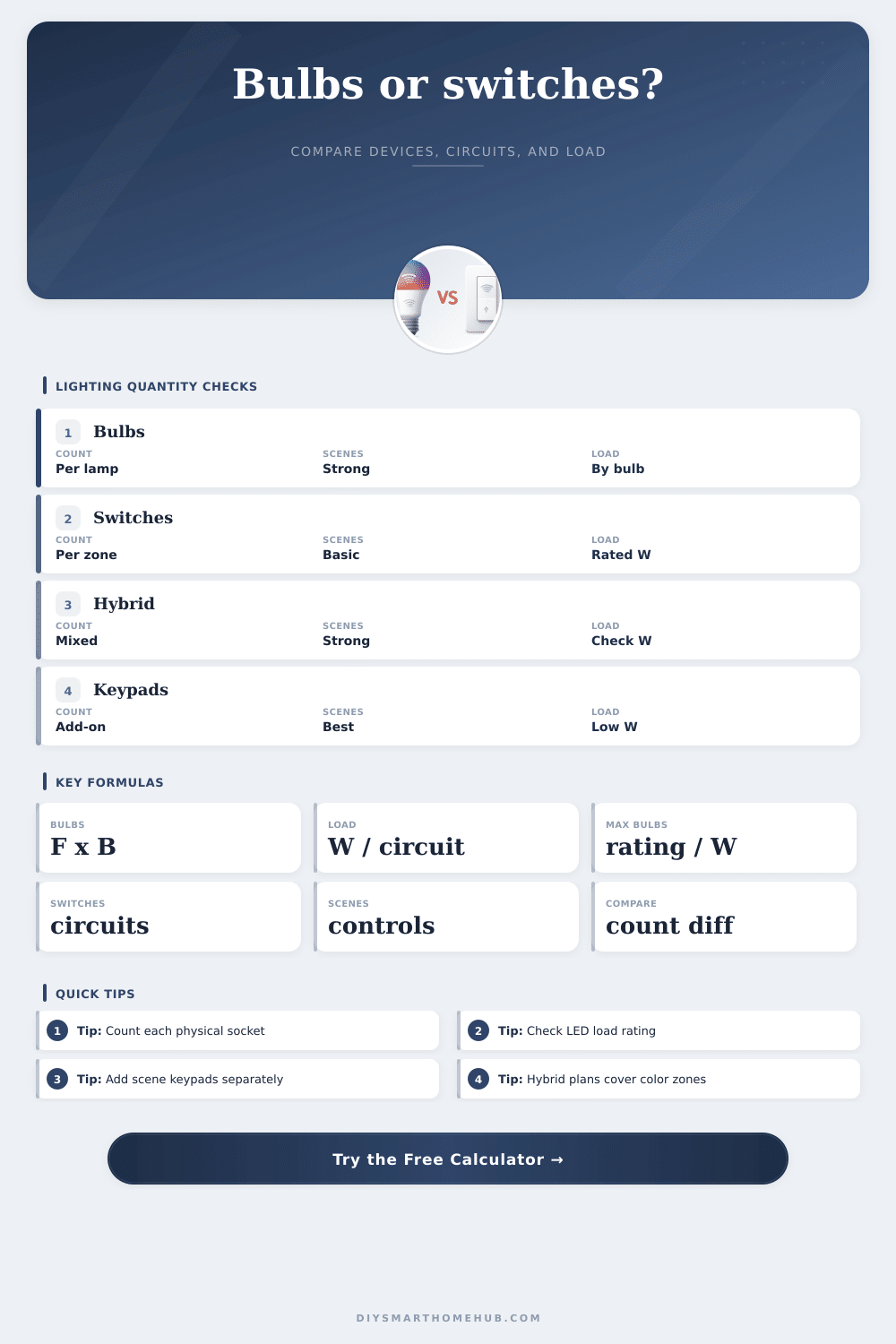
Compare an all-smart-bulb plan with a switch-first plan using fixture count, bulbs per fixture, switch-controlled circuits, scene controls, independent color needs, wattage, and switch load limits.
| Planning approach | Primary quantity driver | Scene/group handling | Compatibility check |
|---|---|---|---|
| All smart bulbs | Every controlled socket plus standalone lamp bulbs | Best for per-lamp color, tunable white, and room-level scenes | Each bulb uses its own low wattage; wall switches should stay on |
| Smart switches or dimmers | One device per controlled circuit, plus multi-way accessories | Good for whole-zone control; may need scene keypads for groups | Total LED load per switch must stay within the derated rating |
| Hybrid plan | Switches for standard zones plus bulbs for special sockets | Works when only a few fixtures need color or individual behavior | Check switch load after removing any independently smart bulbs |
| Controller-heavy plan | Switches or bulbs plus separate scene buttons and keypads | Best when several groups need physical controls | Controllers usually add device count but little lighting load |
| LED rating | 8 W bulbs | 10 W bulbs | 12 W bulbs | Planning note |
|---|---|---|---|---|
| 100 W derated | 12 bulbs | 10 bulbs | 8 bulbs | Small LED-only dimmer load |
| 120 W derated | 15 bulbs | 12 bulbs | 10 bulbs | Common cautious target for 150 W at 80% |
| 200 W derated | 25 bulbs | 20 bulbs | 16 bulbs | Larger LED dimmer or relay allowance |
| 400 W derated | 50 bulbs | 40 bulbs | 33 bulbs | High-capacity relay or module planning |
| Project | Typical sockets | Typical circuits | Likely lower count | Reason |
|---|---|---|---|---|
| Bedroom lamps and ceiling | 3 to 6 | 1 to 2 | Depends | Standalone lamps push the hybrid count up |
| Kitchen recessed lights | 8 to 16 | 2 to 4 | Switches | Many matching lamps often share a few zones |
| Open plan living area | 15 to 30 | 3 to 6 | Switches | Wall dimmers cover large groups efficiently |
| Color accent room | 6 to 12 | 2 to 3 | Hybrid | Only color-critical lamps need smart bulbs |
| Whole floor retrofit | 35 to 70 | 7 to 14 | Switches | Bulb count rises faster than circuit count |
When you begin designing your lighting, there’s a certain plan you set out with. You know you want to be able to turn on the light by asking them. And you probably also imagine what it’ll feel like throughout house. But then you open up the list of available fixtures, and you see reality; the practical one.
Smart switches vs smart bulbs isn’t just a matter of taste. It’s a matter of geometry. Often there is fewer wires controlling all those light sources than there are light sources themselves. That means there’s a disconnect between what you want to do and what your electrical system can handle.
Simple Guide to Smart Lighting
The calculator helps bridge the gap between your circuit breaker panel and where you want to use the power. This is why the key issue is zone:socket ratio. In a common moddern living room with eighteen recessed lights, these are usually on just three circuits. Multiply that by the number of light bulb in each fixture; then, if they are smart bulbs, you will have eighteen devices total.
Now every bulb is a network node. And each one want to talk back, get updated, and be connected somehow. Switches don’t know or care which specific lights are being switched. Only the power coming into it matter. You replace the switch with a single dimmer, and now all six light on that circuit are treated as a group. For big rooms like this where there’s lots of space and relatively few walls, you tend to need many fewer switches than bulbs. Why? Because we count hardware units rather than the number of lamp sockets.
But half of the calculation is volume. Smart home plans can be ruined by load capacity. While the low-power usage of LED bulb is great for your electricity bill, it’s problematic for some older types of switches. If there isn’t enough of a load, certain dimmers won’t even recognize anything is plugged in. That results in buzzing and flickering. To account for this, the tool asks how many watts your bulbs each draw as well as what rating you have on the switch. Then it adds a safety margin. You don’t want your main lights in the living room to go dark mid-dinner. You’re not just counting your devices. You’re checking whether your electrical load remain under safe limits for whatever hardware you’re using.
How many switches? Another thing: how dense do you want your control? Do you really want every lamp on its own? Maybe in the kitchen you want counter lights separate from island light. Or maybe in the bedroom you just want the ceiling light to follow your movements but have the bedside lamps on their own schedule. That’s when the hybrid solution applies, mix ’em up between the two technologies. Use smart bulbs in places that matter most for individual control. Install switches in high traffic areas. Keep it balanced between complexity and cost. Let you not go all-in or nothing.
The scenes adds a layer of depth beyond just the number of devices. A single button press might turn on several lights, but to create an ambience you have to coordinate things. Multiple switches require multiple installs, but a physical keypad can take the place of several switches. Pressing one button sets a whole combination, eliminating the need to install each switch separately. It keeps things under local control (no need to pick up your phone), and it transforms a wall from a collection of different toggles into a dashboard.
Remember, though: Multi-way requires more components. That’s why people tend to forget. There are lights at either end of a hall. Whatever you run based off, whether switches or bulbs, you need extra. These aren’t controllers; they’re accessory items. They are purely interfaces. They are companion units. These don’t control power directly. Just be aware of the difference so it won’t catch you by surprise and bust your budget. This will also help you understand that you will need more than just the main controller in your wiring.
Ultimately, it’s about granularity: how many distinct behaviors do I want? Then, compare that number of desired behaviors to the number of lights that will share the same behavior. For the most part, if your lighting is primarily ambient light and clustered by rooms, switches tend to win out on reliability and simplicity. If you’re constructing a display area or home cinema where each light performs a distinctly different function, bulbs provides that detailed control.
Compatibility checks are done for you. The math takes care of things. You get to think about the experience. You wind up with something that works. It won’t fight your wiring as you attempt to dim the lights.