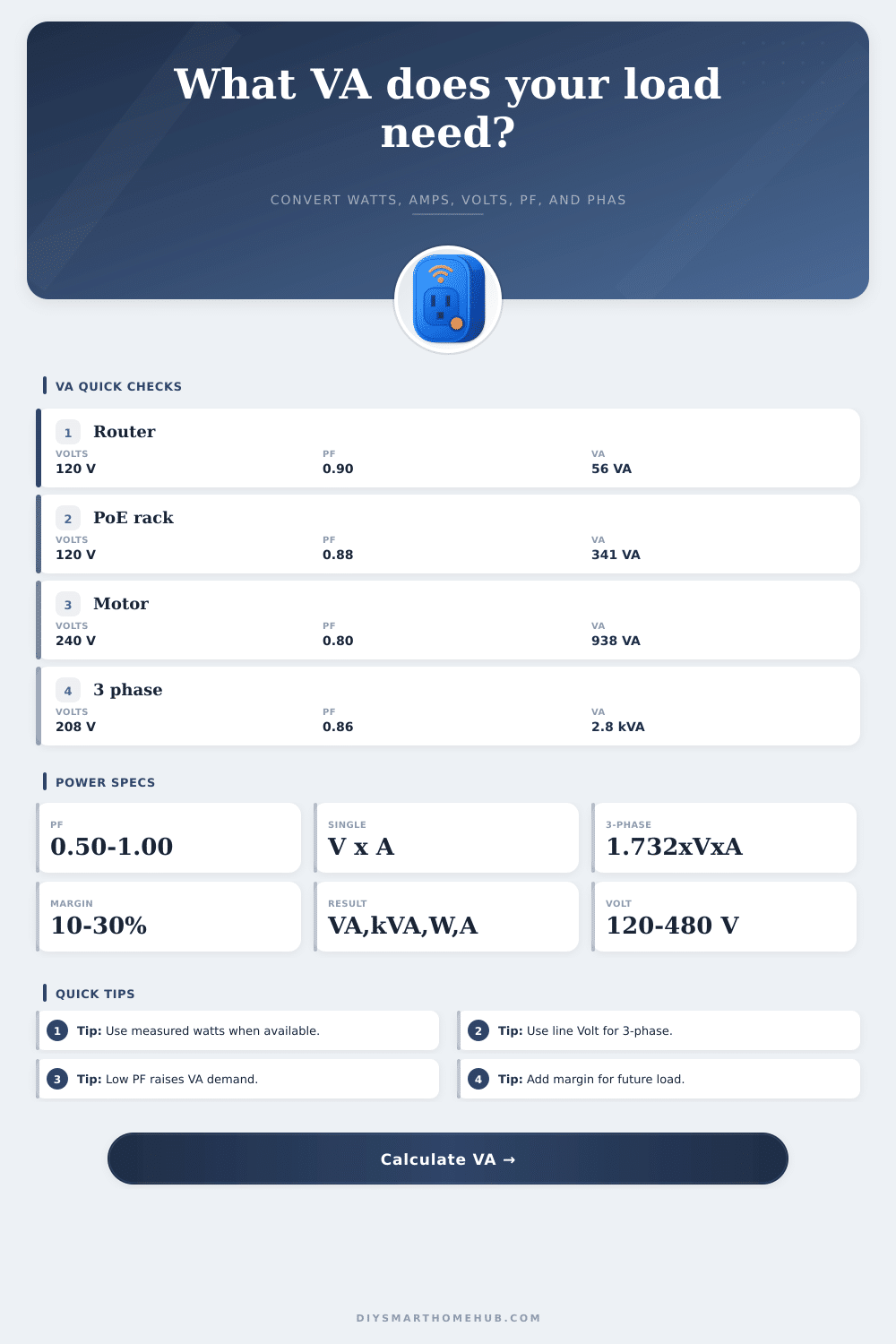
Apparent Power VA Calculator
Calculate apparent power from watts, amps, volts, power factor, phase, line voltage, load type, and safety margin for UPS, inverter, transformer, generator, and smart home panel sizing.
⚡VA sizing presetsPick a real load, then adjust the inputs.
⚙Calculator inputsUse the value you trust most as the solving basis.
📊Power spec gridUpdates from the current input set.
VA results
📋VA reference tablesFormulas, PF, voltage, and load classes.
| Formula | Single phase | Three phase | Use |
|---|---|---|---|
| Apparent power | VA = V x A | VA = 1.732 x V x A | Current and voltage to VA |
| Real power | W = VA x PF | W = VA x PF | Output watts from apparent power |
| Required VA | VA = W / PF | VA = W / PF | UPS, inverter, transformer sizing |
| Line current | A = VA / V | A = VA / (1.732 x V) | Estimate current draw |
| Power factor | PF = W / VA | PF = W / VA | Compare measured watts and VA |
| Load type | Typical PF | VA effect | Calculator note |
|---|---|---|---|
| Resistive heat | 0.98-1.00 | VA close to W | Usually simple to size |
| LED drivers | 0.70-0.95 | Depends on driver | Use label PF when shown |
| IT power supplies | 0.85-0.99 | Modern gear often corrected | Good for UPS planning |
| Motors and pumps | 0.70-0.90 | Higher VA for same W | Add margin for start behavior |
| Transformers | 0.60-0.95 | Varies with load | Size by VA nameplate first |
| Voltage / phase | Current formula | Common example | Planning use |
|---|---|---|---|
| 120 V single | A = VA / 120 | Smart hub, router, UPS | North American outlets |
| 230 V single | A = VA / 230 | EU smart plug load | International branch circuits |
| 240 V split | A = VA / 240 | Pump, EV support load | Line-to-line equipment |
| 208 V three-phase | A = VA / 360 | Small commercial panel | Line-to-line three-phase |
| 480 V three-phase | A = VA / 831 | Larger building feed | Higher voltage distribution |
| Smart load | Typical watts | PF to try | VA planning range |
|---|---|---|---|
| Router and ONT | 25-60 W | 0.85-0.95 | 30-75 VA |
| Mesh WiFi set | 45-120 W | 0.85-0.95 | 55-150 VA |
| PoE camera rack | 180-500 W | 0.82-0.92 | 220-610 VA |
| NAS and switch | 120-350 W | 0.85-0.95 | 145-415 VA |
| Small motor load | 300-1500 W | 0.70-0.85 | 430-2150 VA |
🧮Safety margin tableHow the recommendation is produced.
| Margin choice | Formula | Best fit | Watch item |
|---|---|---|---|
| 0-10% | VA x 1.00 to 1.10 | Known steady load | Leaves little expansion room |
| 15-25% | VA x 1.15 to 1.25 | UPS and inverter planning | Common smart home target |
| 30-40% | VA x 1.30 to 1.40 | Mixed loads and motors | Higher capacity class |
| 50%+ | VA x 1.50 or more | Future-heavy panels | Verify circuit and equipment ratings |
💡VA sizing tips
This calculator is for planning and load screening. Always follow equipment nameplates, manufacturer limits, electrical code, and qualified electrical guidance for permanent wiring or high-energy systems.
Why do we buy an inverter, or a UPS, for our home office? We want peace of mind during a flickering power event. We read the nameplate on our monitor, and our computer and our router. We count watts; we’re confident our 1000-watt battery backup can support this load. Out goes the light. Immediately, the device trips. What happened? It is usually not because your equipment failed. Usually it’s that you calculated real power, but didn’t account for apparent power. That’s the difference between a system that powers through an outage, versus a system that drops dead while you’re trying to save your work.
Not all of the devices in your home pull electricity in a straight line. Some, such as an incandescent bulb or heater, have pure resistance so the voltage and current move together perfectly. Their power factor approaches one. You draw pretty much wattage equal to number of volt-amps the utility will see. Moddern electronics are not so simple. Variable speed motors, switching power supplies, and LED drivers creates a lag between voltage and current. They produce what is called reactive power due to this phase difference. That power never does any useful work but it still taxes your backup systems and your wiring.
Why Your UPS Trips: Real Power vs Apparent Power
Once you plug into specifics about your load with the calculator above, it do the math for you. It also removes the guesswork that typically results in undersizing equipment. A power factor of 1 is perfect efficiency, you draw in exactly as much energy as the device needs for its computations. It’s usually closer to 0.98 on a high end server power supply. The remaining power does no useful work, but a high-end server power supply use almost all the energy it pulls for actual computing. A cheap LED driver might be at 0.70. This means you need a lot more capacity coming from your source to provide same amounts of useful work. Your 500 watt load isn’t really pulling 500 volt-amps. It’s pulling about 714. And this gap is a common mistake, because ignoring it trips breakers and voids warranties.
Either way, plug your numbers into the tool located on this page. Input your amperage (if you know it), your voltage and your power factor. Then let the calculator do its thing: It figures out the actual apparent power demand. That’s important, because UPS units and transformers are rated not in watts but in volt-amps. Just because a unit says it’s good for 1000 VA doesn’t mean it’ll handle 1000 watts. It would of only do that if all the devices attached to it have a power factor of 1.0, which is impossible in the real world. Typical power factors for different kinds of loads are detailed in the reference tables found on same page as the calculator, so you can get a rough idea of what to expect from your equipment if labels aren’t clear or present.
The other consideration is phase, which refers to the configuration of the circuit. Most residential outlets are single-phase. They are easy to calculate by multiplying voltage and current. In an industrial setting or in some commercial buildings, you’ll find three-phase, which gets into vector math that’s more efficient but also requires more complicated equations. When you choose the proper phase type on the calculator, it handles that difference for you. If needed, it use the constant for the square root of three. That way, regardless of if you’re trying to estimate how many amps a lightbulb draws or if you’re running high-power equipment like an HVAC unit, you get your current draw estimates right.
There’s no such thing as “oh yeah but I’ll just have a little extra.” That’s not good practice. That’s engineering reality. Power supplies age. Equipment ages. Heat decreases efficiency. Your brand new computer will draw less amps on day one than it did in three years when all the components have worn down and the case is collecting dust. You can tack on a percentage buffer to your end calculation with the calculator. This provides you with some headroom for surge current at start up. It also allows for creep factor of additional devices over time. Running your UPS at full capacity on an average day is not what you want. Even a small spike will bring the whole thing down like a house of cards. You need reserve capacity.
This isn’t an exercise in specific numbers so much as it’s one of proportionality… How different sources of energy relate to each other. You want watts. Volt-amps are what you get billed for. It is also about what all your equipment needs to be able to handle. This is what you get billed for. And what all your equipment needs to be able to handle. Get those two things lined up and you’re no longer guessing; you’re planning. The lights will stay lit when the next storm rolls through. You will also know every device attached to your circuit will do exactly what it was intended to do… Without tripping, getting hot, or shutting down when it counts most. Sizing things right takes you from feeling anxious to feeling assured.