Guest Network Bandwidth Allocation Calculator
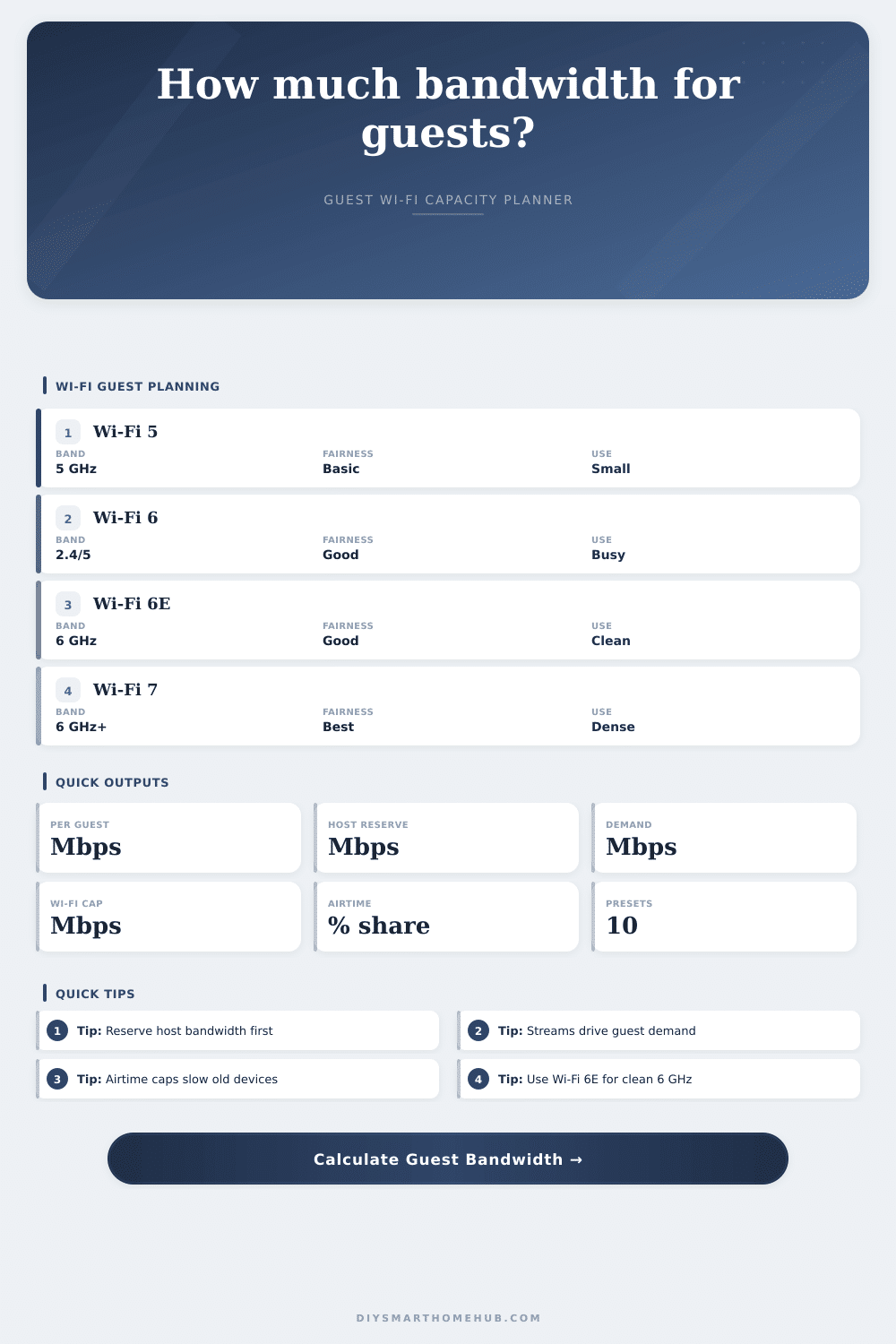
Plan guest Wi-Fi bandwidth by reserving host bandwidth first, estimating guest device demand, applying airtime fairness, and capping the result by the practical capacity of Wi-Fi 5, Wi-Fi 6, Wi-Fi 6E, or Wi-Fi 7.
| Preset | Guests | Per guest | Demand | Status |
|---|
5 GHz planning, 80 MHz common, OFDM/OFDMA not available.
2.4 and 5 GHz, better dense-client scheduling with OFDMA.
Same ax logic with cleaner 6 GHz spectrum and fewer legacy clients.
Higher PHY rates, 320 MHz channels, and stronger dense-room capacity.
Wi-Fi standard capacity reference
| Standard | Base PHY per stream at 80 MHz | 160/320 MHz note | Guest planning use |
|---|---|---|---|
| Wi-Fi 5 / 802.11ac | 433 Mbps | 866 Mbps at 160 MHz when supported. | Light guest SSID, fewer simultaneous streams. |
| Wi-Fi 6 / 802.11ax | 600 Mbps | 1201 Mbps at 160 MHz. | Busy homes with phones, laptops, and HD streams. |
| Wi-Fi 6E / 6 GHz ax | 600 Mbps | 1201 Mbps at 160 MHz. | Clean spectrum for modern guest devices. |
| Wi-Fi 7 / 802.11be | 1441 Mbps | 2882 Mbps at 160 MHz, 5764 Mbps at 320 MHz. | Dense events and newer 6 GHz clients. |
Guest device demand table
| Device activity | Down Mbps | Up Mbps | Formula role |
|---|---|---|---|
| Browsing, messaging, social | 2 | 0.5 | Light devices x 2 Mbps. |
| HD video stream | 8 | 0.5 | HD streams x 8 Mbps. |
| 4K video stream | 25 | 1 | 4K streams x 25 Mbps. |
| Video call | 4 | 4 | Calls count against download and upload. |
| Guest IoT device | 0.5 | 0.2 | Low bandwidth but adds airtime contention. |
Allocation formula table
| Formula | Meaning | Input source | Output |
|---|---|---|---|
| Host reserve | Internet Mbps x reserve percent. | Host reserve input. | Mbps kept for owner network. |
| Guest pool | Internet Mbps - host reserved Mbps. | Internet and reserve. | Maximum guest internet pool. |
| Demand | Device count x activity Mbps. | Streaming and device inputs. | Guest load estimate. |
| Airtime fairness | Wi-Fi practical cap x airtime share x fairness. | Standard, signal, fairness. | Guest Wi-Fi cap. |
| Per guest | Final guest allocation / guest devices. | Pool, cap, demand, guests. | Recommended per-device Mbps. |
Common guest network sizes
| Guest setup | Guest devices | Typical demand | Planning note |
|---|---|---|---|
| Family visit | 6 to 10 | 25 to 60 Mbps | Reserve host bandwidth before setting guest caps. |
| Short-term rental | 8 to 14 | 50 to 110 Mbps | One 4K TV can dominate the guest pool. |
| Backyard event | 20 to 40 | 80 to 180 Mbps | Airtime share usually limits before internet speed. |
| Dense room | 40 to 80 | 160 to 400 Mbps | Wi-Fi 6E or Wi-Fi 7 helps reduce contention. |
But that’s when Wi-Fi gets wonky: at the holiday dinner party. There’s fifteen family member in the house. Three want to stream Netflix in 4K. Two is on Zoom calls. Everyone else is surfing social media.
Your speed test was fine last week, but now your internet seem slow. That’s because most home routers provides equal service for everyone using their router. Your work laptop could get bogged down by a guest who’s downloading a big file or by your smart home camera.
How to Share Your Internet Speed at Parties
Set limits before bandwidth slows down After plugging in how fast your internet is and what you expect from each device, the calculator does the rest of the math (above). So you don’t have to guess all those conversions or coefficients.
The most important part is when it asks you to save some bandwidth for yourself. Because if you don’t protect your own bandwidth, then your guest network will take it all. And you’ll end up with squat. Imagine it like setting a dinner table. You clear space for yourself so there is room for others when they arrive.
With this tool, you also get to specify the percentage of bandwidth you want saved for yourself. That way even if you’ve got plenty of guest on the network, your critical stuff stays nice and smooth.
Then you estimate how your guests will use it. That is where most folks goes wrong. They’ll think that they’ll all be on Facebook, but todays guests will also watch video or make video calls. Twenty-five megabits per second is enough to stream 4K video. That’s a lot of bandwidth for a single user.
And the calculator differentiates between devices. How much bandwidth does a phone take up? How about a tablet? A light browser is different than a heavy streamer. With that data, you get a sense of real-world demand. What happens when you’ve got a couple of people streaming HD content? Demand starts to add up in a hurry. It’s not just the quantity of devices; it’s what those devices wants to do.
There’s also the fact that your Wi-Fi hardware itself have limits. Based off its standard, your router can handle only a certain amount of connected devices. Older standards like Wi-Fi 5 don’t do as well with lots of device. Wi-Fi 6 (and Wi-Fi 6E) will manage many devices simultaneously much better. That’s what the practical capacity chart on the page indicates.
Your Wi-Fi radio can only push data so fast. It doesn’t matter how fast your internet service is, even gigabit internet. The calculator considers the limited airtime available on radios. Older devices takes up more airtime than newer ones. Everyone gets slowed down by older devices taking up airtime. This isn’t solved by newer standards completely. But they do help lessen it.
And that’s what the final output spits out. It’s the amount of speed allocated to each of your guests. That means: How much should each guest realistically expect? Too little and you’ll have angry guests. Too great an amount and your network will collapse under their use. And then you fiddle with the inputs until it find some sort of balance. Perhaps you’ll limit 4K streaming or drop your reserve a bit for your own devices. Do whatever it takes to get a steady experience for all.
Signal quality is another thing that gets ignored. Using up less airtime means your device is closer to the router (as opposed to out back in the yard). You can account for your typical signal strength with the calculator. The weaker the signal, the more it has to retry, and that takes up some of your bandwidth too. This is why crowded rooms are a pain. Every device you throw at them compete for the router’s attention. There’s only so much room on the radio spectrum, it’s a win-lose situation.
This isn’t something for engineers only; all you have to know is that bandwidth is a finite resource that gets used up. If you want to prevent your video from freezing at the big game, plan ahead. That’s what this tool does; it gives you a firm basis off reference. Set appropriate expectations based off this tool and you’ll find that everyone’s faster, including your guests.
And guess what? You get to control it. Dinner party continues as planned. Connection holds steady. Happy guest. Happy host. That’s why we’re all on a network.