Geofence Arrival Lead Time Calculator
Estimate whether an arrival geofence gives a smart-home routine enough time by comparing radius travel time with phone polling, automation latency, device warm-up, network delay, and confidence buffer.
| Component | Formula | Role | Measured from |
|---|---|---|---|
| Travel time | radius / speed | available time | map distance |
| Polling delay | phone interval | event lag | phone logs |
| Automation delay | rule latency | logic lag | hub trace |
| Warm-up delay | device time | ready lag | device state |
| Net lead time | travel - delays | usable lead | calculated |
| Approach | Radius | Speed | Travel time |
|---|---|---|---|
| Walking block | 300 ft | 3 mph | 68 sec |
| Bike path | 800 ft | 10 mph | 55 sec |
| Neighborhood | 900 ft | 25 mph | 25 sec |
| Main road | 0.5 mile | 35 mph | 51 sec |
| Rural road | 1 mile | 50 mph | 72 sec |
| Polling profile | Range | Best fit | Timing risk |
|---|---|---|---|
| Very frequent | 5-10 sec | local app | low lag |
| Frequent | 10-30 sec | daily use | moderate |
| Balanced | 30-60 sec | battery save | visible lag |
| Slow | 60-180 sec | cloud app | late event |
| Manual check | 180+ sec | backup only | unreliable |
| Routine target | Typical warm-up | Radius impact | Watch item |
|---|---|---|---|
| Entry lights | 2-8 sec | small | mesh route |
| Smart lock state | 5-20 sec | small | status poll |
| Garage opener | 12-25 sec | medium | safety wait |
| Thermostat wake | 60-300 sec | large | HVAC delay |
| Hot water recirc | 120-600 sec | very large | pump cycle |
So you drive up in the driveway. The lights are all still out inside. The porch light is still off. The garage door’s closed. Why didn’t my smarthome welcome me back?
Typically it wasn’t because hardware broke down. Typically it was because distance plus time equals bad math. Geofencing don’t happen right away. It’s a race, and it’s a race against a pileup of digital delays. Unless you understand how that race work, you’re only guessing.
Why Your Smart Home is Slow
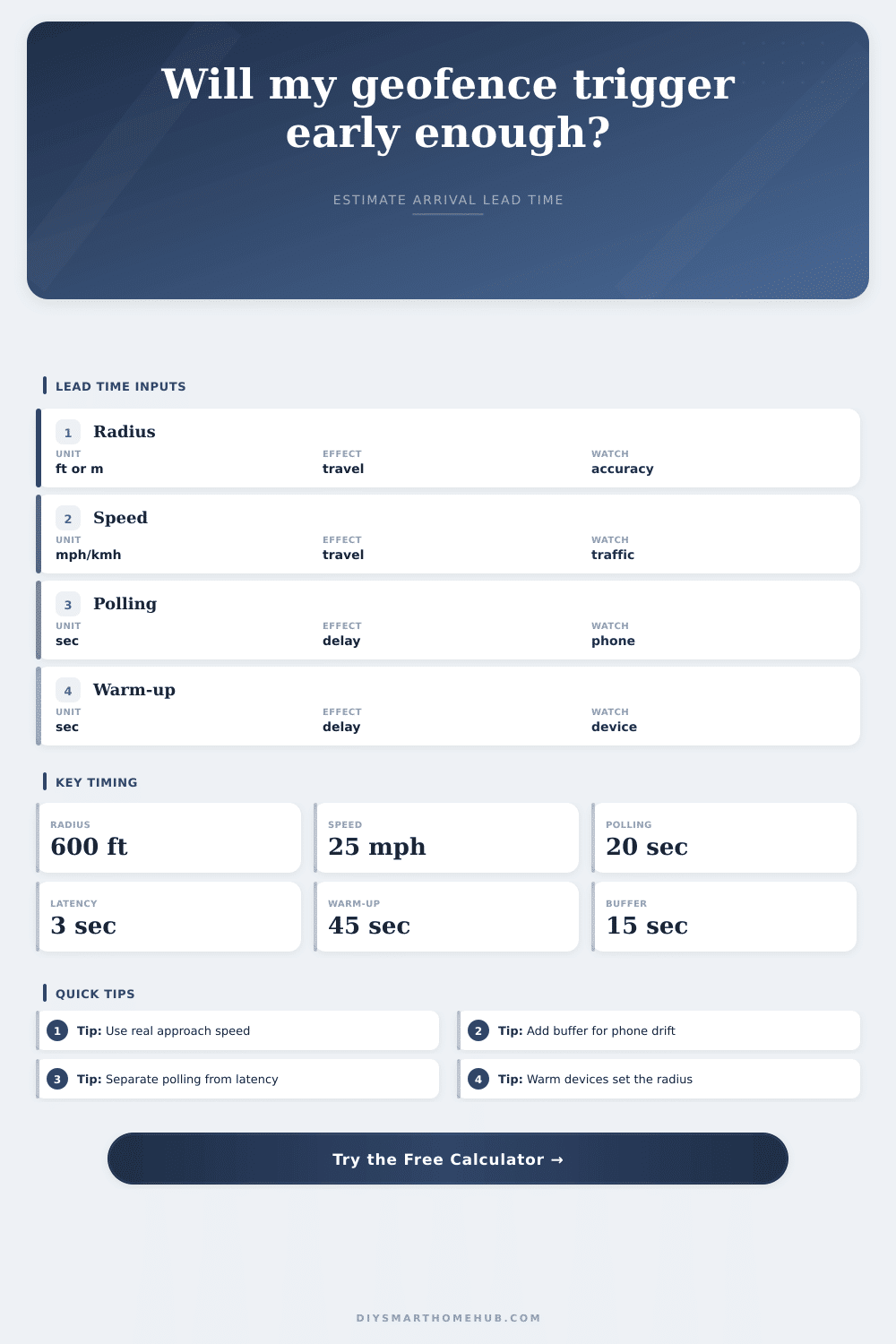
So can your current configuration accommodate this delay? The calculator above find that answer based off your distance. It doesn’t simply consider your distance alone. It calculates the total lag. This includes the time your devices require to warm up, the processing time of the hub, the network lag and the time for your phone to update. Then it subtracts that from your total time until lights-on. Which is really your lead time. This is your true lead time. How much time before you stand on your front porch… and they turns on anyway because it’s a negative number.
The most misunderstood parameter: Speed. The default is your typical commute speed. Wrong! What matters are the speed you drive when approaching home on that last mile or so. You’re going to slow way down as you merge from the highway onto residential street. That’s going to reduce the window of opportunity left for the system to respond. Sixty miles per hour over a two-mile radius may sound like plenty of time. But if you crawl along at fifteen miles per hour during the final quarter-mile through stop-and-go traffic, your effective travel time plummet.
Once you enter your speed into the calculator, it knows how fast you move across the radius boundary. If you misstate that speed everything else will be off. There’s a hard limit on how responsive a phone can be because of the interval at which it polls for its position. To save power, it doesn’t broadcast where it is constantly. Even if it had a perfect GPS fix, it would still check-in on some interval. How frequently? Well, assuming it reports once per thirty seconds, there’s nothing you can do to avoid a thirty-second delay. This couldn’t of been engineered away. The page makes it clear enough in their reference table. Maybe you have a fast local app that polls every ten seconds. Or maybe you rely on a cloud-based service that waits two minutes. That’s the space between seamless arrival and an annoying wait.
Finally there’s device warm-up time. You can almost instantly turn on a smart bulb. Starting a hot water recirculation pump or waking up a dormant HVAC system isn’t as quick. A thermostat will often have a delay in engaging the compressor due to hysteresis. Your smart lock might require some sort of connection process to confirm its status. When you’re depending on your home to be comfortabley when you walk through the door, you have to consider the physics of these devices.
The calculator specifically request a warm-up time from you. It makes you acknowledge that your hardware take time to get going. There’s some tiny extra friction in both the network latency and the automation logic. Each hop from your phone to a cloud server to your hub to one of your mesh nodes out back resists the passage of a signal. That three seconds may not seem like much when there is only fifteen seconds to play with. Now you’re down a full quarter of your usable time.
That’s where the input for confidence buffer comes into play. It’s your padding for the variation: for unexpected traffic, for momentary loss of signal or GPS drift. The problem of walking home is even trickier (it’s slower), which means you can get away with covering a smaller area. However, if your phone thinks you’re moving slowly, it will poll less frequently to conserve battery life. This leads us into a Catch-22. You’ve got more time to arrive at the door… except that your phone is less likely to inform the system of your presence until very end.
The tool’s presets gives some insight into those trade-offs. They illustrate the ways that any change to one thing require adjustment elsewhere. Ultimately, the size of the geofence is less important then the management of time. Distance buys you seconds. By the time you get to the trigger point, the system should of done its thing. If the math show things will be tight, don’t worry about getting better hardware; you either need a bigger geofence or you need to move at a quicker pace.
Once you describe what your reality is, the calculator does the math for you. It translates a maddening guess into a plan you can use. You drive into the driveway, and this time the house is waiting for you.