Focus Session Schedule Calculator
Plan a realistic work window by combining focus length, break cadence, interruptions, task size, and energy level into a block-by-block schedule.
Formula breakdown
Schedule totals
| Block | Focus start | Focus end | Break | Next start | Task progress |
|---|---|---|---|---|---|
| Calculate to build a schedule. | |||||
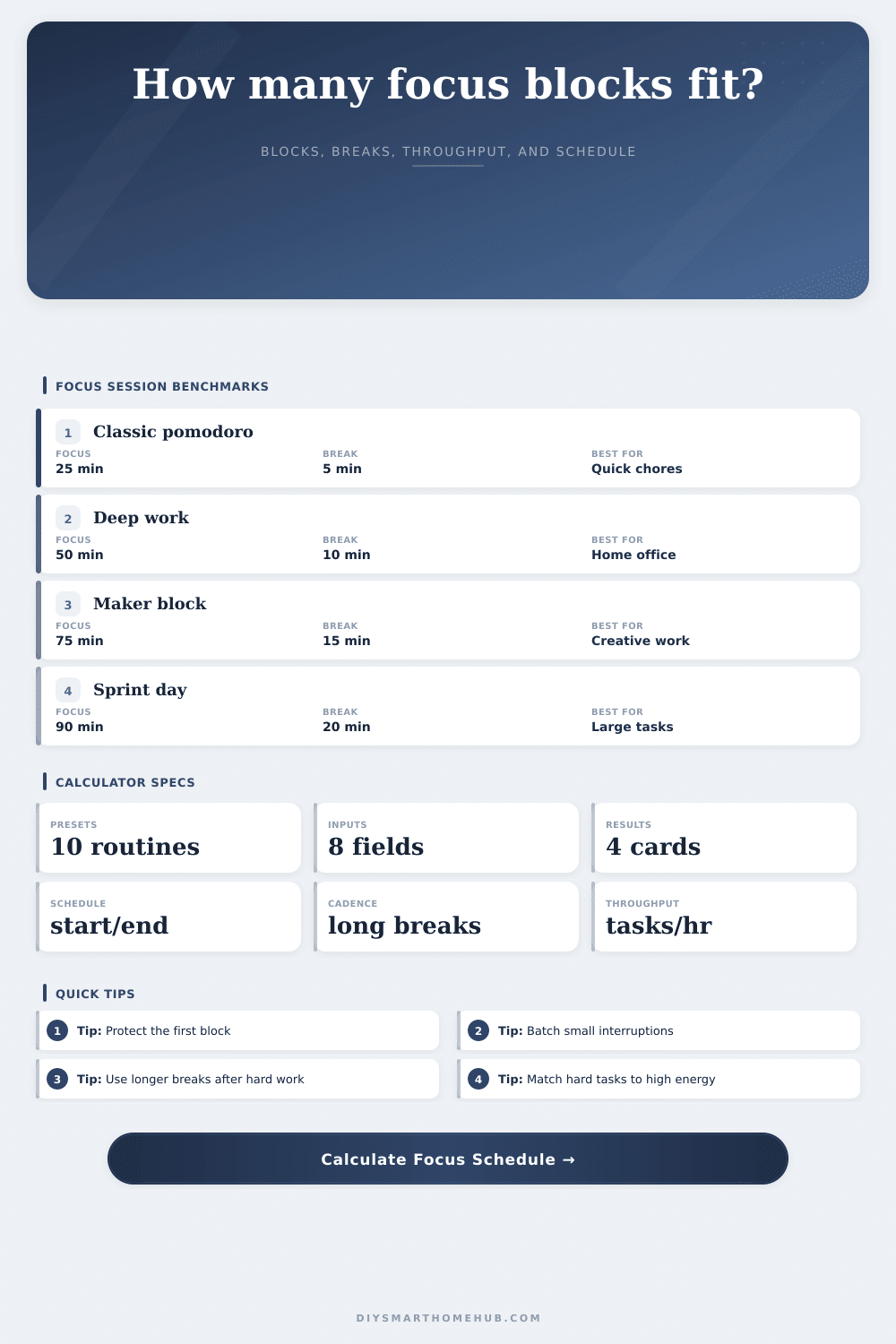
Good for admin, chores, clearing messages, and sessions where starting is the hardest part.
Balanced option for home-office days, studying, writing, and mixed planning work.
Better for creative or technical work that needs ramp-up time and fewer context changes.
Useful for a high-energy push, but the recovery ratio should stay honest.
available minutes = work window minutes - interruption minutesfocus blocks = floor(available minutes / (focus length + short break))deep work minutes = focus blocks * focus length * energy factorrecovery ratio = total break minutes / scheduled focus minutestask throughput = (deep work minutes / task estimate) / (work window minutes / 60)If you have a full to-do list then you know the kind of optimism I’m talking about. That optimism come early in the week, usually Monday morning. It comes from a steaming mug of cold brew. It also comes from the idea that there’s eight hours of work ahead, eight hours of time to do something.
And so you take a seat and type. And just like that, an email ping break the illusion. Then twenty minutes later you’re back at your desk, but you don’t have any more momentum. Your window of opportunity has been carved into unusable chunks.
How to Plan Your Day Better
Interruptions are the single most important variable affecting productivity. Planning for them isn’t a weakness. Why Most Schedules Fail They assume time is a solid block. It isn’t. It’s a fragile resource. You need to include the friction of starting.
Once you understand how often you want to take breaks (break cadence) and for how long (focus length), the calculator above do the math for you. It prevents you from having to do mental math when you’re already exhausted.
People skip part on interruption buffer. They give themselves half an hour for a meeting, then don’t consider the ten minutes spent closing down their tabs. Or there are the five minutes spent responding to a Slack message. And the twenty spent mentally resetting post-call. That buffer will still steal your focus time. If you don’t explicitly reserve it, that buffer would of stolen your focus time anyway.
There’s also this thing called “recovery ratio,” which sounds terrible until you experience it firsthand. Recovery ratio is defined as percentage of break time relative to focus time. Burnout means the ratio is too small. When you are resting, the ratio is more large than usual. The sweet spot is when you’re working hard but not staring at wall.
So why does the energy level selector matter? Because it changes with you. When your brain is feeling sluggish, drop that sucker down and your estimated time per task will goes up. It is a simple way to admit that you don’t produce at the same rate all day long.
Some days, you’re peaking. Ready for tough stuff. Some days, you’re just trying to keep your head above water. Adjusting for energy keeps you from putting ten hours of deep work on a Tuesday afternoon when your brain is already in the tank.
The other metric that might sound technical, even though it isn’t, is throughput. Throughput is simply a sanity check, “How much can I get done with my constraints?” If the tool claims you’ll be able to do six things in three hours, but you’re aware these tasks aren’t simple, go back to where you put in your task estimates.
People grossly under-estimate the time per task. A person think they’ll spend 45 minutes on a report. Instead, they spend an hour researching, formatting, and second-guessing themself. Bad estimates can never be fixed by the tool, but the tool can call out when your estimates don’t match reality. When the throughput feels too good to be true, it’s telling you to slow down; it’s not telling you to push harder.
Different presets provides a decent place to begin depending on what sort of work you’re doing. For example, if you want some classic pomodoro style with brief cycles, it’s excellent for getting started. It is great to use when a task looms ahead.
But if you’re working on something technical or creative, those quick bursts can end up blocking progress rather than helping. You spend ages ramping up, only to get cut off just as you’re getting into flow. Which is where sprint days or maker blocks comes in. These let you do longer chunks of focus, sometimes upwards of an hour and a half, giving your brain the space needed to slide into a state of deep concentration.
The downside is you have to lengthen your breaks accordingly. Two hours of sprints isn’t followed by a five minute stroll. Your mind and body requires recovery time.
The first block of the day protects the rest of the day. A little bit. Small. But important. Don’t allow meetings to bleed into the beginning of the day. If you do, you’ll never catch back up.
Build in a buffer between interruptions before you go into that first zone. Draw a hard line at when you begin work. That’s an unspoken agreement with yourself. Not wishing you could accomplish anything.
Plan for the friction. Account for recovery time. Account for your body’s energy levels when you schedule. The schedule becomes a map. And maps don’t help if they only display where we want to be, but not what we need to avoid.
Plan for the friction. Stop fighting for time. Start getting things done.