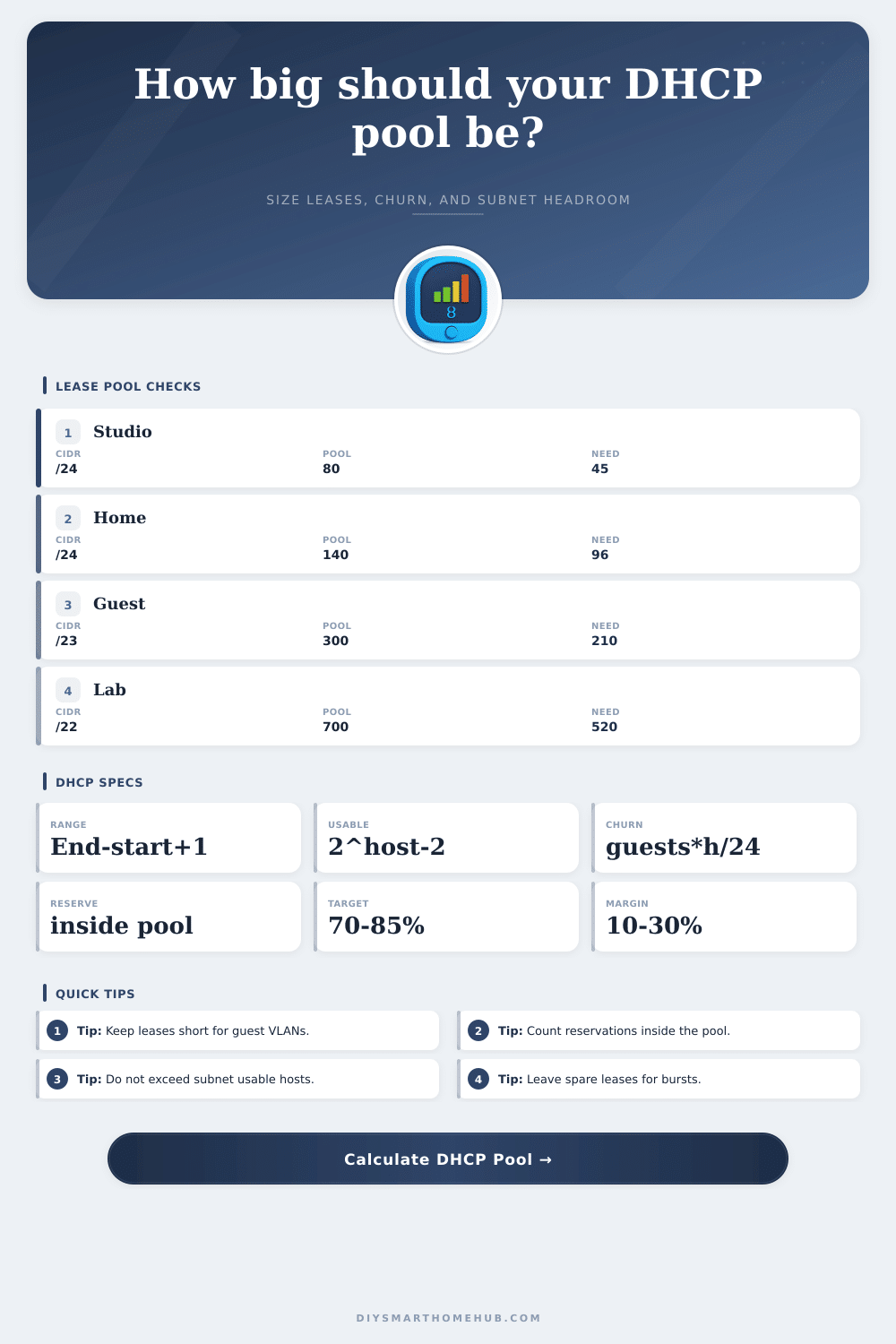
DHCP Lease Pool Size Calculator
Estimate an IPv4 DHCP pool from subnet size, usable range, exclusions, reservations, resident devices, guest churn, lease time, growth margin, and target utilization.
📶DHCP pool presetsPick a network shape, then tune the range.
⚙Calculator inputsHost numbers are positions inside the subnet.
📊Live subnet gridFive planning checks.
Total assignable IPv4 hosts before pool design.
End host minus start host plus one.
Exclusions plus DHCP reservations.
Guest arrivals still held by lease time.
Preferred maximum pool utilization.
📋DHCP reference tablesSubnet, churn, range, and utilization checks.
| CIDR | Total addresses | Usable hosts | Pool planning note |
|---|---|---|---|
| /30 | 4 | 2 | Point-to-point style; usually too small for DHCP clients. |
| /28 | 16 | 14 | Small appliance, lab, or management segment. |
| /26 | 64 | 62 | Small VLAN with modest device growth. |
| /24 | 256 | 254 | Common home, IoT, camera, or office subnet. |
| /23 | 512 | 510 | Large guest, dense WiFi, or event segment. |
| Lease time | Guest devices/day | Churn formula | Extra leases held |
|---|---|---|---|
| 4 hours | 60 | 60 x 4 / 24 | 10 leases |
| 8 hours | 60 | 60 x 8 / 24 | 20 leases |
| 24 hours | 60 | 60 x 24 / 24 | 60 leases |
| 72 hours | 60 | 60 x 72 / 24 | 180 leases |
| 168 hours | 60 | 60 x 168 / 24 | 420 leases |
| Pool item | Counts against pool? | Formula treatment | Design note |
|---|---|---|---|
| Range span | Yes | end - start + 1 | Capped by subnet usable host count. |
| Exclusions | Yes | subtract from span | Often static IPs or blocked addresses inside the range. |
| Reservations | Yes | subtract from dynamic free pool | Reserved clients still occupy lease slots. |
| Outside static IPs | No | not in DHCP pool | Still consume subnet hosts, but not pool slots. |
| Guest churn | Yes | guests/day x hours/24 | Departed clients can hold leases until expiry. |
| Network profile | Typical target | Lease time tendency | Why it matters |
|---|---|---|---|
| Home LAN | 70-85% | 24-72 hours | Stable clients with occasional guests. |
| IoT VLAN | 70-80% | 24-168 hours | Many quiet devices, less daily churn. |
| Guest WiFi | 60-75% | 4-24 hours | Departed devices can exhaust pools. |
| Camera VLAN | 70-85% | 24-168 hours | Reservations and static ranges are common. |
| Lab network | 60-80% | 2-24 hours | Frequent rebuilds create bursty lease demand. |
🧮Common pool examplesRange, held slots, and resulting capacity.
| Scenario | Subnet | Raw range | Held slots | Available dynamic pool | Best fit |
|---|---|---|---|---|---|
| Small home | /24 | 50-149 = 100 | 14 | 86 | Basic LAN with room for guests. |
| IoT VLAN | /24 | 40-229 = 190 | 35 | 155 | Sensors, hubs, TVs, and appliances. |
| Guest VLAN | /23 | 10-420 = 411 | 18 | 393 | High churn WiFi with short leases. |
| Camera VLAN | /25 | 20-119 = 100 | 66 | 34 | Mostly reservations with few dynamic slots. |
| Lab network | /22 | 100-900 = 801 | 80 | 721 | Frequent test devices and VM churn. |
💡DHCP sizing tips
This calculator is for IPv4 DHCP planning. Confirm the final range against router limits, DHCP server behavior, VLAN design, gateway address, broadcast address, and any addresses reserved outside DHCP.
Next time you’re sitting around your house on a Friday evening with friends and people are bringing in their tablets and phones, consider your home network. As all these device come online, your router dishes out IP addresses rapidy. Lots of them. That inventory of available leases dwindles until, boom, somebody wants to watch a movie, and there’s nothing left. No more leases! This calculator will help you size up your address pool before the traffic arrives. It turns subnet math into real-world plan for how many devices you can support before you run out of space.
You must size a lease pool correctly. That’s the real issue with sizing a lease pool, how do you separate the available addresses from the ones your DHCP server will distribute? If you’re working with a typical /24 subnet, you’ve got 254 usable hosts. And that number include your broadcast address and your gateway. You also have any static device you’ve placed on addresses outside the dynamic range. You can’t just take entire number and divide it by the number of devices you expect to see; you need to subtract out amount that’s already reserved. The calculator will help you remove those held addresses from the overall span of the range. What’s left will be your true dynamic capacity; the number of unaccounted-for clients.
How to Plan Your Network Space
The hardest variable to predict is Guest Churn, which represents those guests that stop by for just a moment and never check out… They simply disconnect but still hold their lease open. Say you have a twenty-four hour lease. A device that came through an hour ago will reserve a slot for another twenty-three hours. That’s wasted space overhead on your network. To account for that, the tool multiplies number of guests you have in a day by the length of your lease. You’ll see how many “ghost” leases is occupying space. For something like a conference room or cafe with a lot of traffic, that’s super important.
A common mistake when planning your network involve assumptions about reservations. It’s easy for many admins to think that because they’ve set up an IP address as a DHCP reservation, it will remain distinct and protected from the dynamic pool. The truth is that such a reservation take up a slot just like any other DHCP lease, provided it’s within your declared range. The calculator requires you to include inside-range reservations up front so that they’re accounted against your pool headroom. That way it won’t happen that your pool appears full on the server but that half of address reside quietly in reserved slots.
To put this in perspective, the page also contains reference tables for various types of networks. For instance, there is a difference between a sparse camera network and a dense IoT VLAN. A smart home might contain only fifty sensors that are all very still, and thus need long lease times to avoid wasting unnecessary renewals. On the other hand, a guest WiFi network should have short lease times to rapidly evict departed devices even at the expense of slightly more processing overhead on the server. This is a tradeoff that will enable you to set an appropriate target utilization percentage. Sixty may seem like a waste for a static office environment but it’s critical for a volatile event space.
In the end, sizing a DHCP pool is a matter of balancing capacity with expectations. You don’t need to waste valuable IPv4 real estate with empty slots, but at the same time you want enough addresses to accommodate peak demand. Let the calculator do the math while you make the design decisions, strike a balance between current needs and future growth. Afterward, you’ll be able to clearly see where to draw that line separating your static infrastructure from your dynamic range. That knowledge is more valuable then any single IP address in the pool.