Disaster Recovery Restore Time Calculator
Estimate restore time, RTO, RPO exposure, verification time, DNS or app rebuild steps, queue delay, and the local versus cloud bottleneck for a home server, NAS, smart home hub, or small lab recovery plan.
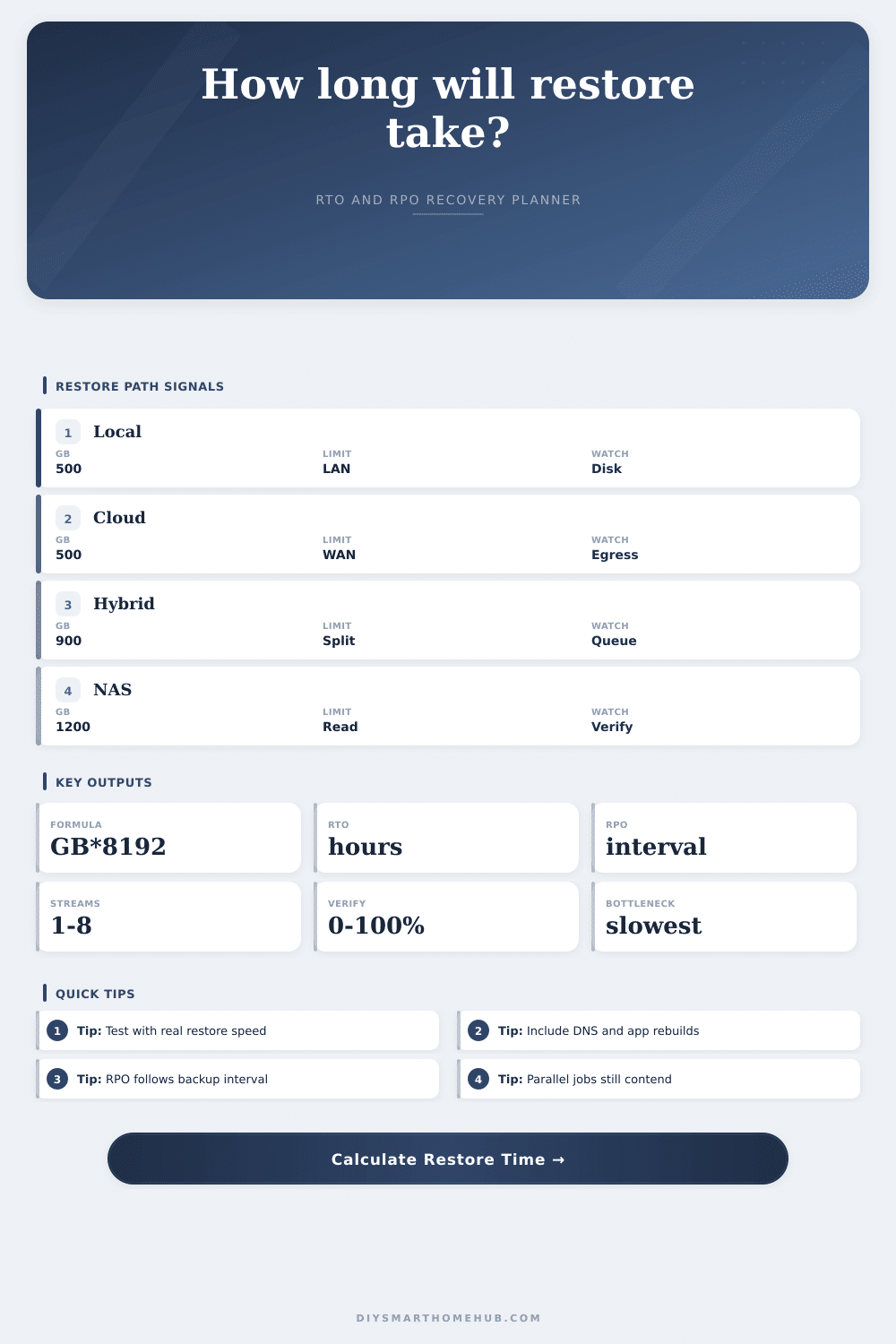
Restore hours = restored GB x 8192 / effective Mbps / 3600.
RTO estimate adds restore, verification, DNS or app rebuild, and queue time.
RPO exposure follows the backup interval, with average loss near half the interval.
Parallel gain = 1 + (streams - 1) x efficiency, capped by the path.
Restore Source Reference
| Source | Typical practical cap | Calculator bottleneck | Use when |
|---|---|---|---|
| USB SSD or local disk | 900 to 3000 Mbps | Target write | Fastest full recovery path when the backup is nearby. |
| Gigabit NAS | 500 to 940 Mbps | LAN or disk | Good for whole-home file shares and home server restores. |
| Wi-Fi client restore | 80 to 500 Mbps | Airtime | Common for laptop and device restores away from Ethernet. |
| Cloud download | 20 to 400 Mbps | WAN or egress | Essential offsite copy, but often the slowest restore path. |
RTO Component Guide
| Component | What it covers | Fast case | Slow case |
|---|---|---|---|
| Data restore | Copying usable bytes back | Local SSD | Cloud WAN cap |
| Verification | Hash, boot, app, and sample checks | Sample verify | Full verify |
| App rebuild | Services, containers, packages, migrations | Images ready | Manual rebuild |
| Queue | Waiting, handoffs, staged jobs, support delay | Automated | Manual steps |
Backup Interval and RPO
| Backup interval | Worst-case RPO | Average exposure | Good fit |
|---|---|---|---|
| 1 hour | 1 hour | 0.5 hour | Configs and active docs |
| 6 hours | 6 hours | 3 hours | Family devices and shares |
| 24 hours | 24 hours | 12 hours | General home data |
| 168 hours | 7 days | 3.5 days | Cold archives only |
Parallel Restore Planning
| Streams | Usual gain | Best use | Watch point |
|---|---|---|---|
| 1 stream | 1.0x | Single image restore | No parallel gain. |
| 2 streams | 1.5x to 1.8x | Two shares or VMs | Disk seek contention. |
| 4 streams | 2.2x to 3.0x | Mixed file sets | LAN and CPU caps. |
| 8 streams | 3.0x to 5.0x | Object or cloud jobs | Provider throttles. |
You’ve been there. A cloud provider notifies you of planned maintenance, power blinks out, and a drive goes silent. What you care about isn’t losing data; you just need something working ASAP. How fast can you get your work laptop / home server / NAS back online? That’s your Recovery Time Objective (RTO). If it’s low, the problem is merely an annoyance; if high, a disaster.
Everyone guess based off their Internet speed and data backup size, yet such guesswork is reckless. There are so many variables: human lag, verification steps, disk contention, decompression overhead, etc. That’s where the tool takes that timeline apart into its parts.
How to Calculate Your Recovery Time
How fast does it actualy recover? What’s the gap between practical and theoretical throughput? Connection speeds, data volumes… you input those. But the trick is in the overhead and efficiency fields. Backup software isn’t one-to-one. Compression, small file fragmentation, encryption, etc. Diminish your available bandwidth. Ignore the overhead and your estimate of recovery time will prove too optimistic. When the clock start ticking, the estimate fails.
It’s never “one pipe into a bucket”. This is why the calculator models hybrids. Restoring from cloud AND local snapshots at the same time. In this situation, doing things in parallel matter. Can you run two restore jobs simultaneously? That halves the wait (assuming your hardware can keep up).
Your destination disk may be the bottleneck though. Adding a second stream slows down both. This is clear from the reference tables. Perhaps a gigabit network link isn’t faster then a local SSD. You don’t want the fastest thing, only the slowest thing. Find it, and fix it.
Another big danger zone involves non-data tasks that must be done during recovery. It’s easy to get the bits restored; it’s difficult (if not impossible) confirm they’re the right bits. You can choose to spot-check a few files or check every single one, but full verification can take just as long as the restore itself. That could of being just as time-consuming as restoring all those bits.
Then there’s the application side of things. Sure, you got your database restored, but now you’ve got to reconfigure your web server, point the domain name servers at it, and open up your firewall rules again. There are fields for DNS cutover time and app rebuild time on the calculator. Those human activities will make your estimate go way off the rails. They rely on good documentation and cool heads under fire rather than fast Internet connections.
The interval at which you back something up is connected to your Recovery Point Objective, or RPO. Backing up daily means that you’ll lose as many as twenty-four hours worth of work. The calculator guesses your data exposure according to whatever interval you specify. How often do you want to be backed up? The more frequently you back up, the less data will be lost, at the cost of making restores harder to perform. What’s valuable enough to save, and how much pain are you prepared to go through to recover it?
Note: I don’t mean to say that the actual RPO for any given person can be calculated by this tool. Rather, this is simply an estimate of how much you’re exposed if you back up infrequently (daily, weekly, etc.).
Consider the usual disaster scenarios: a laptop restore from the cloud versus a home assistant hub failure. Both are constrained by their environments. One is limited by local disk speed and container rebuild times. The other is slowed down by download queues and WAN bandwidth. Neither is necessarily “better”. Each has its own set of constraints. It’s not about minimizing all variables. It’s about knowing what variables you care about for your own situation.
Disaster recovery planning is humbling. It makes you accept that shit breaks. And when it breaks, there’s no way you can make it right again immediately. By modeling your recovery process beforehand, you make panic procedural. You understand which part of the process will be the choke point. You understand how long it’ll take for verification. You understand that the DNS update will tack on another hour to the clock.
Knowing all this doesn’t mean the outage isn’t still annoying as hell. But it does mean you can manage it. The recovery process is simply copying files back. Everything else is prep.