DIYSmartHomeHub gaming planner
Game Console Storage Calculator
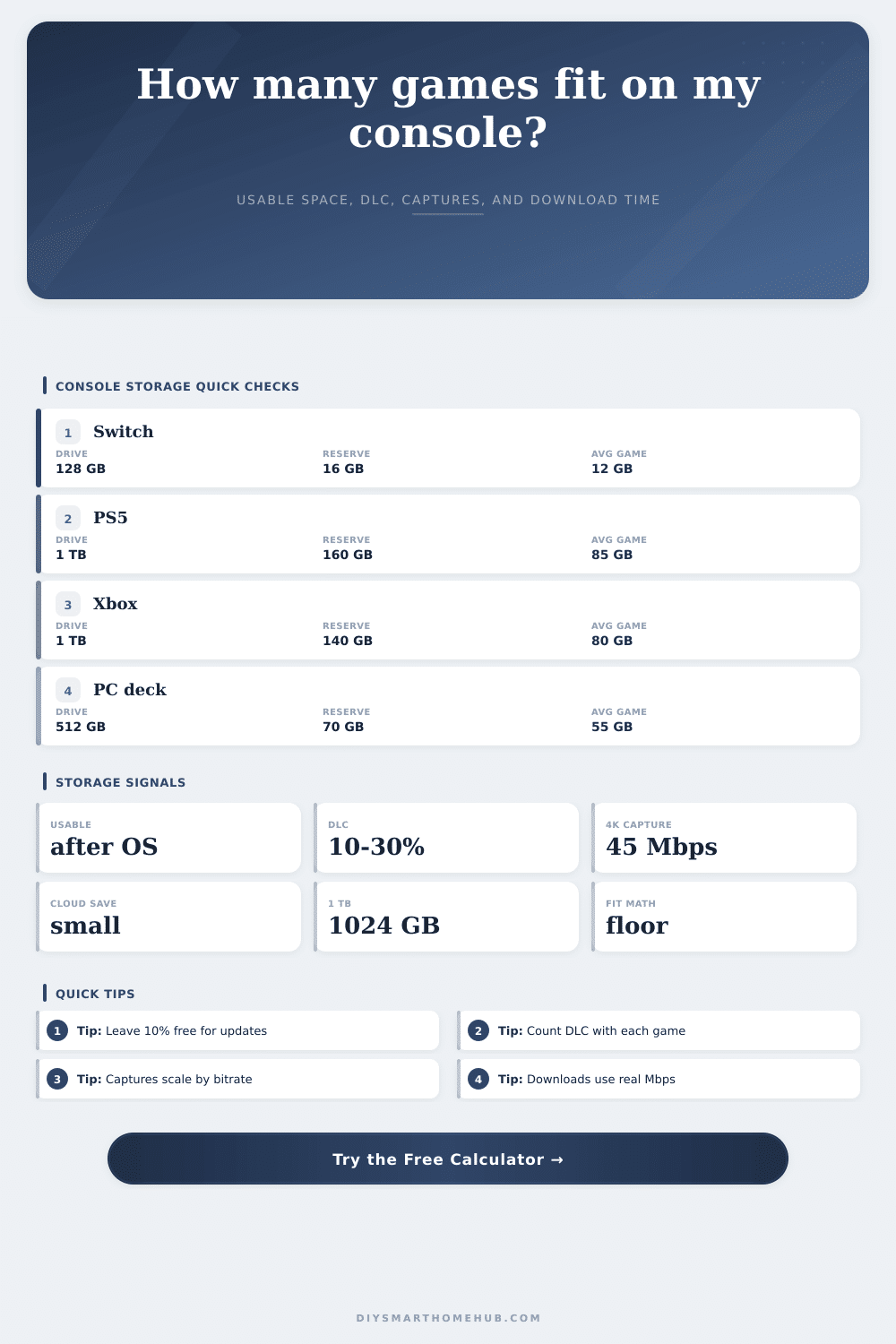
Estimate usable console storage after the OS reserve, how many average games fit, DLC and update overhead, capture storage from bitrate, local backup space, and download time from real bandwidth.
Formula breakdown
Usable console storage equals installed plus extra storage, minus the OS reserve and hidden system space.
Game capacity is rounded down because a partial game install does not count as a playable slot.
Capture storage uses bitrate multiplied by recorded seconds, then divided by 8 and 1024.
Download time uses gigabytes converted to megabits, divided by sustained Mbps.
Common game size bands
| Game type | Typical base size | DLC/update band | Planning note |
|---|---|---|---|
| Indie or retro collection | 0.2 to 8 GB | 0% to 10% | Game count is high, but saves and screenshots can become visible. |
| Switch or compact digital | 4 to 25 GB | 5% to 20% | A modest SD card can hold many titles if captures stay trimmed. |
| Sports, racing, and online games | 40 to 90 GB | 15% to 40% | Season updates can be large, so keep extra reserve space. |
| Large AAA adventure | 70 to 140 GB | 10% to 35% | One or two large games can change the whole storage plan. |
| 4K texture or PC handheld title | 80 to 180 GB | 20% to 60% | Texture packs and shader caches can push installs above the base size. |
Capture bitrate storage table
| Capture bitrate | 1 hour | 5 hours | Best planning use |
|---|
Download time table
| Speed | 25 GB game | 80 GB game | 150 GB game |
|---|
Preset comparison grid
| Preset | Usable | Adjusted game | Games fit | Status |
|---|
The biggest game of the year installs and the progress bar stops at 99%. What’s going on? Your console isn’t frozen, it literally doesn’t have enough space to unpack the files. One terabyte drives sounds amazing from manufacturers but you rarely if ever recieve a full terabyte. A huge chunk is eaten up by the operating system, system updates and hidden partitions before you reach the main menu. Most storage plans falls short of telling you exactly how much you’ll be able to use to store your games. You need to know how much room is actualy left for your games, not just what the box says.
If your drive is bigger or smaller, or if your favorite games is lighter or heavier, all you need do is input the numbers into calculator. It’ll crunch the digits, subtract some system overhead and provide a ballpark figure of how many games you should expects. Games come in all different shapes and sizes. A small indie title could require only a few gigabytes of space, whereas a large, AAA open-world game packed full of 4K textures can demand over one hundred gigabytes. If you don’t choose the right average when calculating your library size, then your guess won’t mean much.
How to Manage Your Game Storage
To account for this, tool lets you define base file size of each game along with a percentage to tack on for any updates and DLC you own. That additional stuff adds up pretty quickly. Patches and texture packs aren’t required but they’re still mandatory; season passes also pack a punch by tacking another twenty percent or more onto the overall size of a game. Don’t ignore that overhead, otherwise you’ll fill up your space way before you’re ready.
Lots of people also don’t consider amount of captured video footage they have. Video captures footage in very large files, especially when using a high bitrate. 4K footage can eat through gigabytes like crazy. A few hours of 4K capture can easily be larger than medium sized game. The tables on the page detail exactly how much storage capturing video uses based off bitrate. If you’re creating content or streaming, plan accordingly. Don’t assume this goes towards your game library too. These are two different types of media. One is temporary and deletable, while the other, executables, are not. Understanding this will help you make decisions about keeping things around. Your favorite RPG may stay installed for years, but why would you keep last week’s stream highlights?
And then there’s the download speed, which rounds out the picture. Sure, maybe that big game will fit on your drive, but what if it takes four hours to download? That’s another penalty altogether. Based off your real-world Mbps speed, the calculator estimates how long it would take to download a game and gives you some idea as to whether it’s worth downloading that massive title before heading away for the weekend (or just streaming it instead). It also points out value of the compression feature. Some platforms compresses data to get games onto your console faster, which reduces amount of actual data being transferred. On slower internet connections, those savings add up. That’s where knowing what you’re really measuring comes into play.
Total gigabytes isn’t everything. Total gigabytes is storage. It includes active games, passive archives and system reserves. Always have some breathing room for your system. Fill up SSDs all the way? Bad. They work best with less than 100% full. Ten percent buffer is generally safe on consoles. That means patches will unpack without issue. The drive also won’t slow down due to write amplification or fragmentation.
The first thing I want you to do when looking at these numbers is look at the usable storage number. Use that as the budget, all the rest are expenses. So if this calculator tells you it fits twelve games, but then you realize with clip size and game updates that you really don’t have the room for more than ten, well there should of been a decision: Do you trim your game collection, or go with an external drive or an M.2 slot? There isn’t a magical solution when space is tight. There are only choices. And what we’re trying to achieve here isn’t filling up the drive. It’s keeping the games that you actualy play, and having enough headroom so the system doesn’t choke. When you know what it costs in terms of actual installs, that frozen progress bar isn’t frustrating anymore. You’re not making guesses. You’re planning, and that’s the difference between a messy hard drive and an organized library.