Commute-Based Pre-Arrival Trigger Calculator
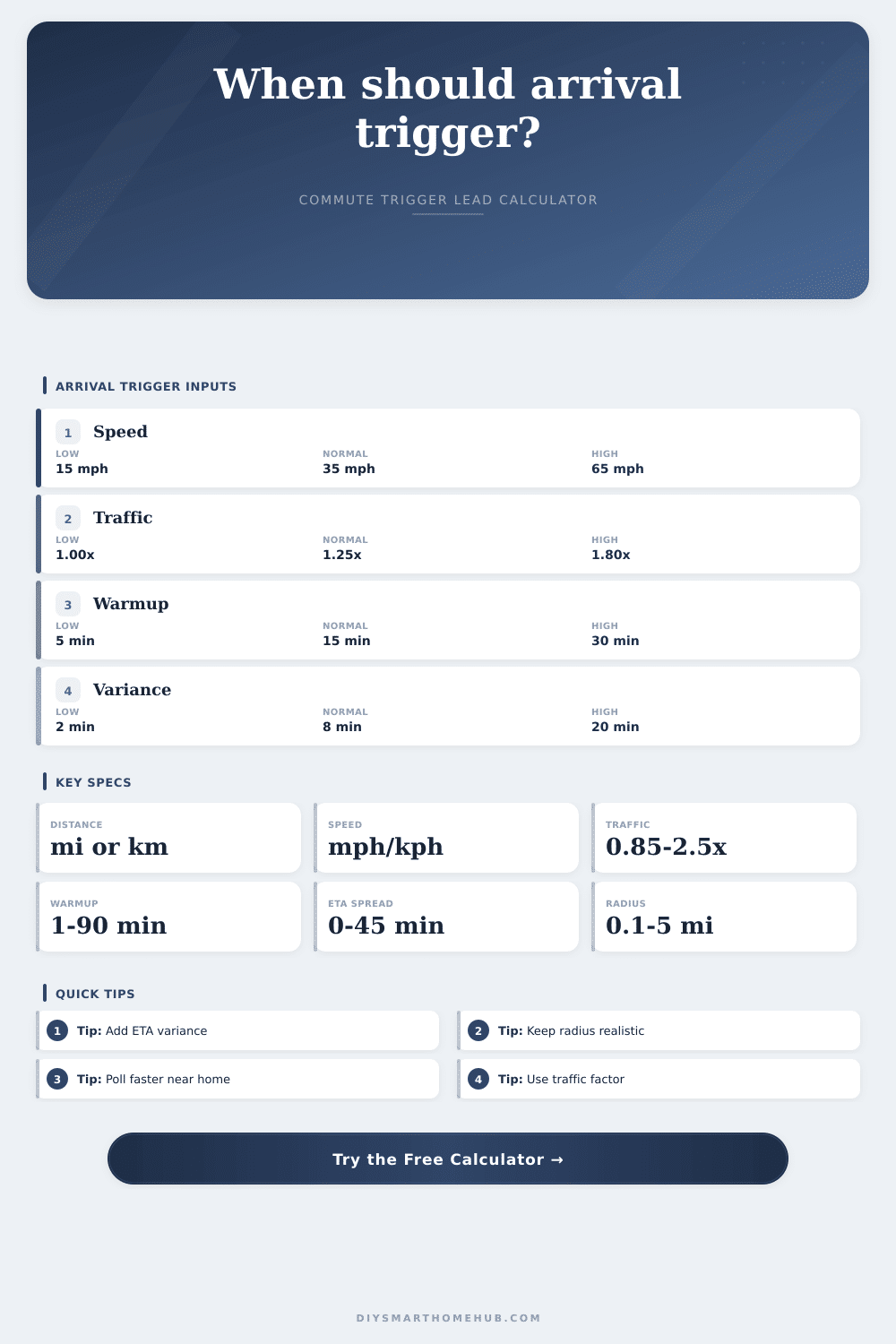
Estimate where a smart home pre-arrival automation should trigger by combining commute distance, current speed, traffic slowdown, device warmup time, ETA variance, geofence radius, and polling interval.
Pre-Arrival Trigger Summary
| Road state | Multiplier | Speed effect | Use when |
|---|---|---|---|
| Faster than usual | 0.90x | 111% speed | Open roads |
| Clear route | 1.00x | 100% speed | Normal flow |
| Light slowdown | 1.15x | 87% speed | Signals or merges |
| Moderate traffic | 1.35x | 74% speed | Busy commute |
| Heavy traffic | 1.60x | 63% speed | Stop-and-go |
| Severe traffic | 2.00x | 50% speed | Long delays |
| Routine type | Warmup | Variance | Trigger style |
|---|---|---|---|
| Lights or scene | 1-5 min | 1-3 min | Close geofence |
| Fan or purifier | 5-12 min | 3-6 min | Medium lead |
| Water recirc | 5-15 min | 3-8 min | ETA gated |
| Garage climate | 10-25 min | 5-10 min | Route trigger |
| HVAC setback | 15-45 min | 8-20 min | Early trigger |
| Cold weather prep | 25-60 min | 10-30 min | Wide buffer |
| Condition | Meaning | Likely result | Watch item |
|---|---|---|---|
| Radius covers lead | Fence is early | Simple trigger | False arrivals |
| Gap under 1 mi | Near match | Use buffer | GPS accuracy |
| Gap 1-5 mi | Need route ETA | Earlier event | Polling cadence |
| Gap over 5 mi | Long warmup | Commute logic | Traffic changes |
| Poll gap high | May skip point | Shorten interval | Battery draw |
| ETA too short | Already late | Trigger now | Arrival window |
| Scenario | Speed | Lead time | Lead distance |
|---|---|---|---|
| Urban short hop | 18 mph | 8 min | 2.4 mi |
| Suburban return | 36 mph | 25 min | 15.0 mi |
| Highway approach | 60 mph | 18 min | 18.0 mi |
| Station ride | 22 mph | 10 min | 3.7 mi |
| Winter preheat | 30 mph | 45 min | 22.5 mi |
| Rural approach | 50 mph | 20 min | 16.7 mi |
A smart home routine isn’t about automation; it’s all about when. When you drive up to house, it’s already warm. When you arrive the lights are lit and the water’s hot.
It’s magic, until you remember that magic is merely getting math right. And if you get it wrong, then your oven will be heating up while you’re sitting in a freezing house, or you’ll come home to find the house is too hot than expected. I say that because this number tell you how far out you can go before your device runs into trouble getting its work done, and how long it will be until you get back home.
How to Set the Right Time for Your Smart Home
It’s not about a fixed distance away from your house. Once you enter the specifics of your route, the calculator will handles the rest for you. And that avoids the guesswork: Will my HVAC need 30 minutes or ten minutes to cool down after being set back?
First, consider the pace. Is it average? Nope. The vast majority of folks runs at their cruise control on the freeway. Wrong. You’re coming home to twisty streets, school zones and stop signs. Those last few miles will eat into your effective speed big time. Running a mixed speed that accounts for that home stretch avoids confusing system into believing you’re nearer then you actualy are.
Traffic is the wildcard. Rush hour isn’t like a clear road; it multiplies difference. On a slow day, your speed could be halved if you’re trapped in a traffic jam. This is where the tool come in: it jacks up your expected travel time based off the likelihood that you’ll get caught in such jams. Don’t guess how many minutes or hours long the bumper-to-bumper delay will be… Just recognize that Thursday at 2 PM differs from Tuesday at 5 PM.
The single most important input is warmup time. How long does it take to get the furnace on? How long does it take for EV charger to start charging? If it takes your system 20 minutes to get first floor comfortable, then the trigger has to fire 20 minutes prior to your arrival. There is also some variation because of red lights or GPS lag. This is the buffer that will make arriving easy or disappointing.
That’s not to say geofences alone can do the job. A typical geofence could be a quarter mile radius, he says. But if I’m going 40 mph and want X amount of time, say forty minutes, well then I have to activate from eight miles out. This means geofence is too narrow. And that’s where the calculator explains the deficit for you, it informs you that your static zone simply isn’t big enough; that you need a logic trigger based on time rather than just proximity.
The secret variable is how often it polls. To conserve power, your phone only checks where it is every few minutes. And if you’re going fast enough and check every five minutes, you could cross right past the trigger point without realizing it. They recommend an appropriate poll interval based on your approach speed. The faster your approach, the more frequently it’ll check. The slower your approach, the longer the interval can be. This is laid out in the reference tables on the page.
City lights take less time to get ready than a suburban HVAC. Highway EV prep takes longer with early distance triggers. The amount of buffer and speed needed differs for each scenario. Check out the examples and how they work together.
Don’t over engineer it. Don’t try to track the exact amount of time it takes for each piece of traffic. Estimate a realistic average. Put a conservative range around that. Try it out. Add five minutes to the warmup buffer if your house is still cold when you get home. Give yourself more wiggle room in your estimate if you kept getting late and had the AC running all day. You should of added more.
There’s no magic with smart home automation. There’s just engineering. It is engineering that understands physics of your house and the reality of your commute. Get the inputs right and the comfort will follow.
Early isn’t the point. On time is the point. Your house should feel like it’s been waiting for you when you pull in, not like it’s rushing to catch up.