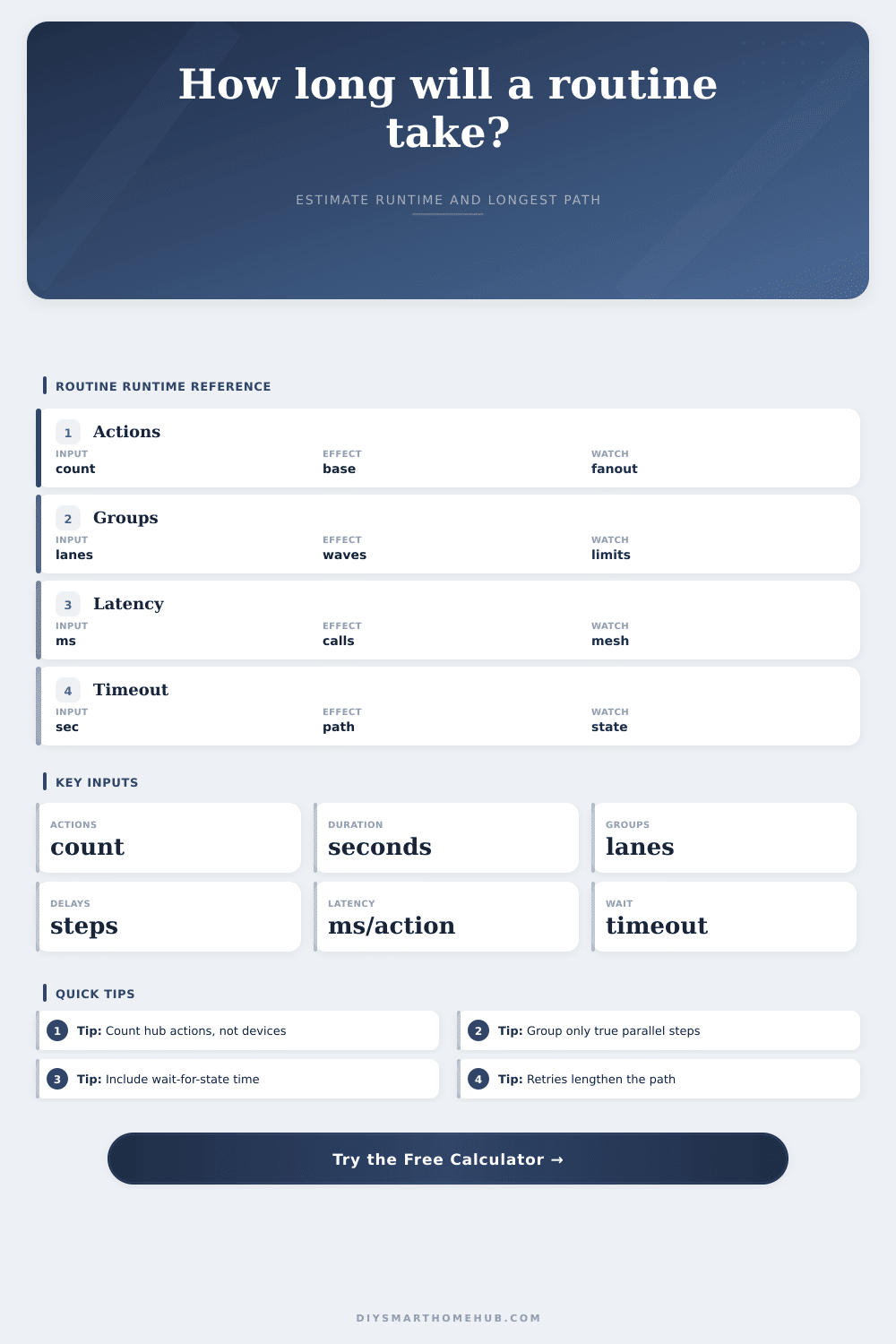
Routine Total Runtime Calculator
Estimate a smart-home routine runtime from action count, average action duration, parallel groups, delay steps, network latency, retries, wait-for-state timeout, and the longest path through the routine.
| Component | Formula | Runtime role | Often measured from |
|---|---|---|---|
| Action waves | ceil(actions / groups) x duration | Main command block | Hub trace or log |
| Delay steps | delay count x delay seconds | Intentional pauses | Automation editor |
| Network latency | (actions + retries) x latency | Communication overhead | Bridge or cloud timing |
| Retry actions | retries x action duration | Extra attempts | Failed command logs |
| State timeout | timeout seconds | Critical-path wait | Wait-for-state block |
| Groups | Readout | Best fit | Watch item |
|---|---|---|---|
| 1 | Sequential | State-dependent chain | Slowest device |
| 2-3 | Small fanout | Room routine | Bridge capacity |
| 4-6 | Moderate fanout | Multi-room scene | Mesh congestion |
| 7-12 | Large fanout | Whole-home action | Cloud throttling |
| 12+ | Very broad | Batch commands | Retry bursts |
| Condition | Latency range | Retry pattern | Runtime effect |
|---|---|---|---|
| Local wired hub | 20-80 ms | Rare | Small overhead |
| Local wireless mesh | 80-250 ms | Occasional | Visible in fanout |
| Cloud bridge | 250-900 ms | Variable | Can dominate |
| Busy routine | 150-600 ms | Bursty | Retry path grows |
| Weak device route | 500+ ms | Repeated | Longest path risk |
| Routine | Actions | Groups | Typical result |
|---|---|---|---|
| Single room scene | 5-10 | 2-4 | 5-18 sec |
| Bedtime shutdown | 15-30 | 3-6 | 20-60 sec |
| Away security mode | 18-40 | 3-8 | 25-90 sec |
| Media scene | 8-18 | 4-8 | 8-30 sec |
| Whole-home stack | 40-100 | 6-12 | 60+ sec |
Until it stalls.
A smart home routine feels immediate; but then it isn’t. If something fails mid-routine, it’s not likely to be because your sensor died or your bulb burned out. Chances are good that the problem is a timing issue buried deep in the logic of how the hub processes commands.
How to Fix Smart Home Delays
Know exactly when the routine ends. Every pause, every millisecond of network chatter add up. A routine is usually considered to be a checklist: close the blinds; turn on the lights; etc. Lists don’t get executed by Hubs.
Hub systems take in waves of traffic. Eighteen thing? Your hub system manages four things at once? So that’s a wave of four followed by a wave of four… followed by another wave. It’s like booking an appointment with 18 different people but they arrive in batches of four each. The time commitment isn’t the sum of every individual task, it’s the longest chain of dependencies.
The system is now slowed down. Twenty milliseconds are added by local hub with each command. Three hundred can be added by a cloud bridge. Now multiply all of this latency by forty actions in your morning sequence. You’ve just added two full minutes to your morning routine. Because they don’t realize it’s not the device that’s slow, people tend to point finger at it. In reality, they’re sitting there waiting for network to catch up.
And then retrying makes things even worse. When a command doesn’t go through and the hub retry, that doubles the latency cost. This little bit of delay realy starts to matter when you want to leave house on time.
The other is delays. And these are not accidental. Before you arm your alarm, you want the garage door closed. Before starting movie, you want lights to be dimmed. Planned time is added as part of critical path. Five seconds here, ten seconds there, and what was a thirty second routine becomes a minute. As the page’s reference table shows, the actual time it takes for the devices to execute pales more different than the intentional pause.
That’s not to say we should speed up our routines; that’s to say we should predict them. If I know it take me forty-five seconds for my bedtime routine, I can schedule accordingly. I won’t press snooze and then be confused as to why light isn’t off ten minutes from now. I’ll have an exact idea of when that house goes dark. And having this knowledge turns what was once a maddening delay into something we can manage.
This lets you trim the fat on the waits, which is how to improve the system. Run things in parallel whenever possible if their action are independent. Measure your network latency and consider whether you might substitute a call to the cloud with local integration. Every millisecond matters, and it all compounds over entire sequence.
You don’t have to build a perfect system. Just know how delays works. The timing of a home is what makes it smart. You told lights to come on. And they do. That’s true only if you understand the clocks behind the scenes. If you get the runtime right, the home matches your pace. Lights up, at 7:00 AM. Coffee up, at 7:00 AM. No more guesswork, no more lag. The home lives up to expectation.
You should of planned for this.