Zigbee Device Per Coordinator Capacity Calculator
Estimate a practical Zigbee coordinator limit from end devices, mains routers, direct child slots, routing reserve, traffic duty cycle, and group or binding overhead.
Best for many low-power sensors and mains-powered mesh routers, but practical capacity is limited by coordinator tables, parent slots, route reserve, and traffic.
Lower classic node ceiling than Zigbee theory, often better wall penetration, and useful for locks, sensors, and devices that should avoid 2.4 GHz congestion.
Thread also uses low-power 802.15.4 mesh concepts and commonly scales to hundreds of devices with border routers and router role management.
Matter is not a radio capacity pool by itself; Matter devices ride over Thread, WiFi, or Ethernet, so capacity belongs to the underlying network.
| Profile | Practical device pool | Direct child slots | Route table |
|---|---|---|---|
| Basic USB stick | 90 devices | 24 direct children | 48 route entries |
| Modern USB or Pi coordinator | 160 devices | 32 direct children | 96 route entries |
| Ethernet coordinator | 220 devices | 48 direct children | 128 route entries |
| Managed smart-home hub | 120 devices | 32 direct children | 64 route entries |
| Custom manual limits | Derived from inputs | User supplied | User supplied |
| Role | Power style | Capacity effect | Planning note |
|---|---|---|---|
| Coordinator | always powered | forms one network | One coordinator per Zigbee PAN; split networks before table pressure gets high. |
| Router or repeater | mains powered | adds mesh paths | Consumes route table entries but can add child capacity for sleepy devices. |
| End device | battery or sleepy | uses parent slot | Does not relay traffic; must attach to coordinator or a router parent. |
| Group or binding | network feature | adds overhead | Scenes, groups, and bindings improve control but need broadcast and table margin. |
| Profile | Duty cycle model | Overhead factor | When to use |
|---|---|---|---|
| Quiet sensors | rare reports | 0.85x | Contacts, buttons, and leak sensors reporting only on change. |
| Normal home | mixed reports | 1.00x | Typical sensor and lighting mix with moderate automations. |
| Grouped lighting | group commands | 1.18x | Many bulbs, scenes, bindings, and multi-device commands. |
| Chatty telemetry | fast reports | 1.40x | Power meters, climate sensors, and frequent attribute reports. |
| Dense 2.4 GHz | retry margin | 1.55x | Apartments or homes near WiFi, Bluetooth, and neighboring Zigbee networks. |
| Technology | Typical radio layer | Scale clue | Capacity takeaway |
|---|---|---|---|
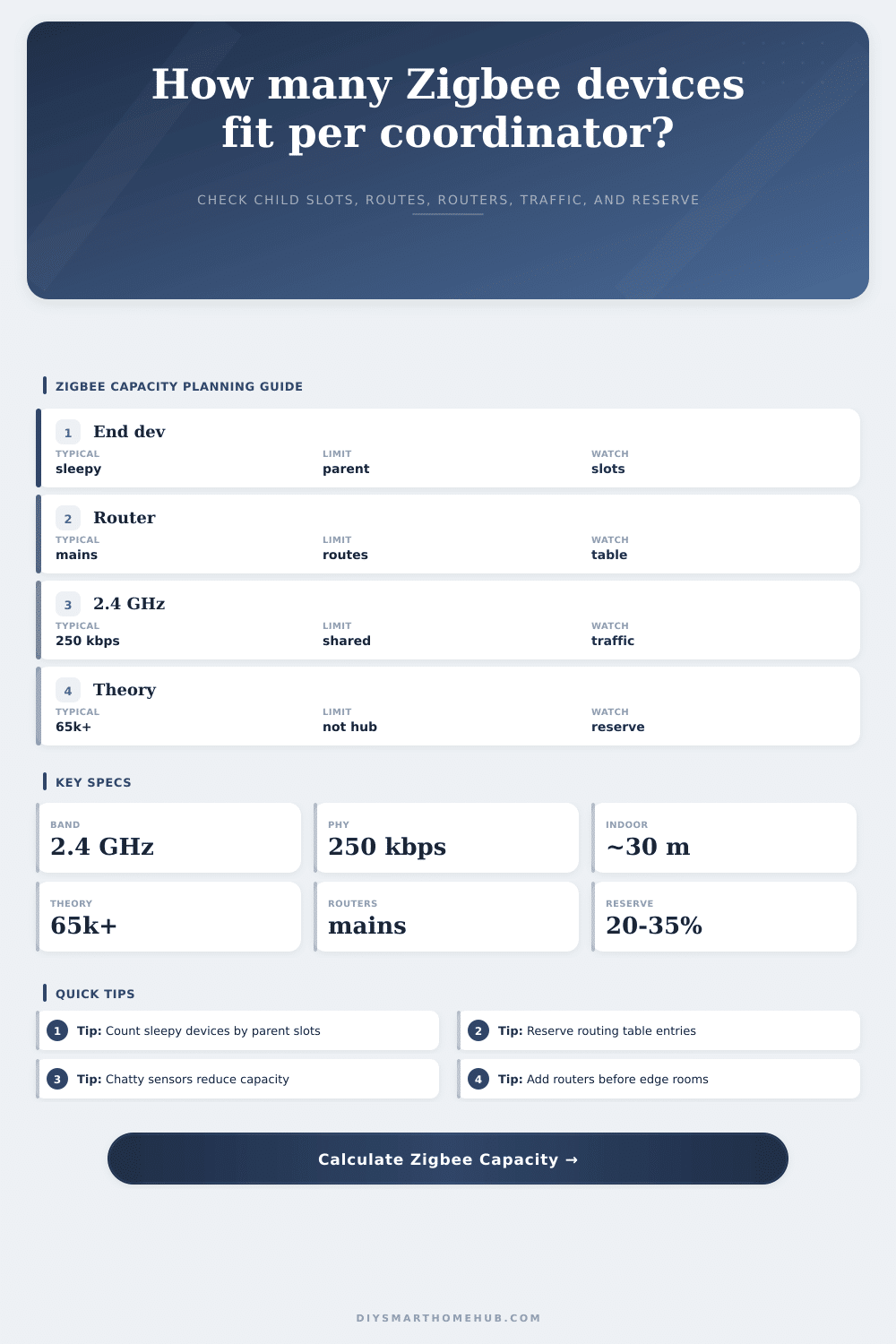
| Zigbee | 2.4 GHz 802.15.4 | 65k+ theory | Coordinator memory, child slots, routes, and traffic decide the real limit. |
| Z-Wave | sub-GHz mesh | classic 232 nodes | Often fewer nodes, but less 2.4 GHz congestion and good wall penetration. |
| Thread | 2.4 GHz 802.15.4 | hundreds | IP mesh with border routers; capacity depends on router roles and multicast load. |
| Matter | Thread, WiFi, Ethernet | transport based | Count Matter load against the Thread or WiFi network it actually uses. |
Until one day the lights won’t turn on, and then the next thing you know a door sensor has dropped off your hub. Is it your hardware? Is it the network? It’s probably neither: it’s capacity.
Zigbee can support a large number of theoretical addresses. That sounds like a lot. But how much are there really? There is a limited amount of memory to store who should talk to whom as the coordinator. You’re not bucking against the laws of physics here, just a routing table whose size isn’t sufficient for all parent devices to which you’ve assigned it.
Why Your Zigbee Network Fails
After plugging in how many of each type of device you own, the calculator will crunch numbers to help you avoid guessing how many slots your specific firmware actualy supports. The calculator will split up your devices into routers that plug into a wall and sleepy end device. That’s important because mains powered devices (bulbs and plugs) can be used as sort of a proxy to forward traffic from other devices, whereas a battery powered device (a sensor) require a parent to communicate with.
Directly connecting a sensor to the coordinator take one of the hub’s limited number of direct child slots. Moving that sensor to a power outlet and letting it talk over the router mean it doesn’t take away from the hub’s pool of direct slots anymore. It now takes away from those on the router. It’s different math, but the same amount of strain on the network. So you’re simply shifting weight.
Most people mess things up by filling up routing tables. Each router has its own memory, called a routing table. That table stores each path taken by every message. The more routers you have, the more messages takes different routes and the more entries get made in that table. When it runs out of room, then the coordinator will begin to drop packets or make those routes try to rediscover themselves, which causes a traffic storm.
To avoid that, the tool requests a reserve percentage. It’s not wasting all that space if you leave 20 or 30% of your route table blank. It’s protecting yourself from devices moving around, batteries dying, or Wi-Fi interference making them retry. And when one packet is dropped, it causes a cascade of repair attempts that stuffs up the 2.4 GHz band.
The quiet assassin? The problem is traffic overhead. Zigbee isn’t a broadband pipe; it’s a 250 kilobits per second channel, shared by all. Burn through that quickly and you’ll find yourself choking. This happens when lighting groups change scenes at once, your smart meter reports every minute, or any other chatty device send data. The calculator adds multipliers to those situations because retries and acknowledgments also take up air time.
Everyone wants some of the same radio space, so if you’ve got three of your neighbors running Zigbee networks on overlapping channels in a dense apartment building, that 250 kilobits will get cut into tiny slivers. So while in theory you can have fifty devices, in practice you’ll only have about thirty because everyone is fighting over airtime.
The choice of hardware makes a difference on the ceiling. An inexpensive USB dongle might cap out at ninety devices with a tight routing table. You could plug into an ethernet connected hub or set up a Raspberry Pi network. But no matter what hardware you throw money at, it won’t make up for poor topology. Putting everything in one room and talking to one router is a bottleneck no matter how much RAM that hub have.
Routers should be spread out evenly so traffic has several routes to go home. And no single parent gets swamped with too many sleepy children. I’m not going to get into the details of each profile, because you can compare them in the reference tables on the page. The short version is: plan for the worst case (not the average). Include some margin for error.
Look at that pressure gauge when you’re done. If it’s red, you don’t necessarily need to go out and buy additional devices. Maybe all you really need is to split the network or move a router around. It’s better to have a stable mesh than to have too large a mesh. Respect that bandwidth, reserve your slots, make sure that routing table doesn’t choke. When you need your network to be awake, it will be.