Smart Baby Monitor Recording Storage Calculator
Estimate baby monitor storage from bitrate, audio-only logging, overnight sleep duty, nap events, retention days, local privacy reserve, and cloud clip upload assumptions.
Storage estimate
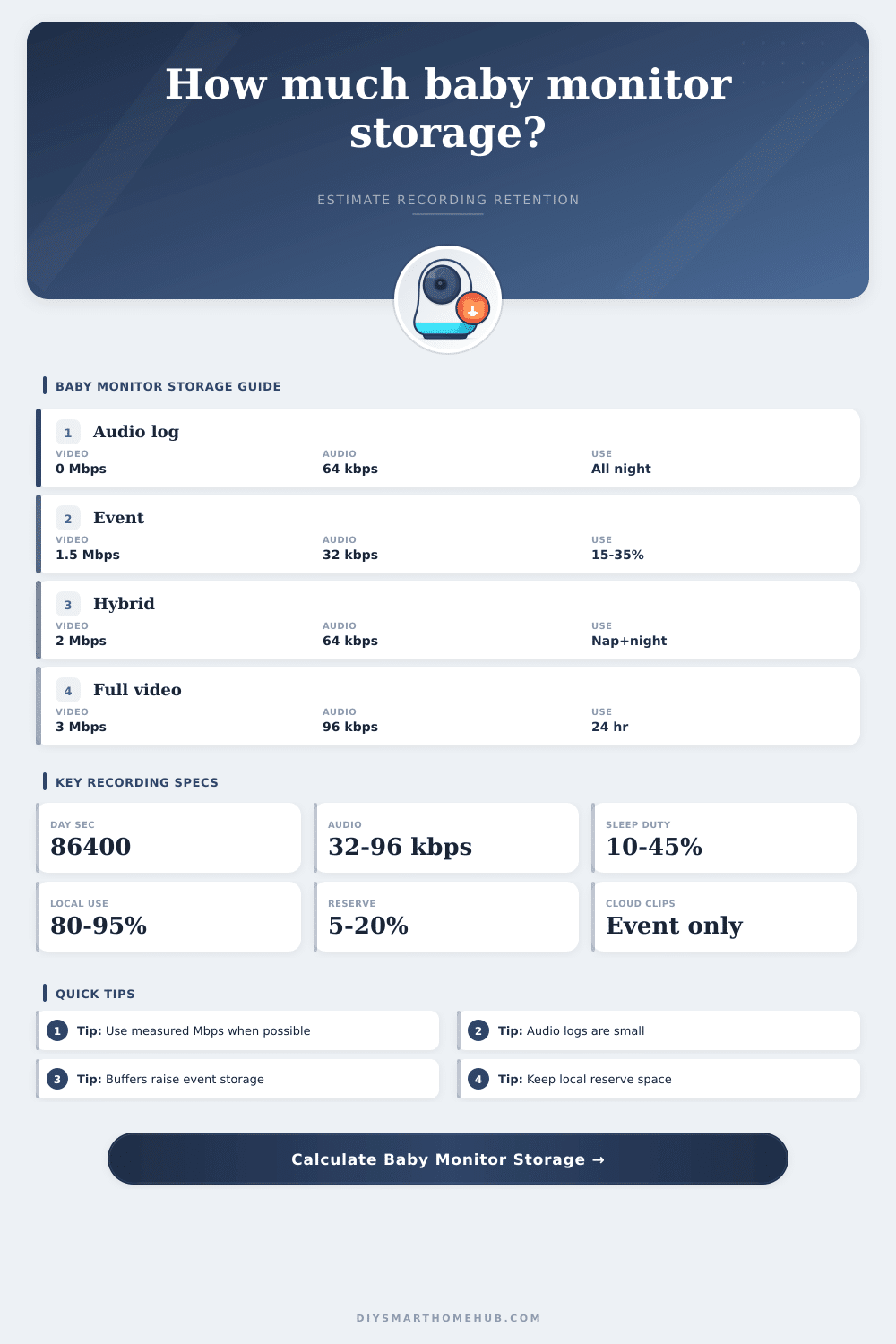
| Recording pattern | Video seconds/day | Audio seconds/day | Storage note |
|---|---|---|---|
| Audio-only overnight log | 0 | 36,000 to 50,400 | Very small daily storage; useful for sound history. |
| Sleep event clips | 4,000 to 15,000 | 28,800 to 50,400 | Duty cycle plus buffers drives clip volume. |
| Hybrid naps and night | 10,000 to 35,000 | 43,200 to 86,400 | Often used when naps need video review. |
| Continuous nursery video | 43,200 to 86,400 | 43,200 to 86,400 | Highest storage and upload demand. |
| Stream type | Typical rate | GB/day formula | Best input use |
|---|---|---|---|
| Audio AAC or Opus | 32 to 96 kbps | Mbps x sec / 8 / 1000 | Convert kbps to Mbps by dividing by 1000. |
| 720p nursery video | 1 to 2 Mbps | Mbps x sec / 8 / 1000 | Lower detail, small crib view, dim scenes. |
| 1080p nursery video | 2 to 4 Mbps | Mbps x sec / 8 / 1000 | Common HD baby monitor planning range. |
| 2K or high detail | 4 to 8 Mbps | Mbps x sec / 8 / 1000 | Use measured rate if the app reports it. |
| Storage mode | Usable range | Reserve range | Calculator treatment |
|---|---|---|---|
| Local SD or hub | 85% to 94% | 5% to 15% | Best for local-only privacy storage. |
| Private NAS | 88% to 95% | 10% to 20% | Good for longer retention and larger disks. |
| Encrypted local archive | 82% to 92% | 10% to 20% | Includes higher metadata and index overhead. |
| Cloud event clips | Quota based | 0% to 10% | Clip seconds and upload overhead matter most. |
| Cloud plus local backup | 80% to 92% | 10% to 20% | Calculates both retained and uploaded GB. |
| Example | Storage | Recording mix | Likely driver |
|---|---|---|---|
| 32 GB travel card | 32 GB | Audio plus event clips | Small capacity and reserve. |
| 128 GB crib camera | 128 GB | Sleep events, one camera | Pre-roll and post-roll clips. |
| 256 GB nursery hub | 256 GB | Hybrid night and naps | Nap video plus audio log. |
| 1 TB local NAS | 1024 GB | Long private archive | Target days and video bitrate. |
| Cloud clip quota | Plan quota | Event upload only | Busy nights and upload overhead. |
This calculator estimates storage volume only. Actual monitors may vary because of variable bitrate, automatic quality changes, thumbnails, encryption, file segmentation, app exports, and vendor retention rules.
The slick smart baby monitor doesn’t sell itself on its gigabyte management features… They sell it as a means of having some peace of mind. They tell you it has crystal clear video and seamless integration. What they don’t usually mention is how many gigabytes this cost to record all those moments of your baby’s slumber.
In effect, you’re operating a makeshift surveillance system from the nursery. And if you don’t consider capacity until after you set up the camera, I assure you, you’ll fill up quicker then you imagine. This tool can help you see that, translating abstract bitrates to actual days of storage.
How Much Storage Do You Need?
Most parents begin by logging only audio. And there’s a reason why: it sounds simple but it also turns out to be very effective. If you’re logging a night’s worth of sound, it’s a fraction of what video consumes. And when you think of it this way, that means something, because lots of monitors feature hybrid modes, which goes into audio mode at night and video mode while you’re home and awake.
Want to know how much footage that’s going to eat? Plug those duty cycles into our calculator above, and it’ll do the math for you, no more guessing if you’ve got enough room on your SD card for two week or just two days.
The true storage killer is video bitrate. Four megabits per second sounds like a lot of data to stream in 1080p, and it is. But it will eat through gigabytes in no time flat. The key is knowing how much is actualy getting transmitted. Using a variable bitrate encoder helps because it throttles down when there’s nothing moving around in the crib, then spikes up again when baby kicks the blankets off.
Those spikes are hard to anticipate perfectly. What you do instead is plan for them. That’s why the calculator has a busy-night allowance factor that accounts for the night when everything happens all at once and your storage use triples.
You should also consider what happens to the footage captured in privacy mode. If it is stored locally on a private NAS drive or an SD card, then you decide when to delete it. With cloud plans, they’ll just store any triggered events. While that might seem like smart storage, you quickly find yourself with hundreds of 10 second videos of house settling. These clips gets uploaded each time one of your sensors picks up anything at all. It ends up being a lot of video for something that doesn’t make sense.
That table on the page spells that out, comparing local continuous recording (which will fill your hard drive) and cloud overhead (which will fill your phone gallery). Neither plan is free, so you need to plan either way.
There’s also the silent cost of formatting loss. That sixty-four gigabyte card isn’t going to have sixty-four gigabytes of actual storage. Some gets eaten up by your file system, some is reserved for wear leveling and some is just not usable because it’s convention. This is one you can easily ignore and then be left with a bunch of confused parents who don’t understand why their camera abruptly quit recording mid-month. Keep a buffer so the system writes without interruption. It’s a little thing that will make a huge mess if you forget about it.
Consider storage planning as like packing. Don’t pack all your clothes, but don’t pack just one outfit in case it rains either. You plan based off what might happen and how long you’ll be gone. That’s similar to smart monitor storage: you’re anticipating the data volume created by your recordings vs how long you intend to keep them.
Want more context? Add a few more seconds of pre-roll so you know when the crying starts… but understand that adds space. It’s not about storing video simply to store video. It’s about retaining some evidence when needed while not drowning in terabytes of video that you’ll never look at again.
Nearly everyone fails at this. They set everything to record continuously and hope the cloud takes care of it. It doesn’t. Typically the best long term approach is local storage, with a defined rotation policy. What do you care enough about to retain? That becomes your limit. Everything else overwrites itself and makes space for the next nights memories.
In the end it comes down to convenience vs. Capacity. Big cards gives you a larger look-back window but need beefier hardware to handle the load. Small ones needs tighter filters on what events are recorded in the first place. No option is right, there is just one that suits your level of anxiety and your home network.
After you match your bitrate options to your available storage, the monitor stops being a problem and starts becoming useful. Knowing precisely how long any given recording will remain protected helps you get some shuteye.