Power Strip Total Load Calculator
Total the connected devices on a power strip, convert watts and amps, include surge multipliers, apply continuous-load and diversity factors, and compare the result with the strip and breaker ratings.
Load Presets Choose a starting point, then edit the grid
Strip And Circuit Inputs Ratings, voltage, and planning factors
Device / Load Spec Grid Use watts or amps per device
| Device | Qty | Watts Each | Amps Each | Surge x | Runs Hours? |
|---|
Load Breakdown Detailed calculation output
| Line Item | Watts | Amps | Share Of Usable Capacity |
|---|
Reference Tables Typical ratings and formulas
| Rating / Rule | Formula Or Typical Value | Use In This Calculator |
|---|---|---|
| Watts from amps | Watts = amps x volts | Converts device nameplate amps to watts |
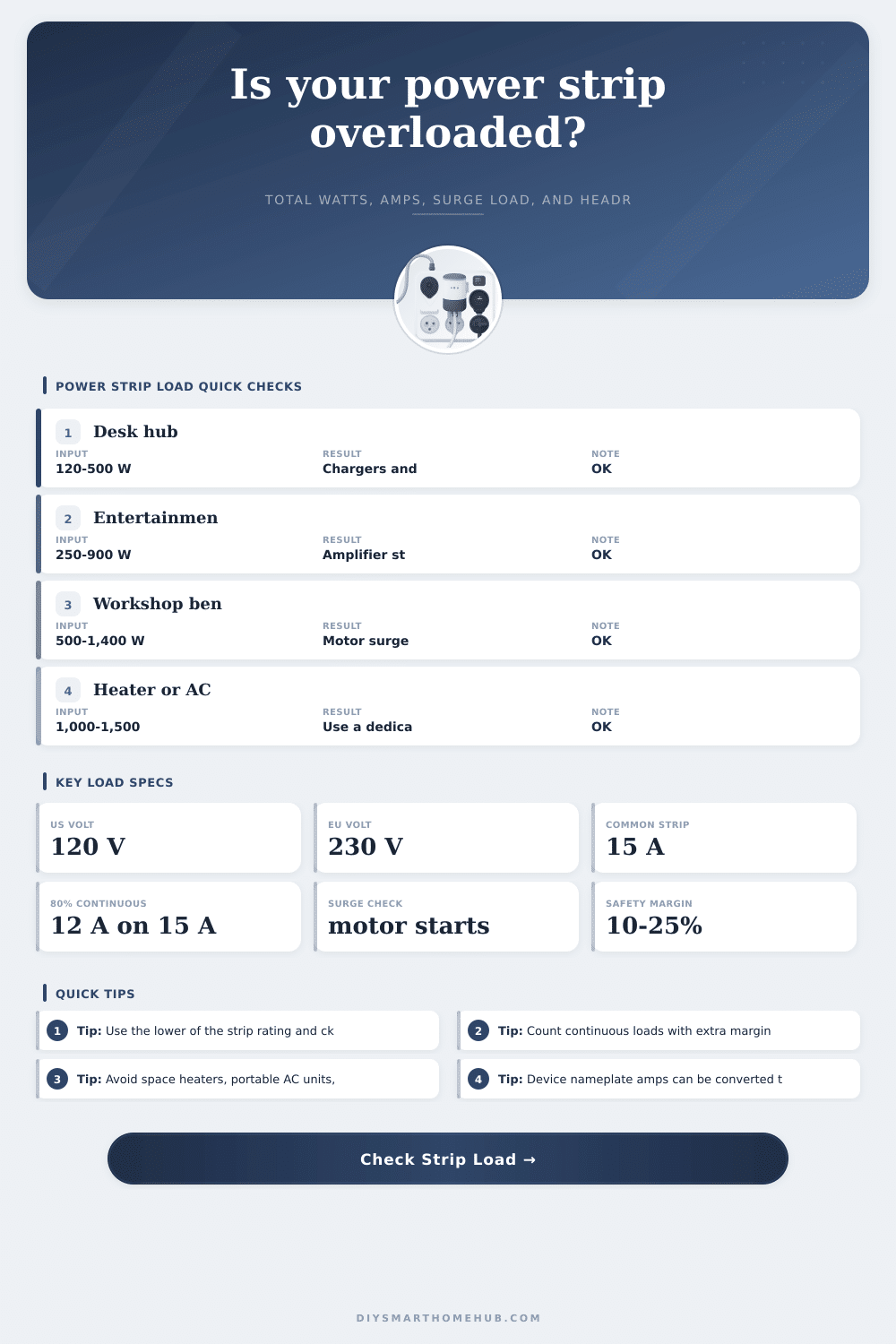
| 15 A at 120 V | 1,800 W theoretical | Common North American strip and branch circuit check |
| 80% continuous target | 12 A on 15 A, or 1,440 W at 120 V | Approximated with 125% continuous load factor |
| Usable capacity | Lower rating x voltage x (1 - safety margin) | Headroom and risk comparison |
| Surge load | Device watts x surge multiplier | Startup check for motors, pumps, compressors, and amplifiers |
Power Strip Tips
This calculator is for planning and screening only. Follow the markings on the power strip, device manuals, and local electrical code, and use a qualified electrician for uncertain or high-load situations.
We all have one: the power strip hidden beneath our desks, the one that makes our lives easier by letting us plug in everything we need. Monitor, PC tower, some speakers, maybe a phone charger…if it fits, it works, right? Wrong. Physical space doesn’t equal electrical capacity. Typically, a standard North American power strip plug into a 15-amp breaker, meaning about 1,800 watts (at 120 volts). Sounds like a lot, but nameplate ratings add up. Electrical capacity isn’t measured in inches; physical space doesn’t equate to electrical space.
Typically, a standard North American power strip plugs into a 15-amp breaker, meaning about 1,800 watts (at 120 volts). Sounds like a lot, but nameplate ratings add up. So what happens when you start adding together the nameplate rating of each of the devices pluged into your power strip? Don’t worry: Our calculator above will convert these mixed units into a single risk assessment for you.
Why You Should Not Overload Your Power Strip
Surge vs. Load: Most folks don’t understand the distinction between load versus surge load, which is to say that a laser printer (or even a little air compressor) will draw much more juice when it first starts up than it does once it’s settled into its steady running load. While it’s only briefly drawing heavily, it still happens; if you neglect it, it could cause your breaker to pop at the exact moment you most want that appliance.
Most folks don’t understand the difference between load and surge load. For example, a laser printer or a small air compressor will draw much more juice as it begins to run than it does once it is running steadily. While it’s only briefly drawing heavily, it still happens; if you neglect it, it could cause your breaker to pop at the exact moment you most want that appliance. This tool addresses this by allowing you to input a multiplier for surge load with any attached motor. This gives you a better sense of its peak use rather than just an average. Electrical systems respond to peaks, not averages.
Finally, there’s always the matter of running loads continuously. According to electrical code, any load that runs for three hours or longer is considered continuous. This is pretty much any typical home entertainment center or office setup. As a rule of thumb, treat these circuits like they is pulling 125% of their rated capacity. So if you’ve got a 15 amp strip, in practice you should only be running maybe 80% of it continually. That leaves you about 12 amps of sustainable current on that strip. The calculator takes all this into account when you choose the continuous option so that you don’t accidentally overload a circuit while holding onto the theoretical max.
Diversity is another thing that catches people off guard. That’s when each and every piece of gear you have on that strip are pulling full current at the exact moment. On your own desk in your home office, your PC is humming away, while the printer remains unplugged. When you’re in your studio, maybe your amps and your lights both comes on at once. The calculator takes that into account, but it pays to take precautions. Assume that if you’ve got any high-draw devices, they’ll all max out at the same time. Better safe than sorry. And better to tell your landlord “oops” about a living room blackout during movie night.
A portable air conditioner and a space heater are both capable of drawing so much current they will overheat the interior of your bargain basement plastic strip of an extension cord well before it trigger your breaker. Dedicated wall sockets is needed for certain loads, which the reference tables spell out for you. Plugging something into a socket doesn’t make it right for that load; it takes 1,500 watts of resistance heating for four hours to generate amount of heat that will toast the wires within a cheap plastic strip, regardless.
We’re looking for headroom here. We don’t need to squeeze the maximum possible load out of our electrical panel, because we might end up adding another game console someday, or a new lamp. That would put us right on the edge, and then what happens? Now we have less than 5 feet between life and limb, and no room for error. So enter the “safety margin” input. Set your own comfort threshold, from 10-25%, reserving some space to protect both you and your electronics. Not only does this prevent tripping breakers, but it helps you increase the life of your equipment and your house’s wiring system.
Electrical fires don’t happen overnight. They’re gradual, starting at the outlet with warm components, and eventually causing melted plastics. Add up the amps and the watts beforehand to ensure everything stays nice and cool. A little bit of thinking goes a long way.