Diagonal Screen Size Calculator
Calculate the true diagonal size, active width, active height, pixel density, pixel pitch, area, and viewing angle for TVs, monitors, projector screens, and built-in display spaces.
Formula Breakdown
| Diagonal | Active Width | Active Height | Active Area | Metric Size |
|---|---|---|---|---|
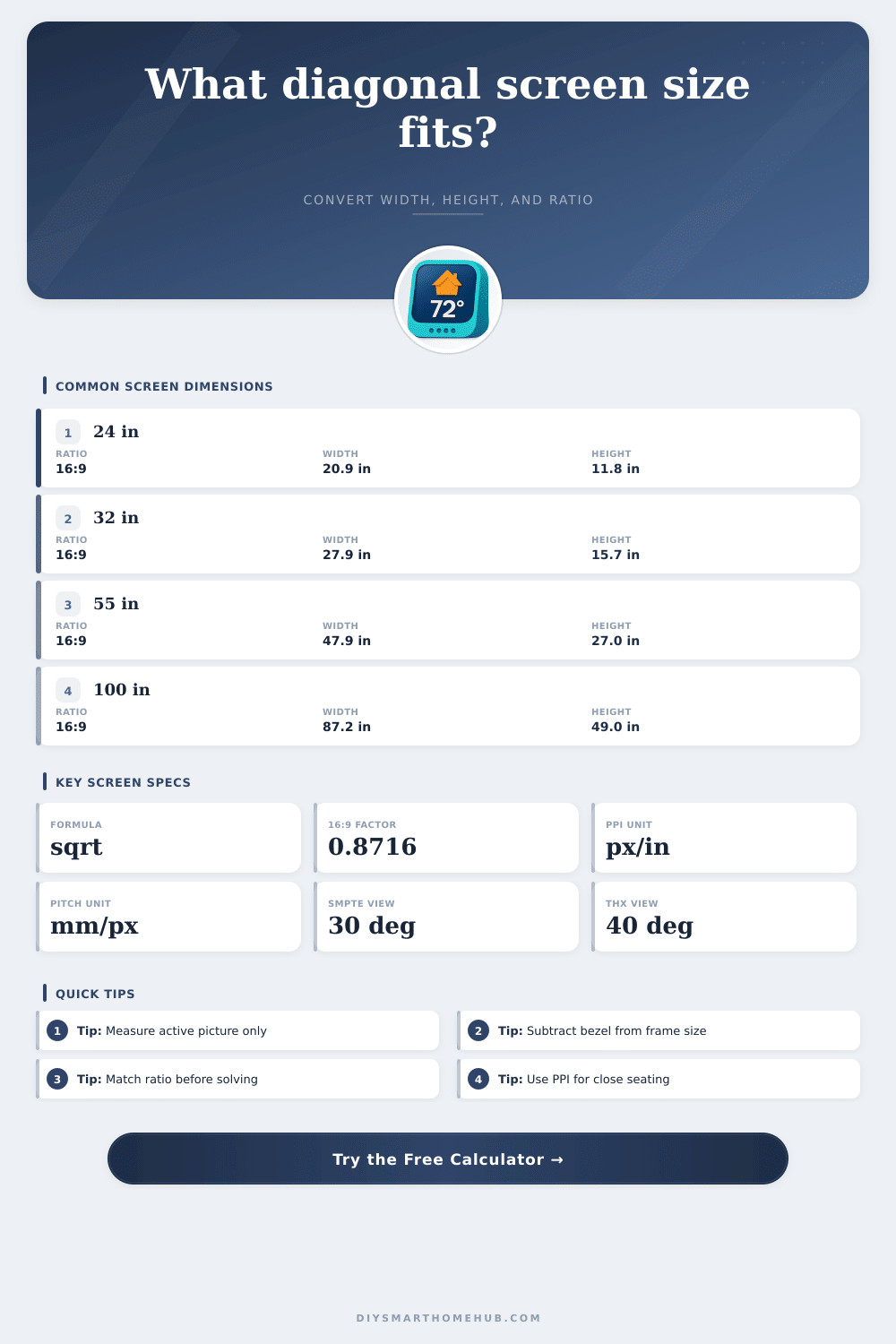
| 24 in | 20.9 in | 11.8 in | 1.71 sq ft | 53.1 x 29.9 cm |
| 27 in | 23.5 in | 13.2 in | 2.16 sq ft | 59.8 x 33.6 cm |
| 32 in | 27.9 in | 15.7 in | 3.04 sq ft | 70.8 x 39.8 cm |
| 43 in | 37.5 in | 21.1 in | 5.48 sq ft | 95.2 x 53.6 cm |
| 55 in | 47.9 in | 27.0 in | 8.98 sq ft | 121.8 x 68.5 cm |
| 65 in | 56.7 in | 31.9 in | 12.54 sq ft | 143.9 x 80.9 cm |
| 75 in | 65.4 in | 36.8 in | 16.70 sq ft | 166.0 x 93.4 cm |
| 100 in | 87.2 in | 49.0 in | 29.69 sq ft | 221.4 x 124.5 cm |
| Aspect Ratio | Width From Diagonal | Height From Diagonal | Common Use | 100 in Example |
|---|---|---|---|---|
| 16:9 | D x 0.8716 | D x 0.4903 | TVs and 4K monitors | 87.2 x 49.0 in |
| 16:10 | D x 0.8480 | D x 0.5300 | Productivity monitors | 84.8 x 53.0 in |
| 21:9 | D x 0.9191 | D x 0.3939 | Ultrawide displays | 91.9 x 39.4 in |
| 4:3 | D x 0.8000 | D x 0.6000 | Legacy screens | 80.0 x 60.0 in |
| 3:2 | D x 0.8321 | D x 0.5547 | Laptops and tablets | 83.2 x 55.5 in |
| 1:1 | D x 0.7071 | D x 0.7071 | Square signage | 70.7 x 70.7 in |
| Viewing Target | Angle | Distance Formula | 55 in Distance | 100 in Distance |
|---|---|---|---|---|
| SMPTE minimum cinema feel | 30° | D x 1.87 | 8.6 ft / 2.6 m | 15.6 ft / 4.8 m |
| Balanced living room | 35° | D x 1.58 | 7.2 ft / 2.2 m | 13.2 ft / 4.0 m |
| THX immersive target | 40° | D x 1.37 | 6.3 ft / 1.9 m | 11.4 ft / 3.5 m |
| Close desk display | 50° | D x 1.07 | 4.9 ft / 1.5 m | 8.9 ft / 2.7 m |
| Display | Resolution | Diagonal | Pixel Density | Pixel Pitch |
|---|---|---|---|---|
| 24 in monitor | 1920 x 1080 | 24 in | 91.8 PPI | 0.277 mm |
| 27 in monitor | 2560 x 1440 | 27 in | 108.8 PPI | 0.233 mm |
| 32 in monitor | 3840 x 2160 | 32 in | 137.7 PPI | 0.184 mm |
| 55 in TV | 3840 x 2160 | 55 in | 80.1 PPI | 0.317 mm |
| 65 in TV | 3840 x 2160 | 65 in | 67.8 PPI | 0.375 mm |
| 100 in projector | 3840 x 2160 | 100 in | 44.1 PPI | 0.576 mm |
Desk Monitor
Typical range: 24 to 32 in diagonal. A 16:9 monitor at 27 in is about 23.5 in wide, while 4K at 32 in gives about 138 PPI for close viewing.
Ultrawide Workstation
Typical range: 34 to 49 in diagonal. A 21:9 display is wider and shorter than the same diagonal 16:9 screen, so cabinet width matters more than height.
Living Room TV
Typical range: 55 to 85 in diagonal. A 65 in 16:9 TV has a 56.7 in active width and usually needs a larger outer frame allowance.
Projector Screen
Typical range: 92 to 150 in diagonal. A 100 in 16:9 image is 87.2 in wide, 49.0 in tall, and covers about 29.7 square feet.
When you are attempting to place a television or monitor into a specific space, the diagonal measurement is not enough information to determine if it will fit into that space. The diagonal measurement of a screen measures the distance from one corner of the screen to the opposite corner, but that measurement dont tell you the width and height of that screen. The width and height of the screen are necessary to determine if it will fit within the cabinets or desks within your space.
A diagonal screen size calculator can help you to determine the width and height measurements of a screen given only the diagonal measurement of that screen. The aspect ratio of the screen is another important variable in the calculation of the width and height of the screen. The aspect ratio of a screen determines the proportions of the screen.
How to Check If a TV or Monitor Will Fit
Thus, two screens with the same diagonal measurements can have different proportions and, therefore, exhibit different widths and heights. For instance, ultrawide monitors have a different aspect ratio then televisions. As a result, the ultrawide monitor will have a wider screen than the television monitor with the same diagonal screen size.
You can enter the aspect ratio into the calculator to determine the width and height of the screen. Another consideration for monitor and screen size is the active picture area of the screen versus the outer frame of the screen. The active picture area refers to the screen that is made of glass and the picture that is displayed on that screen.
The outer frame of the screen includes the monitor bezel and frame. The outer frame increases the total width and height of the screen. The calculator can add an allowance for the bezel to the width and height measurements to determine the total width and height of the screen.
These total measurements are required to be sure that the screen will fit within your shelving or other furnitures. The viewing distance from the screen is another important consideration in the determination of the size of screen that you may require for your space. The viewing distance will affect how large the screen should be.
For instance, a 55 inch screen will look different if viewed from four feet compared to viewed from eight feet. The diagonal screen size calculator can calculate the viewing angle for the screen, which will allow you to determine if the screen is the correct size for your room. For monitors that will be placed on desks, the viewing distance will be shorter than televisions for the living room.
Another measurement of a screen is the pixel density of the screen. Pixel density is determined by the size of the screen and the resolution of the screen. The pixel density measurement will allow you to determine how sharp the image displayed on the screen will be.
If the diagonal size of the screen is increased without increasing the resolution of the screen, the pixels will be further apart from each other, which will result in the image appearing less sharp. The calculator can report the pixel density and the pixel pitch of the screen. Tables are provided on the screen size calculator website that allow you to quickly compare screen sizes.
These tables help you to quickly determine the width and height of screens of different sizes. Additionally, the tables also show how the area of the screen and the viewing distance will change as the screen sizes change. These tables can assist you in comparing two screens or in determining how much larger one screen is compared to another screen.
Increasing the size of the screen by increasing the diagonal size will not necessarily provide you with better image quality. Image quality is related to the pixel density of the screen. The pixel density of the screen will decrease with an increased diagonal size if the resolution of the screen does not also increase.
Thus, if you are increasing the size of your screen, you will lose image quality. However, the screen size calculator will allow you to view the pixel density of the screen, which will assist in your decision to purchase a screen of that size. Many projector installations require different variables to be considered when determining the size of the screen or monitor that is to be installed.
Projector screens can be framed or frameless. Additionally, the throw distance of the projector will determine the location of the screen on the wall. The screen size calculator allows for the aspect ratios of projectors to be entered to calculate the dimensions of those screens for film formats.
The dimensions of the projected screen will allow you to determine how much space on the wall will be required for installation of the projector screen. Another use for the screen size calculator is in the installation of digital signage or information screens in kitchens. For these screens, the size of the screen must be placed into an existing opening in the wall.
You can enter the width of the opening and the aspect ratio of the screen into the screen size calculator to determine the largest screen size that will fit into that opening. This will prevent the screen from being too large to fit into the existing opening in the opening. Overall, using a screen size calculator will ensure that your decisions regarding the placement of screens are made based off mathematical calculations rather than approximations.
By using the screen size calculator, you will be able to determine the active width and height of the screen, the active height of the screen, and the viewing angle in which the screen will be viewed. By knowing these measurements, you will be able to be certain that the screen will fit in the location that you have selected for it and that it will be comfortabley to view. Thus, using the screen size calculator will help to avoid any mistakes when purchasing the screen that you desire.