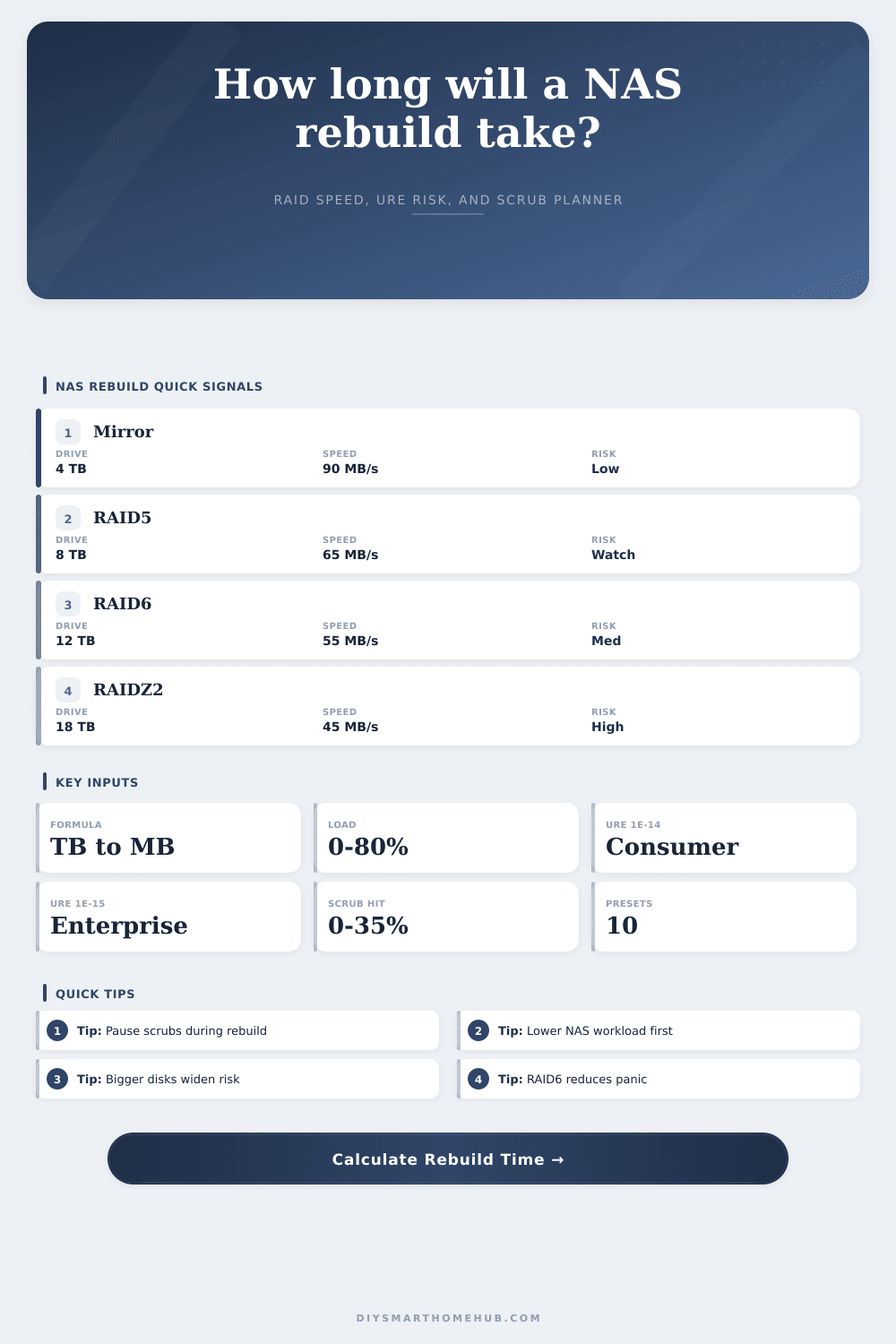
NAS Rebuild Time Calculator
Estimate a NAS drive rebuild from replacement drive size, base copy speed, RAID layout, parity overhead, live workload, URE rating, degraded exposure, and scrub or verification impact.
Rebuild hours = drive size TB × 1024 × 1024 / effective MB/s / 3600.
Live workload reduces sequential rebuild throughput before RAID penalties apply.
Risk = 1 - (1 - URE rate) raised to bits read from surviving drives.
A concurrent scrub adds read contention and expands the degraded exposure window.
RAID Derating Reference
| Profile | Speed factor | Read set for URE | Signal |
|---|---|---|---|
| Mirror / RAID1 | 0.96x | 1 source drive | Simple |
| RAID10 | 0.92x | Mirror partner set | Fast |
| RAID5 / RAIDZ1 | 0.82x | All surviving drives | Single parity |
| RAID6 / RAIDZ2 | 0.76x | All surviving drives | Dual parity |
| Hybrid RAID / SHR | 0.72x | Largest active span | Mixed |
| Wide erasure code | 0.64x | Wide stripe set | Slow |
URE Rating Reference
| Rating | Typical label | Risk driver | Use in calculator |
|---|---|---|---|
| 1e-13 | Older or weak disks | More probable read error | Stress case |
| 1e-14 | Consumer SATA | Common desktop rating | Default |
| 1e-15 | Enterprise SATA/SAS | Tenfold better spec | Better |
| 1e-16 | Enterprise archive | Lower stated rate | Best |
Common Rebuild Sizes
| Drive size | Effective 45 MB/s | Effective 75 MB/s | Effective 110 MB/s |
|---|---|---|---|
| 4 TB | 25.9 hours | 15.5 hours | 10.6 hours |
| 8 TB | 51.8 hours | 31.1 hours | 21.2 hours |
| 12 TB | 77.7 hours | 46.6 hours | 31.8 hours |
| 18 TB | 116.5 hours | 69.9 hours | 47.7 hours |
| 22 TB | 142.4 hours | 85.5 hours | 58.2 hours |
Load and Scrub Effects
| Condition | Speed factor | Window effect | Calculator handling |
|---|---|---|---|
| Quiet NAS | 0.95x load | Shorter exposure | Good |
| Normal sharing | 0.78x load | Balanced | Default |
| Camera writes | 0.62x load | Longer exposure | Watch |
| Heavy scrub | 0.65x scrub | Major extension | Avoid |
A drive in your network attached storage array have failed. A drive failure begins a countdown for your data. You are not just waiting for rebuild process to complete, but you also know how vulnerabel the rest of your drives will be while that process is underway.
Most folks wait patiently for progress bar to tick over to one hundred percent. And while they do so, they fail to notice ticking risk accumulating on those survivor drive as it rebuilds the missing data. It is simple math with complicated variables that dictates whether you’re safe or not.
How to Stay Safe During Drive Rebuilds
The first variable is the size of the replacing disk. Even if it’s just as fast, an eighteen terabyte disk will take more time for rebuild than a four terabyte one. The calculator will convert these terabytes into megabytes and divide by actual throughput that your hardware can sustain. Your hardware isn’t usually constantly at maximum throughput; you should of account for that. Is the array doing database queries? Handling backups? Is it streaming media? That’s going to eat up some of your bandwidth during the rebuild. Account for that in the calculator, which allows you to tweak for that kind of bandwidth competition. A lot of people miss this step they think it’s a quiet background job, but the system is never quiet.
It also depends on how the RAID is set up. If you’ve got mirrors, it’s simple: it copies data off of the one drive into the other. For things like parity RAIDs (RAID five or six), that’s different. They requires reading off of multiple good drives, figuring out which blocks are missing, then writing what should be there. That takes time. Those factors gets applied in the speed column in the chart on the page. Single parity will go faster then dual; dual will protect you if a second drive crashes while the first one is rebuilding. Speed versus protection: that’s the choice.
Unrecoverable read errors will happen eventually, even though no one want them. There’s always a tiny chance of reading a bad sector on every read operation in a parity array. When it occurs, the rebuild halt and the whole array dies. The likelihood increases as the number of sectors read increase. More data means bigger disks. More drive means wider arrays. The calculator uses the drive’s URE rating to find its probability score. Does your rebuild sound like routine maintenance, or a high stakes gamble? Better URE ratings is found on business drives… These lower this risk considerabley. That’s why they’re more expensive. You’re paying for insurance up front instead of hoping for luck later.
A complication is scrub operations. Depending on whether your NAS performs an automatic scrub/verification as part of its rebuild, that’s another head contending with the rebuild process. That increases the degraded window (by up to 30% or more) because now both processes is fighting for the same disks. Sounds crazy, “Stop checking for errors while I’m trying to fix the problem?” Yes, and it might be the right call. Wait until the rebuild is complete. Once the array isn’t vulnerable, then run the scrub. You’ll get a preview from the tool about how much extra time a simultaneous scrub will tack onto your repair job.
Finally, consider the people. Rebuilds often start late at night or on weekends when workload is low. But perhaps they don’t check their alerts right away. Add to that the buffer from when something fails until they actualy begin rebuilding, and you have an accurate degraded window. This isn’t just how long the system takes to copy bits. It’s also how much total time your data was exposed.
Assume slow speeds. If you can measure them in your logs, then use those speeds. Stop running the noisy background job. The progress bar promises, but the math behind it reveals what’s true. Make the window small, and risk becomes manageable.