Sensor Battery Replacement Budget Calculator
Plan sensor battery replacements as cell quantities, service waves, reserve margin, and staggered intervals using battery type, wake activity, temperature, and protocol draw.
Formula breakdown
| Battery type | Nominal voltage | Reference capacity | Reference energy |
|---|---|---|---|
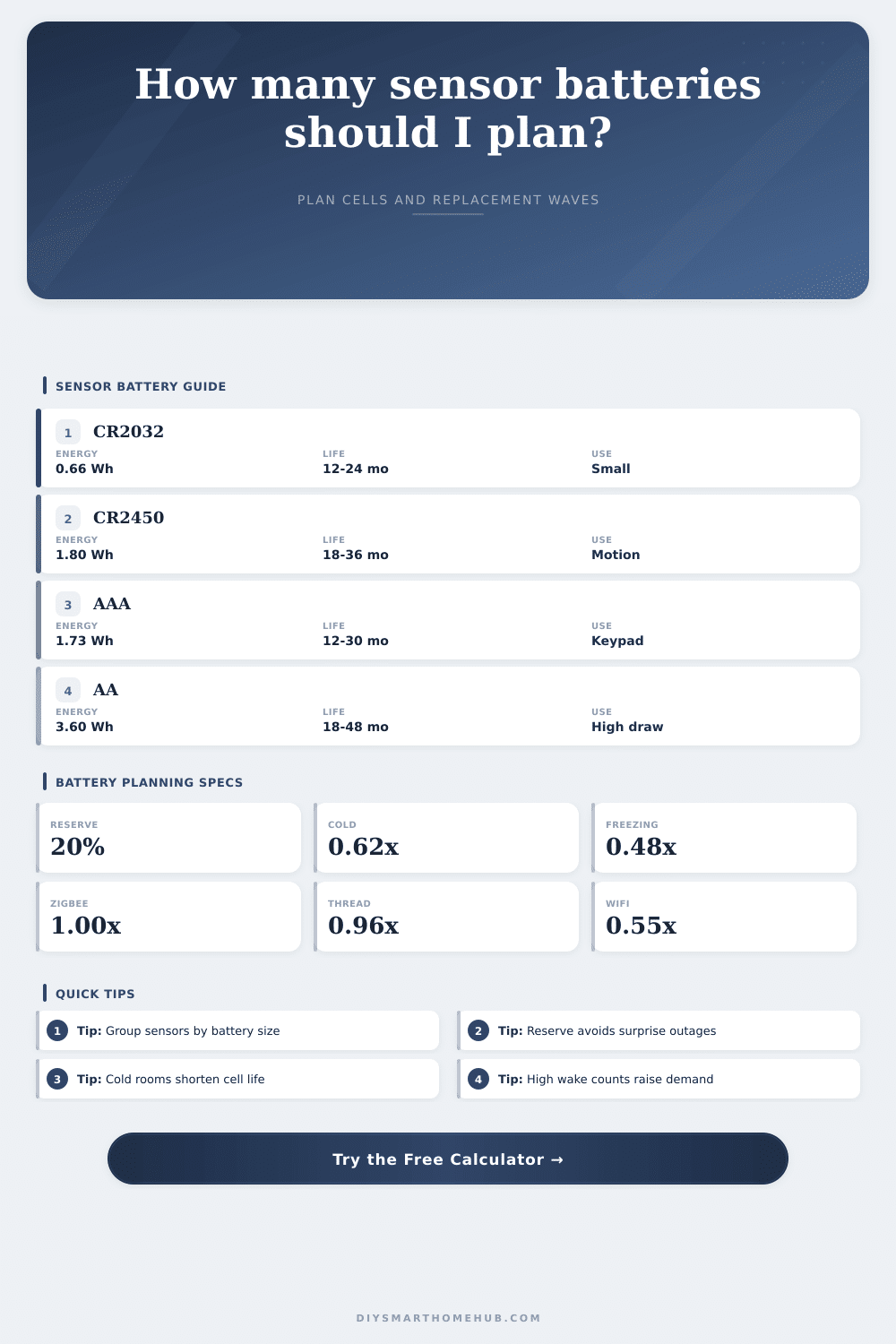
| CR2032 coin cell | 3.0 V | 220 mAh | 0.66 Wh |
| CR2450 coin cell | 3.0 V | 600 mAh | 1.80 Wh |
| AAA alkaline | 1.5 V | 1150 mAh | 1.73 Wh |
| AAA lithium | 1.5 V | 1250 mAh | 1.88 Wh |
| AA alkaline | 1.5 V | 2400 mAh | 3.60 Wh |
| AA lithium | 1.5 V | 3000 mAh | 4.50 Wh |
| Protocol profile | Factor | Wake note | Typical sensors |
|---|---|---|---|
| Zigbee sleepy sensor | 1.00x | Short mesh reports | Contact, leak, motion |
| Z-Wave sleepy or FLiRS | 0.92x | Secure wake overhead | Contact, tilt, motion |
| Matter over Thread | 0.96x | Sleepy end device | Contact, temp, motion |
| Bluetooth LE | 1.06x | Low idle radio | Door, tag, button |
| WiFi burst sensor | 0.55x | Higher wake draw | Camera-adjacent, alarm |
| Sub-GHz proprietary | 1.10x | Low duty radio | Security, mailbox |
| Temperature exposure | Coin cells | Alkaline | Lithium |
|---|---|---|---|
| Indoor 68°F to 77°F | 1.00x | 1.00x | 1.00x |
| Cool 41°F to 59°F | 0.86x | 0.82x | 0.96x |
| Cold 14°F to 32°F | 0.70x | 0.62x | 0.91x |
| Freezing below 14°F | 0.55x | 0.48x | 0.83x |
| Hot cabinet or attic | 0.82x | 0.88x | 0.92x |
| Sensor group | Common cell | Events/day | Planning note |
|---|---|---|---|
| Door contact sensors | CR2032 | 4 to 20 | Traffic varies by entry |
| Motion sensors | CR2450 or AAA | 20 to 120 | Timeout affects wake count |
| Water leak sensors | AA or AAA | 1 to 6 | Low wake, long idle life |
| Temp and humidity sensors | AAA or CR2450 | 24 to 96 | Report interval dominates |
| Buttons and remotes | CR2032 | 1 to 30 | Use count is irregular |
It’s always something. A notification appears on your phone. Then the hall motion detector goes dark. Next, it’s the blinking red light from the front door sensor. Oh, and you’re out of batteries to replace them with…again! Again? You buy in bulk, but then, a month later, you see some has died. Smart home owners don’t pay attention to this budget leak.
Battery life isn’t fixed. It changes: temperature, radio protocol and how frequently the device “wakes up” all factor into the answer. Most think, if it says two years, it will last more then two years. That’s why they get frustrated. If you have lots of sensor and they’re active, just feed that into the calculator and it figures out the math for you. You will no longer have to guess what is using up power based off the environment.
How to Make Smart Home Batteries Last Longer
Pay attention to wake events, each event is a hit against battery. A door sensor might open a couple times a day. But a motion detector on a busy hallway will go off dozens of times per hour. And each time it goes off, the device has to wake its radio, send the signal and then put itself back to sleep. It takes a bunch of energy to fire that radio up. So if you’ve got twenty motion sensors in high traffic areas, then you’ll replace them sooner than if those same motion sensors were tucked away in a storage closet.
The protocol also matters. Because Zigbee and Thread was designed to save power, those devices mostly sit idle when not in use. In comparison, the radio overhead of many WiFi sensors will halve what you expect out of your batteries. Know the tradeoffs, and then decide which devices live where accordingly. If it’s a high traffic motion detector, maybe you’d rather run a wired connection? Or perhaps you’d prefer one that saves more energy?
Another thing that diminishes battery power is temperature. Cold temperatures slows the chemical reaction and hurt alkaline batteries. They lose some of their capacity. So don’t count on indoor temperature ratings if your sensors are in a basement or unheated garage. As you can see from the reference table, capacity declines with lower temperatures. An alkaline cell may provide only 40 percent or less of its rated capacity under freezing conditions. A lithium cell fares much better in the cold and is well worth the higher price for use outdoors or in garages.
You should also consider reserve margin. That’s the safety margin used to tell you when to change the battery before the sensor goes dead. Without reserve, you run the risk of missing the alert because the device quit just at the wrong time. If you plan for a twenty percent reserve you know ahead of time you would of replace the cell while there is still good life left.
Managing the load is practical. That means staggering your replacements. Forty batteries at once? Do that over a couple weekends instead. Divide your fleet into groups with the calculator, and tackle one at a time. You won’t panic when half of your home security system fails at the same time. And it’s not just about avoiding panic; this keeps things organized. Know what’s in what wave? Proactively check those, too.
Grouping by battery type simplifies the process. Rather than digging around for a random assortment of shapes, you’ll be grabbing a handful of AAA cells or CR2032 coins. It won’t save much money, though it avoids waste. It is an easy organizational habit that will help you save time.
The boring stuff matters: Keeping your smart home running smoothly If the battery dies on the thing monitoring your front door, what’s the point of automation? Here are a few tips on stopping guesswork and planning ahead with your batteries. Know exactly which batteries to get, where to put them and when to swap them out based off the real-world variables that suck down juice. Next time your phone dings because one of them is nearly dead, don’t be shocked; just grab the next one from the reserve and know the rest of the place is good-to-go for months ahead.