🔋 Nest Cam Battery Life Calculator
Estimate how long your Nest Cam battery will last based on your usage, settings, and environment
Nest Cam Battery
(Ideal Conditions)
USB-C Cable
Nest Doorbell Bat.
4K / HDR Mode
Night Vision
Extreme Cold
With Solar Panel
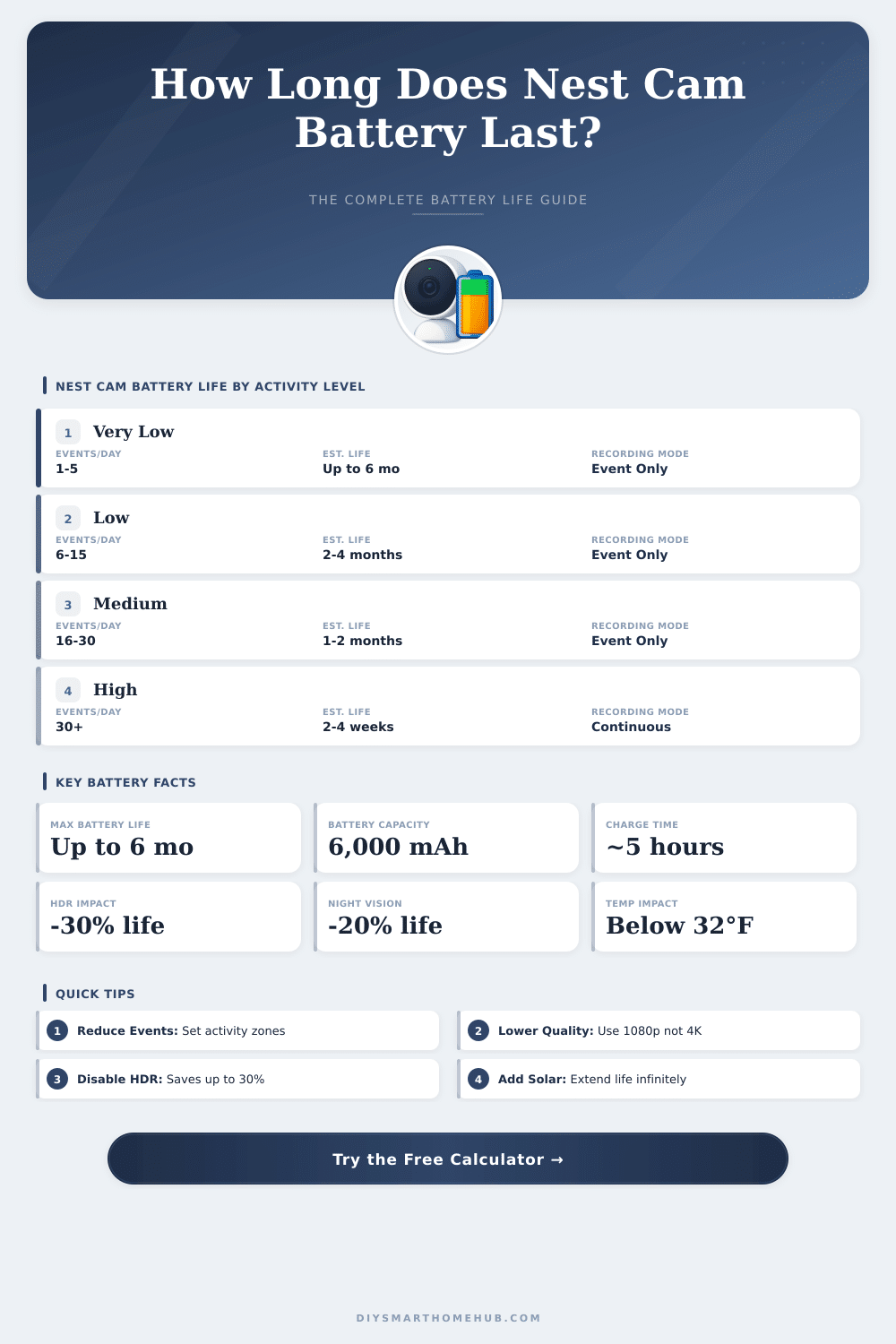
| Activity Level | Events / Day | Est. Battery Life | Recording Mode | Notes |
|---|---|---|---|---|
| Very Low | 1–5 | Up to 6 months | Event-Only | Ideal quiet location |
| Low | 6–15 | 2–4 months | Event-Only | Backyard / garden |
| Medium | 16–30 | 1–2 months | Event-Only | Front door / driveway |
| High | 31–60 | 2–4 weeks | Event-Only | Busy street / retail |
| Continuous | N/A | 1–7 days | 24/7 Recording | Drains quickly |
| Temperature Range | °F | °C | Battery Impact | Effective Life |
|---|---|---|---|---|
| Very Cold | Below 14°F | Below -10°C | -50% to -60% | Very Reduced |
| Cold | 14°–32°F | -10°–0°C | -30% to -40% | Noticeably Reduced |
| Mild (Optimal) | 32°–77°F | 0°–25°C | 0% (baseline) | Full Rated Life |
| Warm | 77°–95°F | 25°–35°C | -10% to -15% | Slightly Reduced |
| Hot | Above 95°F | Above 35°C | -20% to -30% | Moderately Reduced |
| Feature / Setting | Battery Drain | Recommendation |
|---|---|---|
| 1080p HD Video | Baseline (0%) | Best balance of quality and life |
| 4K / HDR Video | -25% to -35% | Use only if resolution is critical |
| Night Vision (IR) | -15% to -25% | Disable if area is well-lit at night |
| HDR Mode Enabled | -20% to -30% | Disable for longer battery life |
| Activity Zones Set | +20% to +40% | Always use to filter false triggers |
| Continuous Recording | -70% to -90% | Not recommended for battery models |
| Solar Panel | +indefinite | Best long-term solution outdoors |
| Model | Battery | Max Life | Solar Compatible | Resolution |
|---|---|---|---|---|
| Nest Cam (Battery) 2021 | 6,000 mAh | Up to 6 months | Yes | 1080p / HDR |
| Nest Cam with Floodlight | Wired Only | Continuous | No | 1080p / HDR |
| Nest Doorbell (Battery) | 3,650 mAh | 1–6 months | No | 960p (HDR) |
| Nest Cam (Wired) 2021 | Wired Only | Continuous | No | 1080p / HDR |
The Nest Cam Battery is a security camera that works both inside the house and outside. It works using a built-in rechargeable battery so that you do not need to place it beside an electrical outlet. That gives it big flexibility.
You can place it in the room, in the yard area or even on the way to the house. The installation is like hanging a photograph on a wall and the magnetic base makes the whole thing quite easy.
Nest Cam Battery: How to Use It and Battery Life
Google equipped the Nest Cam with a 6000 mAh rechargeable lithium-ion battery. The camera can last for months, on condition that there is not too much movement in its field. The company reckons that the battery lasts up to seven months with only two to four events daily.
If there are nine to twelve events per day, you can expect three months. And with twenty to fifty-five events daily, it drops to about one and a half months. In usual usage the Battery should last for a month.
The life of teh Battery truly depends on how busy the area around the camera is.
Some users notice that the Battery runs out more quickly than you think. If you leave the sensitivity on high level or add the camera to a favourite list on a smart screen, that can cause extra flow of images, which quickly ends the Battery. Fix the sensitivity and set active areas help too reduce the use of energy.
While running on Battery, the live broadcast will end after five minutes also.
The camera can be connected using an optional power cable. When it is connected, it films almost without stopping all day. Without such connection, the Battery models do not record all the time.
One setup stayed connected for more than a year, even during rough winter days with temperatures down to minus twenty degrees Fahrenheit, and the Battery stayed charged during the whole period. Some folks buy the cable just to escape worries about recharging.
The quality of the images is good. The camera takes clear and sharp video, and the newer versions have better night sight and improved two-way hearing compared to the older ones. The second generation also has HDR and recognition of known faces.
Even so, this second model has some downsides, like a lower megapixel sensor and different weather resistance compared to the first.
The camera saves recordings up to one hour of events in the cloud, if the Wi-Fi or energy fails. If the Battery fully runs out, the camera will not turn on right away when you connect it using a cable link. One trick for a short-term fix is plug the camera into a portable power bank for extra energy when needed.
Everything happens through the Google Home app, and the only wirelessvariant of Google Nest is this model with Battery.