📹 Arlo Video Storage Calculator
Find out exactly how many days of footage your Arlo plan stores — based on cameras, motion frequency, and clip length
Motion clips only
4K support
All features
24/7 recording
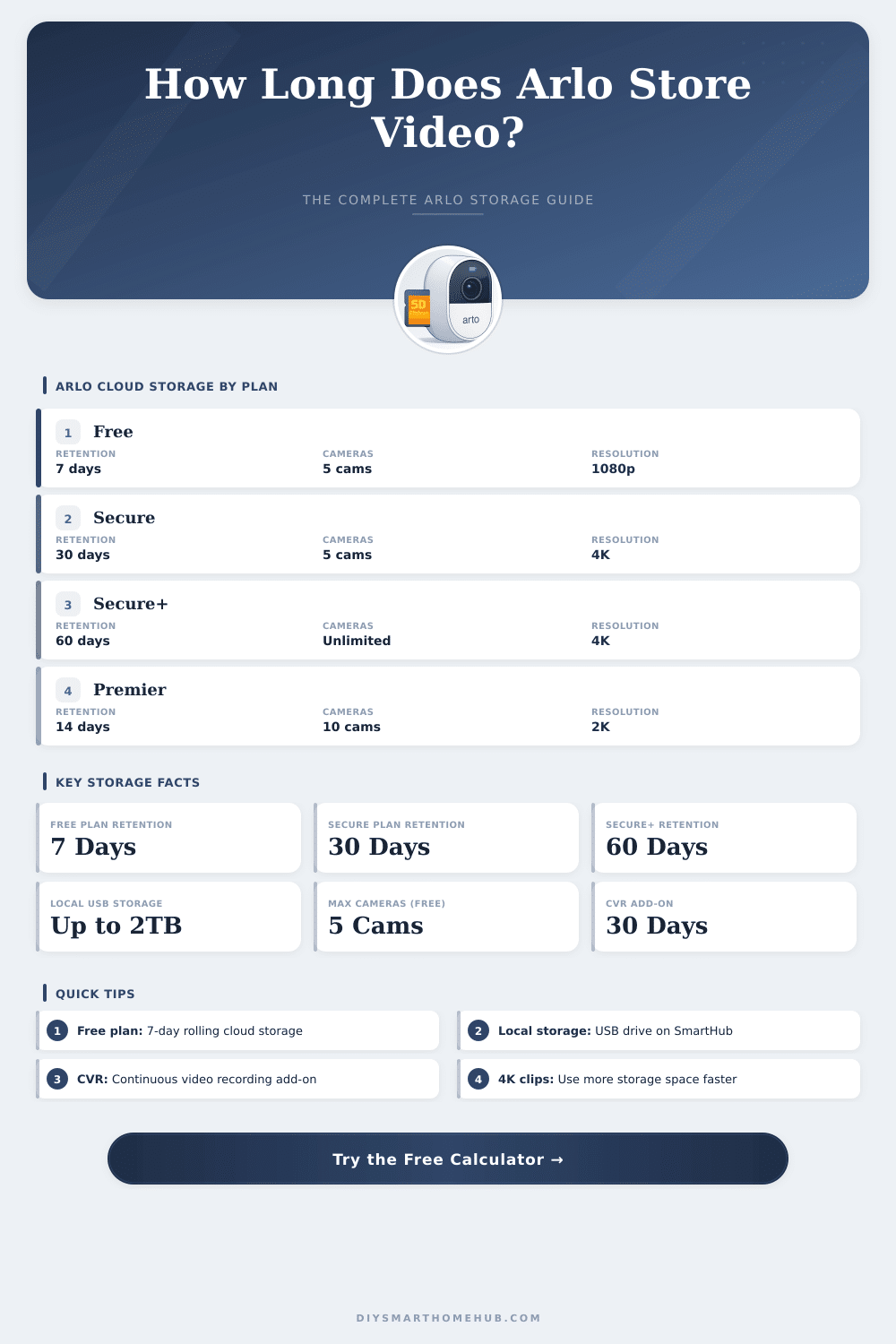
| Plan | Retention Period | Max Cameras | Recording Type | Max Resolution |
|---|---|---|---|---|
| Free | 7 days rolling | 5 cameras | Motion clips only | 1080p |
| Secure | 30 days rolling | 5 cameras | Motion clips | 4K |
| Secure+ | 60 days rolling | Unlimited | Motion clips | 4K |
| Premier | 14 days rolling | 10 cameras | Motion clips | 2K |
| CVR Add-On | 30 days rolling | Per camera | Continuous 24/7 | 4K |
| Local (USB) | Capacity-based | All cameras | Motion clips | 4K |
| Resolution | 15-sec Clip | 30-sec Clip | 60-sec Clip | Bitrate (approx) |
|---|---|---|---|---|
| HD 720p | ~3 MB | ~6 MB | ~12 MB | ~1.5 Mbps |
| Full HD 1080p | ~8 MB | ~16 MB | ~32 MB | ~4 Mbps |
| 2K / QHD | ~15 MB | ~30 MB | ~60 MB | ~8 Mbps |
| 4K Ultra HD | ~30 MB | ~60 MB | ~120 MB | ~16 Mbps |
| USB Size | Total Clips (1 cam) | Days @ 15 clips/day | Days @ 40 clips/day |
|---|---|---|---|
| 32 GB | ~2,000 clips | ~133 days | ~50 days |
| 64 GB | ~4,000 clips | ~267 days | ~100 days |
| 128 GB | ~8,000 clips | ~533 days | ~200 days |
| 256 GB | ~16,000 clips | ~1,066 days | ~400 days |
| 512 GB | ~32,000 clips | ~2,133 days | ~800 days |
| 1 TB | ~64,000 clips | ~4,267 days | ~1,600 days |
| Resolution | GB Per Hour | GB Per Day | GB Per 30 Days |
|---|---|---|---|
| HD 720p | ~0.68 GB | ~16.3 GB | ~490 GB |
| Full HD 1080p | ~1.8 GB | ~43.2 GB | ~1,296 GB |
| 2K / QHD | ~3.6 GB | ~86.4 GB | ~2,592 GB |
| 4K Ultra HD | ~7.2 GB | ~172.8 GB | ~5,184 GB |
Arlo cameras give you two good options for saving your video files. You can save everything in cloud servers of Arlo, or set up local storage by means of SmartHub or Basic Station of Arlo. The best part is that you don’t need to pick only one of them; the local storage works well alongside and it serves also as a backup, if you already use the cloud.
This flexibility really helps when you want to add a layer of security.
Arlo Camera Storage: Cloud or Local
Talk first about cloud storage. Arlo Safe gives 30 days of private video storage, that only you can reach. There is also Arlo Safe Plus, that covers unlimited cameras in one place and reaches resolution up to 4K. This plan saves clips for 14 days.
Some of the other cloud options save videos up to around 60 days, which leaves space to download clips to your phone or computer, if you want to have a backup. Interesting fact: the older Essential 2 cameras come with 7 days of free storage built in, no subscription required.
Local storage works differently. You plug a USB stick or MicroSD card in the back of your SmartHub or Basic Station, and the app lets you look at those files whenever you want. Setting that up really means that you can get by without paying for any subscription, which is one of the most handy options.
Even so, there are some limits, locally stored files can lose some detailed info. Data about event types will not show in the app or in the raw file itself. Cameras form the Arlo 3 series and newer often have trouble showing thumbnails, when you open local storage files.
There is a feature called Direct Storage Access, but warning: it works only with the models VMB5000 and VMB4540 of SmartHub. This is very handy, because files appear directly in the Arlo Secure app, without any contact with the cloud. You no longer need to pull out the USB drive and search a computer just to check what you have.
For all other base stations the only way is to physically pull out the USB drive and plug it in a computer ore laptop.
When Direct Storage Access is turned on, you must switch in your app from cloud view to SmartHub view. Otherwise the local files will not show. Here is the tricky spot though…
This access needs to be on the same home network as your SmartHub, which means you can’t check videos from far away.
The app of Arlo blocks you from certain features, if you don’t pay for cloud storage. The tab for live video can fully disappear, if you only save clips locally. That pressure certainly pushes some folks to subscribe.
They give deals sometimes though (after an update of the app), you can get a monthly trial of features ofArlo Secure, before everything returns to your prior state.