🔋 Arlo Battery Life Calculator
Estimate how long your Arlo camera battery will last based on your usage patterns
| Events/Day | Est. Battery Life | Monthly Events | Charge Cycles/Year |
|---|---|---|---|
| 3–5 | 5–6 months | 90–150 | 2 |
| 8–12 | 3–4 months | 240–360 | 3 |
| 15–20 | 2–3 months | 450–600 | 4–5 |
| 25–35 | 1–2 months | 750–1050 | 6–8 |
| 50+ | 2–4 weeks | 1500+ | 12+ |
| Clip Length | mAh Per Event | 10 Events/Day Life | 20 Events/Day Life |
|---|---|---|---|
| 20 seconds | ~3.5 mAh | ~5 months | ~3 months |
| 30 seconds | ~5 mAh | ~4 months | ~2 months |
| 60 seconds | ~8 mAh | ~3 months | ~1.5 months |
| 120 seconds | ~14 mAh | ~1.5 months | ~3 weeks |
| 180 seconds | ~20 mAh | ~5 weeks | ~2.5 weeks |
| Temperature | Battery Impact | Life Multiplier | Notes |
|---|---|---|---|
| Above 95°F (35°C) | −15% | 0.85x | Avoid direct sun |
| 60–80°F (15–27°C) | None (optimal) | 1.0x | Best performance |
| 32–60°F (0–15°C) | −20% | 0.80x | Slight reduction |
| 14–32°F (−10–0°C) | −40% | 0.60x | Significant drop |
| Below 14°F (−10°C) | −60% | 0.40x | Bring indoors |
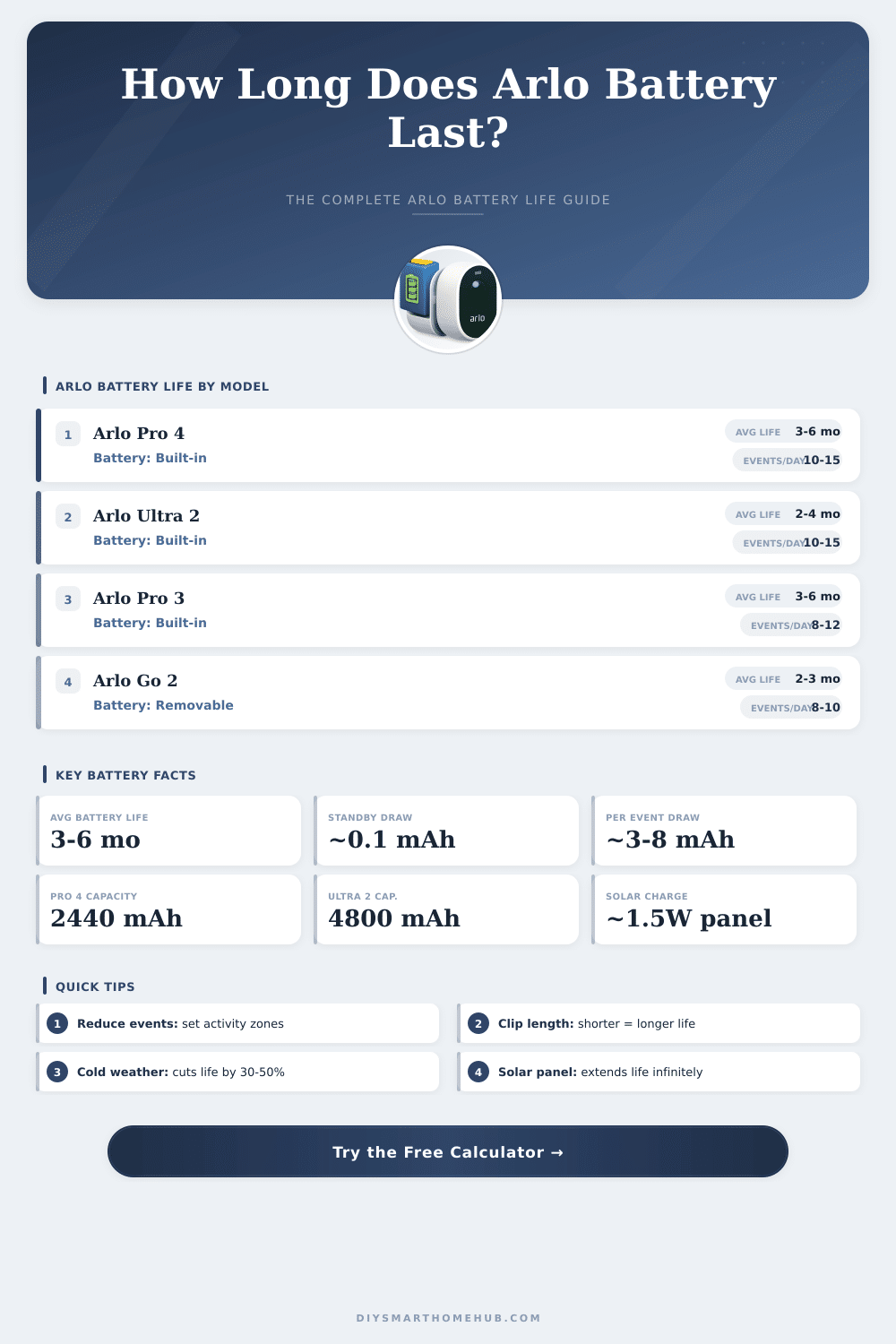
Arlo cameras work with rechargeable batteries, and the typical life of the Battery ranges between three and six months. This depends much on the use of the cameras and what options are turned on. The standard rating about Battery life assumes that the camera records less than three minutes a day and uses the rules for best Battery life in the management of power.
Various models of Arlo have different results. The Arlo Pro and Pro 2 can last around five to six months with one charge. The Arlo Ultra needs recharging close to every third or fourth month.
Arlo Camera Battery Life and How to Make It Last Longer
Older Arlo Pro cameras from 2016 still reach two to three months each charge. The series Arlo Essential XL has a bigger Battery for longer life, and it lasts around three months depending on the level of activity.
The advertised life of six months for the Battery is based on pretty lightweight usage. That rating considers around ten to fifteen short videos a day. In areas with more movement, the Battery runs out much more quickly.
Zones with high traffic can drain the Battery soon, some cameras lose around 30 percent only in the first weak. Cameras in quieter places, like a crawl space or attic, could last two to four months or even longer.
There are modes for stretching the life of the Battery. Choosing the rule for best Battery life helps to avoid unnecessary drain. Making shorter videos when motion is detected also makes a difference.
Lowering the sensitivity to motion and setting schedules are other easy changes. One interesting fact to know: active zones do not truly spare the Battery. The camera sends video to the cloud always when it finds motion.
Later the cloud figures out if the motion is inside or outside of the zone, but the camera already spent its energy.
Use of HomeKit can hurt the Battery life, because it does constant asking to the cameras, which keeps them active. Without HomeKit, the Pro 2 models can last five or six months even after several years of usage. Some problems with Wi-Fi networks also happen.
Cameras connected to routers in automatic mode that switches between frequencies often can drain the batteries more quickly. Connecting through a separate base can settle this problem.
Over time, the batteries wear out. After three to four years, some batteries of Pro 2 that before lasted months, start to die in only some days. Backup batteries from other makers are available online.
A solar panel is another option for keeping the Battery charged, although it does not always work to replace manual recharging during periods without sun. Updates of thesoftware also caused sudden drain of Battery in the past, which is worth watching.